Ad Creatives
Turn a single product photo into scroll-stopping ad clips. Add quick motion, clean framing, and export formats that fit TikTok, Reels, Shorts, and paid campaigns.

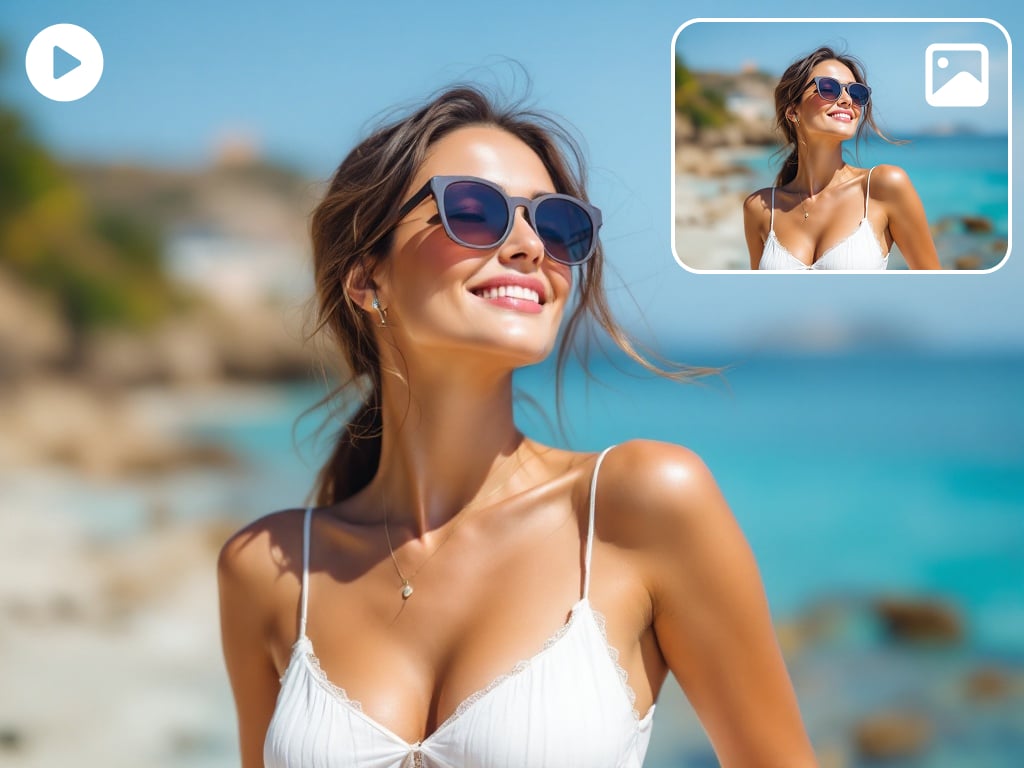
The GoEnhance AI image to video generator, also known as a photo to video maker, is a tool powered by artificial intelligence to transform static images into dynamic video content.
It allows you to create stunning videos from photos with AI. Animate images, make slideshows & more. Turn your pictures into captivating videos effortlessly.
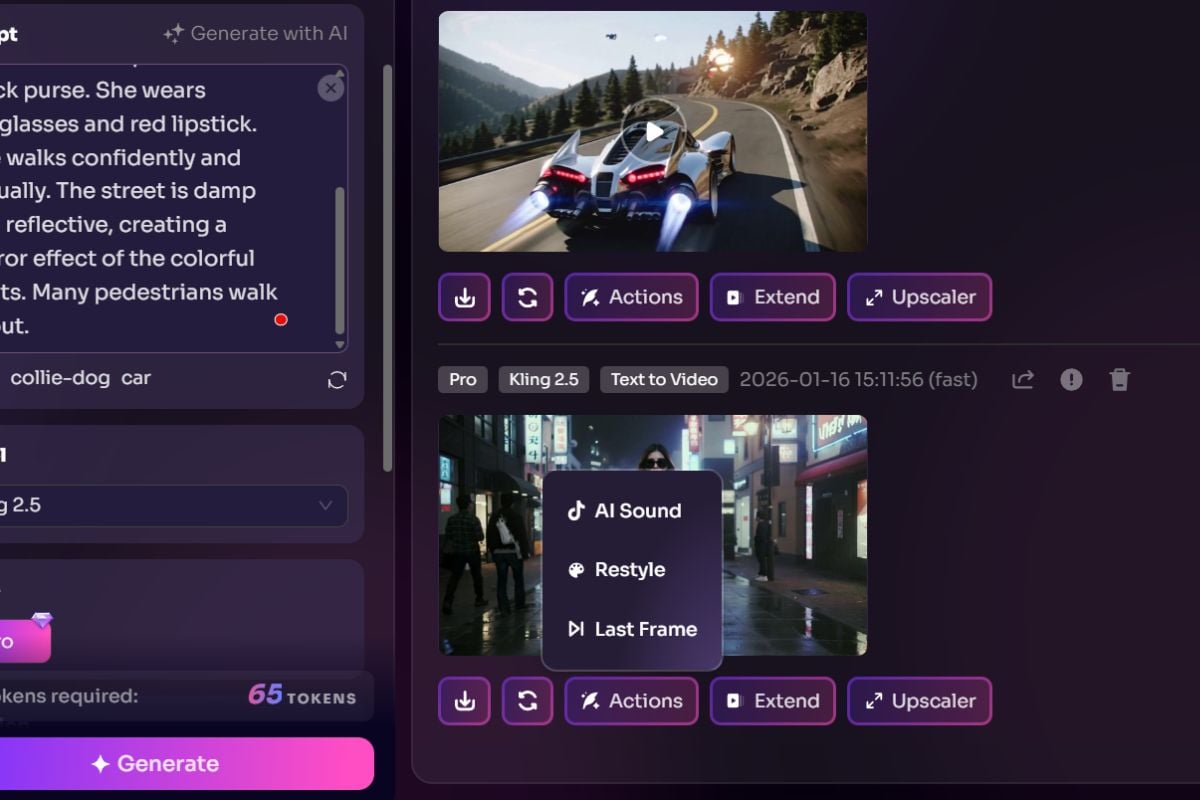
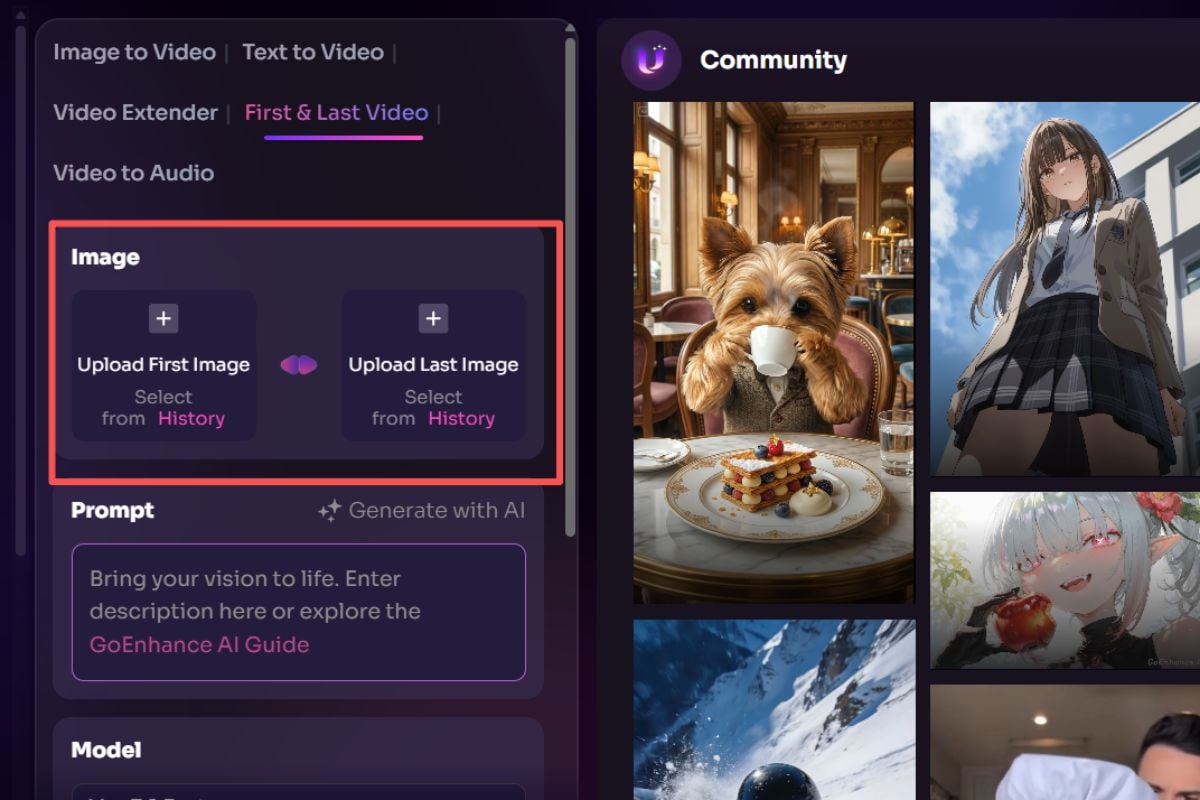
GoEnhance is built for creators who want fast, controllable, and good-looking results. From quick photo animation to polished clips with audio and captions, everything stays simple and efficient—powered by our AI video generator experience.
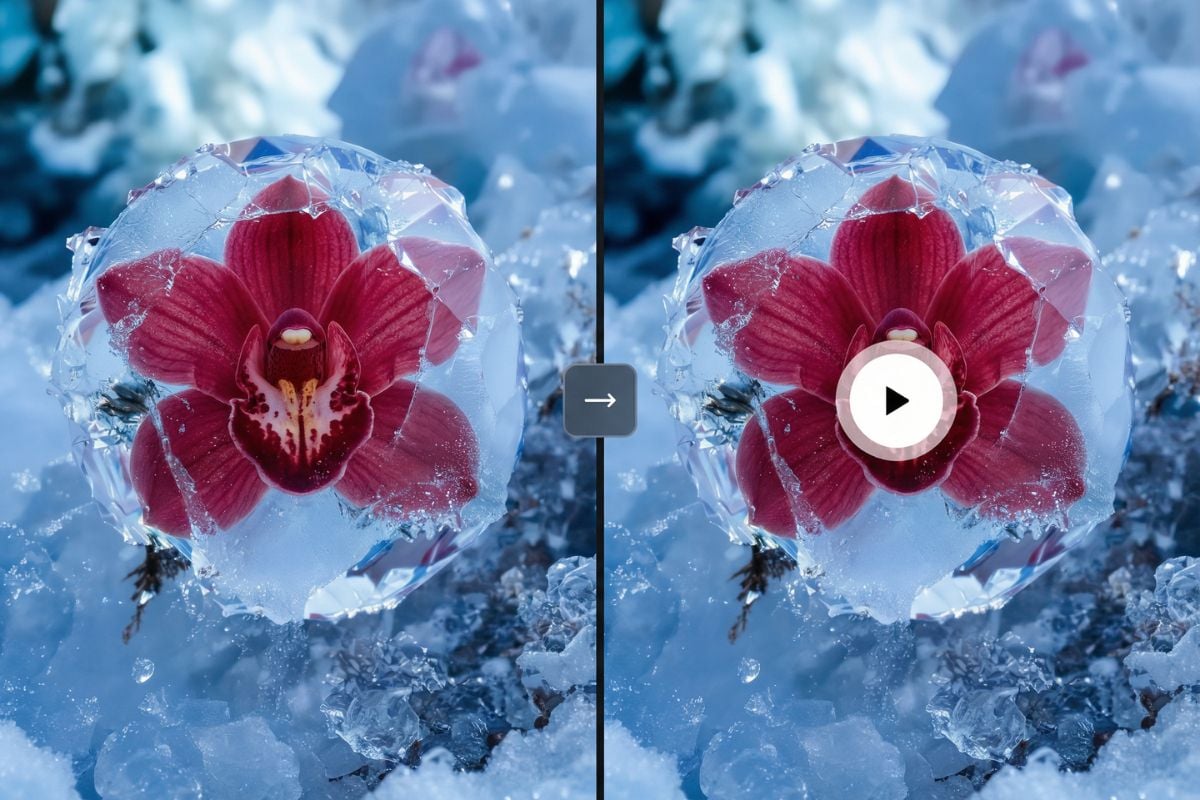
Turn a single product photo into scroll-stopping ad clips. Add quick motion, clean framing, and export formats that fit TikTok, Reels, Shorts, and paid campaigns.
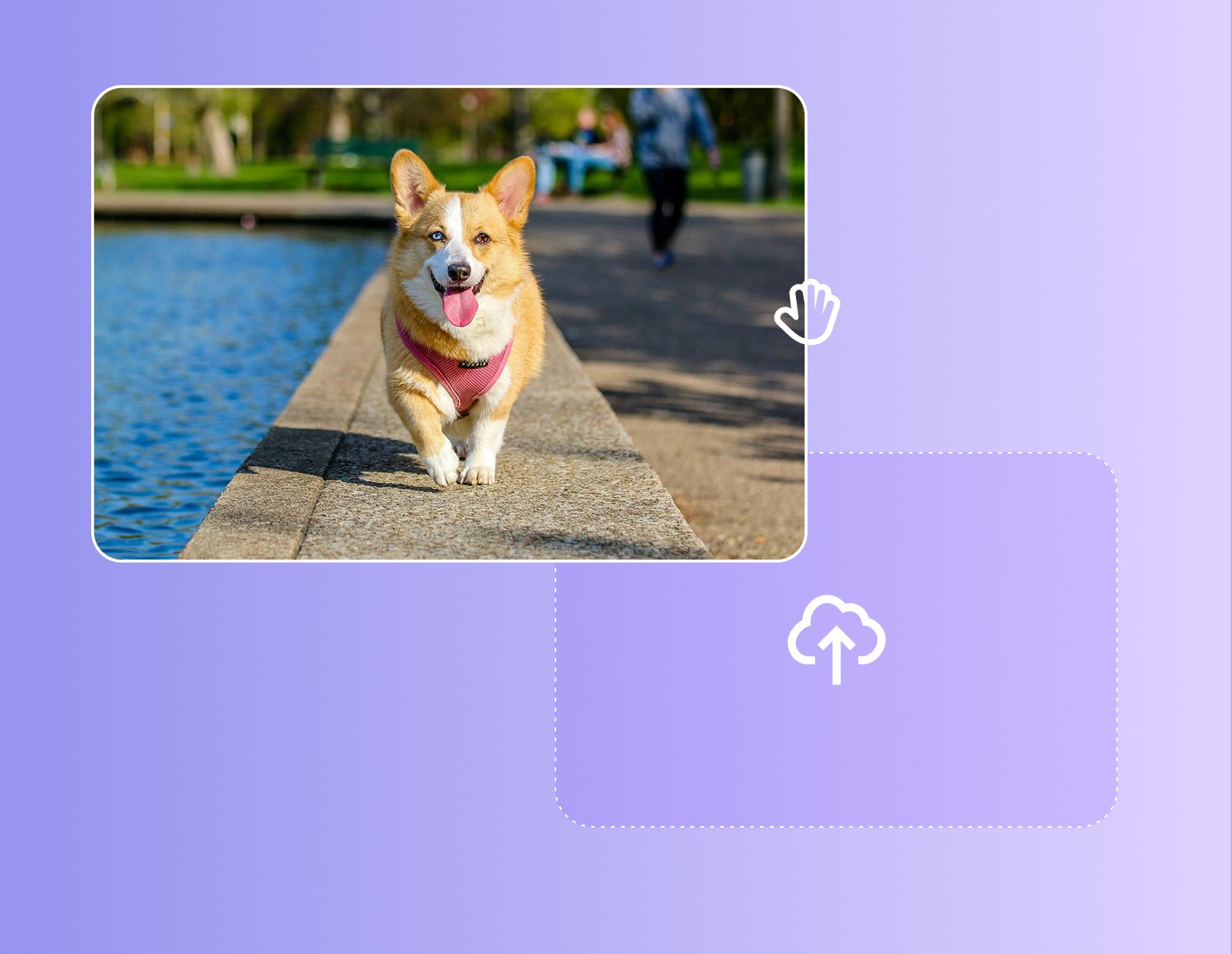
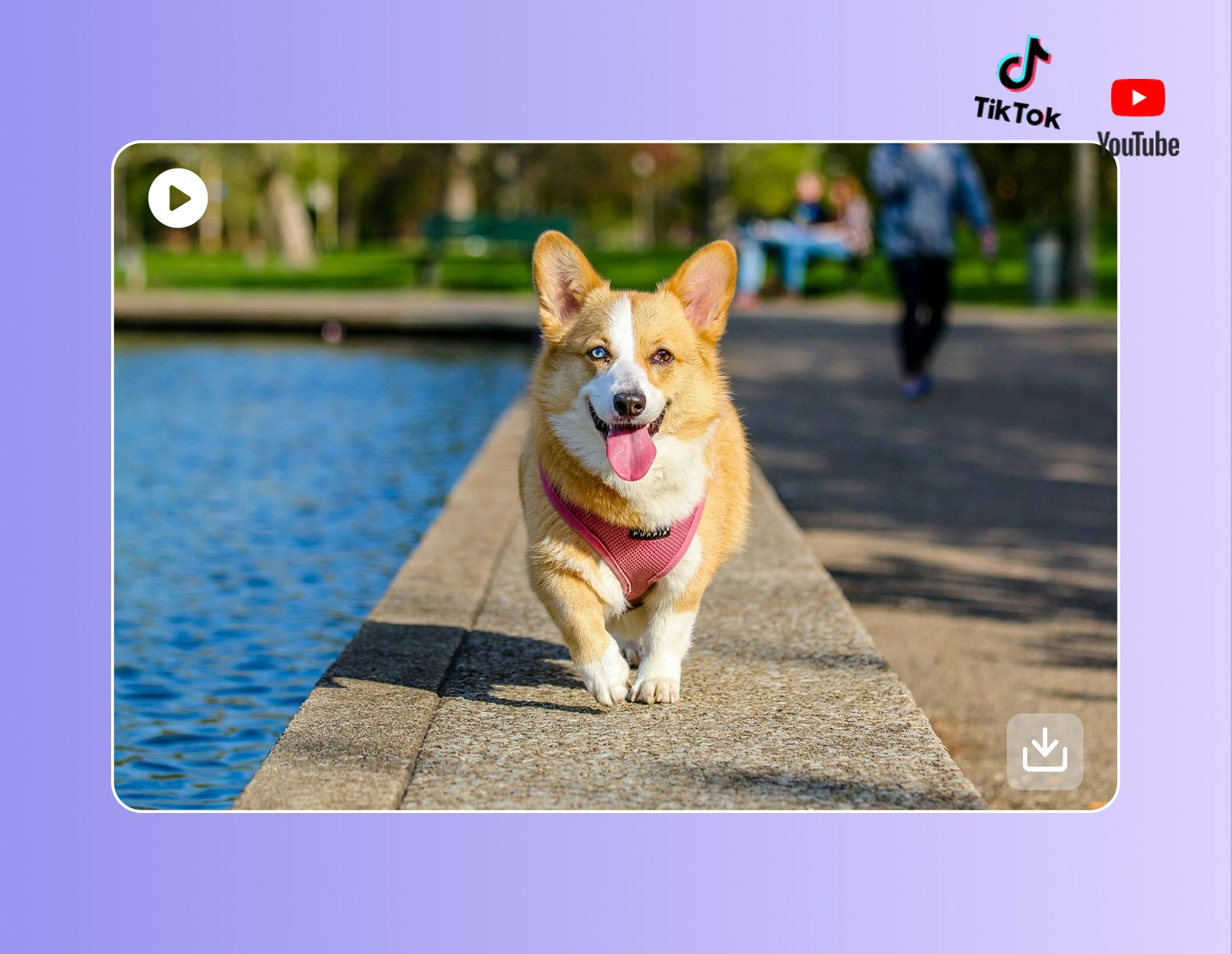
Best for beginners and scenes that need a higher success rate. A reliable structure is: camera movement + subject + scene + action. Template: 'The camera (movement) shows (subject) in (scene) doing (action), with (motion detail), at a (slow / medium / fast) pace.' Example: 'The camera slowly pans to the right, showing a young boy jogging along the beach, with sea breeze lifting the edge of his shirt.'
If you want the shot to feel more directed, combine camera movement with simple timing. Template: 'The camera (pushes in / pulls back / circles / rises), completes the movement in (X seconds), holds for (X seconds), then transitions into the next motion.' Example: 'The camera slowly pushes in toward the girl’s book over 2 seconds, holds the close-up for 1 second, then gently pulls back to reveal the full library.'
Speed changes the emotional tone of the scene. Pair movement speed with mood words to make the result feel more intentional. Template: 'The camera moves in a (slow-motion / fast / time-lapse) style, creating a (dreamy / tense / quiet / joyful / futuristic) mood, with a (calm / urgent / light) rhythm.' Example: 'The camera rises in slow motion as raindrops fall from a wilted flower, creating a quiet and sorrowful mood.'
If the video needs more than one shot, always label it clearly with terms like 'Shot 1', 'Shot 2', 'cut to', or 'scene change'. This helps avoid mixed actions and messy transitions. Example: 'Shot 1: The camera slowly pushes toward the window. Shot 2: Cut to a side view as the girl turns and walks away.'
When you want the same person, outfit, or environment to stay consistent, use a reference image and set keyframes when supported. This helps keep the scene unified from start to end. Example: 'Use the uploaded image as the main reference and keep the same character appearance while the camera slowly moves closer.'
For video extension, motion transfer, or scene expansion, the prompt should clearly state the duration, action, and style. This makes the tool easier to control and reduces random results. Example: 'Extend the clip by 3 seconds, keep the same soft cinematic style, and have the woman slowly turn her head toward the camera.'
Desktop workflows are usually better for longer prompts, reference uploads, and repeated adjustments. It is easier to review details, fix wording, and avoid missing settings. Example: 'Write the motion prompt on desktop, upload the reference image, then fine-tune the camera direction and speed before generating again.'
GoEnhanceAI goes beyond Image to Video Generator. Our platform offers advanced features for creating AI-generated images, video to Animation, tailored to both creative and professional needs.With GoEnhanceAI, you can create high-quality, AI-generated videos that stand out. Enhance your visual content seamlessly and meet the growing demands of digital media.
Try GoEnhanceAI For Free