Free AI Lip Sync Video Generator

Upload a video of someone talking and a new voice track, and AI re-animates the mouth to match every word. Dub a clip into another language, replace a line or fix out-of-sync audio, for clips from 3 to 60 seconds. No reshoots, no voice actors on camera.
Spanish dub
Japanese dub
French dub
Portuguese dub
Your video
MP4 or MOV, up to 60 seconds and 50MB, with one clear, front-facing face.
Voice (optional)
MP3, WAV or M4A, 3–60s. No audio yet? Type a script and pick a voice in the next step.
By uploading a file, you agree to GoEnhance's Terms of Use and Privacy Policy

How to Lip Sync a Video with AI

01

Upload Your Video

Upload an MP4 or MOV clip, up to 60 seconds and 50MB, where one face is clearly visible and roughly facing the camera.

02

Add the New Voice

Upload an audio file, or type a script and pick a voice to generate speech. Any spoken language works.

03

Generate and Download

Choose 540p or 720p and click Generate. The lip-synced MP4 is ready in a few minutes. If the audio is longer than the video, turn on loop mode.

Lip Sync vs Talking Avatar

AI Lip SyncAI Talking Avatar
You start withA video of someone talkingA single photo, drawing or character image
What the AI doesRe-animates the mouth to match new audio while the rest of the footage stays as filmedAnimates the face and head from a still image so it speaks your audio
Best forDubbing videos into other languages, replacing lines, fixing out-of-sync audioTurning a photo into a presenter, VTuber, podcast host or talking pet
Clip length3–60 seconds3–60 seconds
Cost per second2–3 tokens3–8 tokens, depending on model and resolution

Lip Sync Models and Pricing

ModelOutputCost per secondGood to know
v2 (default)540p2 tokensThe default model
v2 (default)720p3 tokensHigher output resolution
v1—2 tokensLets you pick which face to sync when several people are on screen

Key Features of AI Lip Sync Video Generator

Perfect Audio-Video Synchronization

Every syllable of the new audio drives the mouth, frame by frame, so the dubbed clip looks like it was recorded that way. Here a chef's English intro was re-voiced in French.

Multilingual AI Lip Sync

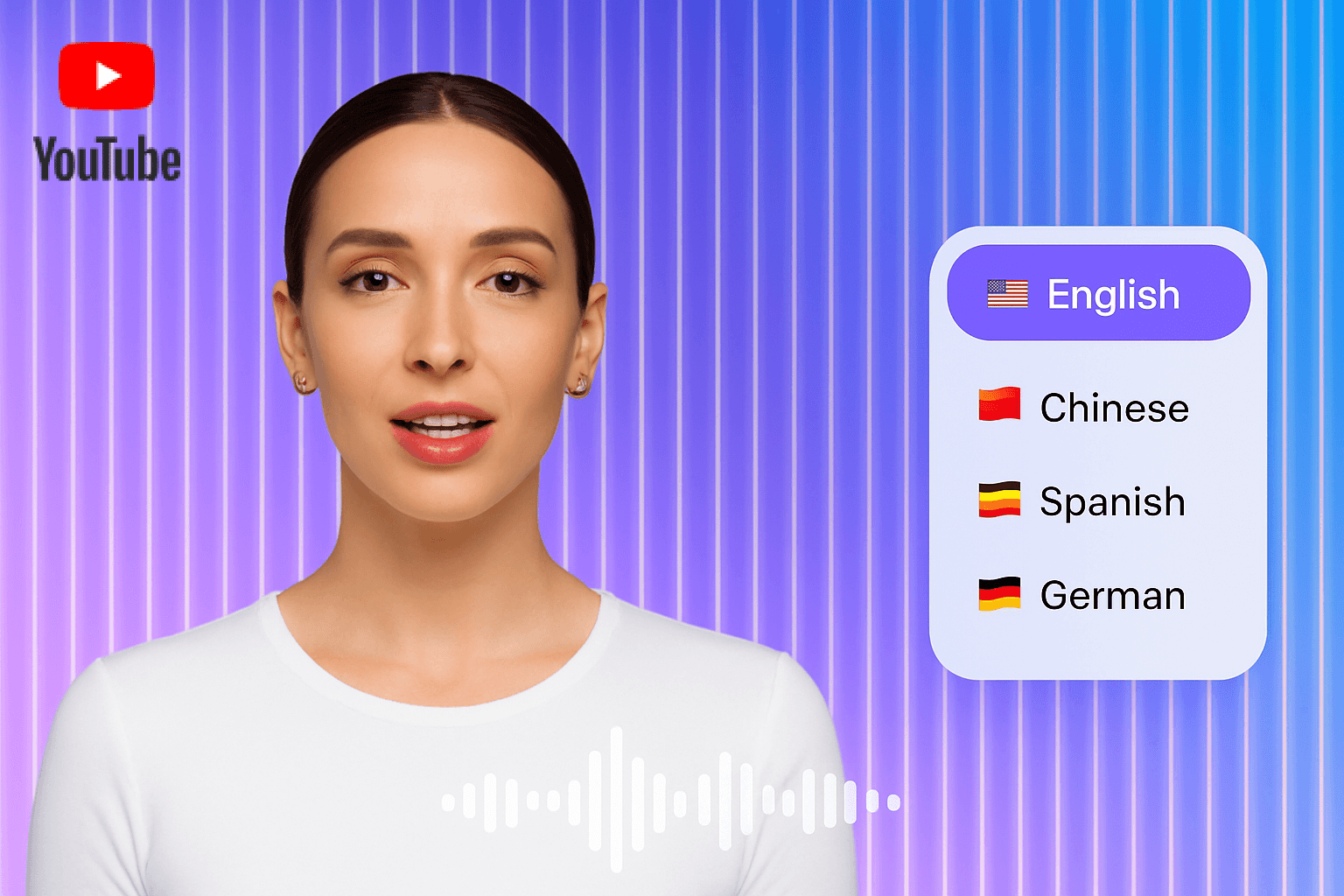
Dub one video into as many languages as you need. The same presenter speaks the original English, then Spanish and Japanese, with the mouth matching each language.

Natural & Realistic Lip Movements

Only the mouth is re-animated, so the head movement, expressions and background of your original footage stay the same. Ideal for marketing videos, courses and social clips.

AI Lip Sync FAQ

What is AI lip sync?

AI lip sync takes a video of a person talking and a new audio track, then re-animates the mouth so it matches the new words. GoEnhance keeps the rest of your footage as it was filmed.

How long can my video be?

Each lip sync can be 3 to 60 seconds long. Upload MP4 or MOV files up to 50MB. Audio files can also be up to 60 seconds.

What happens if the audio is longer than the video?

By default the result is as long as the shorter of the two. Turn on loop mode to play the video back and forth so the full audio fits.

Which languages does lip sync support?

Any spoken language. The mouth follows the sounds in your audio, so it works for English, Spanish, Japanese, French, Portuguese and more. The examples on this page were dubbed from English.

How much does AI lip sync cost?

With the default v2 model it costs 2 tokens per second at 540p and 3 tokens per second at 720p, so a 20-second clip at 540p costs 40 tokens.

What is the difference between lip sync and a talking avatar?

Lip sync starts from a video and only changes the mouth. A talking avatar starts from a single photo and animates the whole face. Use lip sync to dub or fix existing footage, and a talking avatar when you only have an image.

What kind of video gives the best result?

A clip where one face is clearly visible, well lit and roughly facing the camera, with clean speech in the audio and little background noise. If several people are on screen, use the v1 model to pick which face to sync.

Create your Lip Sync Video Now!

Skip the hassle of recording actors or rehearsing lines. With our AI-powered Lip Sync Tool, you can generate realistic, perfectly timed mouth movements directly on your video. Just upload your MP4 video and either add a pre-recorded audio track or generate voice with text — and get an instant, lip-synced MP4 video that’s production-ready.

Lip Sync Your Video