goenhance logo

LongCat-Image Model by Meituan
LongCat-Image is a 6B-parameter model series from Meituan, designed for real creative production rather than synthetic benchmarks. It generates images directly from Chinese or English prompts, with a focus on clear typography, stable structure, and believable lighting. On GoEnhance, you can use LongCat-Image for fast text-to-image, strong Chinese text rendering, and precise editing workflows powered by LongCat-Image-Edit, all from your browser without setting up GPUs or local environments.
Try LongCat-Image Free

Key Features of LongCat-Image

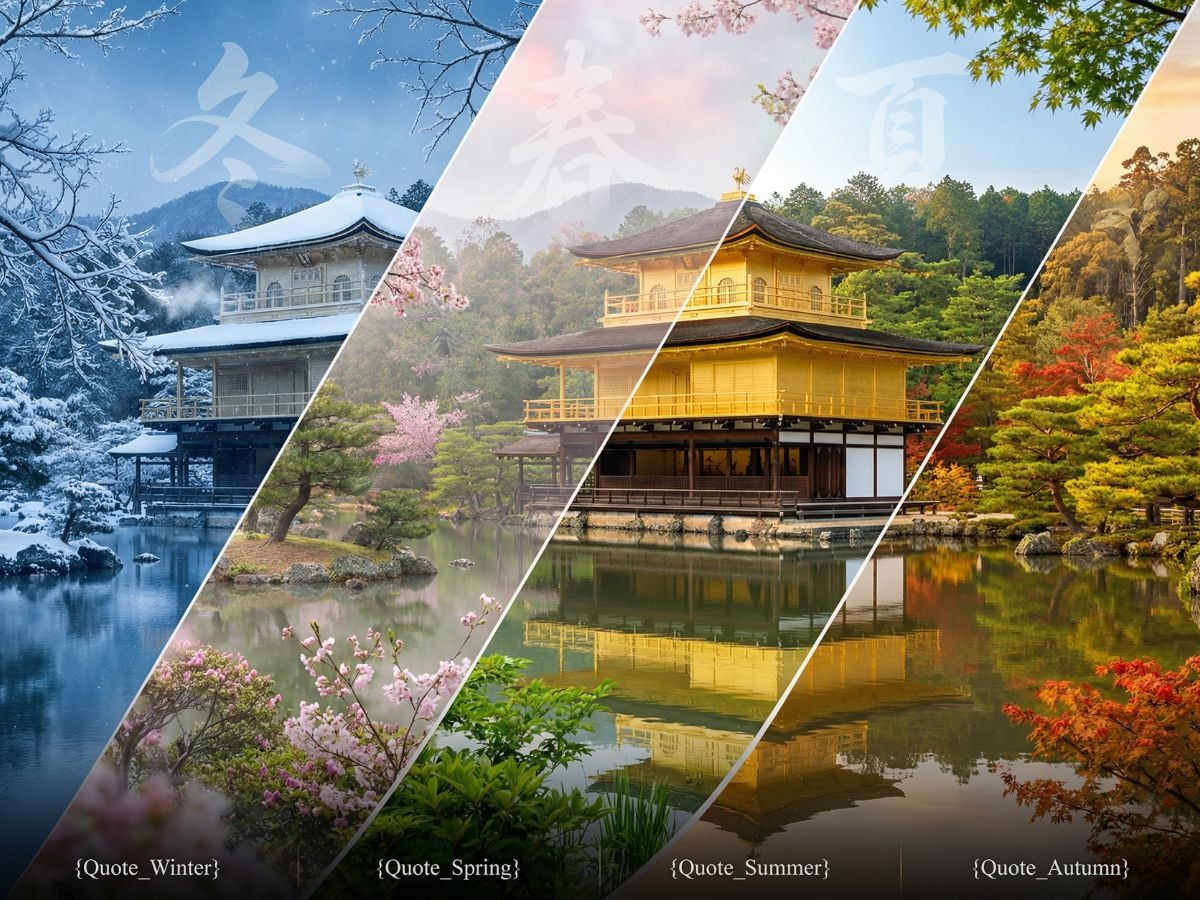
Accurate Chinese & English Text

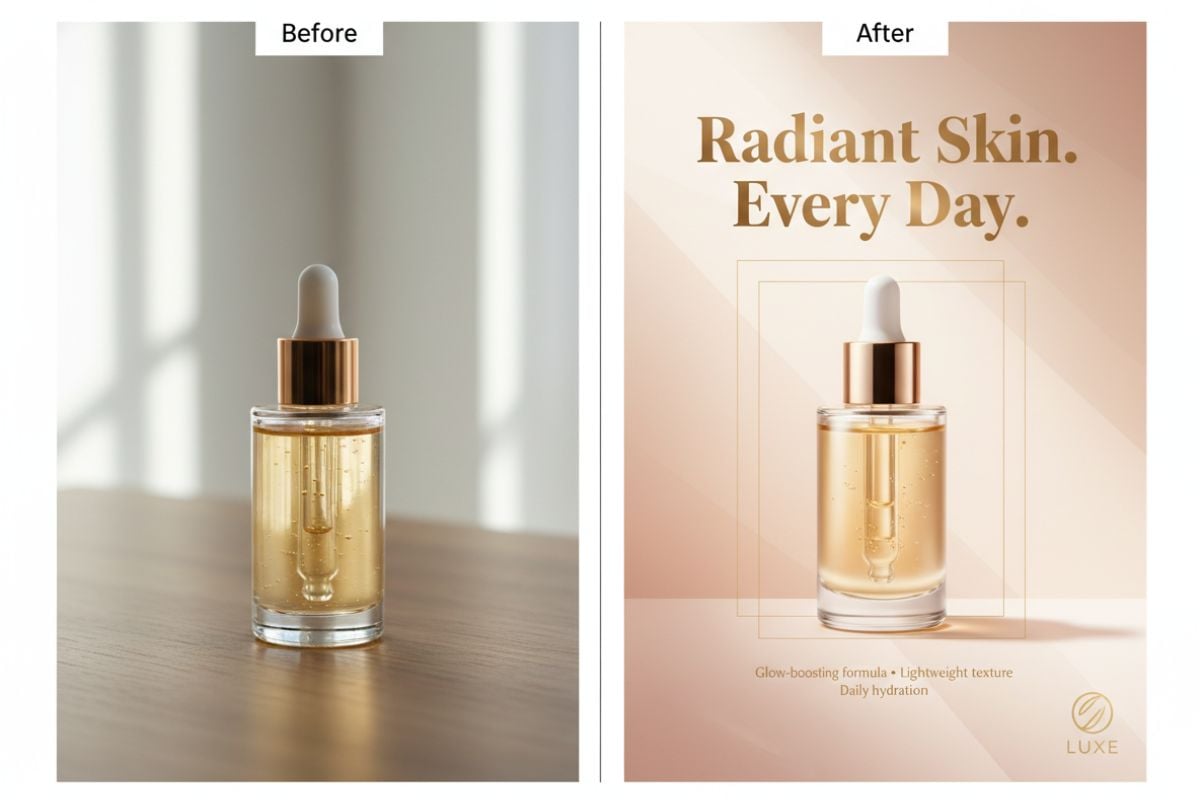
LongCat-Image is tuned for real Chinese usage, so commonly used characters and phrases stay sharp and stable. You can lay out posters, social cards, and banners with bilingual text in a single prompt without random strokes or distorted glyphs.

LongCat-Image bilingual Chinese and English text rendering example

Photoreal People & Products

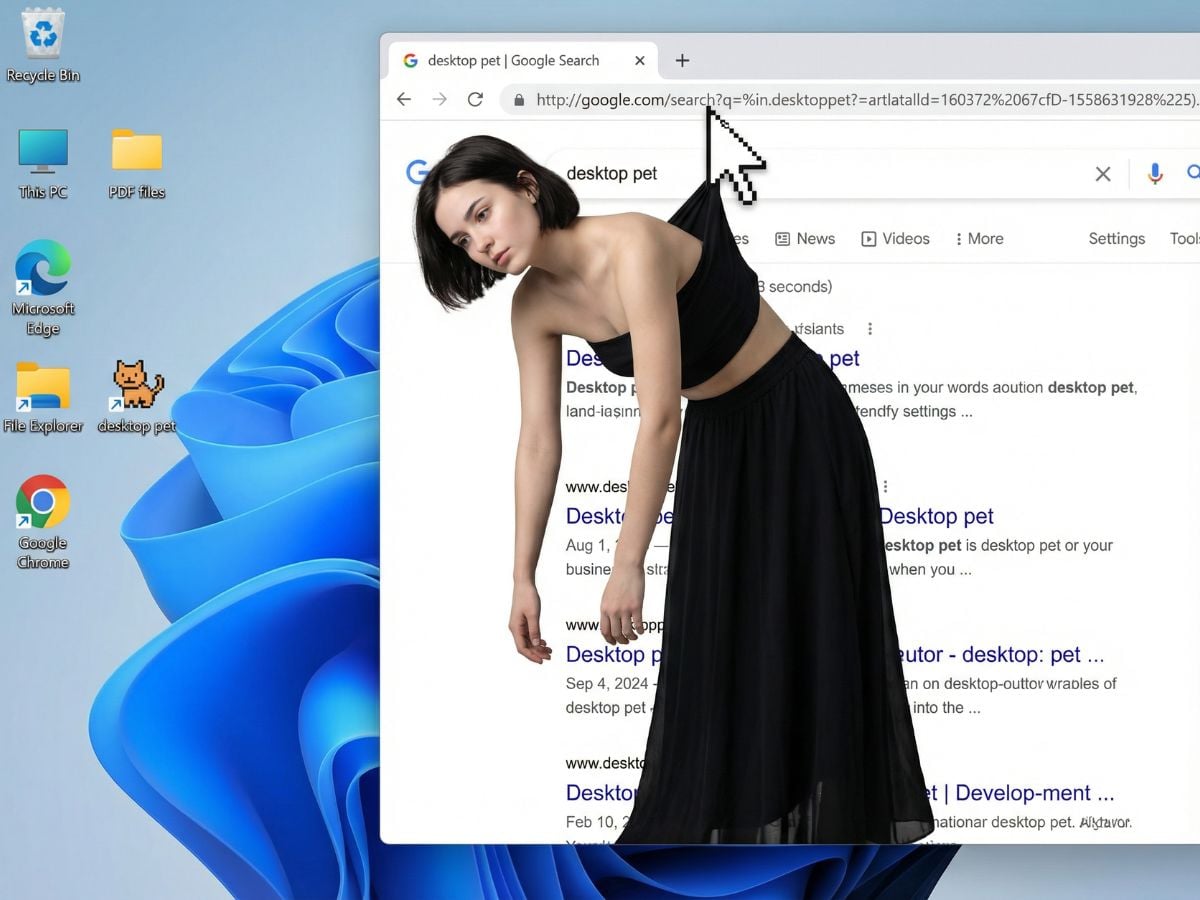
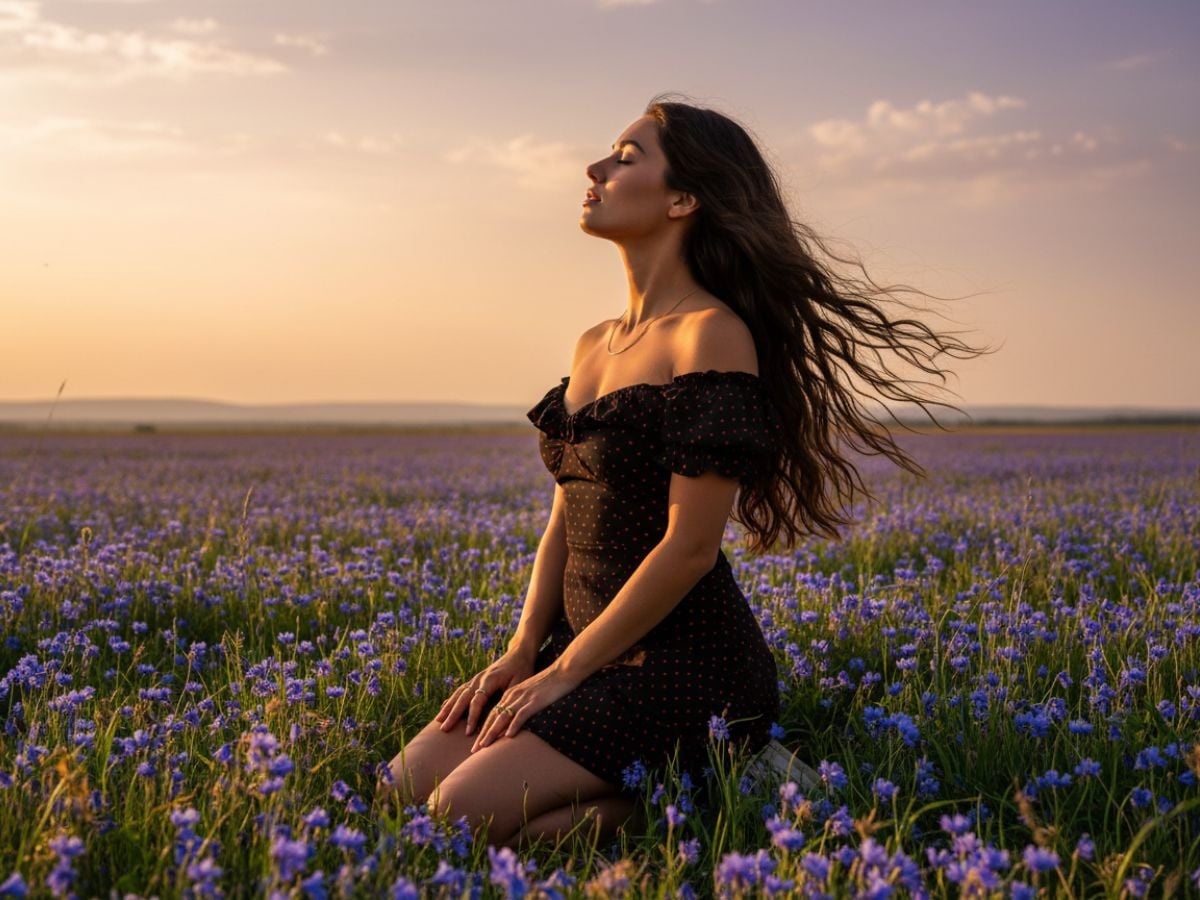
Through careful data curation and training, LongCat-Image produces portraits, product shots, and interior scenes with natural skin tones, detailed materials, and balanced light and shadow. It works well for thumbnails, catalog images, and mockups where viewers expect something close to a real photo. If you also work with motion, it pairs naturally with LongCat-Video so stills and clips can share the same visual style.

LongCat-Image photorealistic people and scene generation example

Powerful Text-Guided Editing

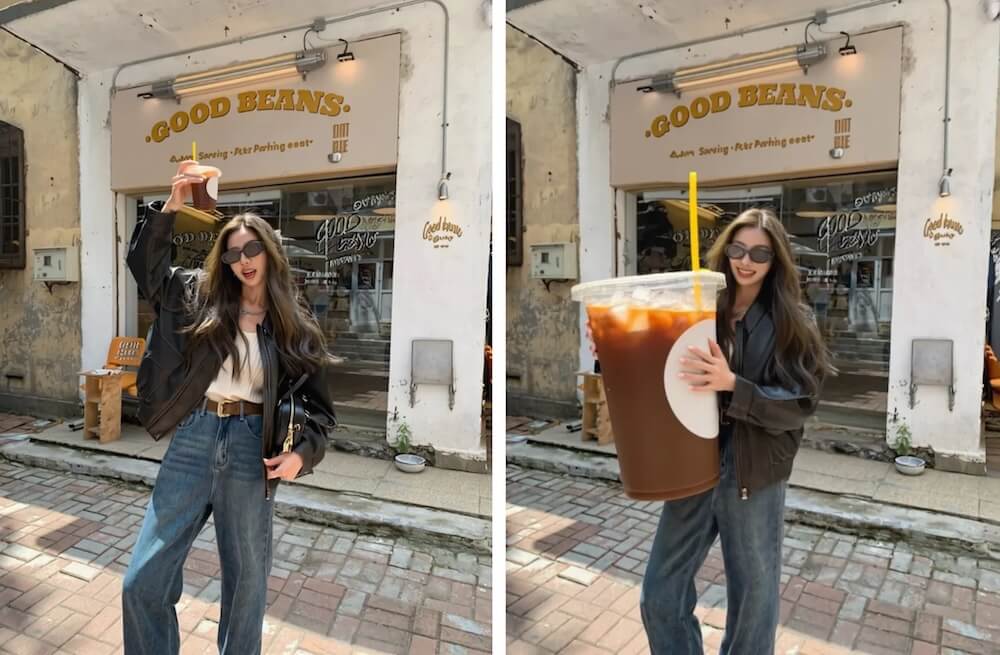
The LongCat-Image-Edit variant focuses on modifying existing pictures based on short instructions. You can swap objects, adjust backgrounds, or change color moods while keeping the original framing and perspective, which is useful for refining product photos or updating marketing materials without re-shooting.

LongCat-Image editing example with consistent composition and lighting

Dev Checkpoints & Open Ecosystem

Alongside the main model, LongCat-Image-Dev exposes mid-training checkpoints for custom fine-tuning, while the project offers training code, LoRA adapters, Diffusers pipelines, and ComfyUI integrations. This makes it easier to create house styles or domain-specific looks without training a model from scratch.
LongCat-Image variants and open-source ecosystem

How to Use LongCat-Image on GoEnhance?

01

Choose LongCat-Image Model on GoEnhance

Choose this model to create new images from text or to transform an existing picture.

02

Describe Your Scene in Natural Language

Write a prompt that covers subject, setting, style, and any Chinese or English wording you want to appear in the image. For editing tasks, briefly explain what should change and what should stay the same.

03

Generate, Refine & Reuse

Adjust guidance, steps, and strength until the result fits your project. Once you’re satisfied, download the image, or send it into other tools like the AI video generator when you want to build short clips around the same visuals.

Reasons teams and independent creators can rely on LongCat-Image for everyday visual work

Why Use LongCat-Image on GoEnhance AI?

6B Parameters, Strong Real-World Performance

LongCat-Image keeps the model size around 6B parameters, which is light enough for practical deployment yet competitive with much larger open-source models on public benchmarks. Teams get responsive generation without giving up image quality.

Chinese Text Rendering That Actually Holds Up

Unlike many models that struggle with Chinese characters, LongCat-Image is trained to handle commonly used words with high accuracy and stability. This matters when you need in-image copy for campaign slogans, coupons, or on-product labels.

Dedicated Edit Model for Daily Production Work

The LongCat-Image-Edit variant is tuned for instruction-following and visual consistency. It keeps lighting, perspective, and style intact while applying requested changes, which makes it a practical replacement for many routine retouching tasks.

Photorealism for Products, People & Places

From lifestyle scenes to detailed close-ups, LongCat-Image aims for a photo-like look with clean edges, sensible reflections, and depth that feels believable. It is suitable for draft visuals, mockups, and even final assets when time is tight.

Open-Source Tools for Custom Styles

Because LongCat-Image ships with training code, checkpoints, LoRA adapters, and Diffusers support, technical teams can build their own style LoRAs, fine-tune on in-house data, or integrate the model into existing pipelines without reinventing the wheel.

Smooth Fit Inside GoEnhance Workflows

On GoEnhance, LongCat-Image sits alongside upscaling, composition tools, and video features in one workspace. Designers and marketers can move from idea to finished asset without juggling separate accounts or local installations.

Frequently Asked Questions

What is LongCat-Image?

LongCat-Image is Meituan’s open-source image model series for text-to-image and image editing. It is designed as a bilingual foundation model that can turn natural language prompts into detailed pictures or update existing images with simple instructions.

Who builds and maintains LongCat-Image?

LongCat-Image is developed by the Meituan LongCat team. They publish the weights, training code, and documentation, and maintain integrations with common toolchains so researchers and builders can extend the model for their own use cases.

Does LongCat-Image support bilingual prompts?

Yes. LongCat-Image is built for both Chinese and English prompts, and its text-to-image pipeline handles mixed-language descriptions naturally. This is especially useful for posters, social banners, and product visuals that require bilingual typography.

What are LongCat-Image, LongCat-Image-Dev and LongCat-Image-Edit?

LongCat-Image is the main text-to-image model for everyday generation. LongCat-Image-Dev exposes mid-training checkpoints for further fine-tuning, and LongCat-Image-Edit is a specialized variant focused on image editing where you describe how a picture should be changed.

How does LongCat-Image perform compared to other models?

In public evaluations, LongCat-Image shows competitive or better scores than many larger open-source systems, especially in tasks involving Chinese text rendering and instruction-based editing. Human preference studies also highlight its balance of realism, alignment, and aesthetics.

Can LongCat-Image be used together with video tools?

Yes. LongCat-Image is often used to design key frames, characters, and product scenes that later appear in video content. When combined with models such as LongCat-Image-Edit and video tools on GoEnhance, still images and motion pieces can share a consistent look and feel.

Is LongCat-Image available inside GoEnhance AI?

GoEnhance connects to LongCat-Image so you can run text-to-image and image editing in the browser. Projects, prompts, and outputs can be organized in the same place as your other creative tools instead of being scattered across different services.

Can I use LongCat-Image outputs for commercial work?

Images generated with LongCat-Image on GoEnhance AI can generally be used in commercial contexts as long as you follow GoEnhance AI’s Terms of Service and respect local laws, brand guidelines, and content policies. For sensitive or regulated use cases, a separate review is always recommended.

More AI Models on GoEnhance

Try LongCat-Image on GoEnhance AI

Open GoEnhance AI, choose LongCat-Image, and turn detailed prompts into bilingual posters, photoreal portraits, and edit-ready images in just a few steps.

Start Creating with LongCat-Image