
Seedream 4.0 AI Image Generator
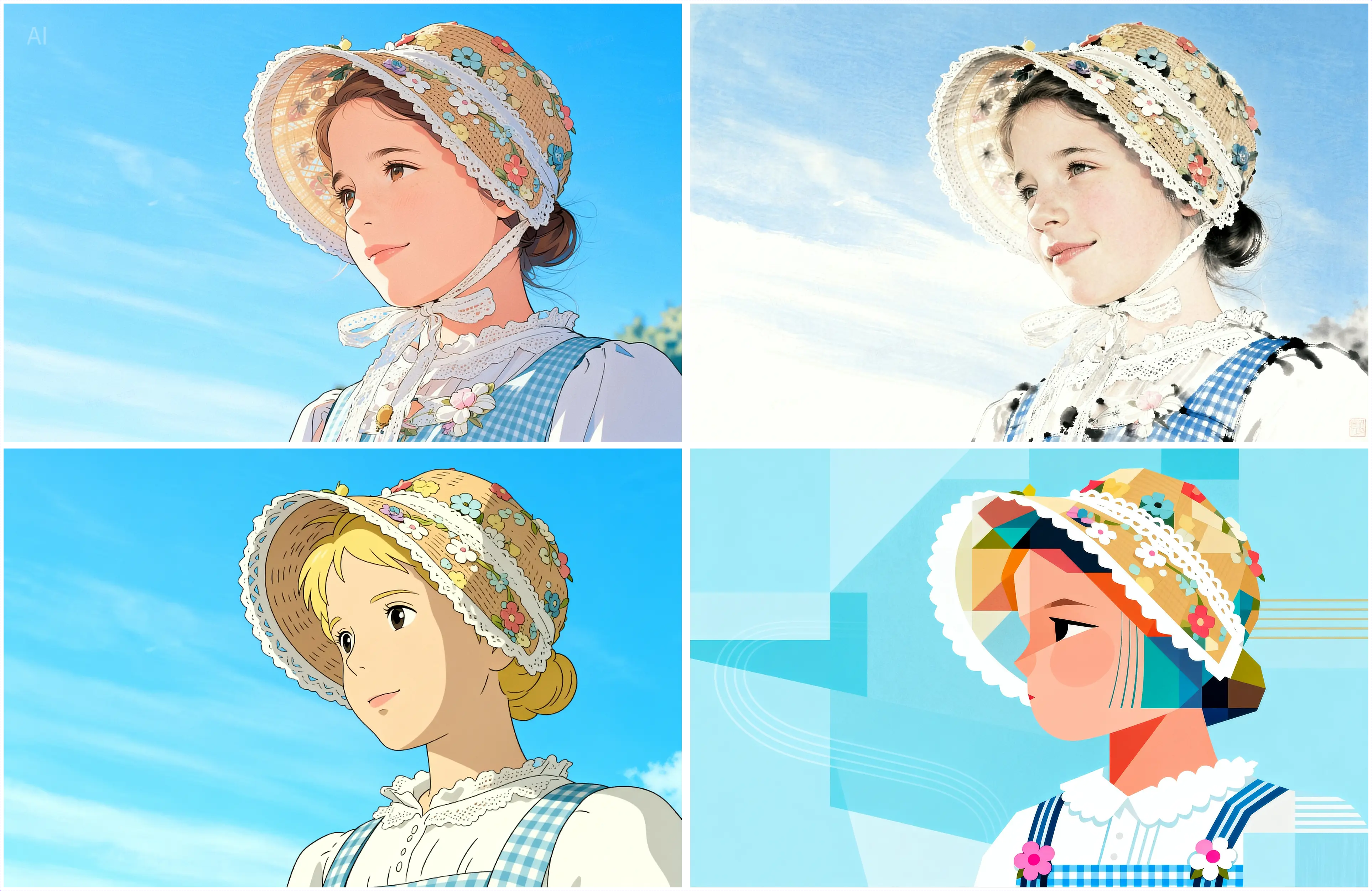
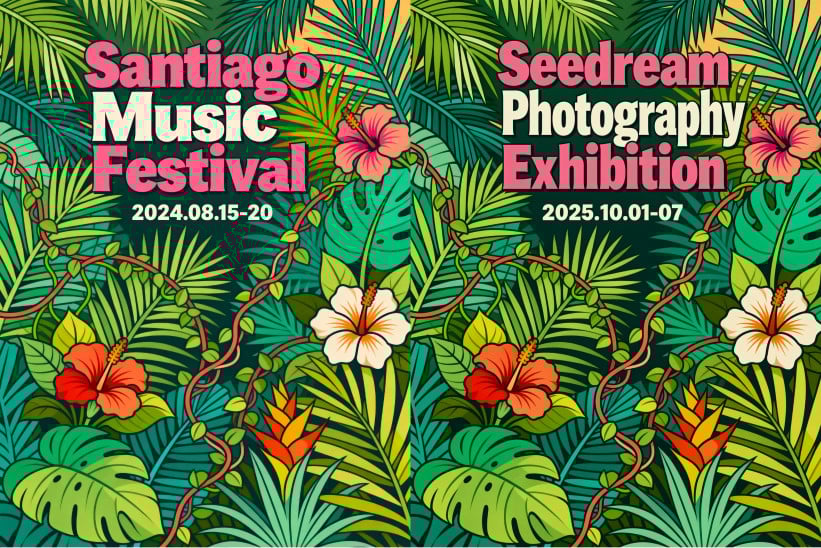
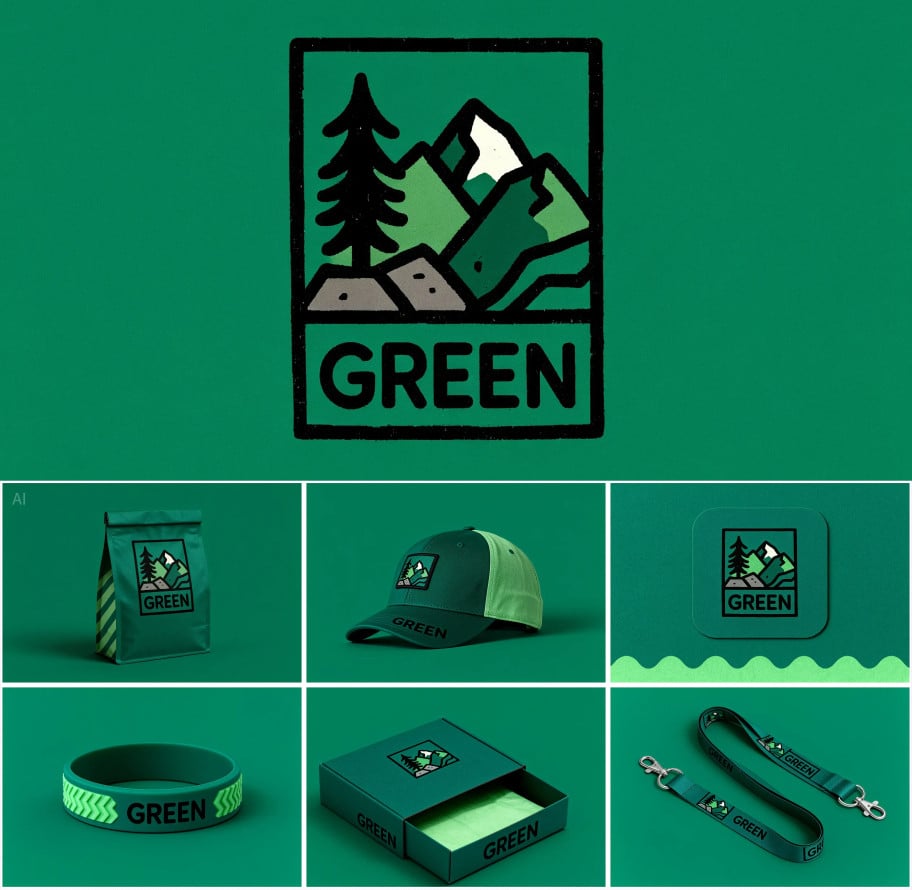
Key Features of Seedream 4.0 AI Image Generator
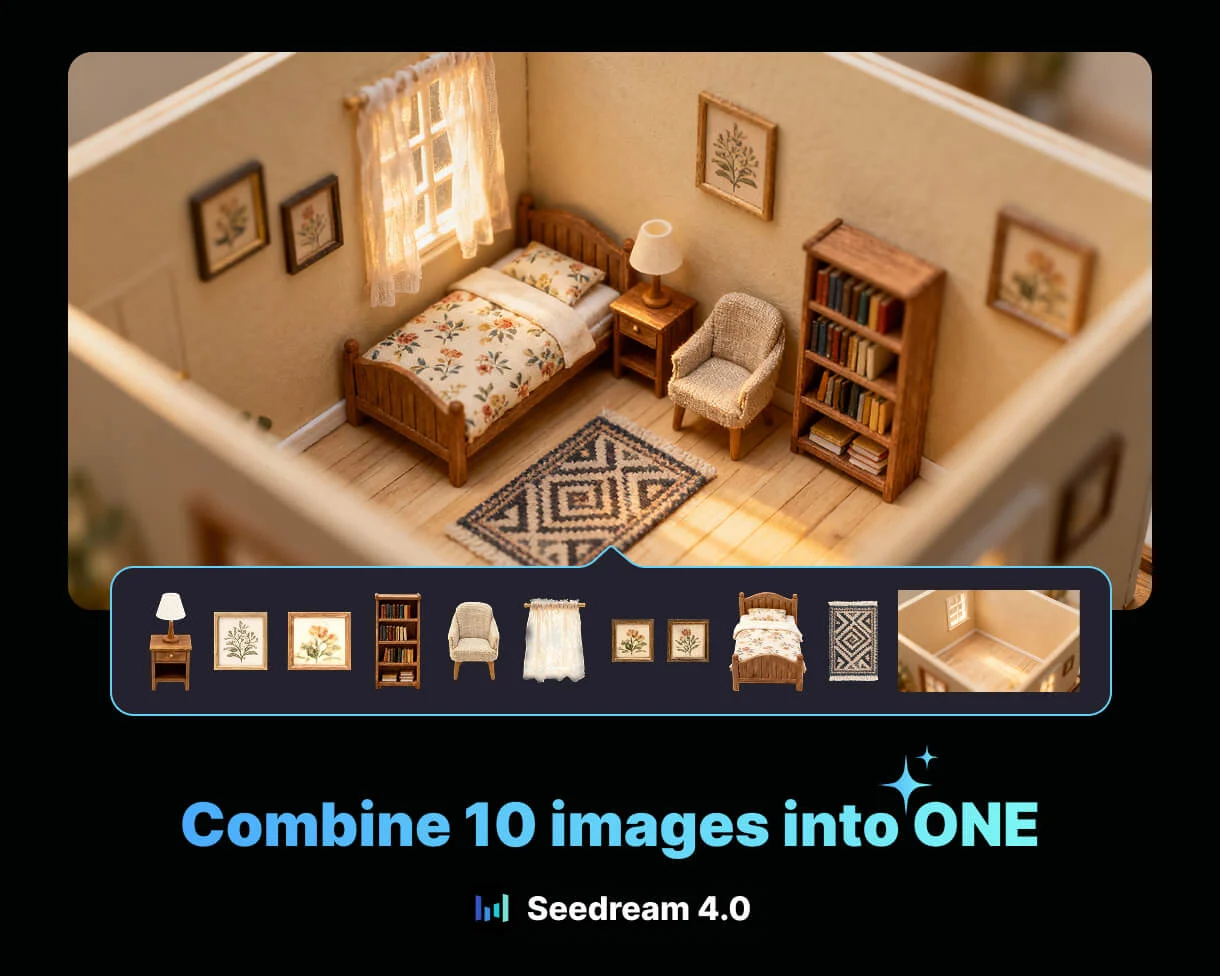
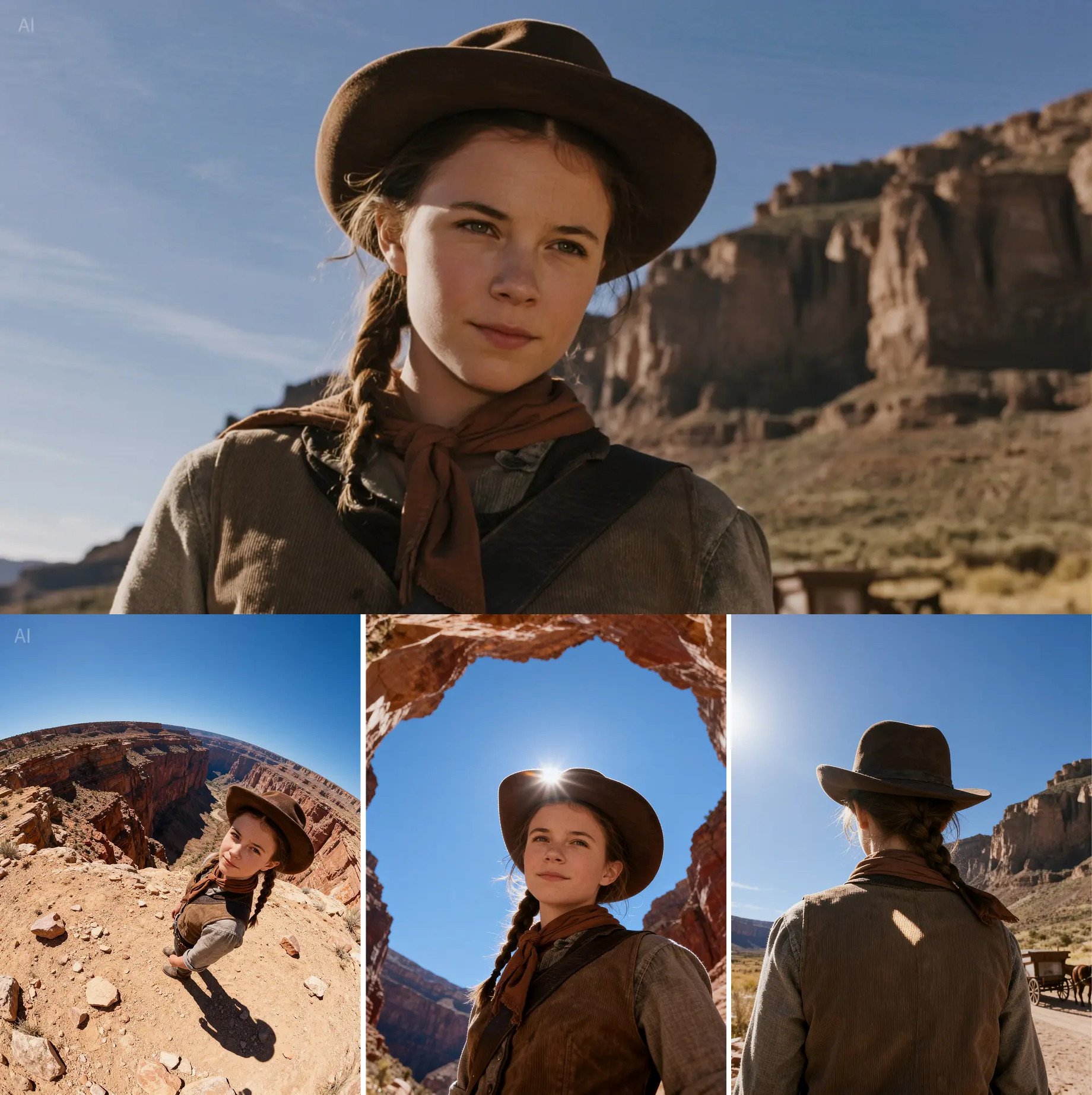
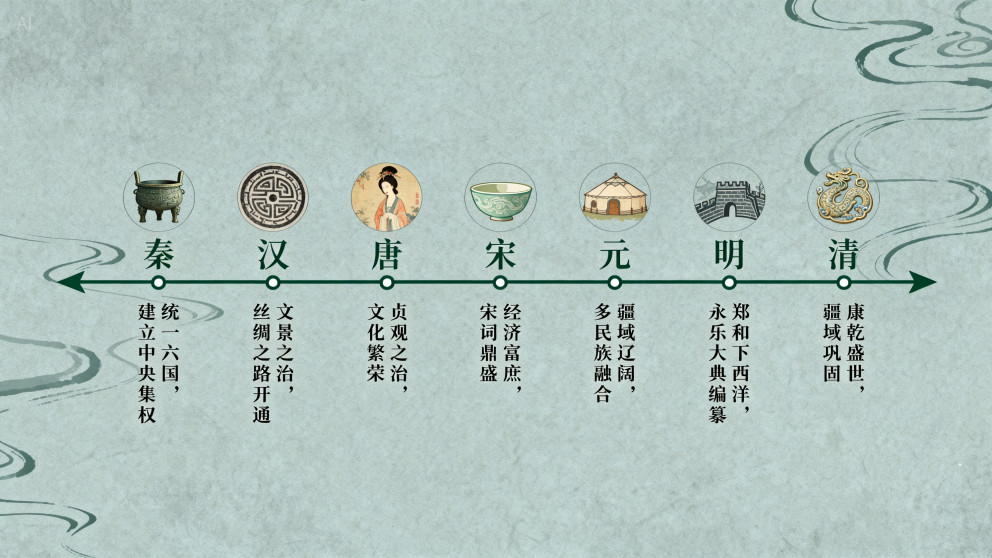
How to Use Seedream 4.0 on GoEnhance AI
Pick the Model
Open the AI Image Generator and select Seedream 4.0 model.
Write or Upload
Enter a detailed prompt, upload references (up to 10 for fusion), or both for precise control.
Batch & Refine
Use batch mode and prompt edits to iterate quickly. Adjust ratio, resolution (up to 4K), and reference consistency.
Examples about Seedream 4.0 AI Image Generator
Seedream 4.0 handles complex prompts, multi-image fusion, and one-sentence edits with high fidelity. Achieve accurate scenes, clean in-image text, and stable identities — up to 4K.
| Prompt / Reference | Generated Image |
|---|---|
A cinematic portrait of a marathon runner tying shoes at dawn, misty city park, soft rim light, shallow depth of field, crisp skin tones. |  |
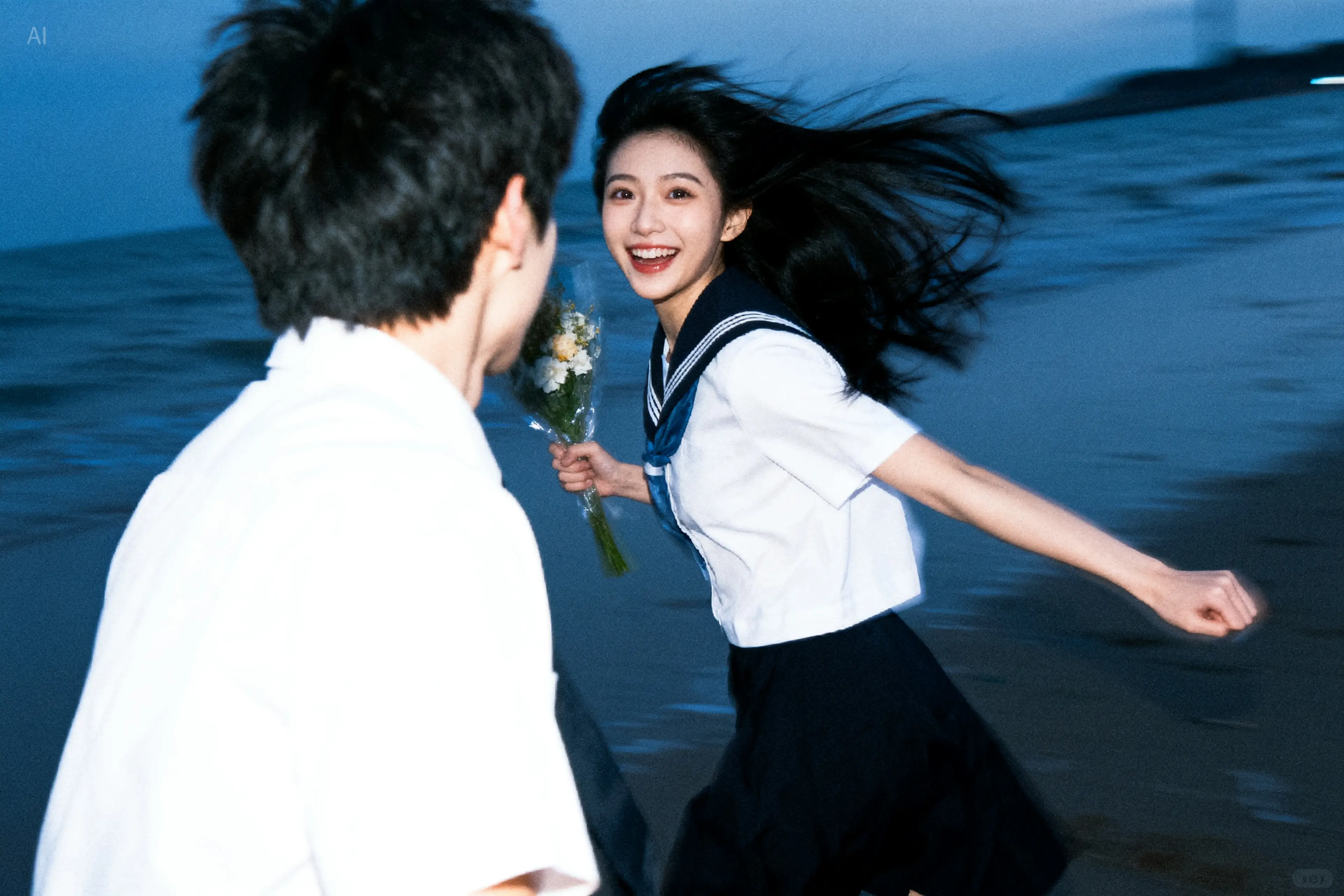 Remove the boy in this picture. |  |
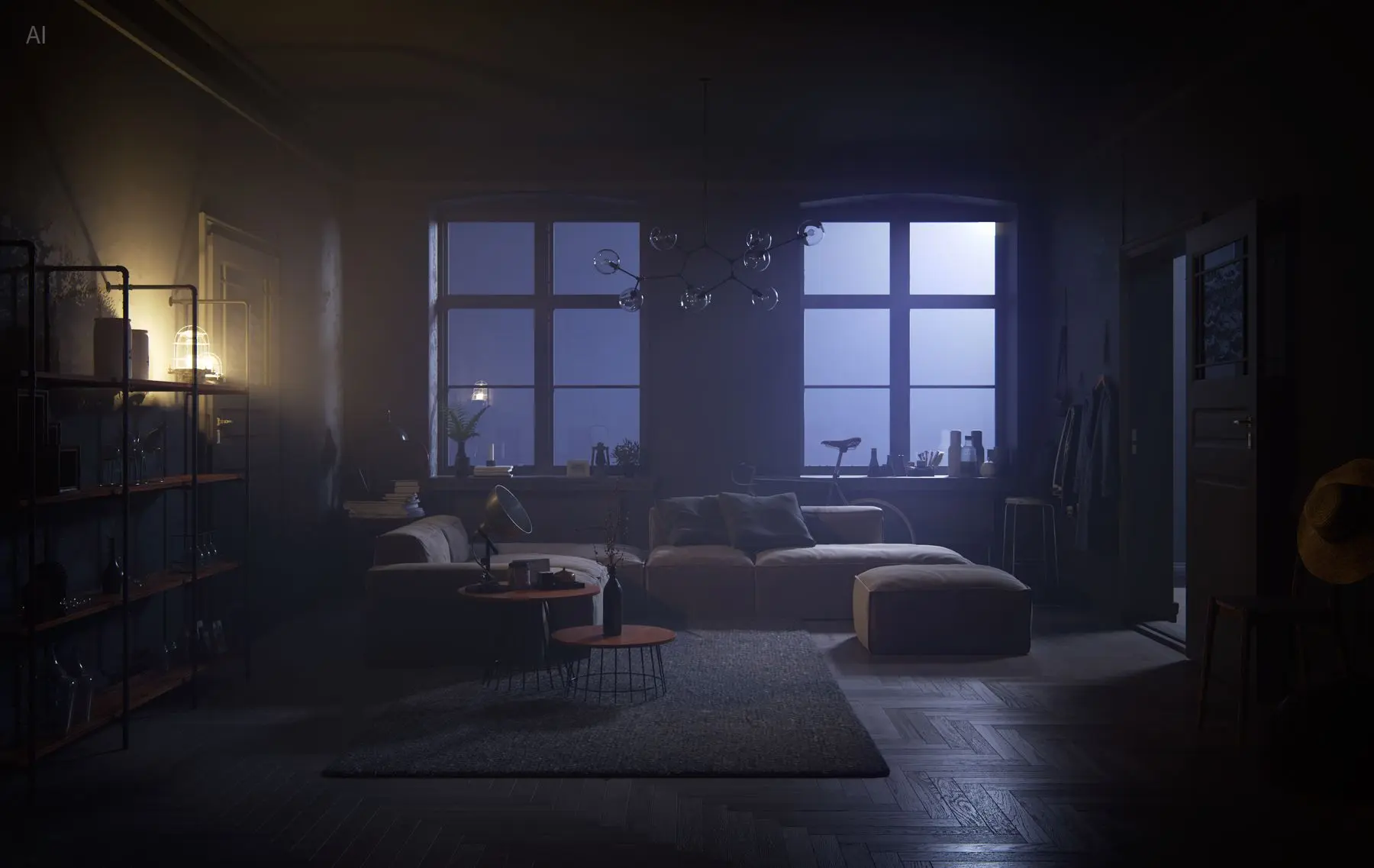 Turn on the lights to light up the living room. The outside is still the evening. |  |
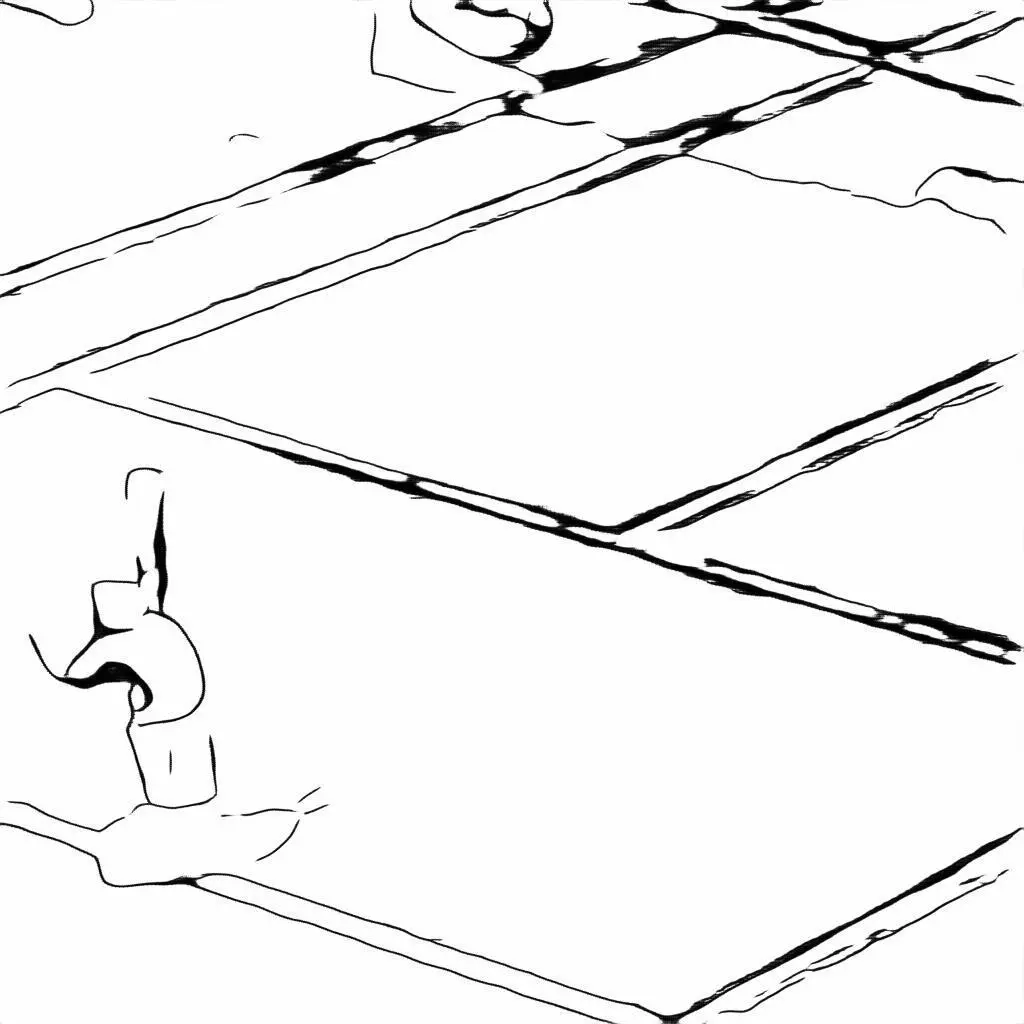 Refer to the line draft. Generate a scene on a red clay tennis court under the sun, where an athlete wearing a red top and white shorts is throwing up a tennis ball high, preparing to serve. | 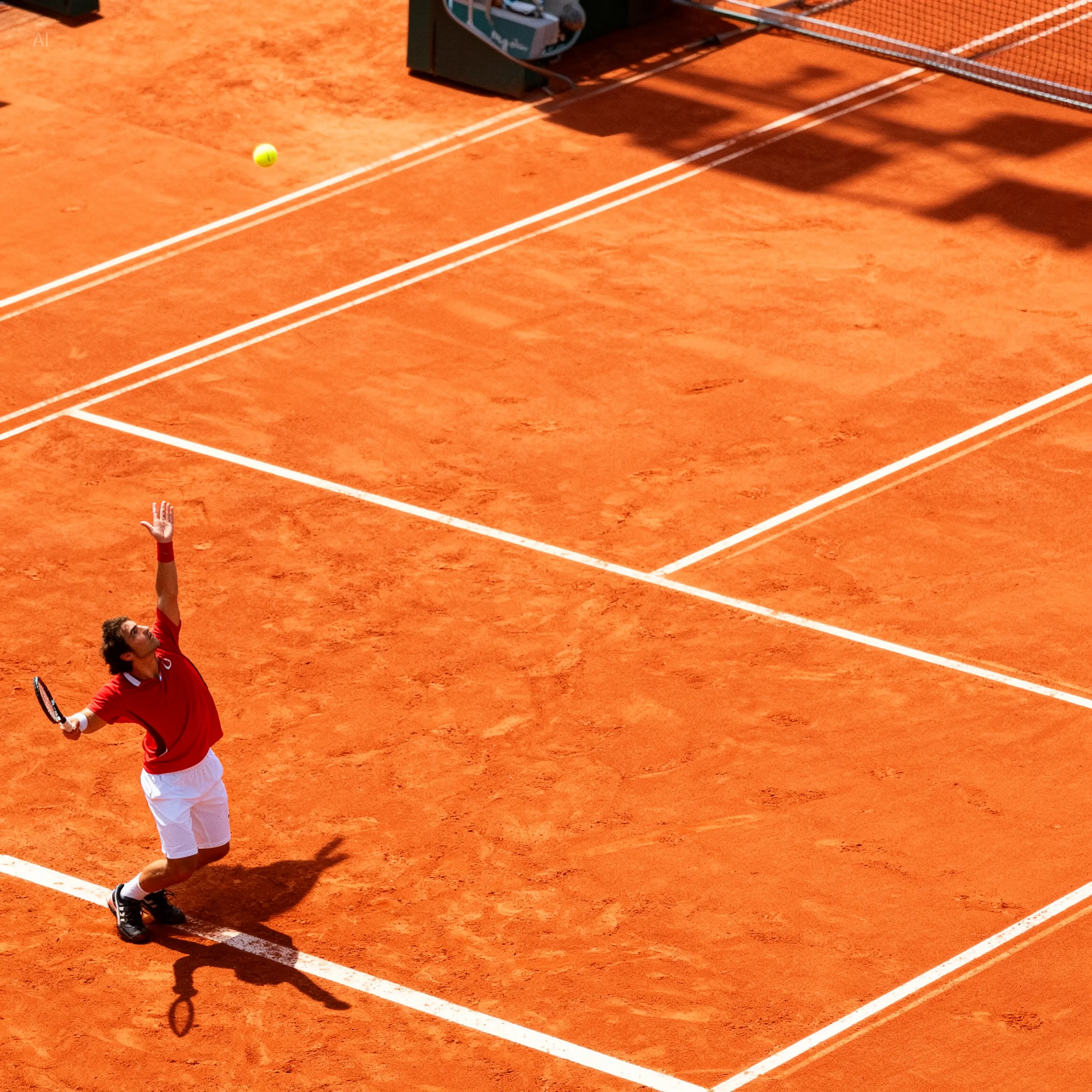 |
Seedream 4.0 Tutorials on YouTube
X Reviews of Seedream 4.0
Prompt Tips for Seedream 4.0
Structure Your Idea
Subject • Context • Lighting • Camera/Composition • Style • Color • Detail. Clear instructions boost prompt adherence.
Edit with Plain Language
Use simple verbs: “replace”, “remove”, “change text to…”, “turn on the lights”, “make background a forest”.
Keep Identities Stable
Upload consistent references and reuse them across runs to maintain faces, outfits, and palettes.
Use Multi-Image Fusion
Combine complementary references (pose, outfit, environment) for richer, more controlled results.
Aim for Clean Text
For posters and packaging, specify exact wording, casing, and placement. Mention typography vibe if needed.
Batch for Exploration
Generate multiple variations at once, then narrow down with targeted prompt edits.
Frequently Asked Questions
What is Seedream 4.0?
Does it support batch workflows?
How accurate is in-image text?
Can it maintain character consistency?
What resolutions and speeds are available?
Is commercial use allowed?
Is Seedream 4.0 better than Nano Banana?
Create with Seedream 4.0 Now
Turn prompts and references into production-ready visuals — fast, consistent, and up to 4K.
Try Seedream 4.0