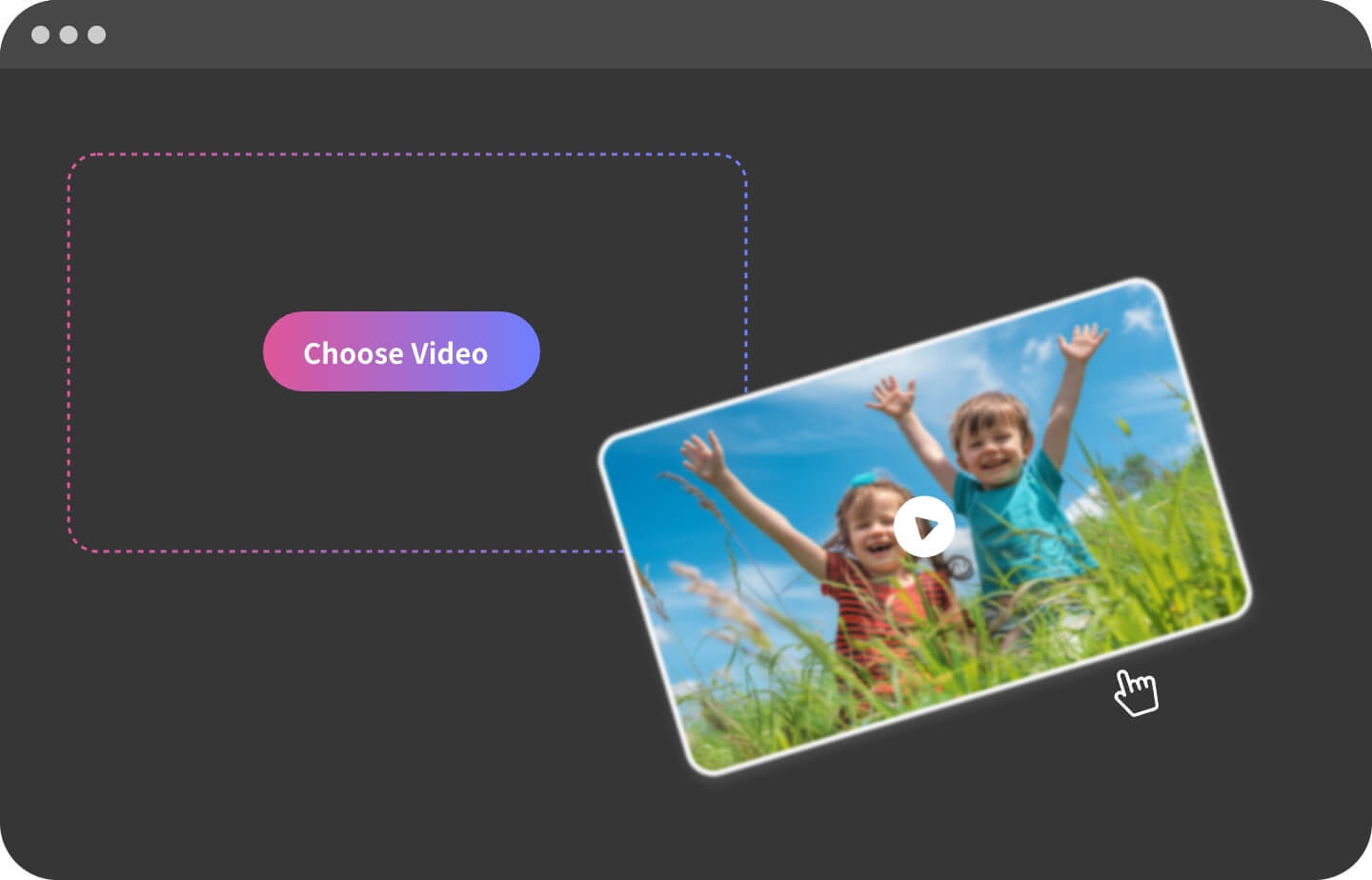
Begin by uploading the video to GoEnhance AI. Select the file from your device or just drag & drop.
Select Filter
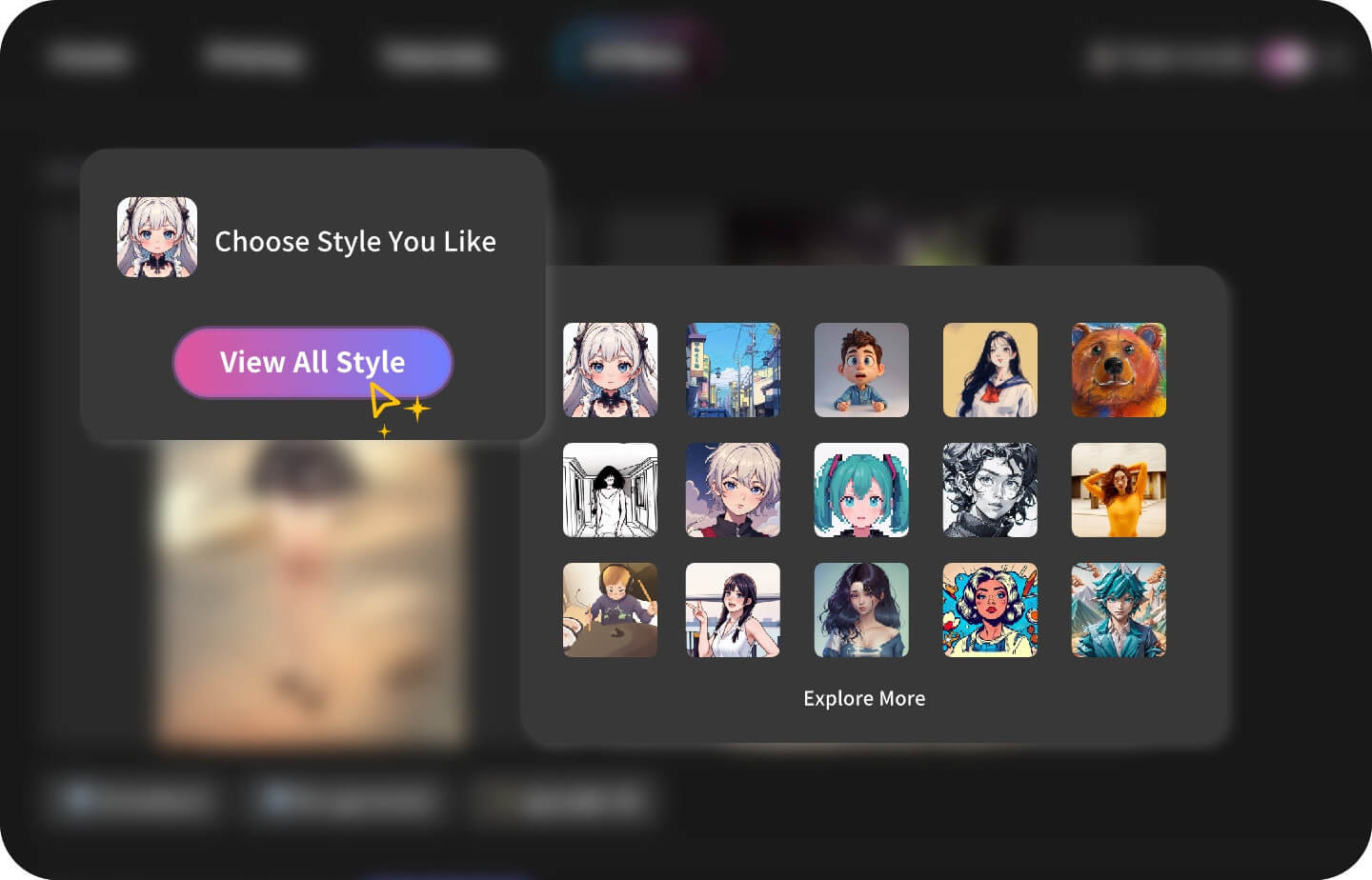
Select an anime filter that suits your video or you like. We offer dozens of filter-style options for you to choose from freely.
Generate & Download
Click the 'Generate' button to start the process. Please be patient and wait, and you'll soon see the masterpiece. Looing good? Download!
Show Cases ✨
Pop Art Filter
Our AI Pop Art Filter captures every detail of your basketball video moves, transforming them into vibrant anime art style for a dynamic and artistic work.
Pixar Filter
Experience your relax video into Pixar world with our AI Pixar Filter, turning your performance into a energetic pixar masterpiece.
Ink Painting Filter
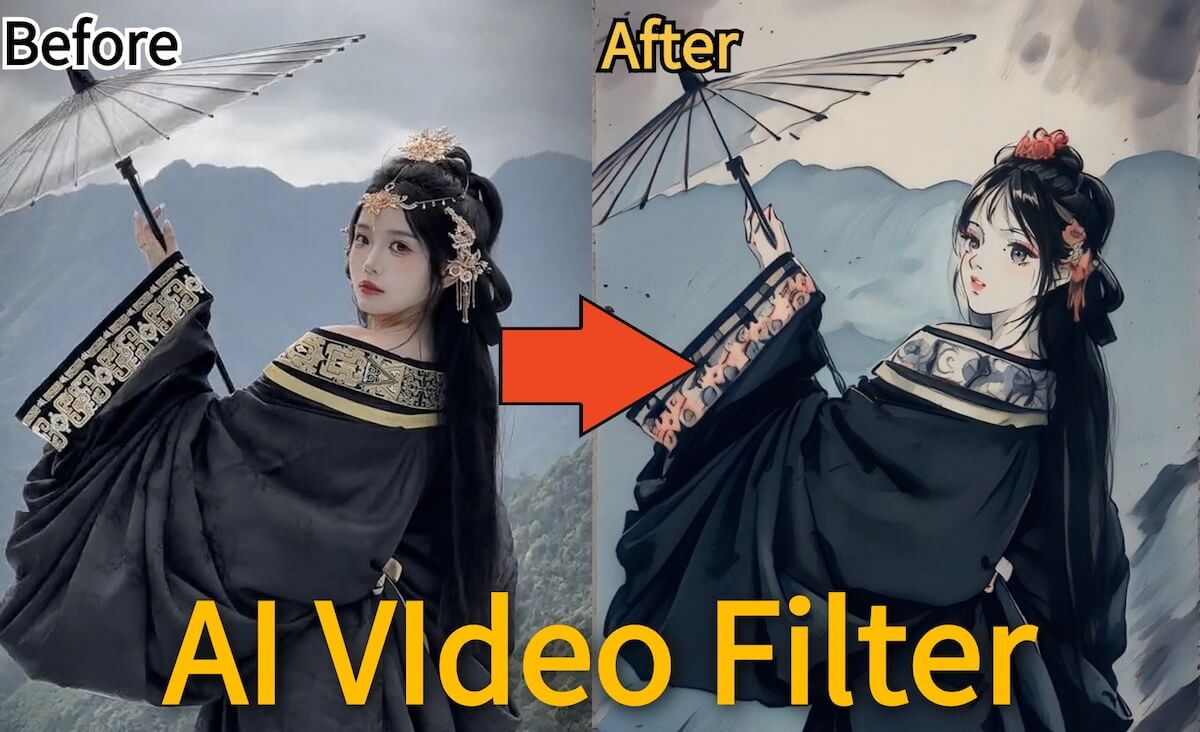
Let your video live with GoEnhanceAI's Ink Painting Filter! Transform your videos into ink, lively masterpieces where nature moves to your beat.
Frequently Asked Questions
Is there a free trial for AI Video Filter?
Yes, GoEnhanceAI offers a free trial for users to experience the AI Video Filter tool. You can start for free by clicking the 'Start For Free' button on the platform.
What is AI Video Filter?
AI Video Filter is a tool by GoEnhanceAI that transforms your videos into animated masterpieces with stunning and seamless effects using advanced AI technology.
How do I start using AI Video Filter?
To start using AI Video Filter, upload your video on the GoEnhanceAI platform, select a style, and click the generate button. Your transformed video will be ready in a few minutes.
What types of Filter can I choose?
GoEnhanceAI offers a lot of filters including Anime, Pop Art, Pixar, etc. Each filter transforms your video into a unique and vibrant masterpiece.
Can I use AI Video Filter for any type of video?
Yes, AI Video Filter can be used for various types of videos such as vlogs, short videos, pet videos, nature scenes, and sports actions, enhancing them with artistic styles.