
Midjourney AI Image Generator
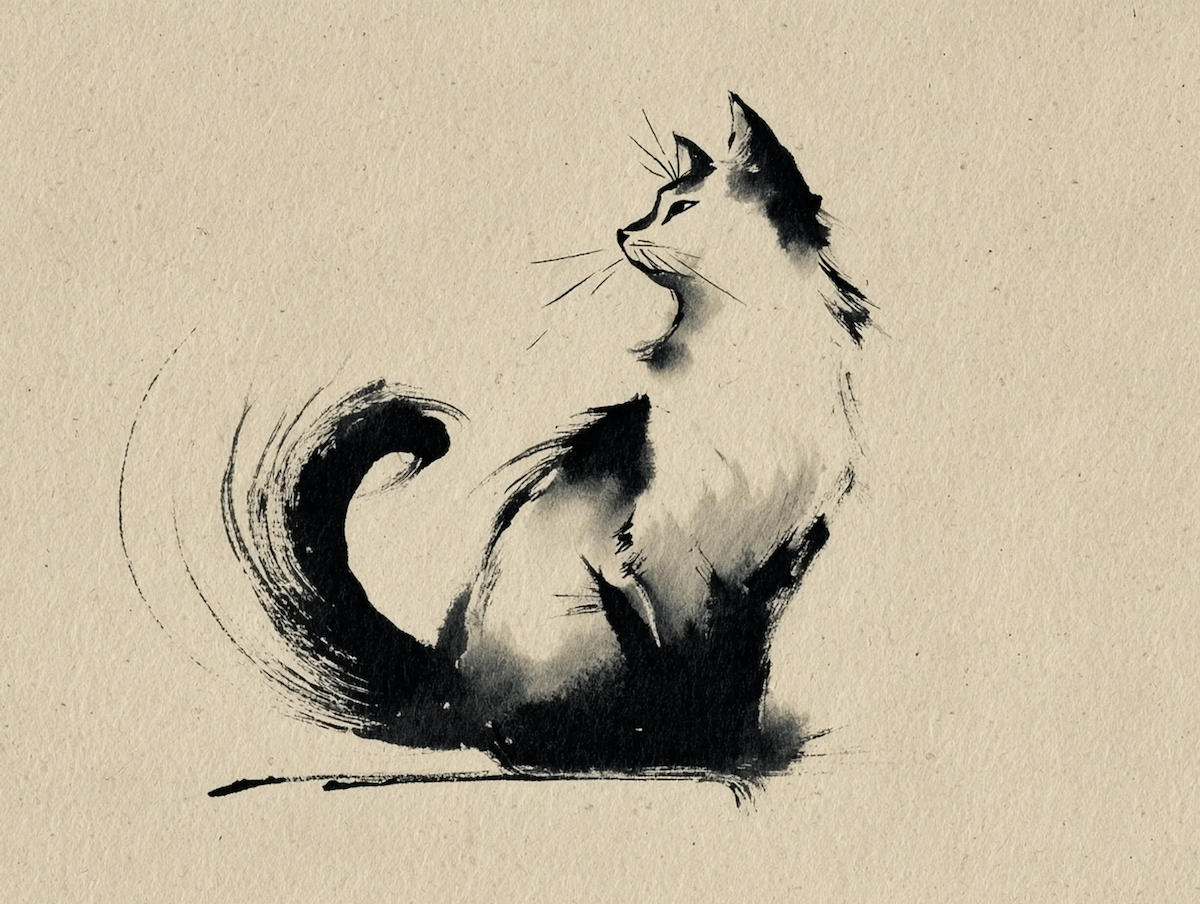
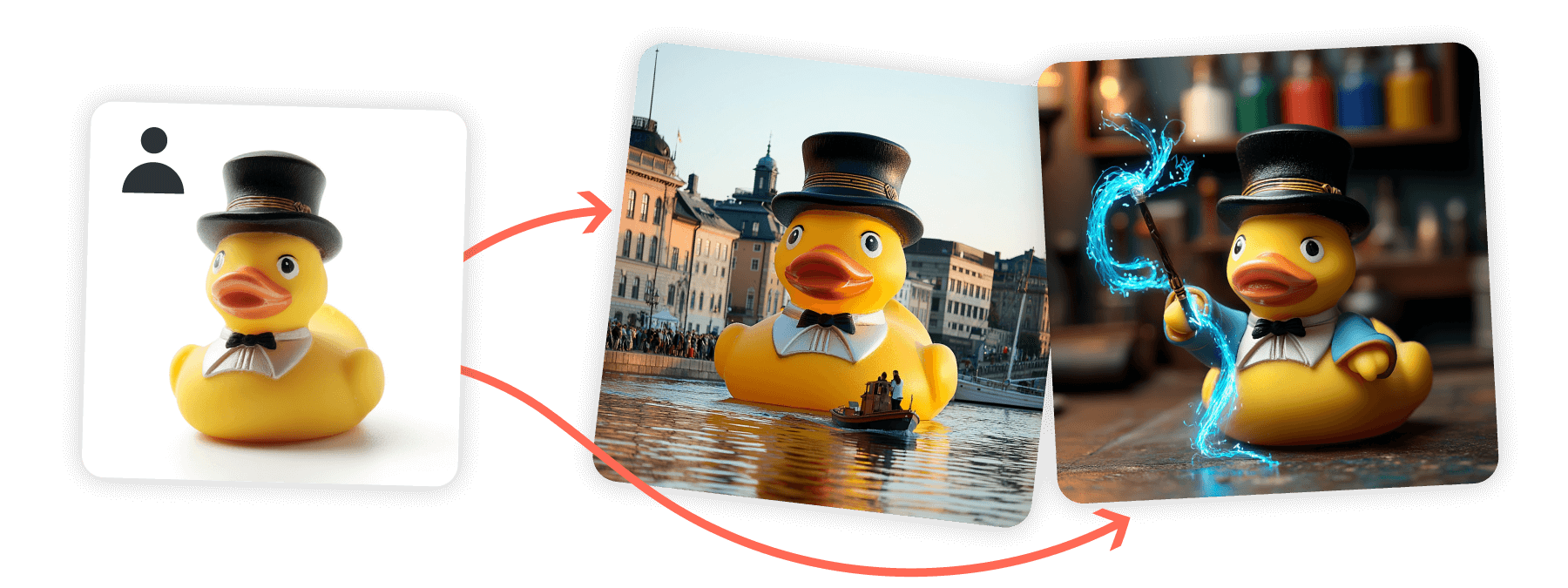
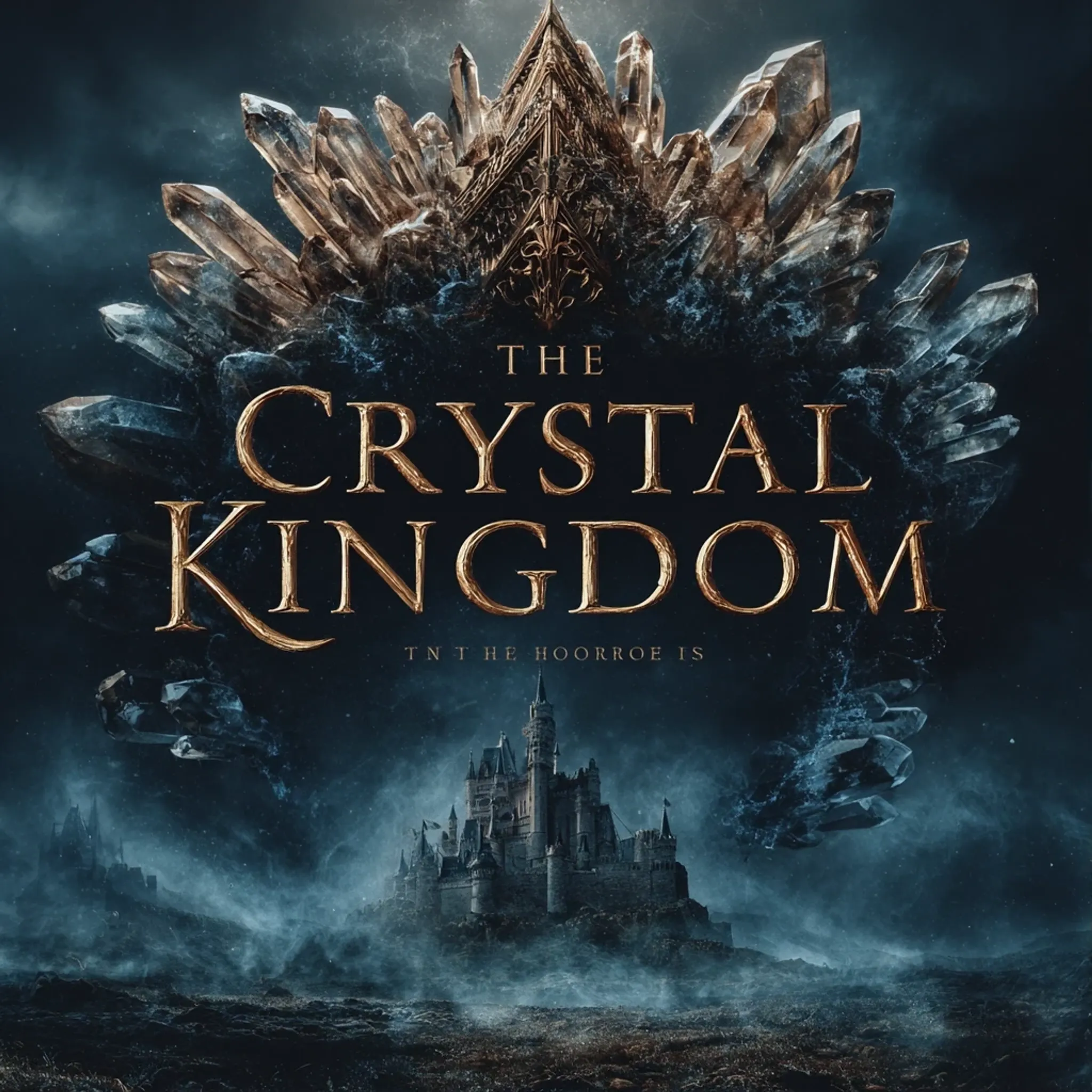
Key Features of the Midjourney Image Model
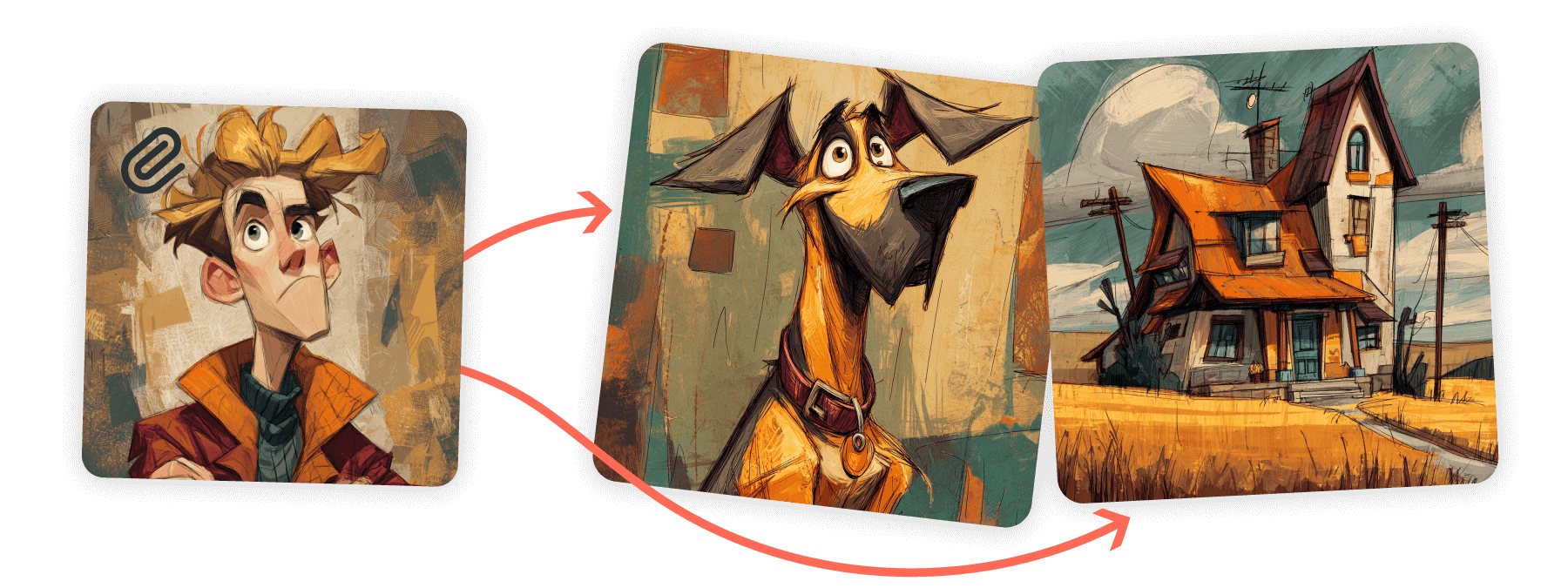
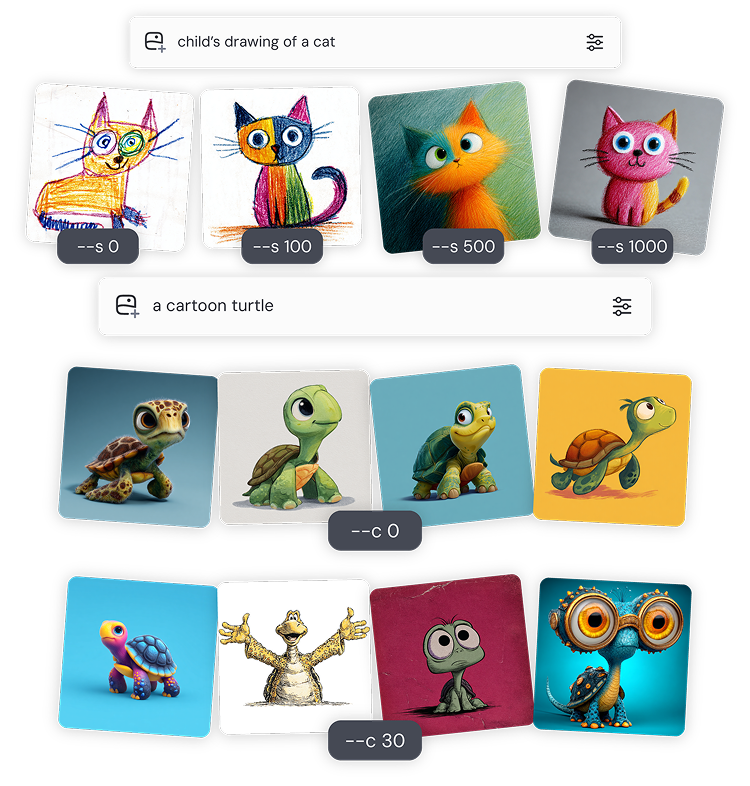
How to Use Midjourney Image on GoEnhance AI
Pick the Model
Open the AI Image Generator and select Midjourney Image.
Write or Upload
Enter a detailed prompt or upload a reference image to guide composition and style.
Refine with Parameters
Adjust Stylize, Chaos, aspect ratio, seeds or Tile to match your brand or creative brief.
Prompt Tips for Midjourney Image
Structure Your Prompt
Think in layers: Subject • Medium • Environment • Lighting • Color • Mood • Composition. The clearer you are, the more control you get.
Keep It Simple
Short, focused phrases often give the best results. Avoid long lists—concise prompts help Midjourney capture your idea faster.
Choose the Right Words
Use vivid, precise words. Instead of 'big,' try 'gigantic' or 'colossal.' Specific numbers like 'three cats' work better than vague plurals.
Focus on What You Want
Describe what you want to see rather than what you don’t. For exclusions, use the --no parameter instead of negative wording.
Consistency with Seeds
Reuse seeds or reference images to keep characters, palettes, and overall style consistent across multiple generations.
Aspect Ratios & Patterns
Control framing with ratios (1:1, 3:4, 16:9) and use Tile for seamless repeatable patterns.
Text/Image-to-Image Generation
With Midjourney, you can generate highly realistic imagery from text prompts and reference images. The V7 model improves prompt accuracy, coherence, and textures — especially for hands, bodies, and objects.
| Prompt | Generated Image |
|---|---|
An astronaut in a glowing neon spacesuit drinking tea in a cozy Japanese teahouse, wooden interiors, hanging lanterns, steam rising from the teacup, cinematic lighting. | 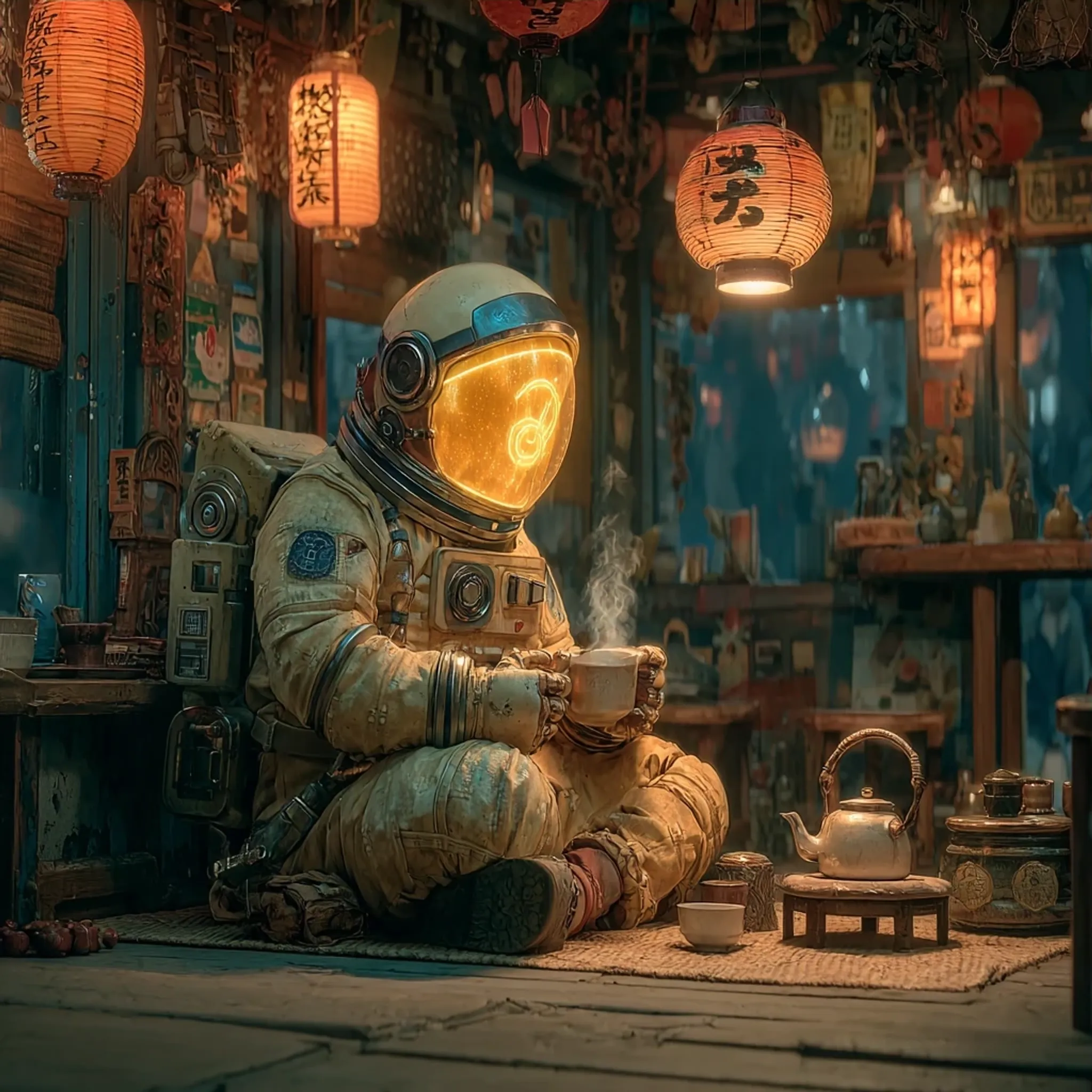 |
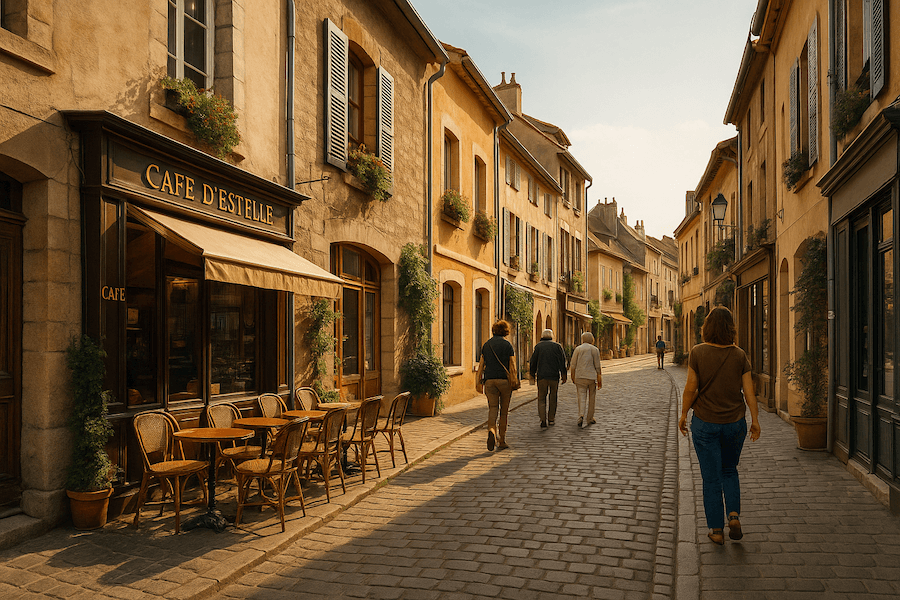 Generate a futuristic version of the city street — neon lights, detailed pedestrians, coherent urban depth, and rich metallic textures. | 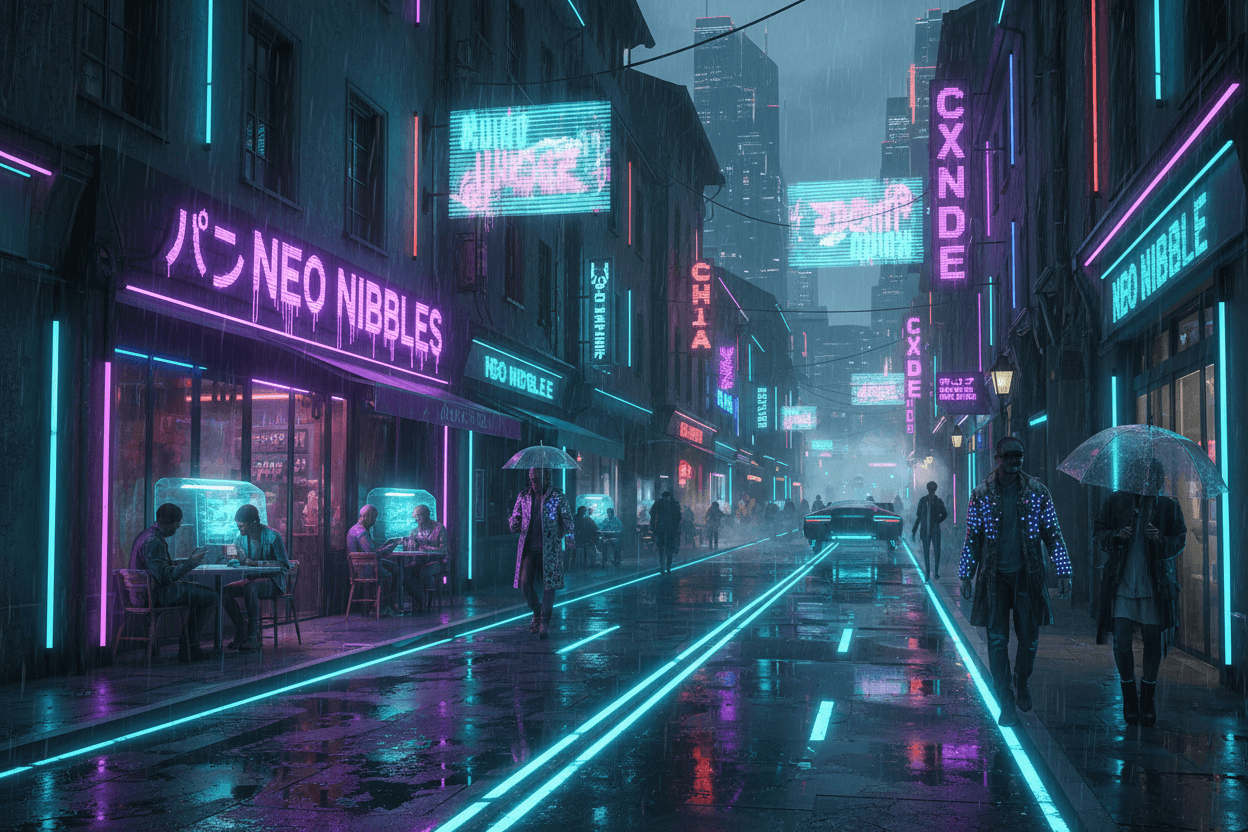 |
Frequently Asked Questions
What is the Midjourney AI Image Generator?
Can I keep a consistent style across many images?
Which parameters can I control?
What aspect ratios are available?
Is there a free trial?
Is this the official Midjourney Image Model?
Create with Midjourney Image Now
Turn your prompts and photos into striking artwork on GoEnhance AI.
Try Midjourney Image