
Wan AI Video Generator Online
How to Use Wan AI
1. Add an Image (Optional) or Start from Text
Start with a clean subject image (full body or clear portrait) or go prompt-only. Good lighting and a simple background make motion easier to read.
2. Write the Shot
Write your prompt like a tiny director note: subject + action + setting + camera. Add LSI details like "dolly-in," "handheld," "wide shot," "soft rim light," or "film grain" to lock the vibe.
3. Generate, Refine, Export
Generate, review the motion for jitter or drifting, then iterate with small edits. Export the version that keeps the subject stable and the movement believable.
Top Features of Wan AI
Wan Image to Video for Product, Portrait, and Story Beats
If you already have a keyframe (a product photo, character art, or a scene still), Wan image to video helps you add motion while keeping the original composition recognizable. It’s a practical way to create looping promos, scene transitions, and short cutaways.
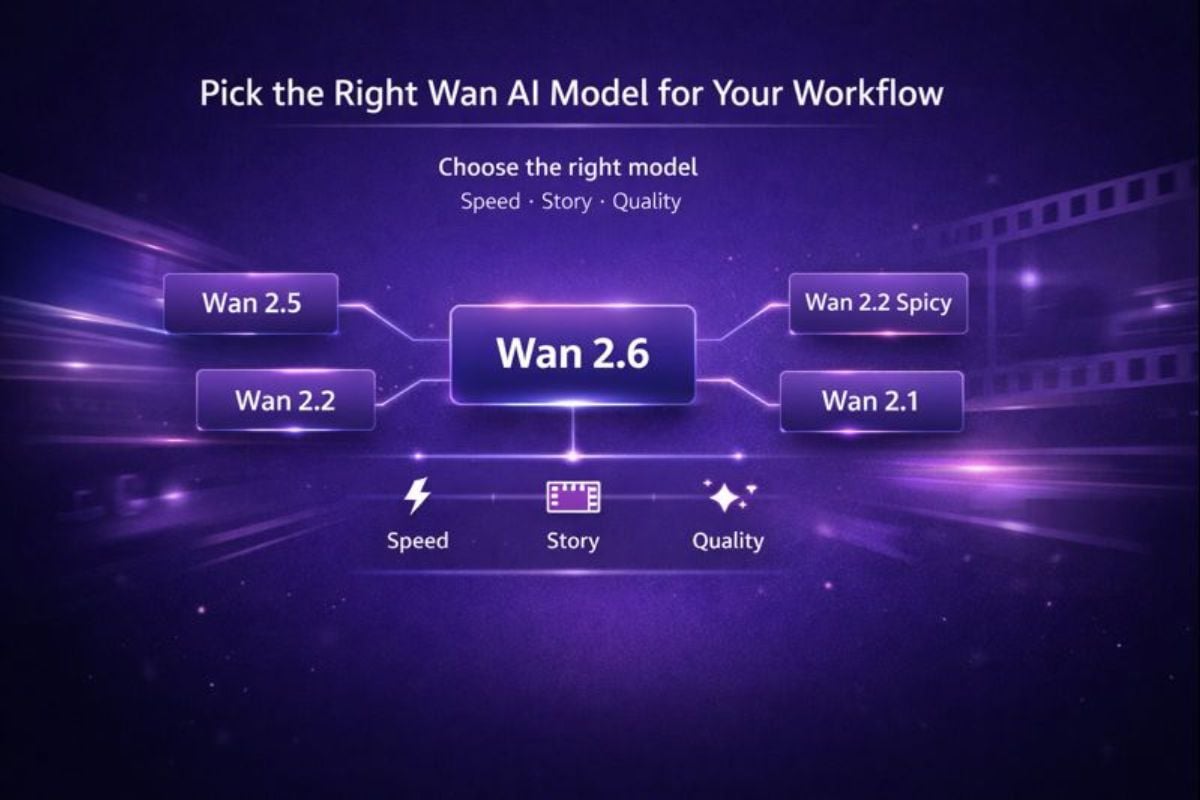
Pick the Right Wan AI Model for Your Workflow
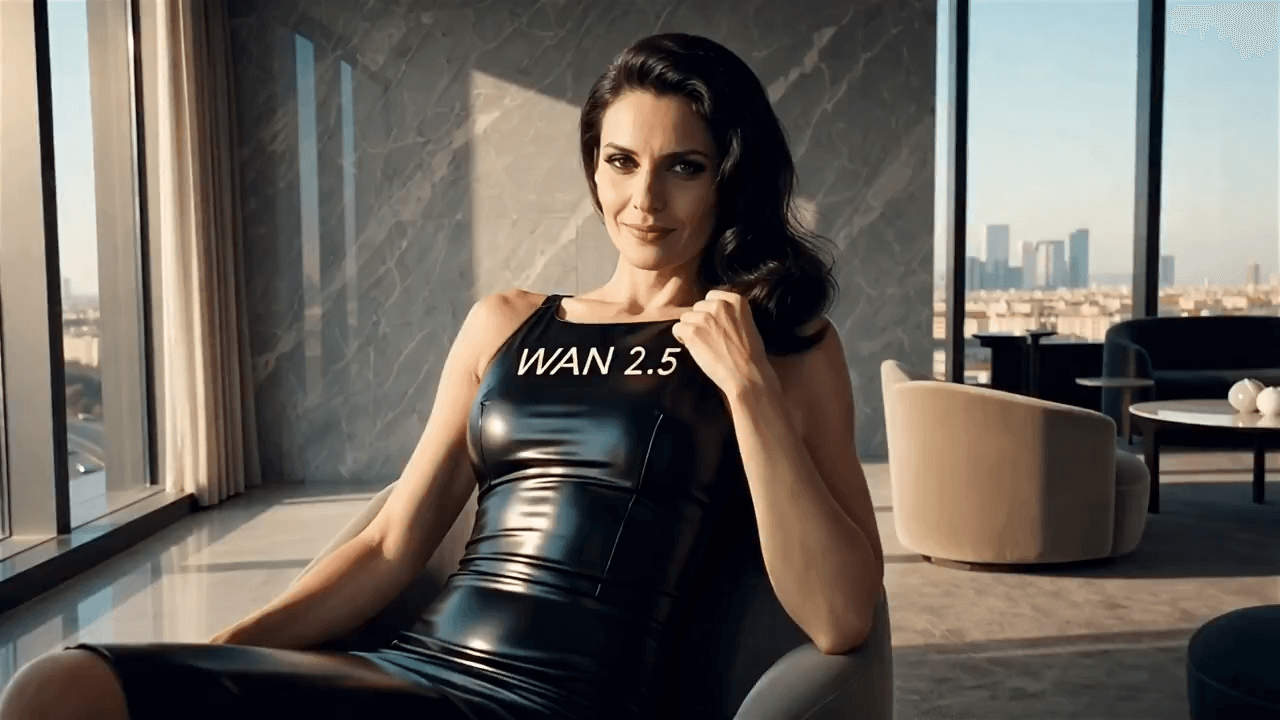
Different projects need different trade-offs: speed drafts, multi-shot storytelling, or extra polish. If you’re comparing options, you can jump to Wan 2.2 Spicy, Wan 2.6, Wan 2.1, Wan 2.2, and Wan 2.5 and choose what fits your timeline.
Find Other Popular AI Effects

Frequently Asked Questions
What is Wan AI?
Is Wan AI a video generator or a model?
How does Wan image to video work?
- Read the image structure (subject, edges, lighting, layout);
- Apply motion from your prompt (action + camera movement);
- Maintain temporal consistency to reduce flicker and drifting;
- Polish elements like edges, surface textures, and the smoothness of motion.
What should I write in a Wan video prompt?
Use a short, specific shot brief. A solid pattern is:
Subject + Action + Setting + Camera + Mood
Example: “A street-food vendor smiles and hands over a bowl, rainy night market, medium shot, slow dolly-in, warm neon reflections, film grain.”
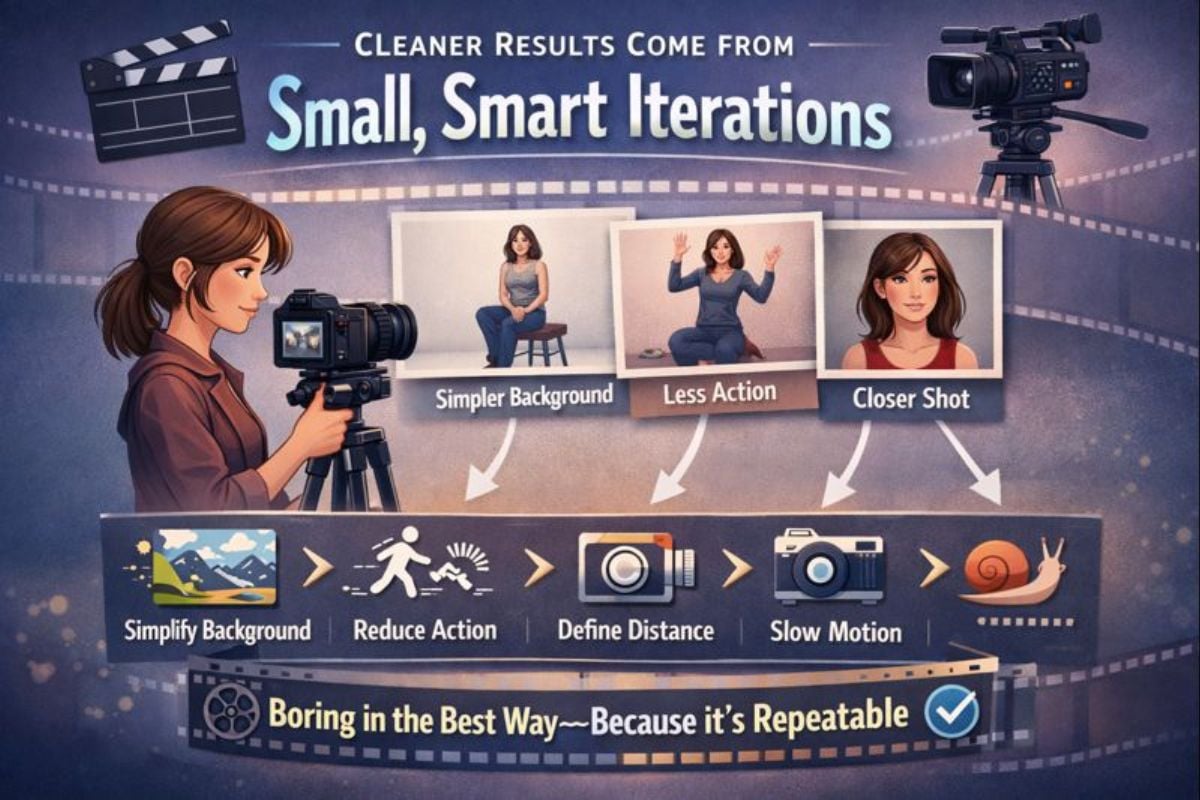
How do I get more stable motion (less jitter)?
(1) Reduce complexity
One main subject beats three. Simple actions beat chaotic ones.
(2) Control the camera
Pick one: “static,” “slow dolly-in,” or “gentle pan.” Avoid mixing moves.
(3) Use a cleaner source image
Higher resolution, sharp edges, and consistent lighting lead to steadier frames.
When should I use prompt-only vs image-to-video?
Is Wan AI free to try?
What formats can I export?
Can I use Wan AI for marketing content?
What makes a “good” Wan AI result?
What Our Users Say?
Make Your First Wan Video in Minutes
If you want a Wan AI video generator that’s simple to start and easy to iterate, this workflow is a solid fit: one clear prompt, one clean input, quick variations, and a final export you can actually use. Start with a short clip, keep the camera direction simple, and you’ll get better results faster.
Try Wan AI For Free