goenhance logo

Video to Video Generator

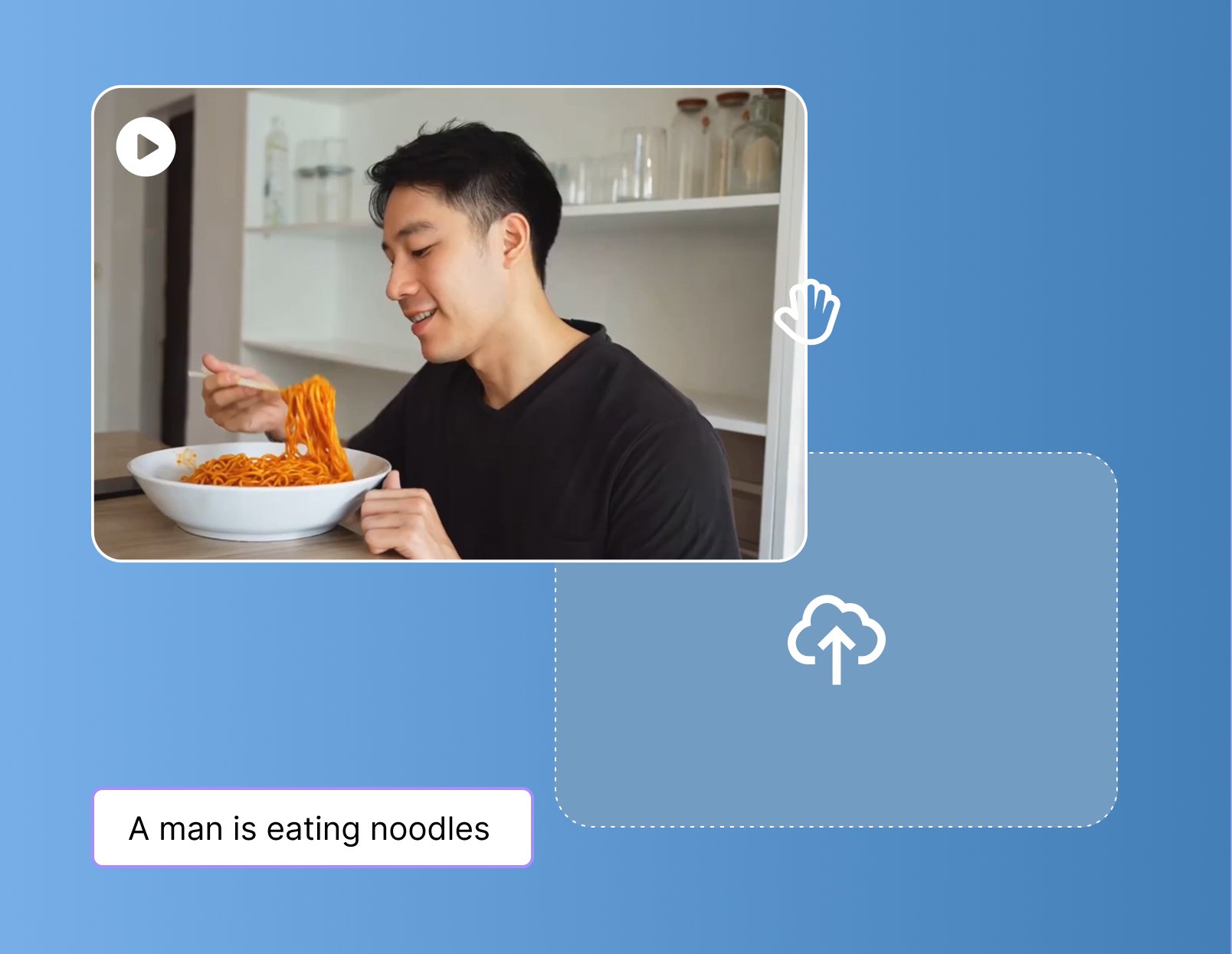
GoEnhance AI empowers creators to reimagine their videos with powerful, easy-to-use AI features. Whether you're animating characters, syncing lips, or applying creative visual styles, GoEnhance has everything you need to breathe new life into your footage. No editing skills needed — just upload and get results.
Try It Free Now

Popular Video Style Examples

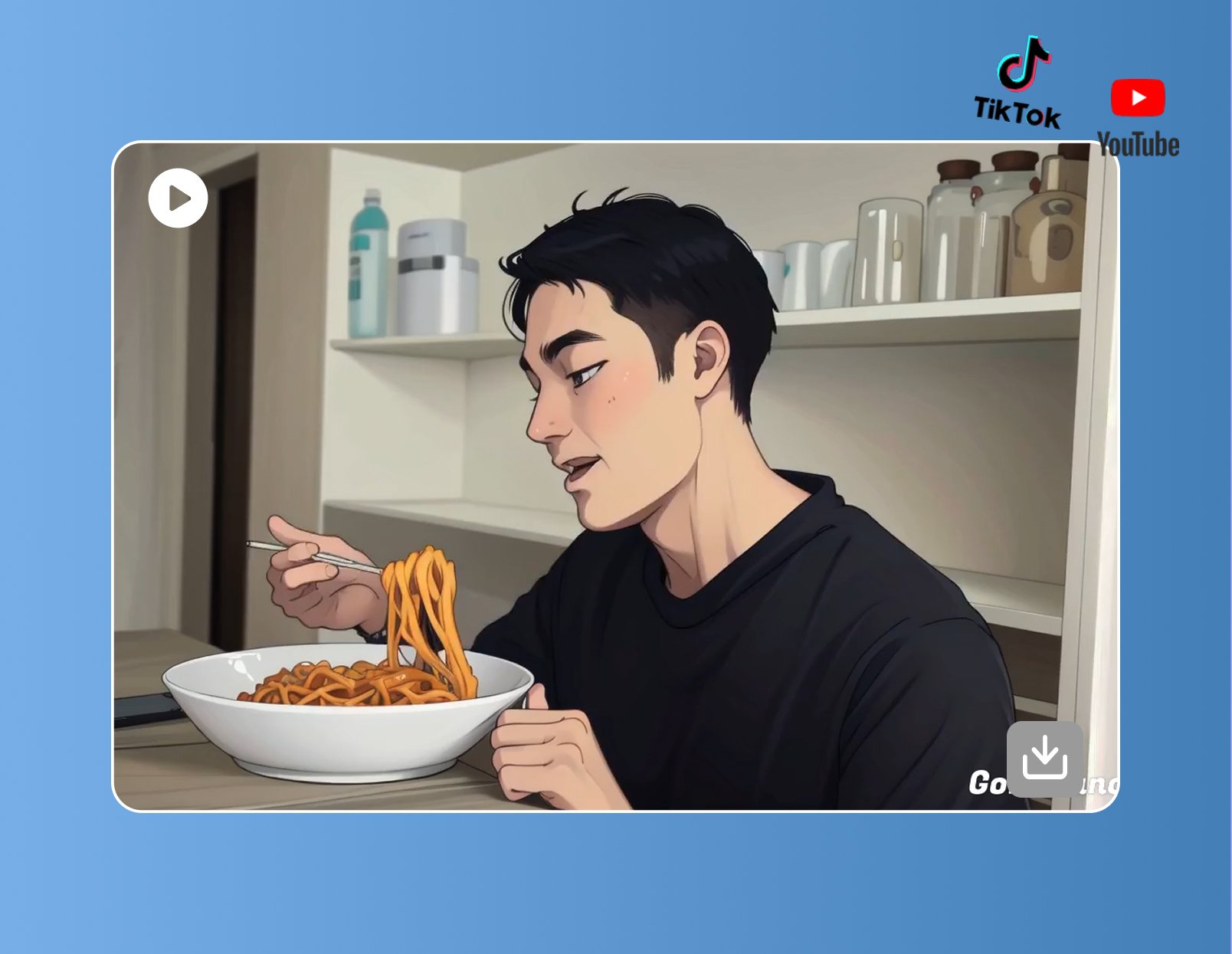
Easily transform your videos into different visual styles with GoEnhance. With just a few clicks, you can quickly switch the same footage into anime, Pixar-inspired, or pixel art looks without complicated editing.

Convert to Anime Style

Convert to Pixar Style

Convert to Pixel Art Style

Top Features of Video to Video Generator

Turn Video into AI Video Instantly

Our video-to-video tool helps you easily turn ordinary videos into eye-catching works. Built by GoEnhance, it gives creators, marketers, educators, and hobbyists more ways to bring ideas to life.

Choose from a wide range of effects—anime, clay animation, Pixar style, and more—and instantly give your videos a fresh, unforgettable look.

Multi-Style Transformation

Discover a wide range of video filters—anime, clay animation, Pixar-style, Ghibli style, pixel style, pop art style, knit style, or 3D CG style—that instantly give your clips a fresh new look. Try different styles, see what fits your story best, and transform your videos into something worth sharing.

Consistent, High-Quality Output

GoEnhance AI video to video generator delivers sharp details, smooth motion, and consistent quality across every frame, even during long playback.

Whether you're creating short clips for social media, preparing a business presentation, or producing professional content, the output is carefully optimized to look polished and impactful in every setting.

Video Restyle Tool with Flexible Control

With our video style transfer tool, you don’t always have to restyle the whole video—you can just switch up the subject if you like. For example, you could turn yourself into an anime character but leave the background as it is, or give both the person and the scene a fresh new look.

Use cases:
  • Personal videos: Restyle yourself while keeping the environment unchanged.
  • Product ads: Highlight the product with an artistic look while preserving the real background.
  • Social clips: Make the subject anime-style against a real backdrop to create striking contrast.

Practical Applications

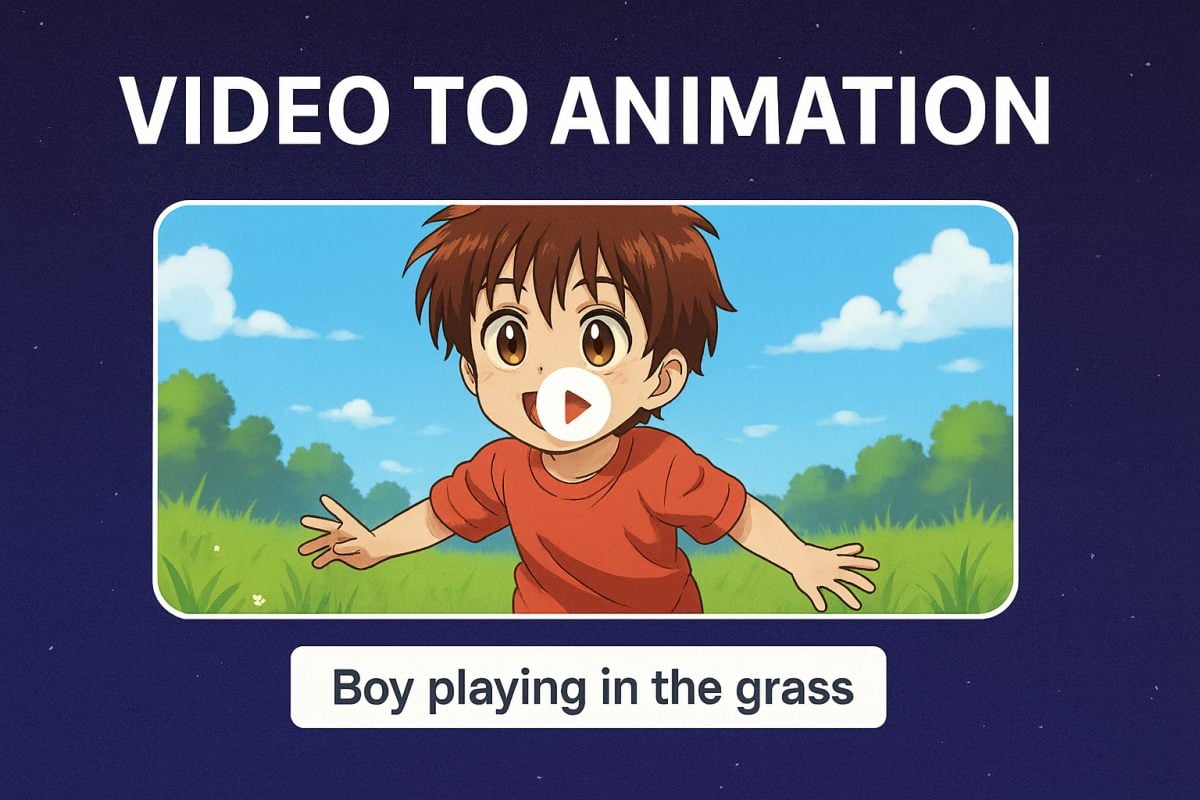
Video to Animation

Instantly convert real-life footage into stunning anime or cartoon styles. Perfect for storytellers, content creators, or anyone who wants to give their videos a playful, artistic flair.

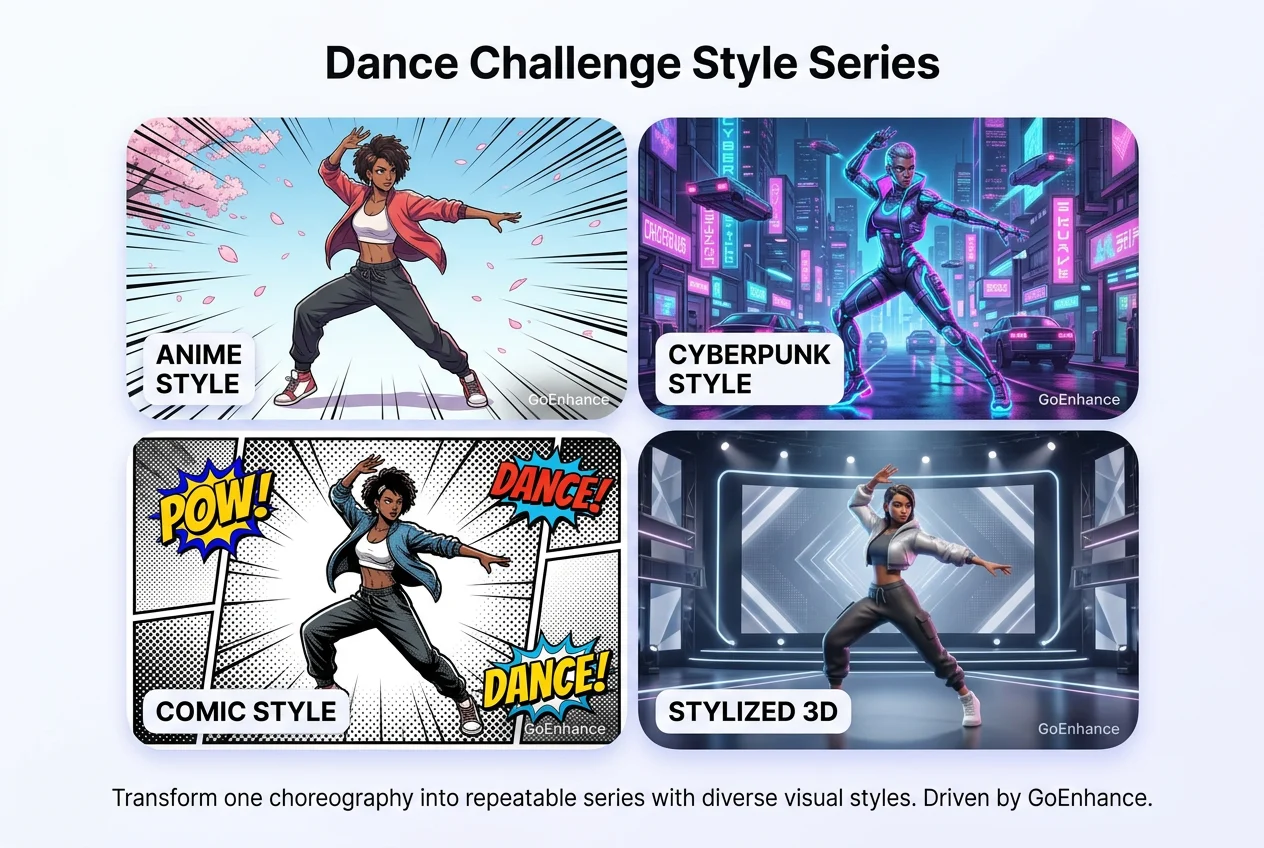
Dance Video Generator

Generate fun and engaging dance sequences powered by AI. Just upload your character and watch them groove to the beat.

Claymation Style Video

Apply a handcrafted clay-like aesthetic to your footage, giving it a unique, stop-motion feel reminiscent of classic claymation films.

How It Works?

Step 1

Upload Your Video

Use any MP4, MOV or compatible video format. Make sure it's clear and steady.
Step 2

Choose Your Tool & Style

Select from multiple tools: style transfer, animation, claymation, and more — then choose your favorite style or output option.
Step 3

Generate & Download

Click "Generate." Our AI processes your request quickly. Preview your unique AI-generated video, then download it to share or refine further.

Tips & Best Practices

1

Use Clear and Stable Source Videos

For better video-to-video results, upload clips with a clear subject, stable framing, and smooth motion. Videos with heavy shake, fast cuts, or crowded scenes may reduce style consistency.

2

Choose a Style That Matches the Motion

Anime style suits expressive character clips, Pixar-style works well for soft 3D character scenes, and pixel art is ideal for simple motion and bold visual changes.

3

Keep Descriptions Short but Useful

Use the video description box to briefly explain the subject or scene, especially if the clip contains character actions or a specific setting. A simple description can help the model better understand what should be preserved during the transformation.

4

Adjust Duration and Resolution Based on Your Goal

Shorter clips are faster to process and easier to test when trying new styles. Start with 540p for quick previews, then switch to 720p or upscale to 2K or 4K when you want a cleaner final result.

5

Fix the Seed for Stable Results

If you want more repeatable outputs, enable Seed to keep the style behavior more stable across reruns. This is especially useful when comparing multiple versions or testing small changes without shifting the overall look too much.

6

Balance Speed, Privacy, and Quality

Fast Mode is useful for quick testing, while Private Mode is better for sensitive or client content. After generation, you can use Upscale 2K, Upscale 4K, or Lip Sync to further improve the final video depending on your needs.

Popular Video-to-Video Use Cases

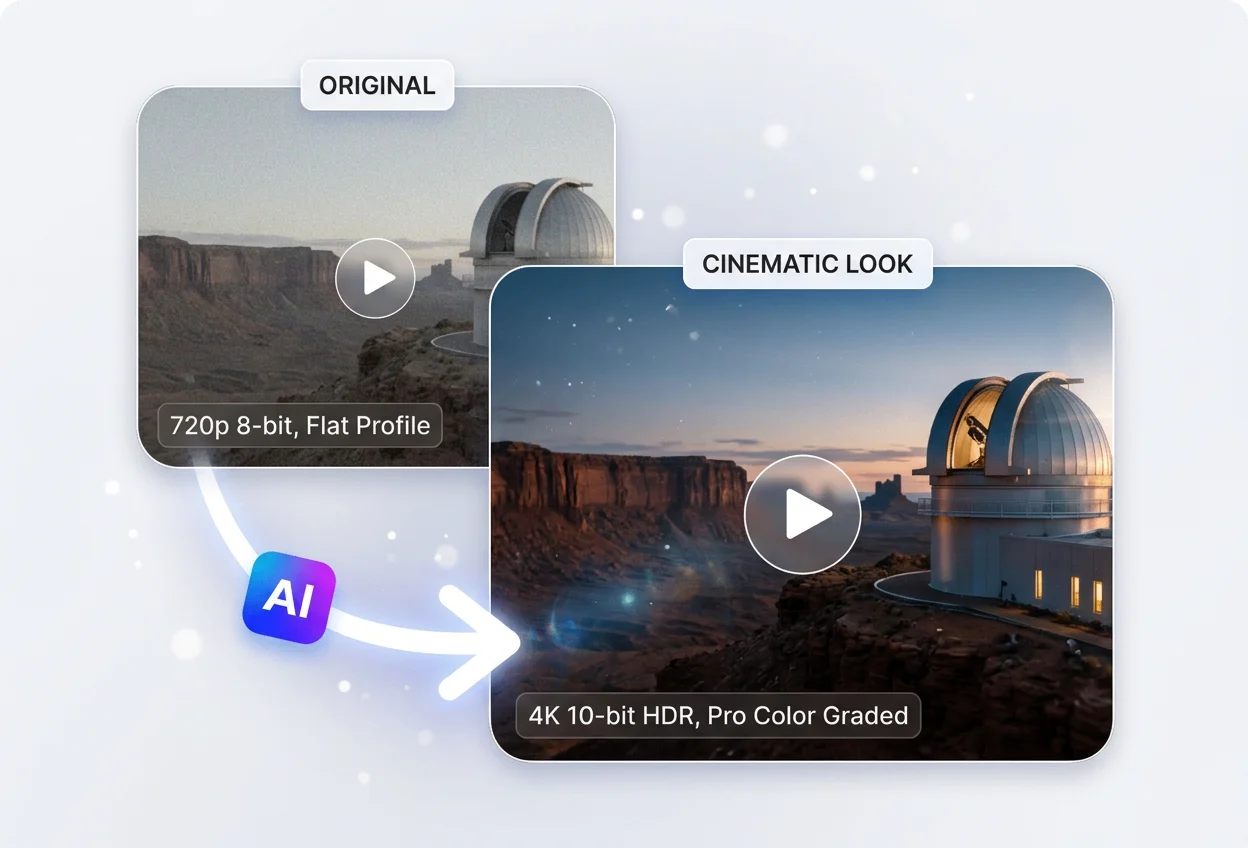
Turn ordinary footage into high-performing content with GoEnhance. From anime transformations to cinematic upgrades, these are three of the most attention-grabbing ways creators use video to video.
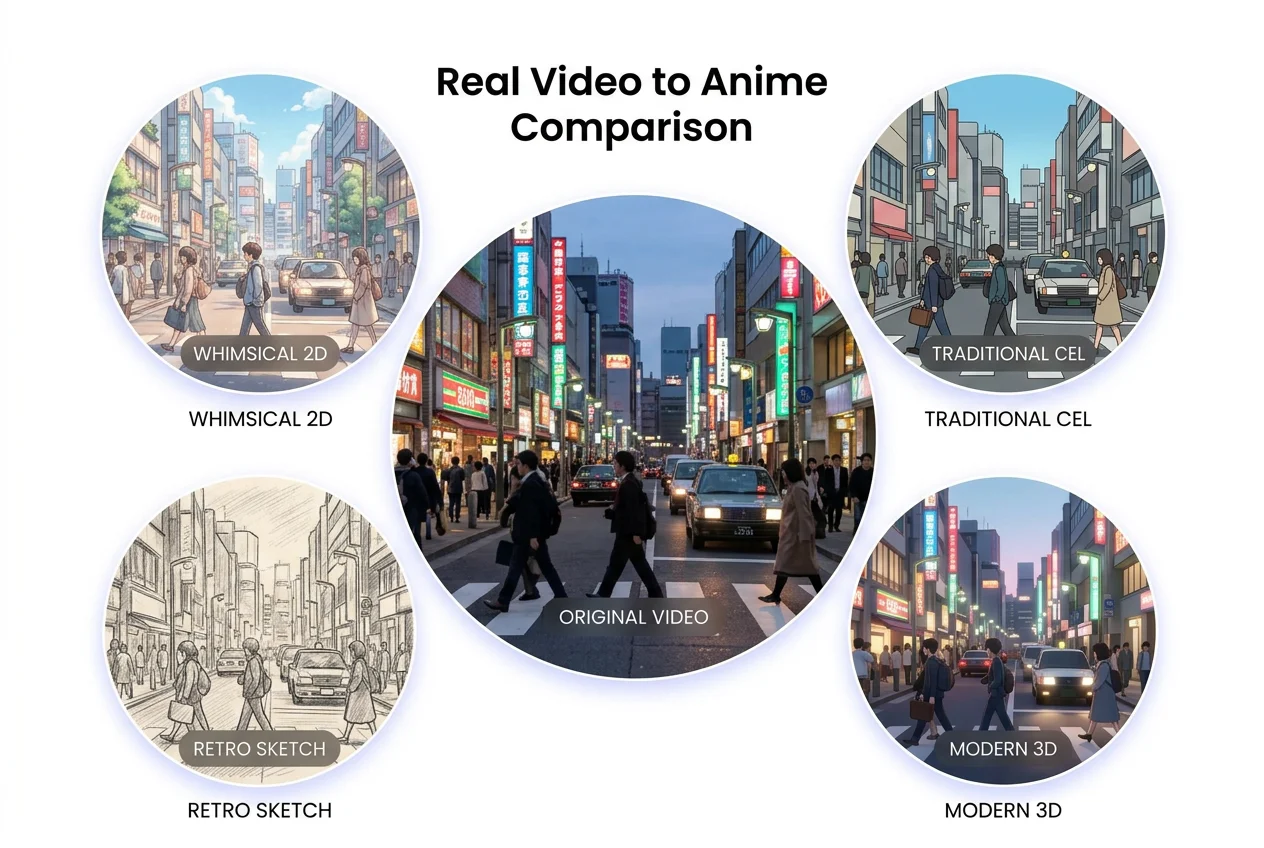
Real Video to Anime

Real Video to Anime

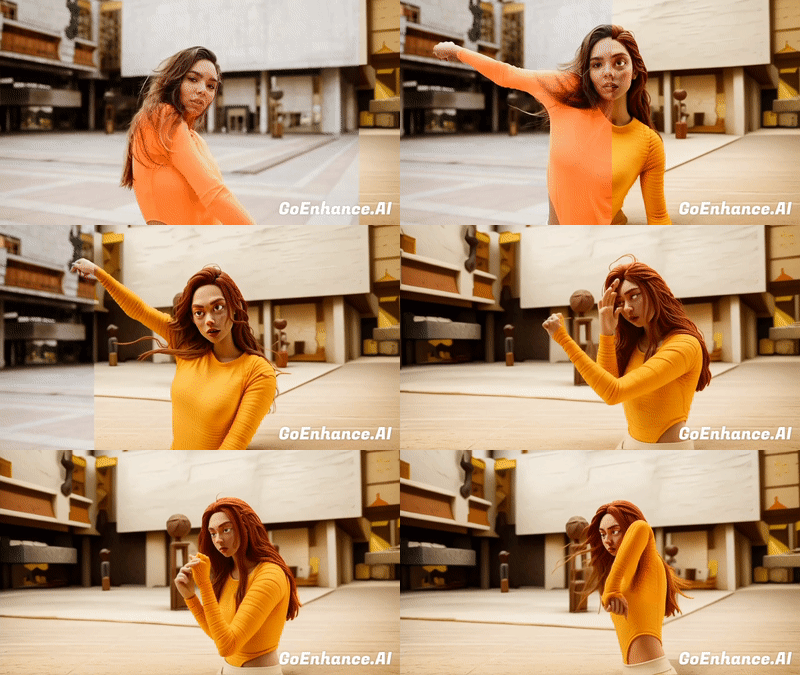
Transform a normal short clip into an anime-style version while keeping the same motion, timing, and framing. This side-by-side format is one of the easiest ways to create instantly understandable, highly shareable content with GoEnhance.
Try For Free

Traditional Editing vs GoEnhance Video to Video

WorkflowTraditional EditingGoEnhance Video to Video
Time RequiredOften takes hours of manual editing, adjustment, and exportingTransform your video in just a few clicks with a much faster workflow
Skill NeededUsually requires editing experience, tools, and style adjustment knowledgeEasy to use even if you have no professional editing background
Style VarietyEach new style often needs separate manual work or a new editing processQuickly switch the same footage into multiple styles like anime, Pixar-inspired, or pixel art
Re-edit CostRevisions can take significant extra time and effortIt is easy to test, change, and regenerate different looks without starting over
Output SpeedSlower turnaround, especially when producing multiple variationsCreate more versions faster so you can publish, test, and iterate more efficiently
Everything you need

Why Choose GoEnhance?

Multiple AI Tools in One Platform

All-in-one solution for animation, restyle, claymation, and more — no need for multiple apps.

50+ Style Combinations and Visual Filters

Transform your videos with anime, cartoon, claymation, cinematic styles, and beyond.

High-Resolution Output Up to 4K 30fps

Produce professional-quality videos suitable for social media, marketing, or presentations.

Fast Processing with Creator-Friendly UI

Generate stunning videos in minutes with an intuitive interface designed for all skill levels.

Free Tier to Get You Started

Experience powerful AI video tools at no cost — upgrade anytime for advanced features.

Constantly Evolving with the Latest AI Models

Stay ahead with regular updates, new features, and cutting-edge AI video technologies.

What Our Users Say?

Frequently Asked Questions

You May Want to Know

What is a video to video AI generator?

A video to video AI Generator is an AI-powered video conversion tool that can transform uploaded videos into different styles or effects. At the same time, keep the original content such as character movement and scene structures.

Key features include:

  • Style Transfer: Convert ordinary videos into anime, cartoon, Pixar, pixel art, oil painting, retro, and more.
  • Special Effects: Apply a variety of filters, colors, and artistic effects to boost visual impact.
  • Subject Preservation: Keep the shape and motion of people or objects unchanged while only modifying their style.

How does video to video ai technology work?

Just upload a video, and select a filter you want, then the algorithms will analyze the elements and movements to blend the original visuals with the chosen style.

What makes GoEnhance AI video generator the best?

The GoEnhance vid2vid tool provides advantages including: an extensive library of effects and filters; simple and user-friendly operation; quick and effective process; extended features like lip-sync and subject-only supported.

What can I do with AI video-to-video generator?

You can restyle video, sync lip movements, turn videos into animation or stylized formats, and more:
  • Lip Sync: Match lip movements with voiceovers or dialogues for a realistic look.
  • Video-to-Animation: Turn ordinary videos into anime, cartoon, Pixar-style, or oil painting effects.
  • Artistic Filters & Style Transfer: Apply unique visual styles to give your videos a fresh new appearance.
  • Versatile Applications: Perfect for social sharing, short-form video creation, marketing campaigns, and educational content.

What video formats are supported?

MP4, MOV, and other major formats are supported.

Can I use the generated videos for commercial purposes?

Yes. All paid plans include commercial usage rights, so you can safely publish, promote, or monetize the videos you create with GoEnhance AI. This means you may use them for marketing campaigns, social media, client projects, or other business purposes.

Note: Free-tier results are provided for personal and trial use only. To gain full commercial rights, please upgrade to a paid plan.

Can I control the output length or FPS?

Yes. You can set the duration and the quality level.

What file formats are supported for video output?

Our AI generates videos in MP4 format, which is widely compatible with most devices and platforms.

How long does it take to process my video?

The processing time depends on the length and resolution of your video. In most cases, transformations are completed in just a few minutes, so you can quickly preview and download the finished result.

Why do results vary between different videos?

Output quality depends heavily on the source video. Clear footage, stable camera movement, good lighting, and a well-defined subject usually produce better results. If the input video is blurry, too dark, heavily compressed, or contains fast motion and complex scene changes, the final transformation may look less consistent. For best results, start with a clean source clip and test a style that matches the original motion and composition.

Will the original motion and composition stay the same?

In most cases, the tool is built to keep the original motion, timing, and overall scene structure intact while transforming the visual style. However, output may still vary depending on the complexity of the source footage and the selected effect. Videos with rapid movement, overlapping subjects, or heavy visual noise may lead to less stable transformations.

What types of videos are best suited for style transfer?

The best results usually come from clips with one clear subject, consistent lighting, and smooth motion. Dance clips, portraits, short character actions, talking-head videos, and simple lifestyle footage often perform well. Videos with extreme motion blur, heavy occlusion, flashing lights, or multiple fast scene cuts may be more difficult to transform cleanly.

Are there any limitations I should know before using a video to video AI generator?

Yes. Like any AI tool, video to video generation works best within certain limits. Very long videos, highly detailed crowd scenes, rapid camera motion, or low-quality source files may reduce consistency. Style-heavy outputs can also look different from the source in texture, color balance, or fine details. For reliable results, it is best to preview short clips first before processing larger projects.

Is my uploaded video private and secure?

Uploaded files should only be used for processing and output generation according to the platform's stated policies. If you are working with private, client, or sensitive content, it is a good idea to review the platform's privacy policy, storage terms, and data handling practices before uploading. For commercial or client-facing work, this extra review step is strongly recommended.

Who is video to video AI best for?

Video to video AI is useful for content creators, social media teams, marketers, designers, studios, and small businesses that want faster visual variation without rebuilding every edit manually. It is especially helpful when you need to test multiple styles, refresh old footage, create more platform-specific versions, or turn one source clip into several new creative assets.

Can I use video to video AI for client work or brand campaigns?

Yes, many creators and teams use video to video tools for marketing, social content, and client projects. This can be especially helpful when you need multiple visual versions from the same source footage. Before commercial use, make sure you have the necessary rights to the input video, and confirm that your selected plan includes commercial usage rights.

Is it free to use?

Yes, we offer a free tier with basic features. Upgrade to access advanced tools and longer video durations.

Ready to Reimagine Your Video?

With GoEnhance AI’s Video-to-Video suite, you have all the tools to transform your existing footage into vibrant, high-impact content. Whether you're making art, marketing, or just having fun — let AI do the heavy lifting.

Explore All Video Tools

Discover What's Next in AI Video Creation