
AI Vintage Photo Generator Online
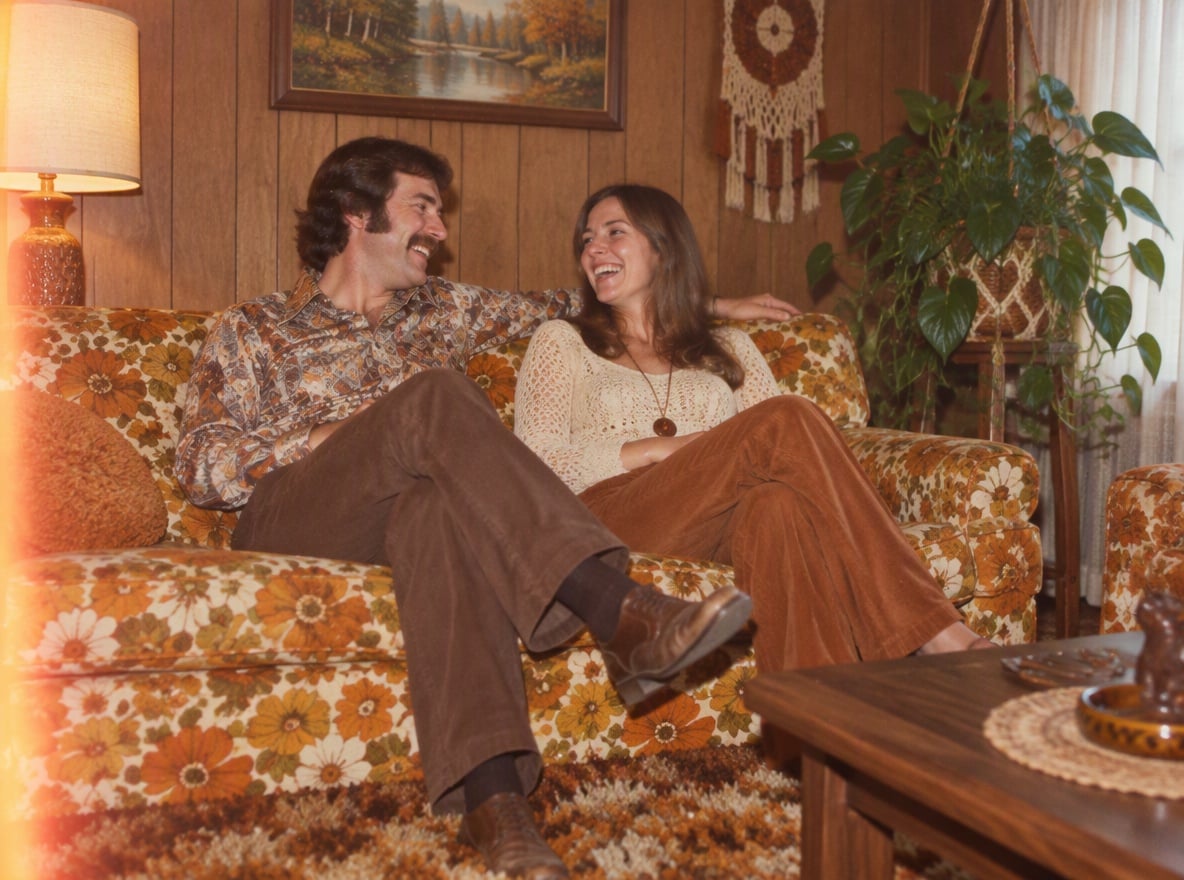
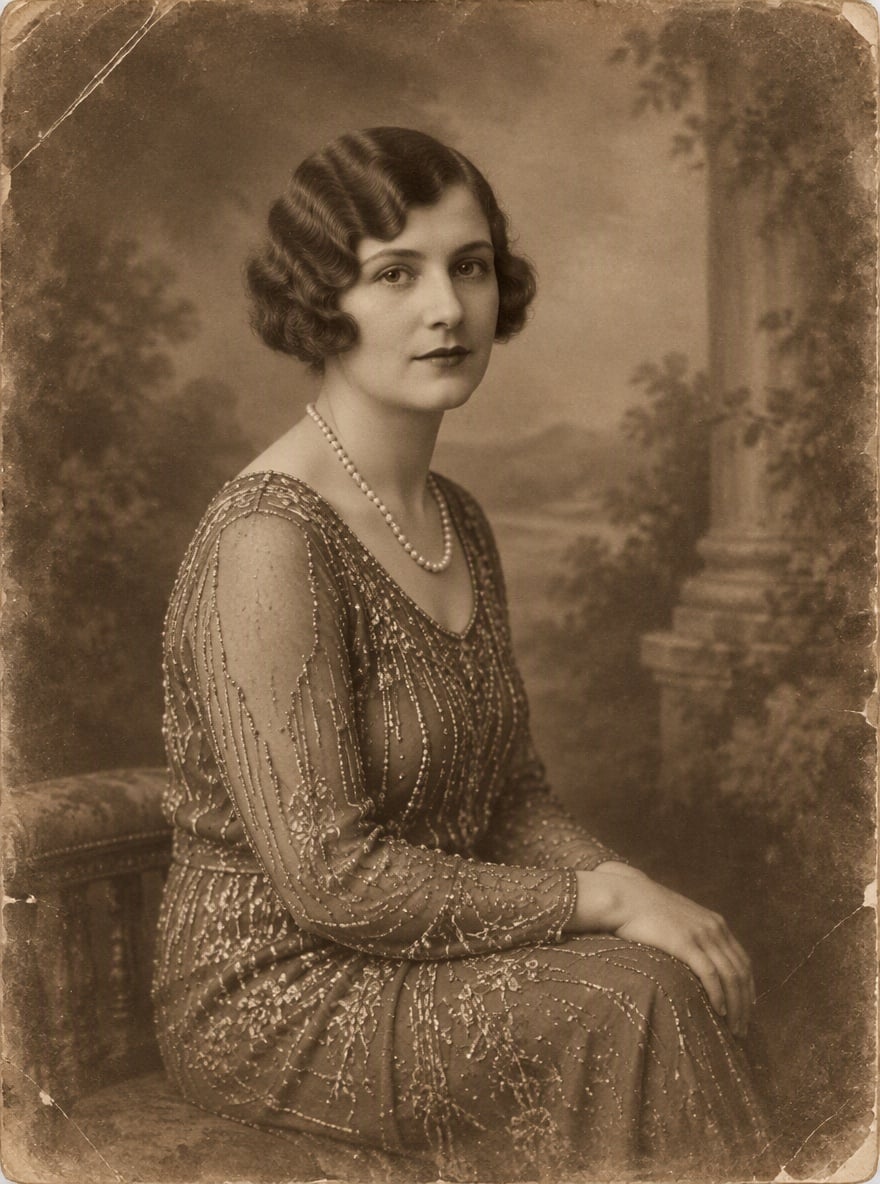
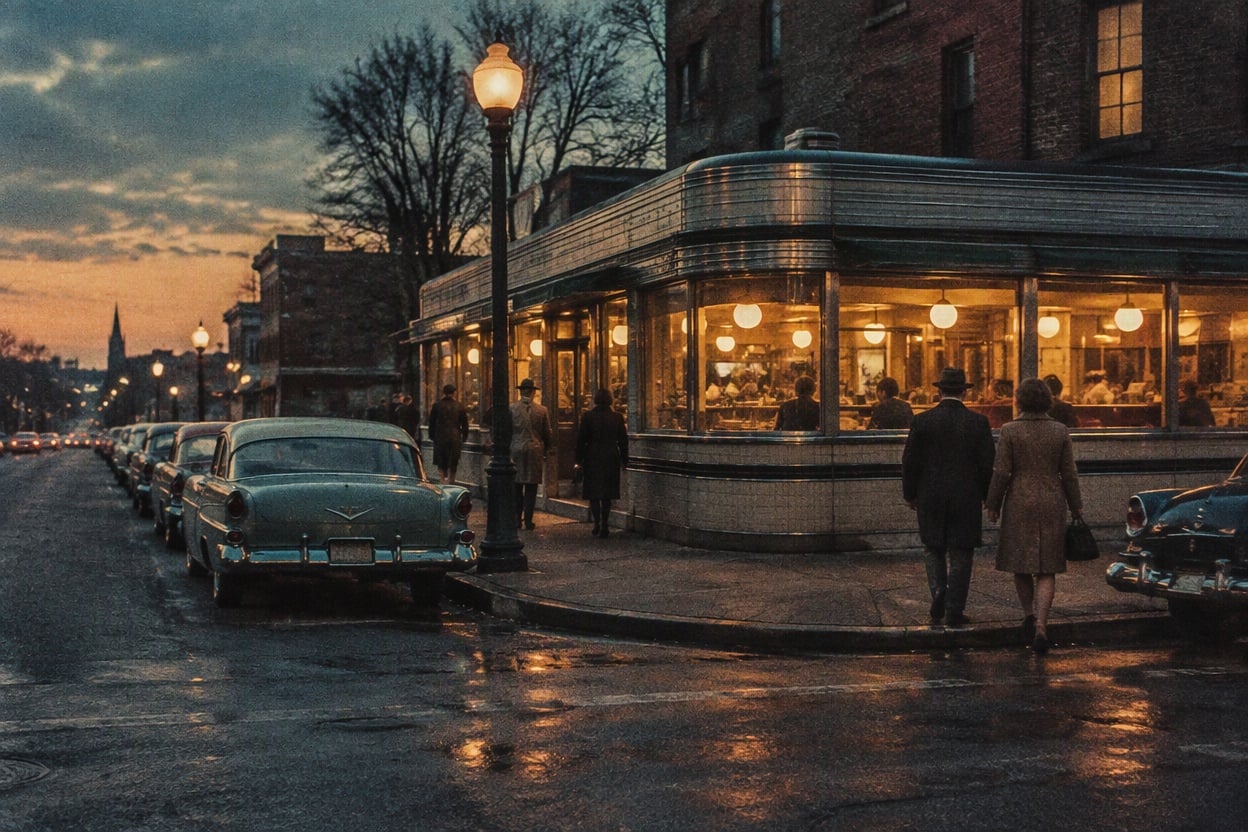
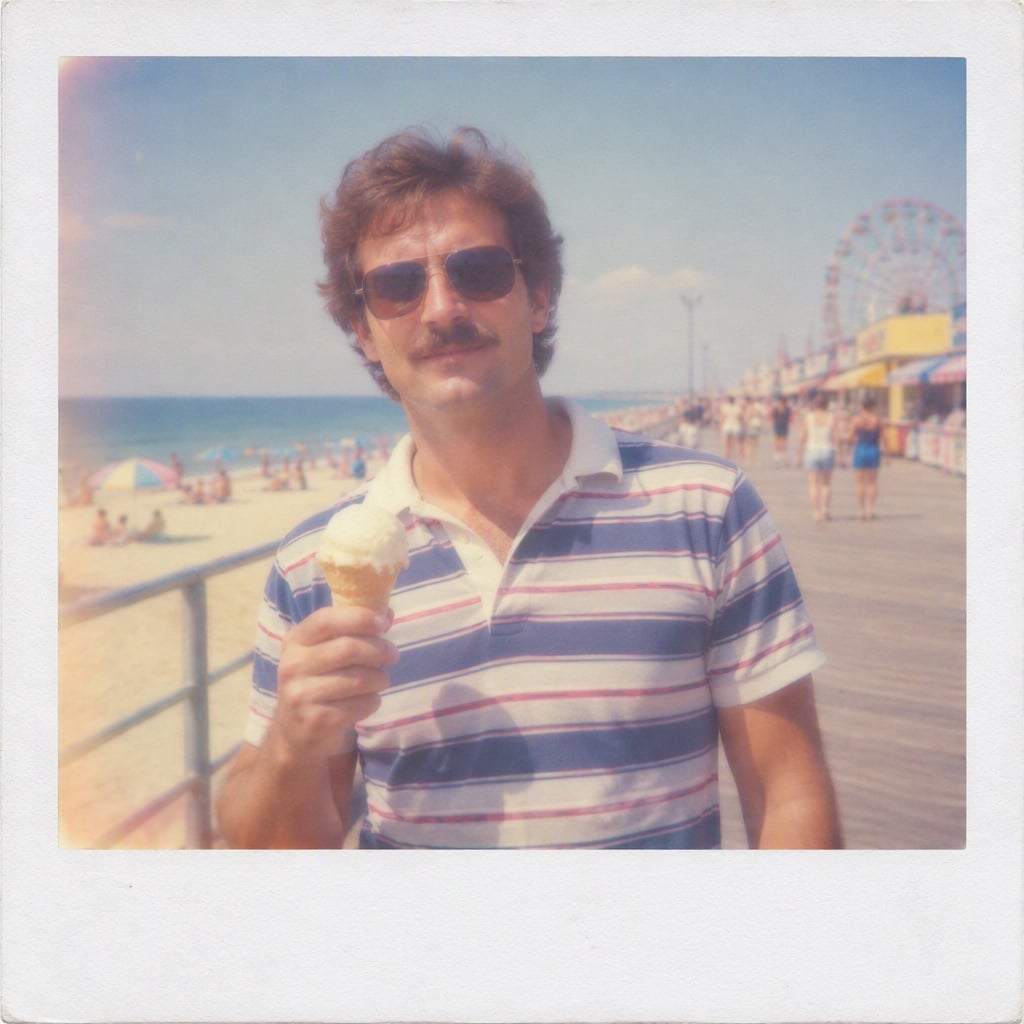
What Can the AI Vintage Photo Generator Create?
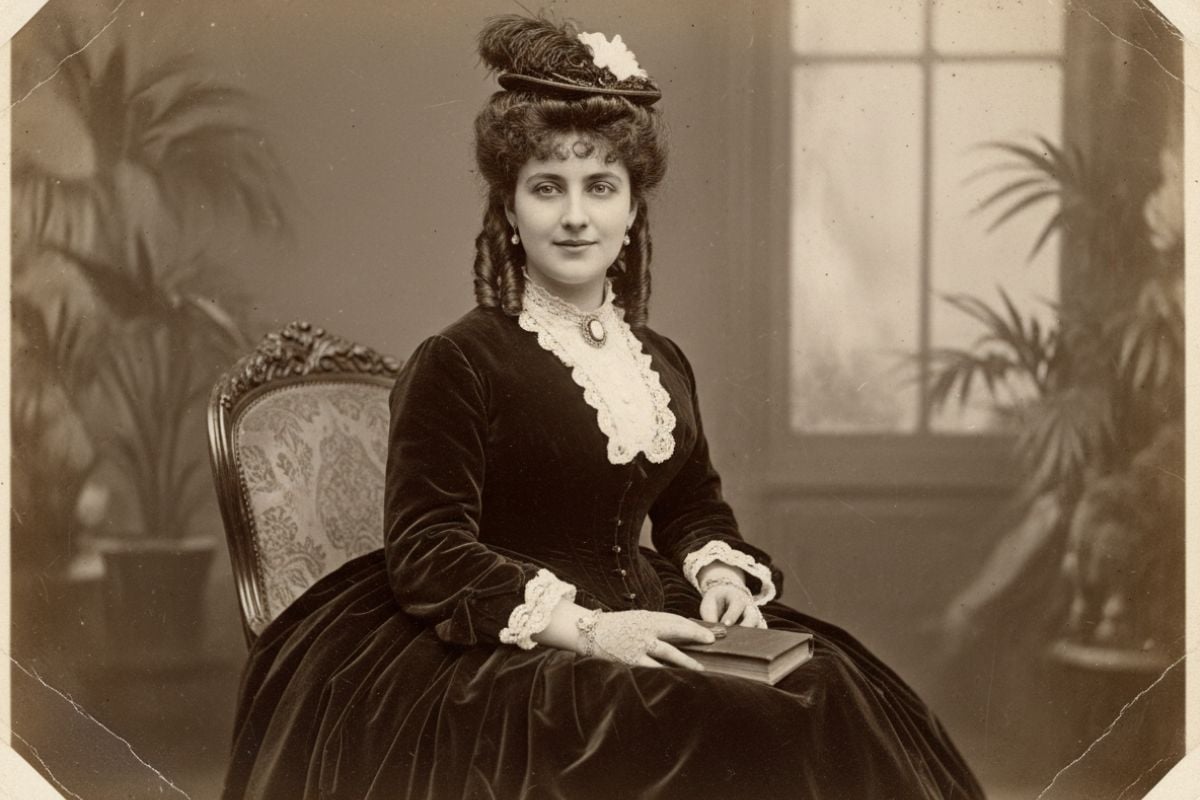
Retro Portrait with Sepia Tones
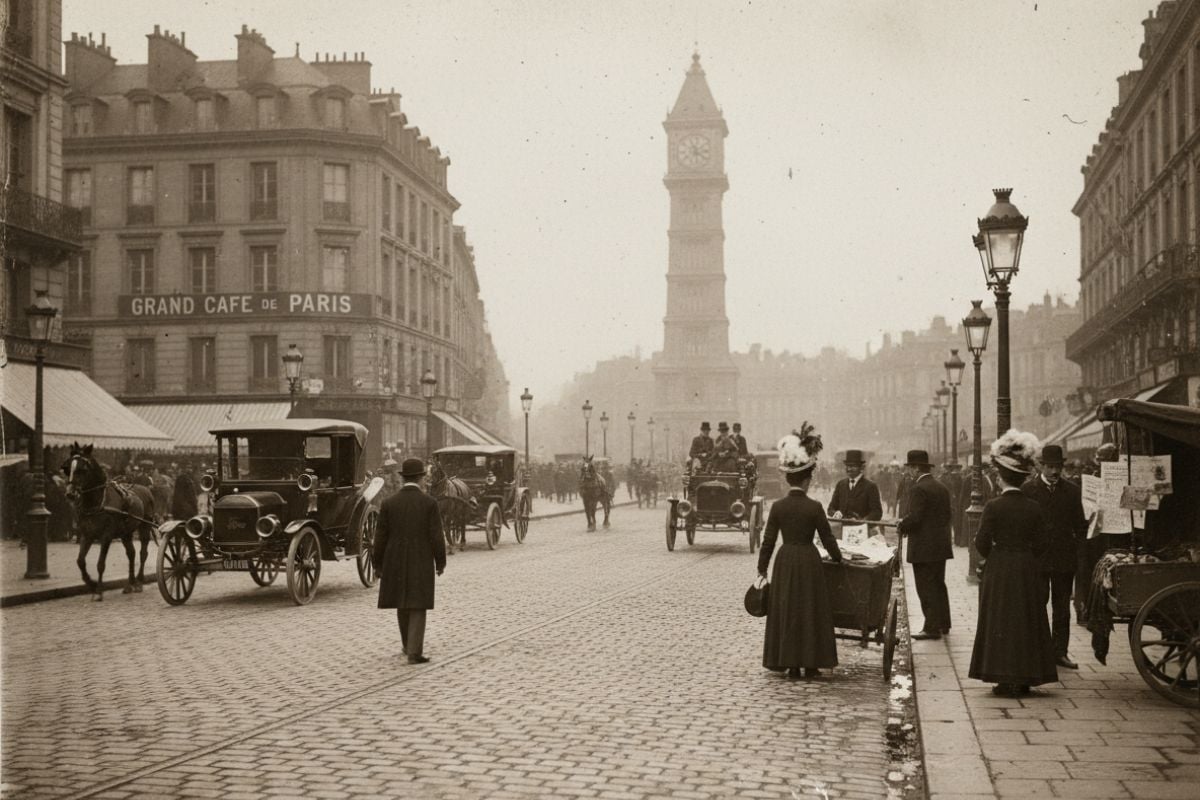
Old-Timey Street Photo
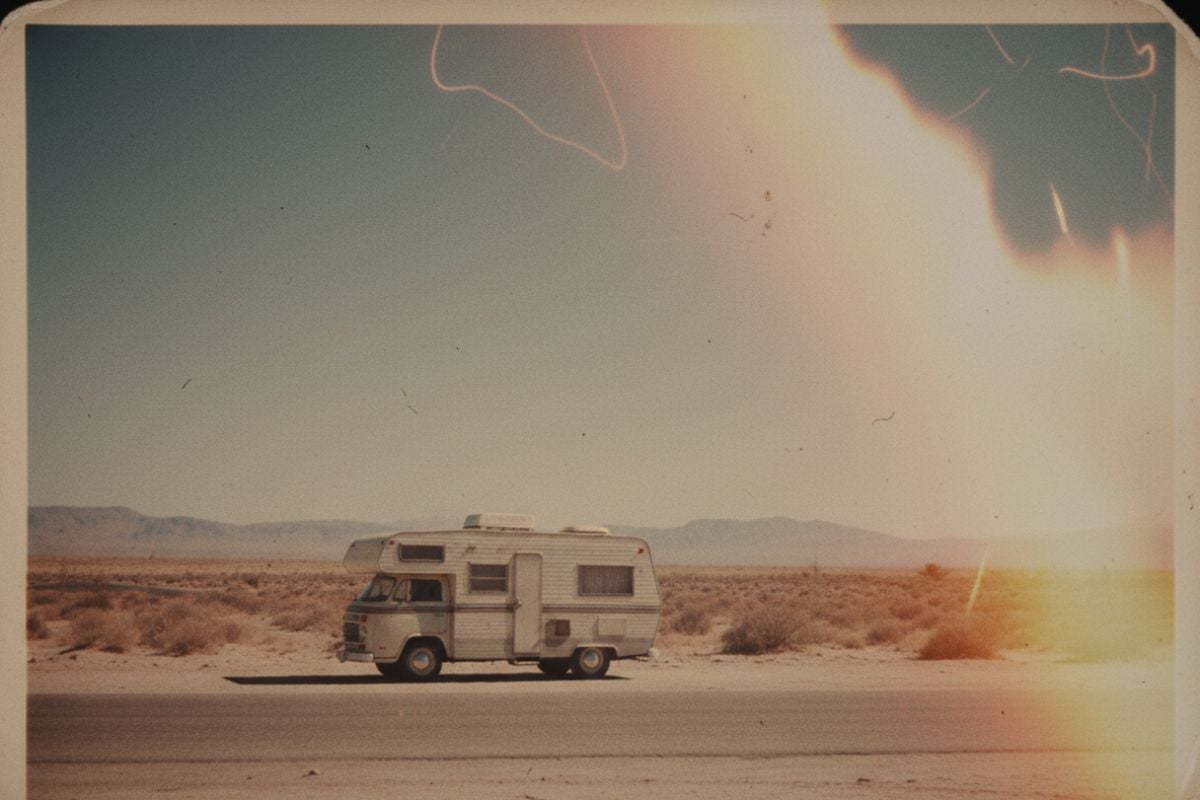
Faded Travel Snapshot
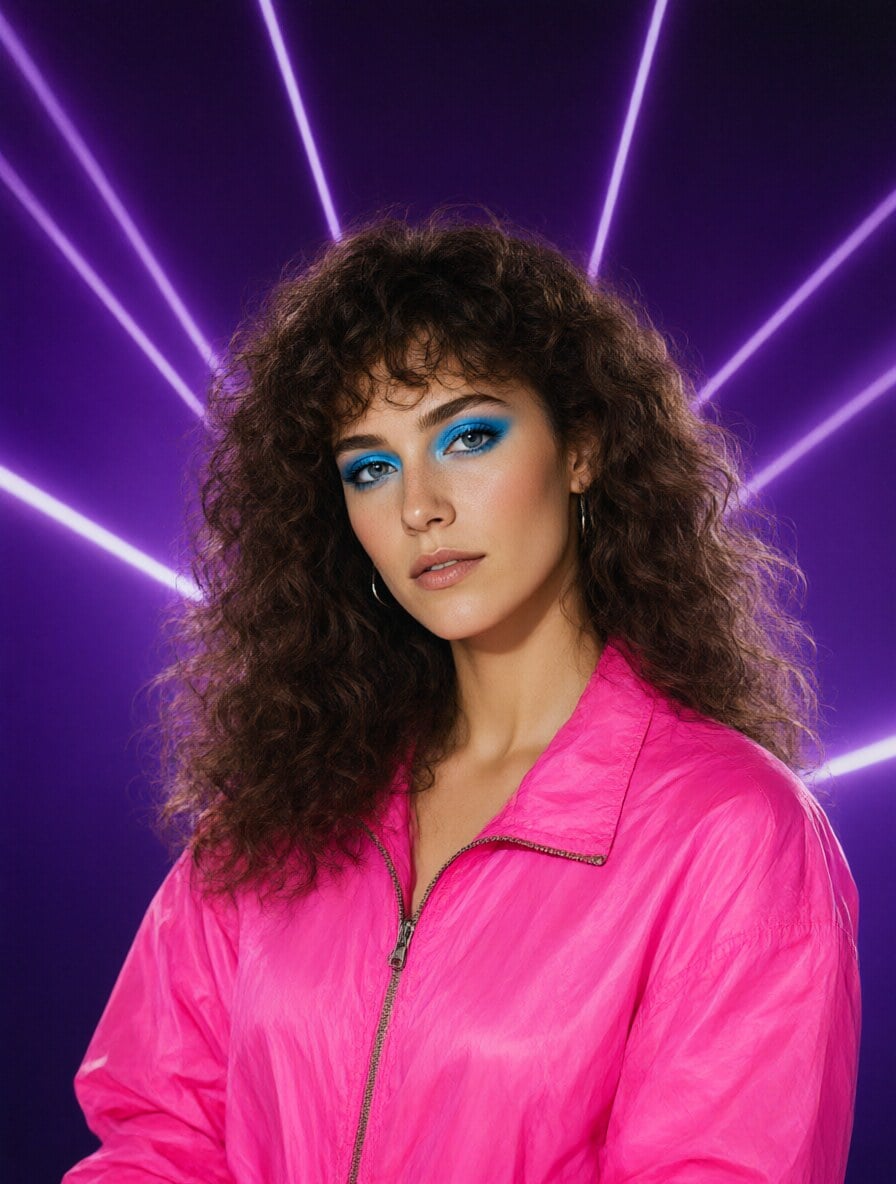
80s Filter Portrait
Give Your Photos a Vintage Makeover in Seconds
Turn Simple Ideas into Old-Timey Pictures
For restoring real archives, switch to the main AI image generator, pair it with old photo restoration, or even animate old photos into subtle motion clips for storytelling.
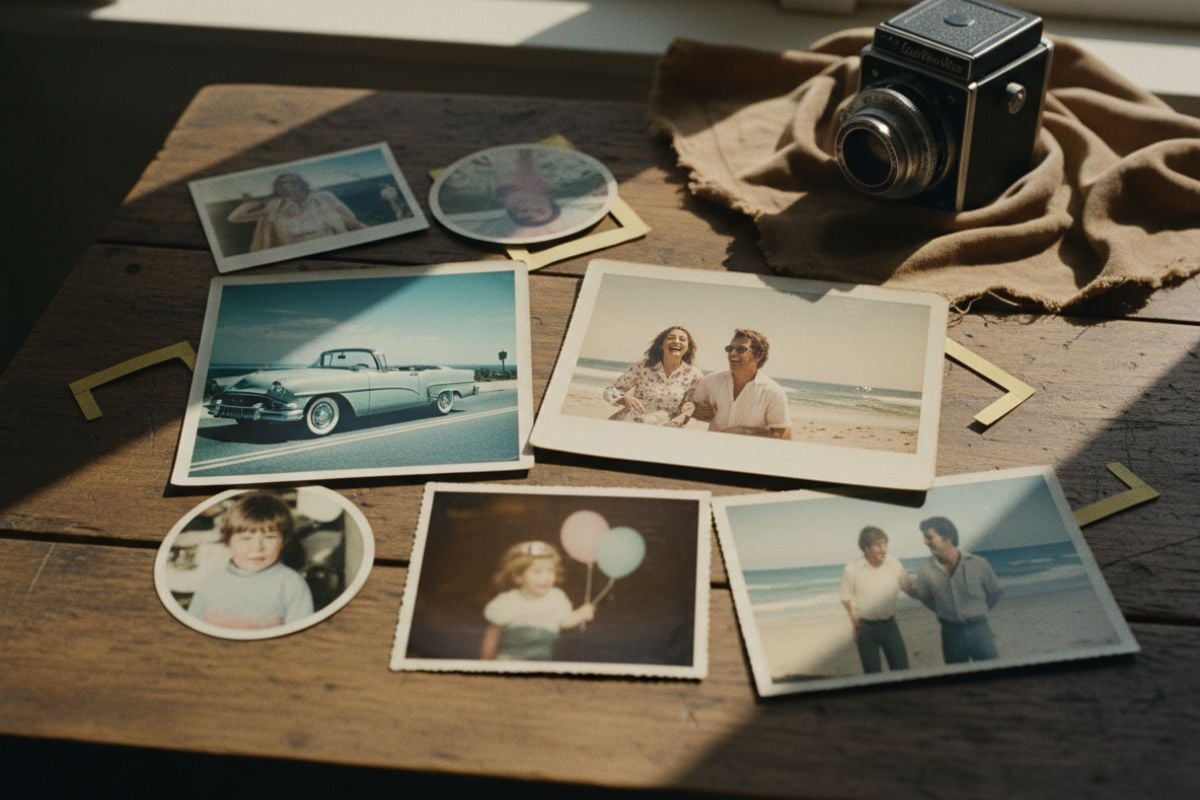
Match Each Prompt with the Perfect Retro Look
Switch between black-and-white film, desaturated color, warm 1970s palettes, pastel Polaroid frames, or subtle light leaks to match your mood. Each prompt can follow a consistent visual style, making your AI-generated vintage photos feel curated rather than random—perfect for lifestyle shoots, product scenes, and creative branding.
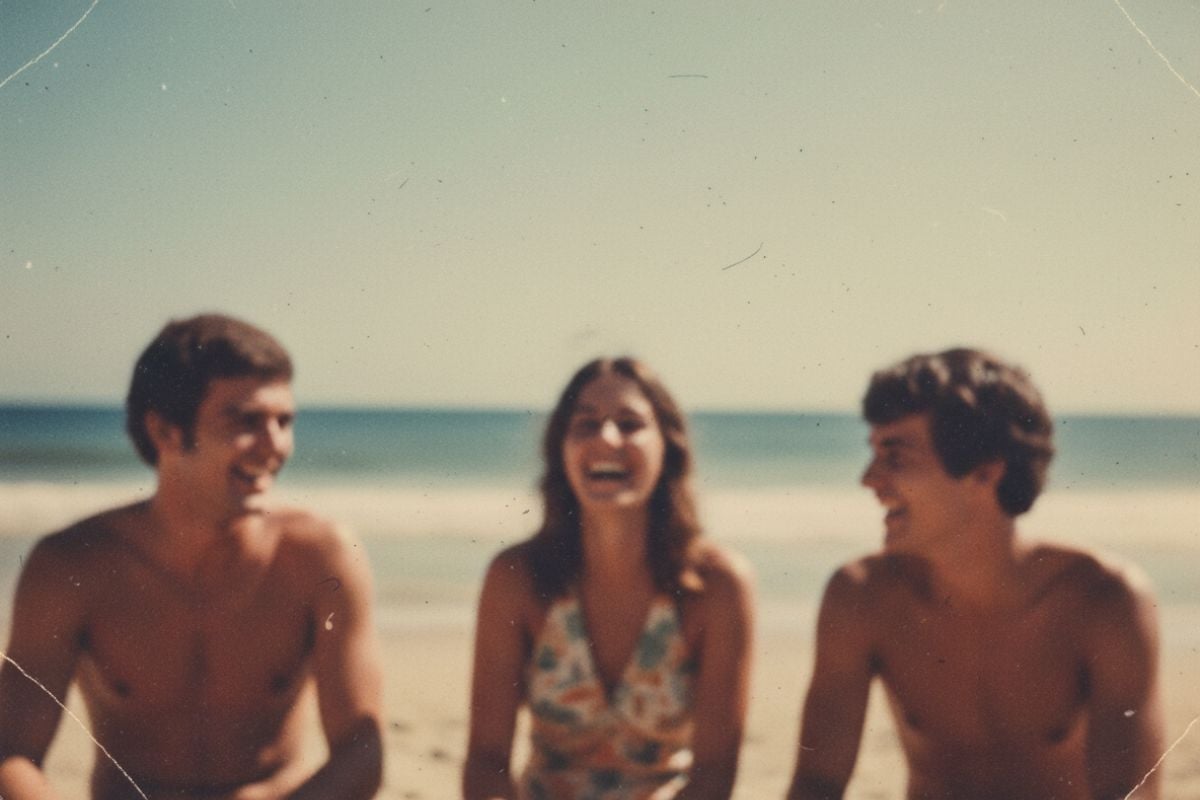
More AI Image Tools
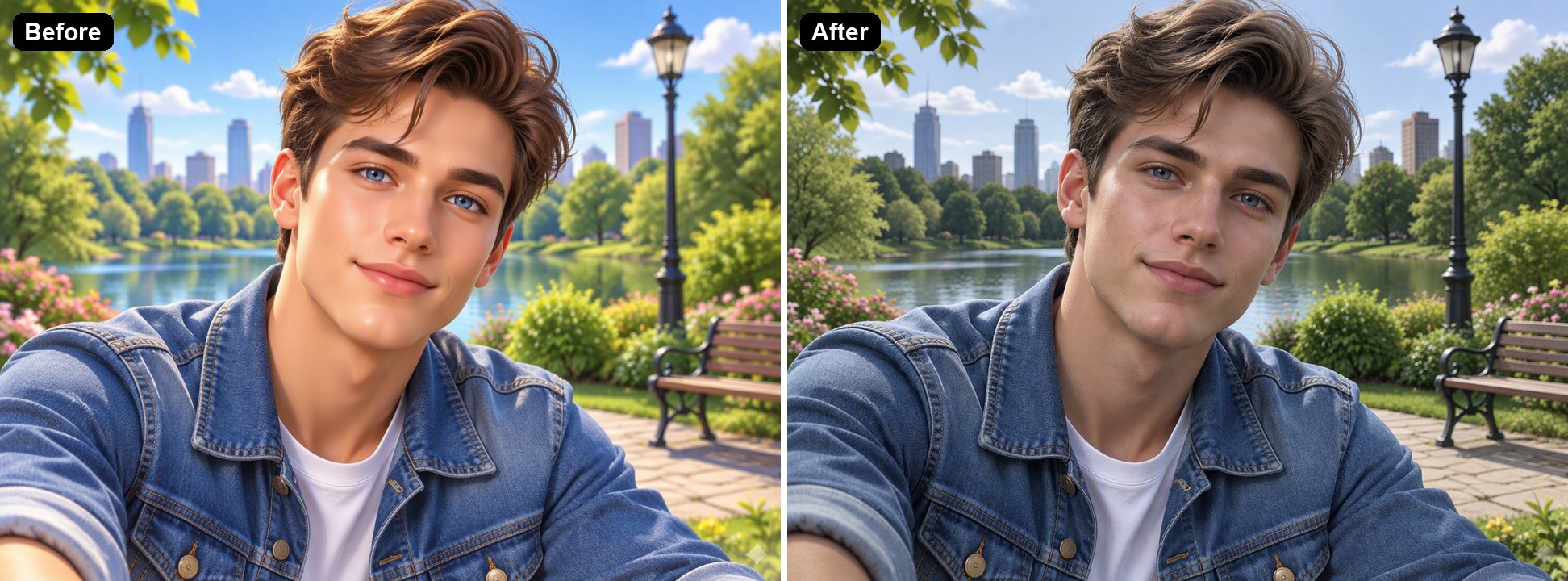
Make AI Photo Realistic
Make an AI photo look more realistic. The AI removes the plastic skin, glow and oversaturated colors and adds natural texture and lighting.
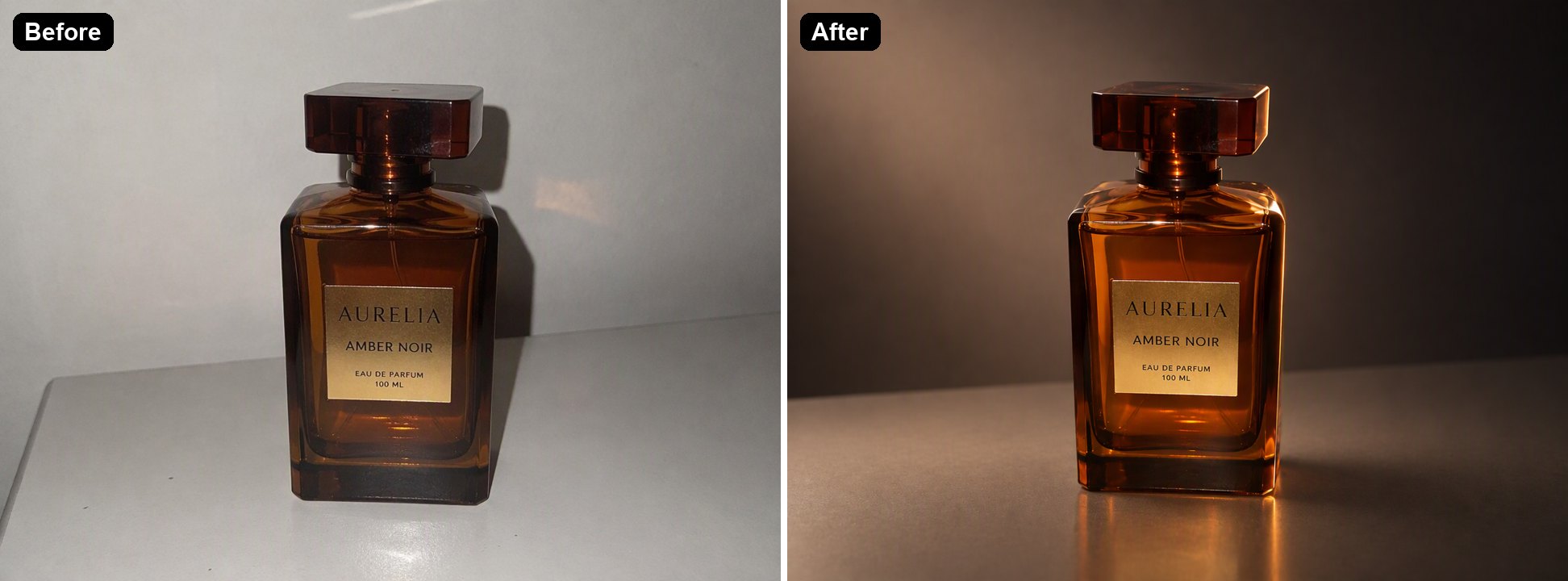
AI Relight
Relight a photo with AI. Turn flat or harsh light into golden hour, studio or cozy evening lighting while keeping the subject the same.
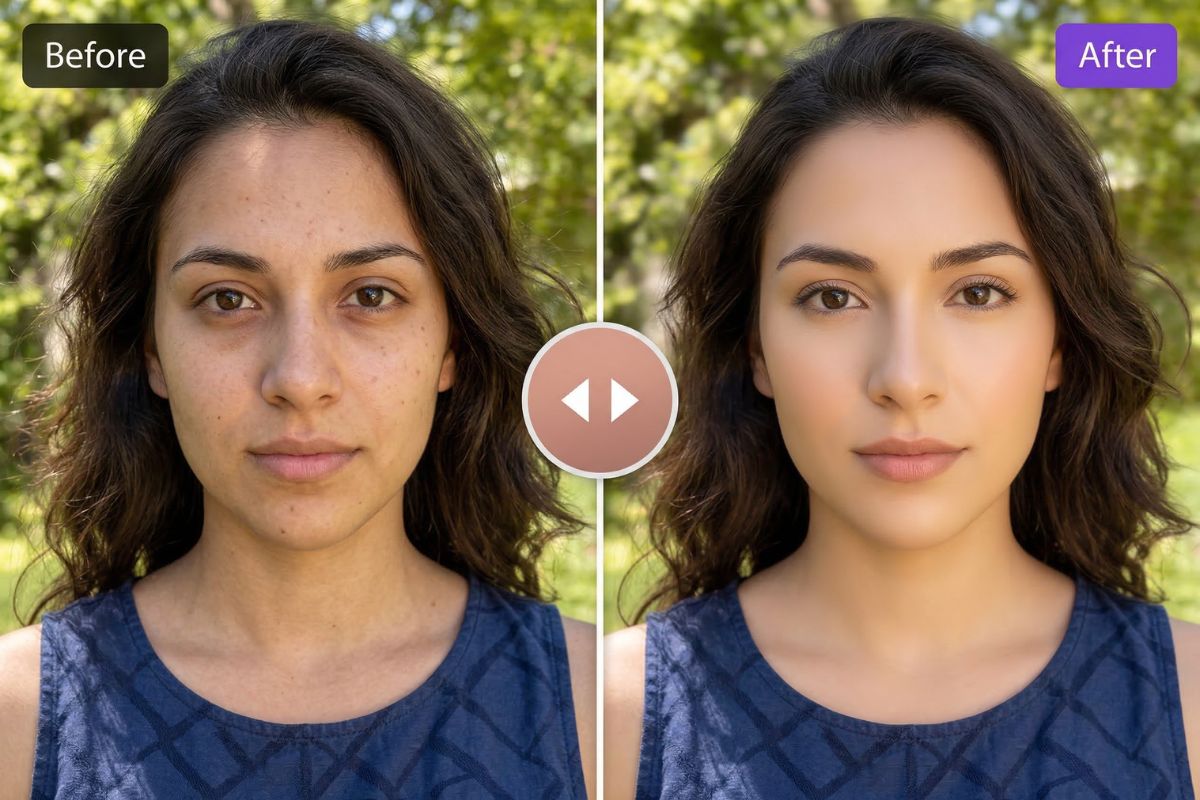
AI Beauty Filter
Use an AI beauty filter to clean up selfies and portraits in one click. Brighten skin tone, soften small blemishes, and improve face enhancement.
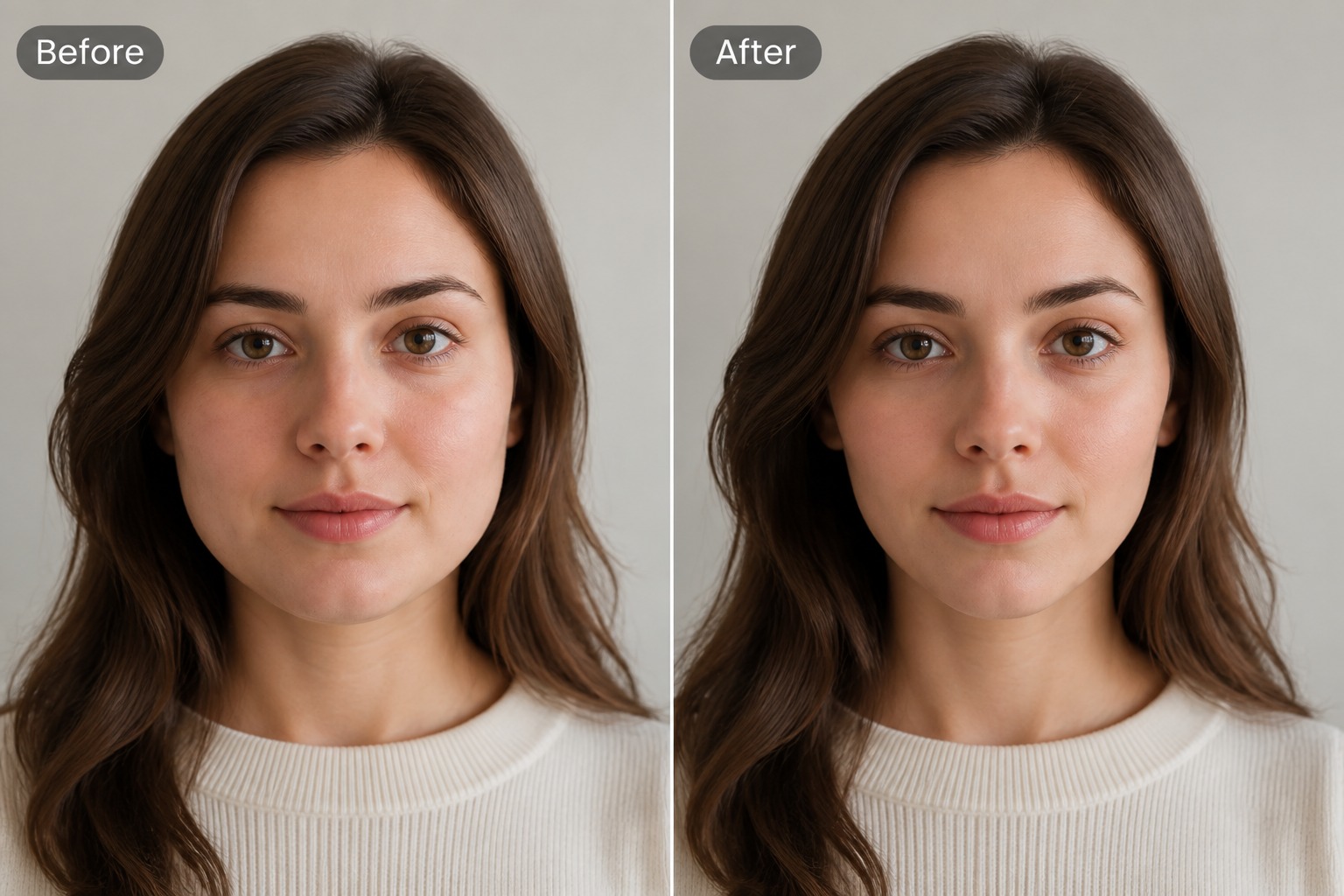
AI Face Slimmer
Use an AI face slimmer to make face slimmer in portraits with subtle facial contour edits for profile photos, selfies, and creative image drafts.
You May Want to Know
What is an AI vintage photo generator?
Can I get an 80s filter look?
How does the AI vintage filter work on my images?
Can I generate vintage photos for free?
Is this useful for long-term projects or just fun edits?
What kind of prompts should I write for vintage styles?
Can I use AI-generated vintage photos in commercial work?
How is this different from using built-in phone filters?
Turn Modern Ideas into Vintage Memories
Think of a moment you want to preserve, describe it briefly, and watch it appear as a retro print with film grain, soft tones, and a nostalgic glow. In just a few prompts, you can create a full collection of vintage-style images for albums, creative projects, or brand storytelling.
Start Making Vintage Photos