
Free AI 3D Model Generator
Unleash Your Creativity with an AI 3D Model Generator
Turn Simple Prompts into 3D-Style Renders
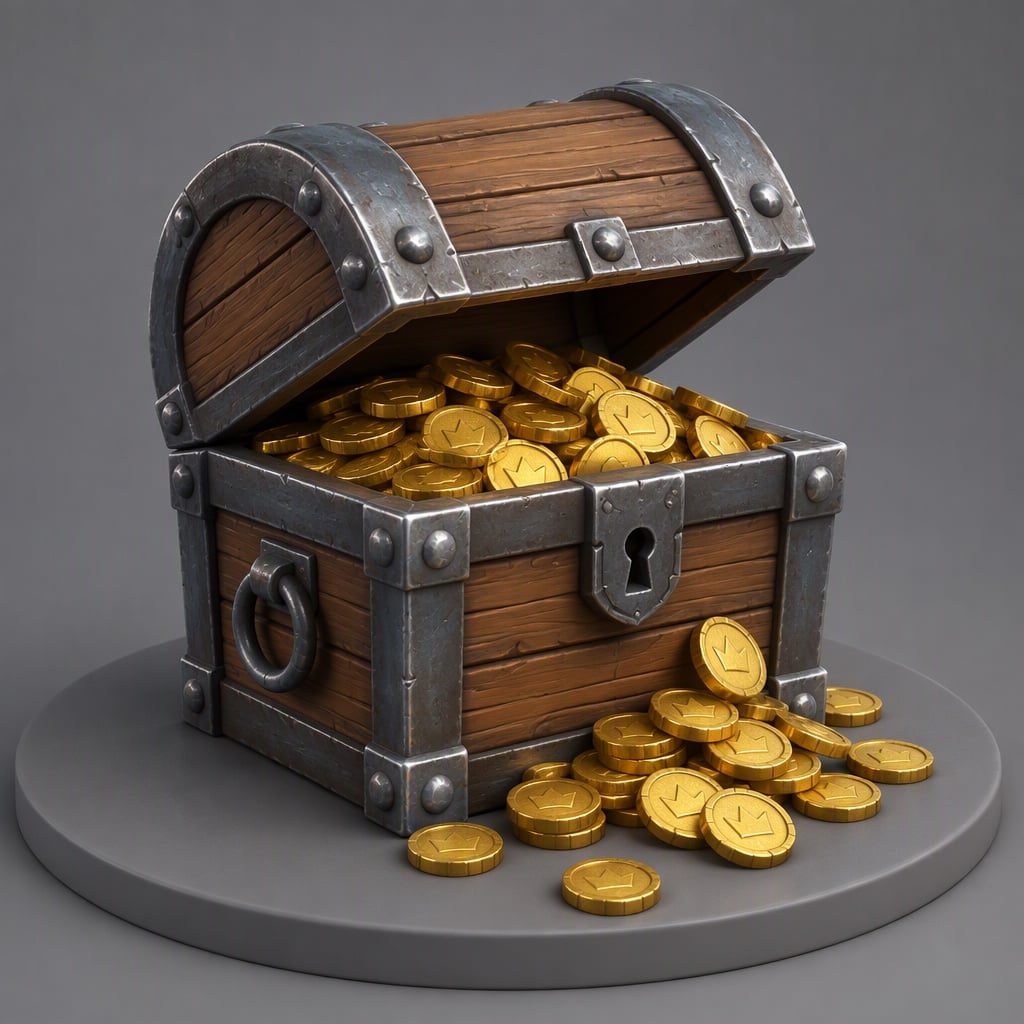
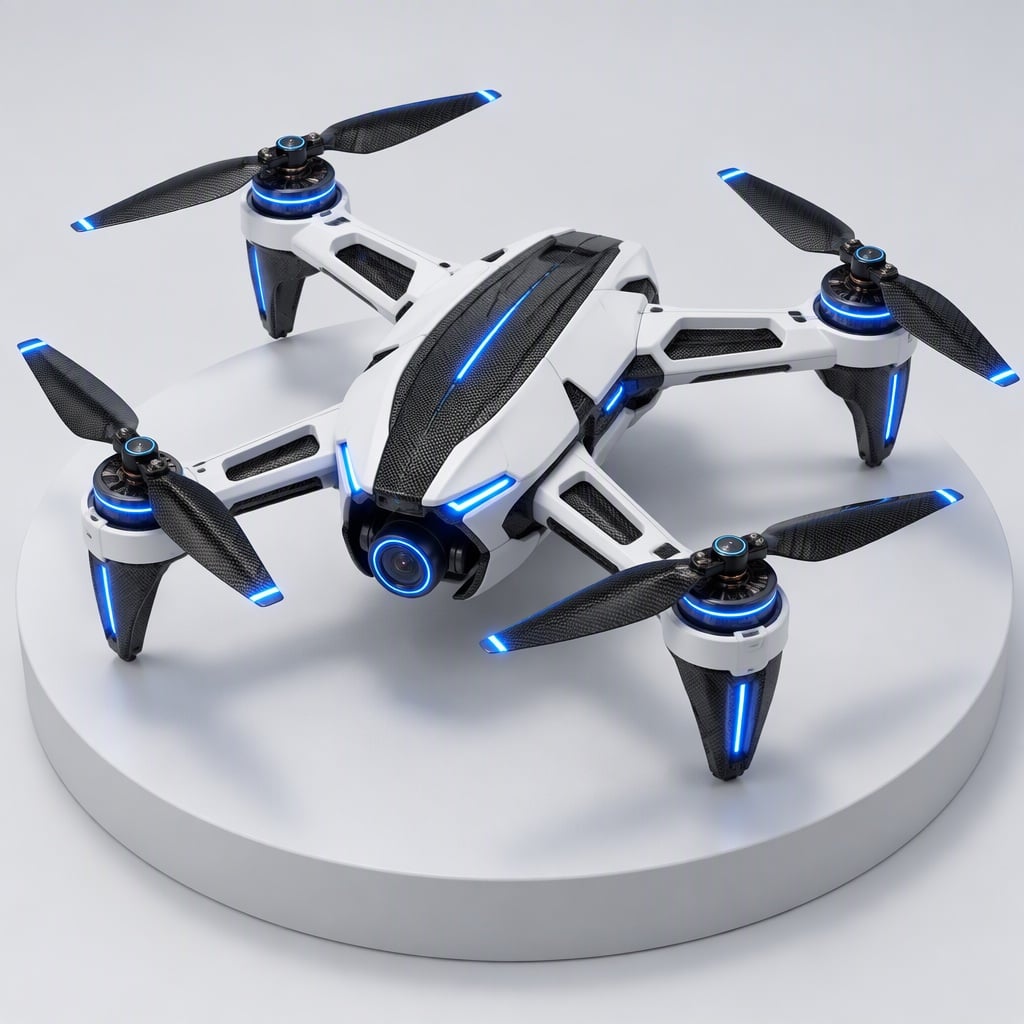
Start with one or two lines of text and get clean 3D-style renders of objects, props, and simple scenes. The tool reads shape, material, and context, then turns your idea into a 3D model preview you can use in decks, ecommerce pages, or game pitch documents. Whether you’re mocking up packaging, small gadgets, or UI elements, it gives you realistic lighting and depth without opening a traditional modeling app.
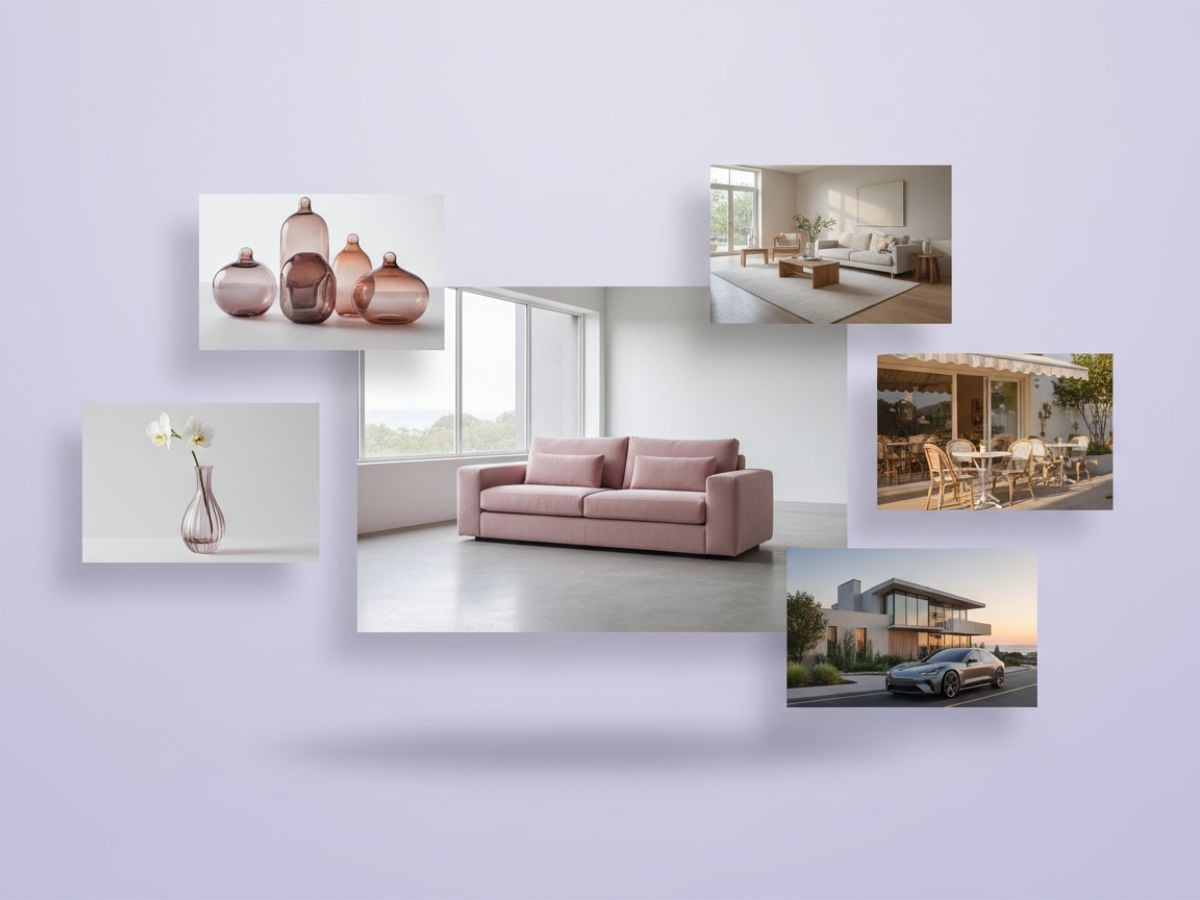
Create a 3D Model from Image
Use it when you need a quick 3D model from image. Upload a clear photo and describe the angle or mood you want, and the system generates a 3D-style view of your object with consistent lighting and depth cues. This photo to 3D model workflow is ideal for product thumbnails, portfolio shots, and pitch visuals when you don’t have time to build full meshes by hand.
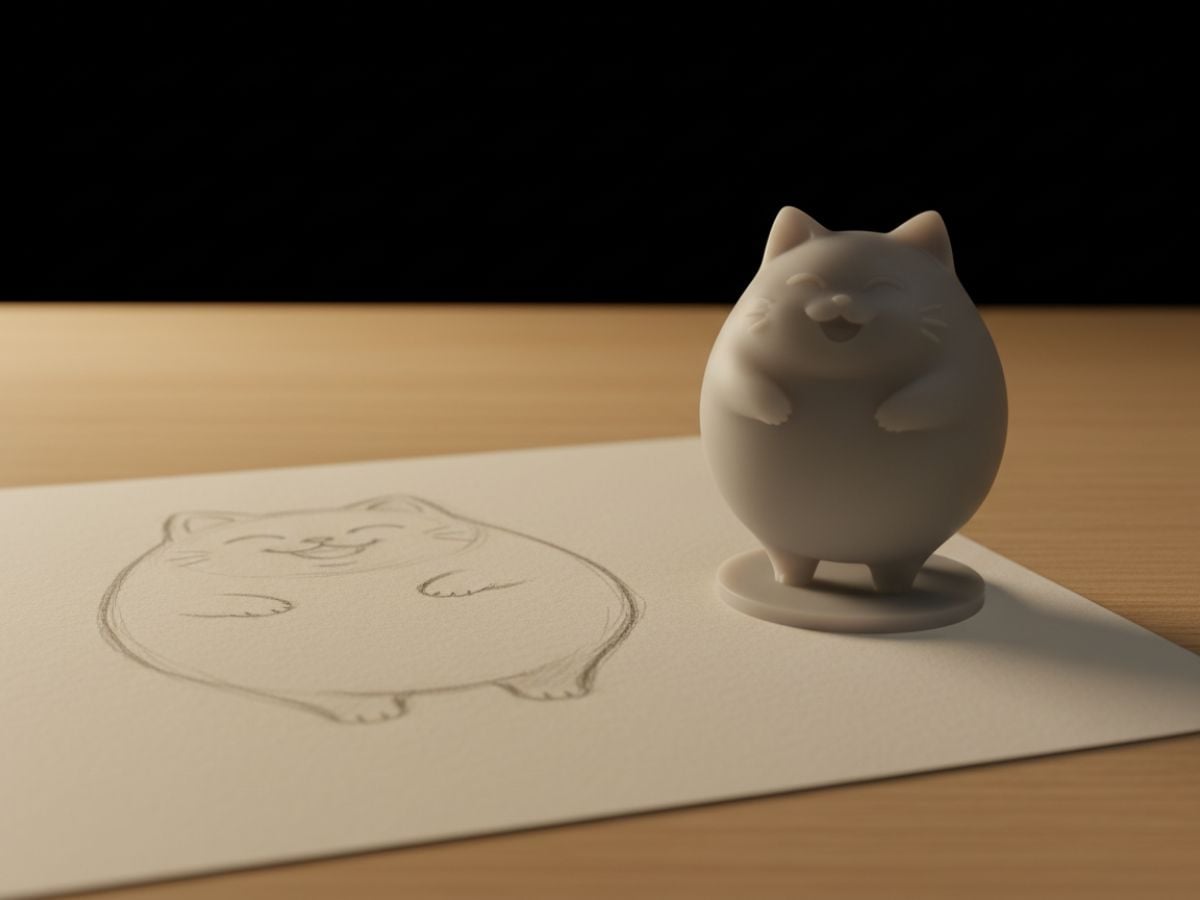
Generate Stylized 3D Icons and Characters
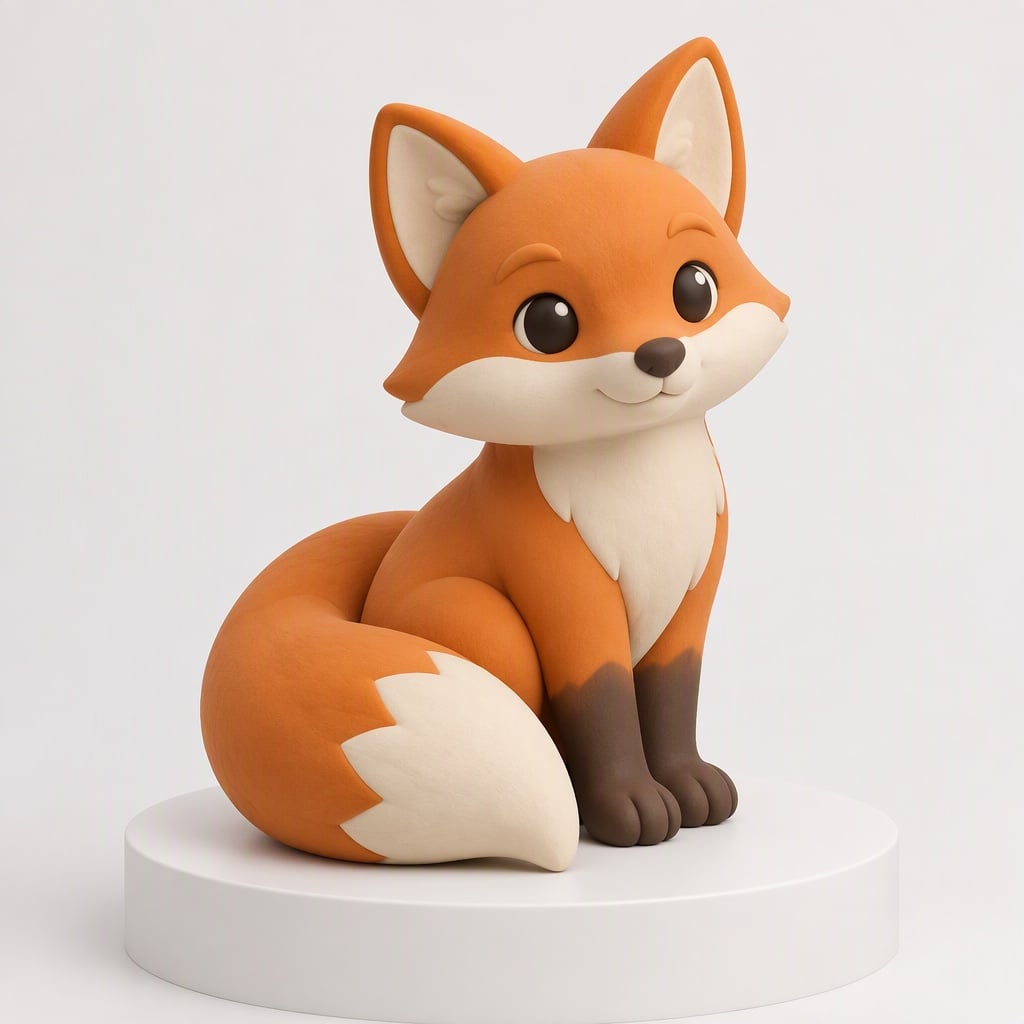
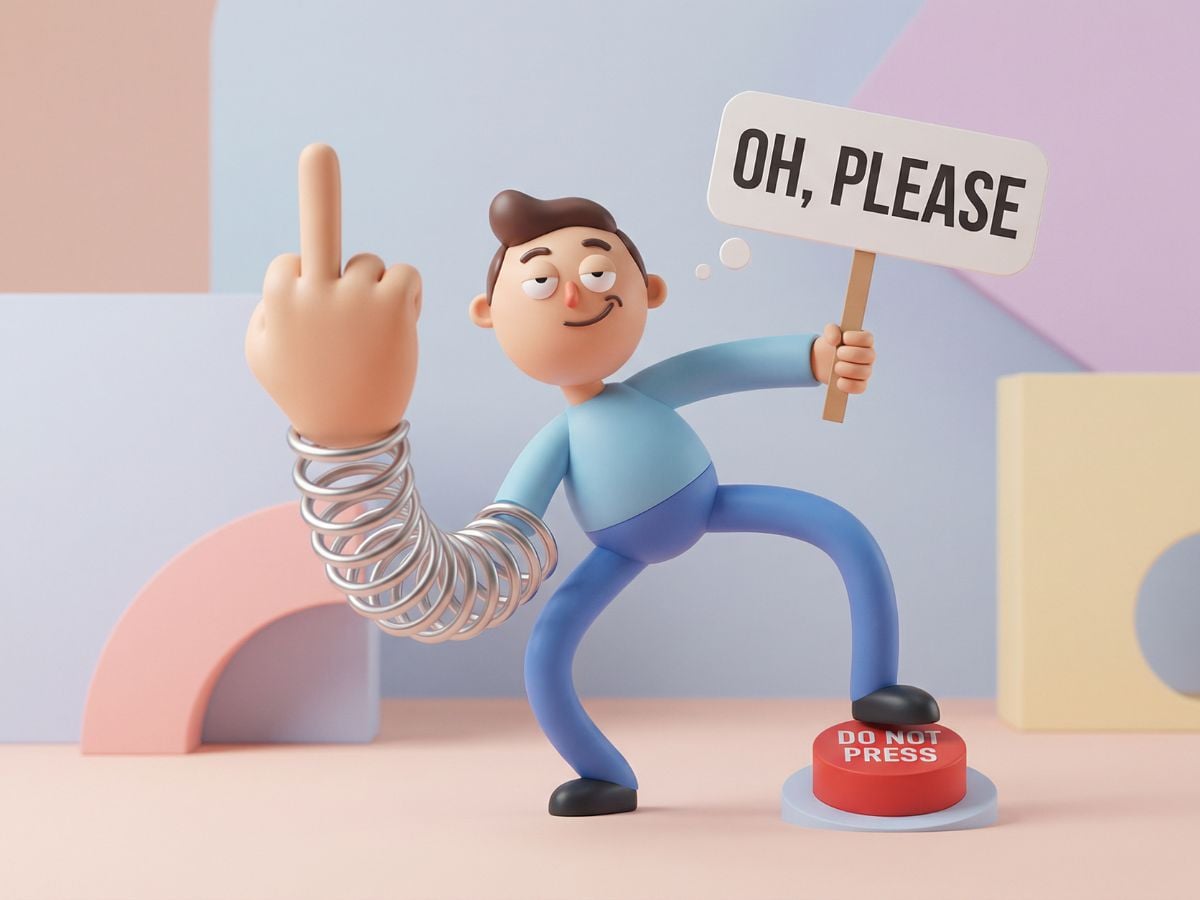
If you prefer a more playful style, you can steer the AI 3D model generator toward stylized illustration. Ask for clay-like renders, toy figures, or glossy icons and get 3D-inspired visuals that work well in landing pages, social posts, and presentation slides. It’s a quick way to explore different looks without redrawing the same asset over and over.
Draft Environments with 3D-Style Depth
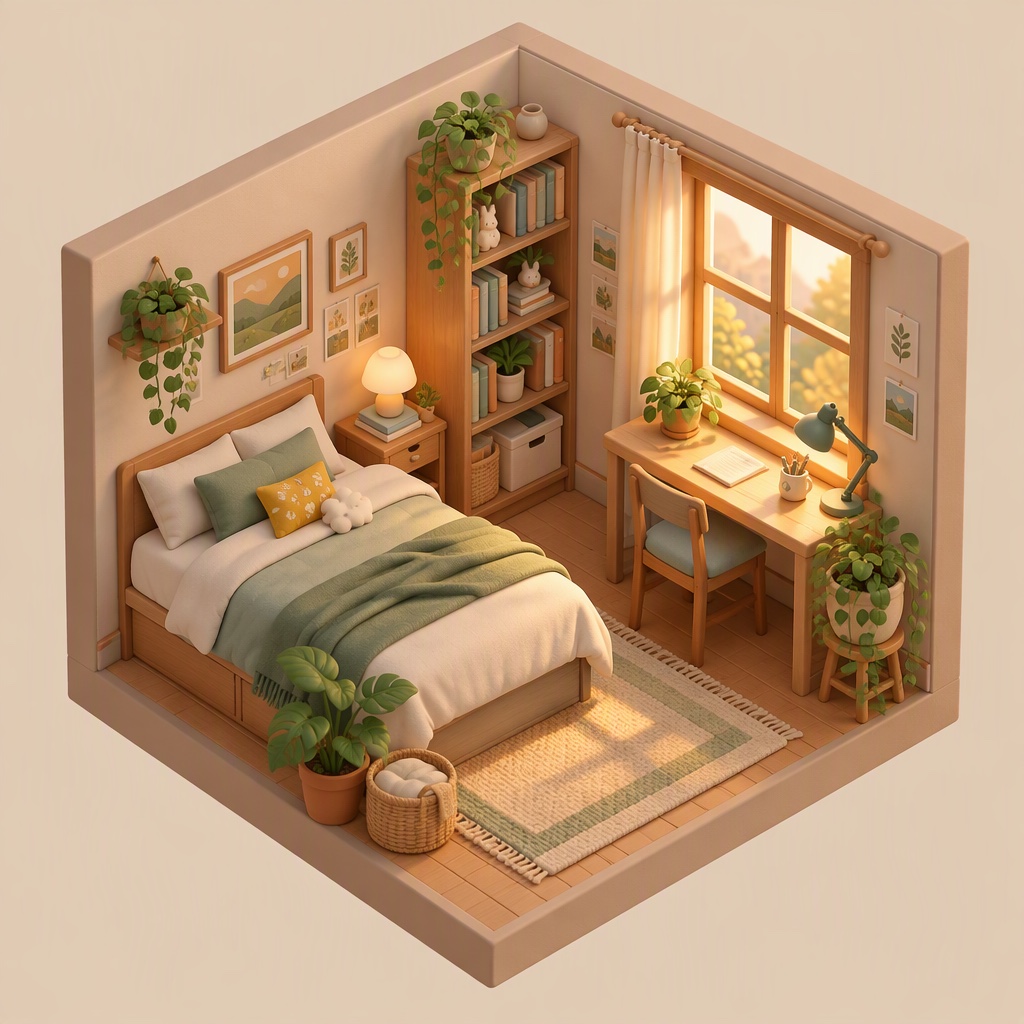
Creators and game teams can use it to rough out environments and props before committing to detailed modeling. Describe a studio, room, or small scene and see how lighting, layout, and props work together. It’s a low-friction way to explore ideas for product displays, game levels, or set designs without touching a timeline or a node graph.
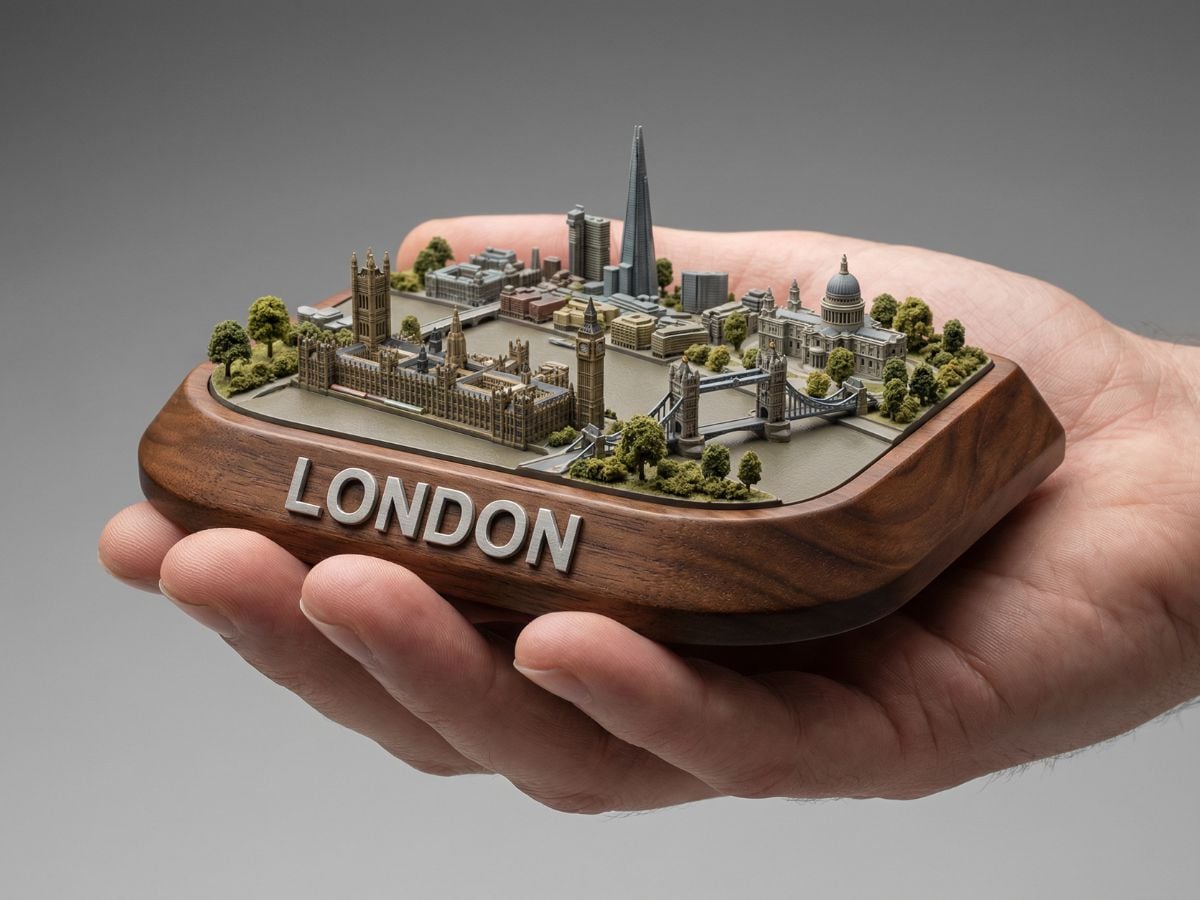
Experiment with AI 3D Model Generator Free
Getting started feels more like sketching than setting up a complex toolchain. Within the basic limits, you can use the AI 3D model generator free to test ideas, compare styles, and iterate on objects without worrying about project files or license seats. It’s a handy way to validate direction before investing time into sculpting, texturing, and rigging.
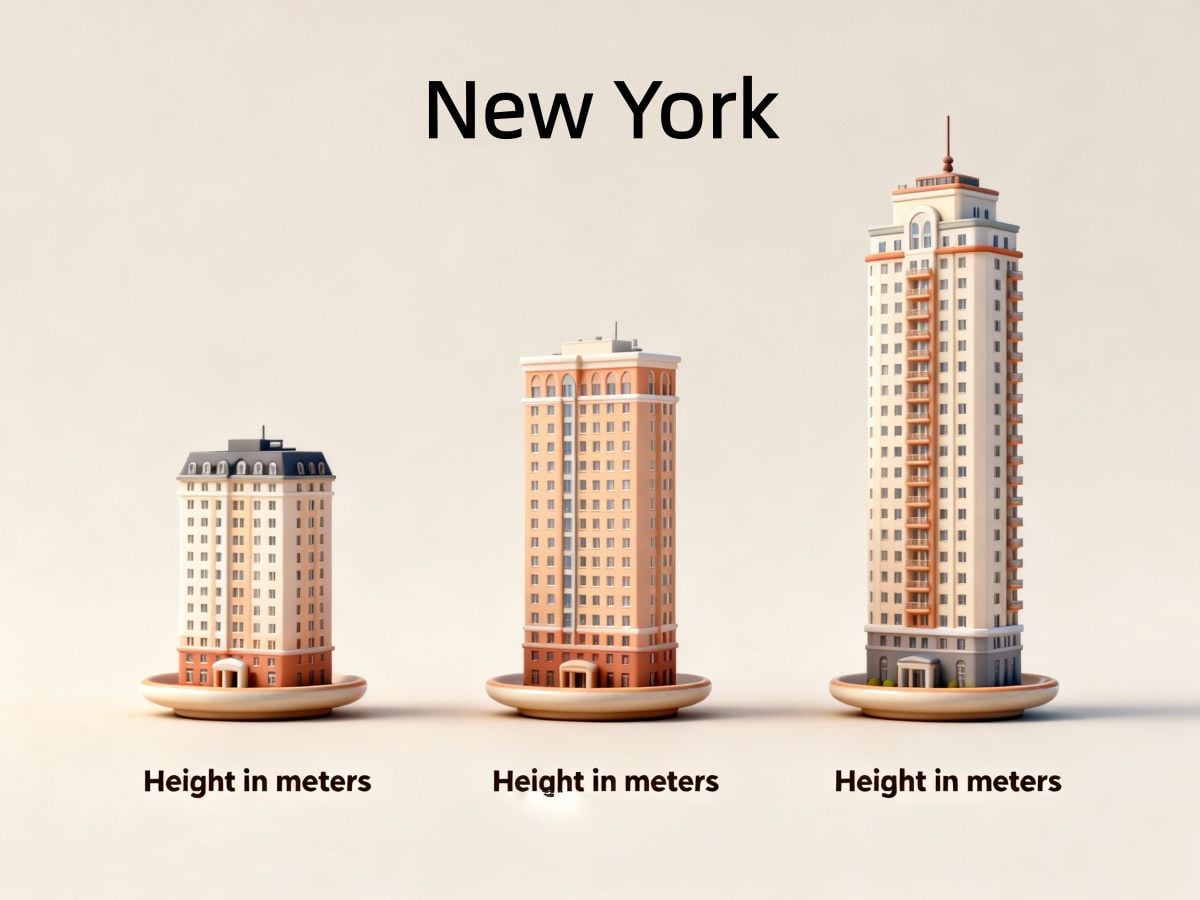
How to Generate a 3D Model in Seconds
Describe or Upload What You Need
Start with a clear idea: a product, prop, icon, or small scene. Write a short prompt describing its shape, material, and lighting, or upload a clean reference shot if you’re turning a photo to 3D model. Simple, concrete language works best.
Choose a Style and Generate
Pick the visual style you want—realistic, clay-like, or minimal—and let the system render a 3D-style image. In a few seconds, the AI 3D model generator transforms your description into a high-resolution preview that captures depth, shading, and perspective.
Download and Reuse Your 3D Previews
Export the result as a high-quality image for pitch decks, ecommerce listings, game documents, or moodboards. You can keep iterating on angles, backgrounds, and materials until the 3D model from image or prompt feels right for your project.
More AI Image Tools
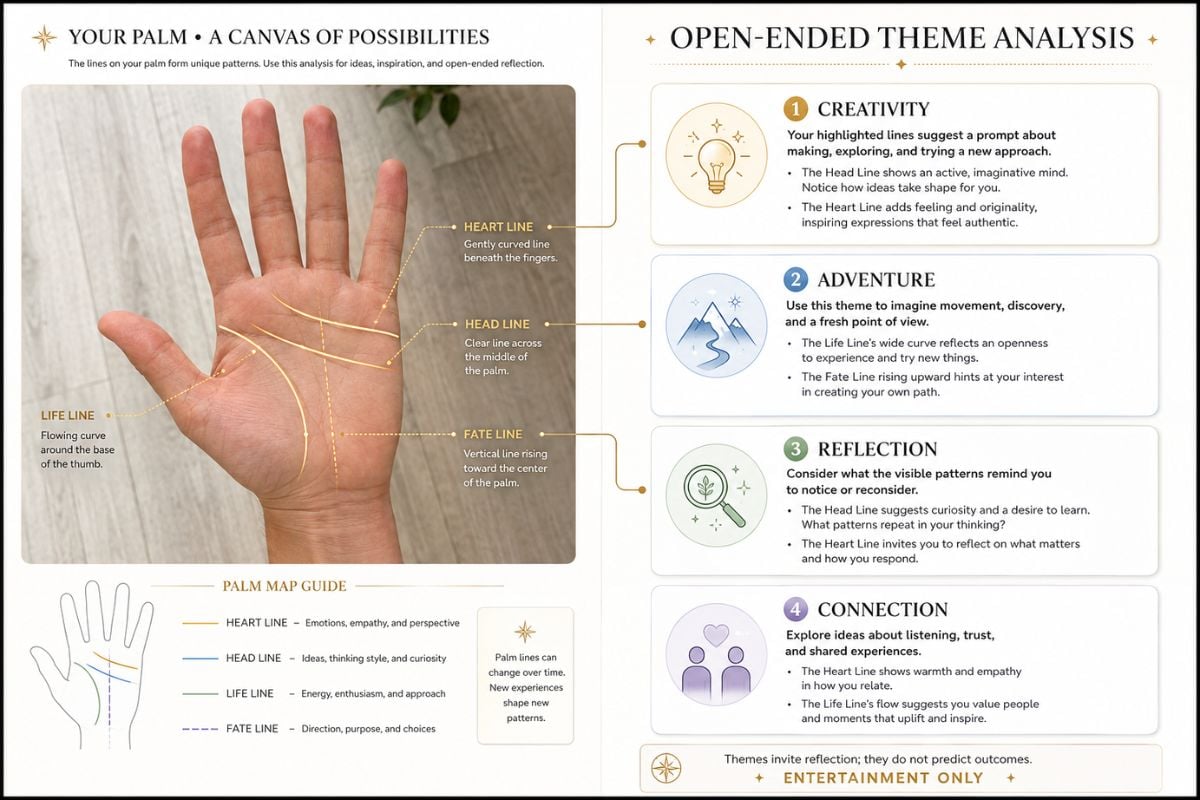
AI Palm Reading
Upload a clear photo of your palm and generate an annotated analysis image that highlights major palm lines with easy-to-read interpretations.
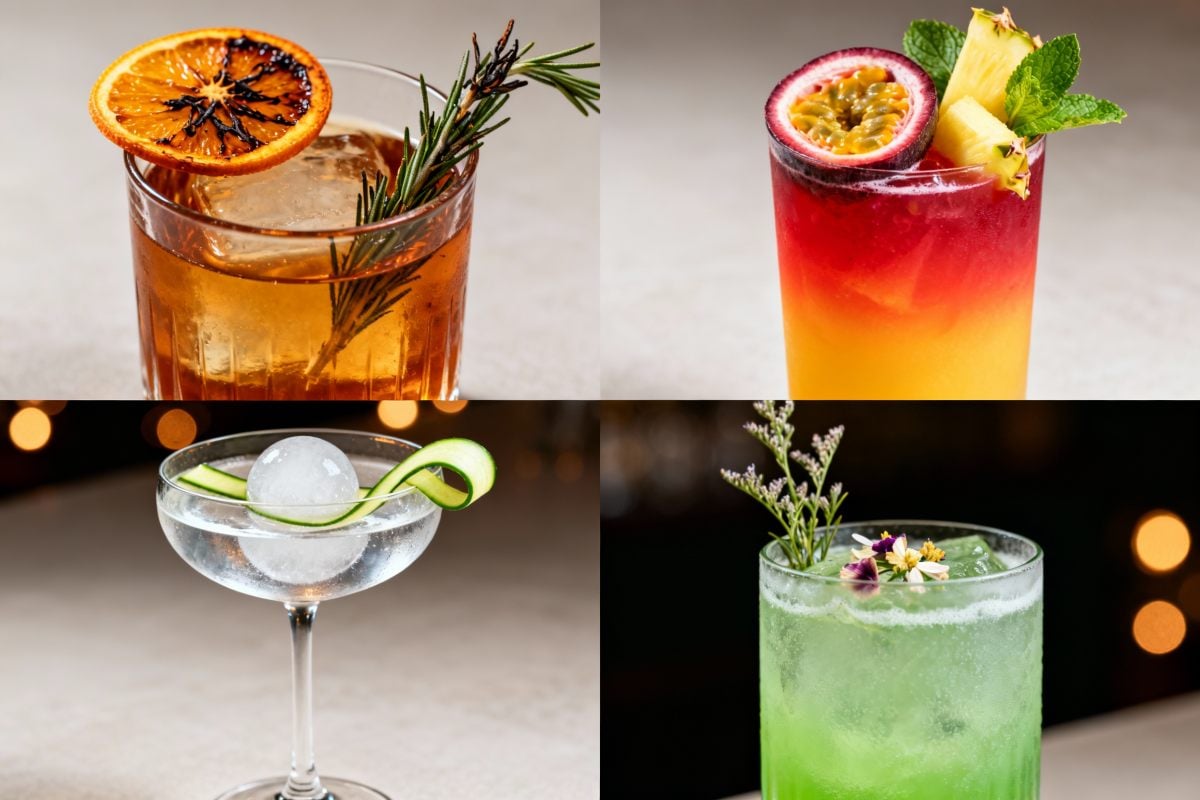
AI Cocktail Generator
Use the AI cocktail generator to turn short ideas into AI generated cocktails with custom recipes, tasting notes, and bar-ready visuals—perfect for menus.
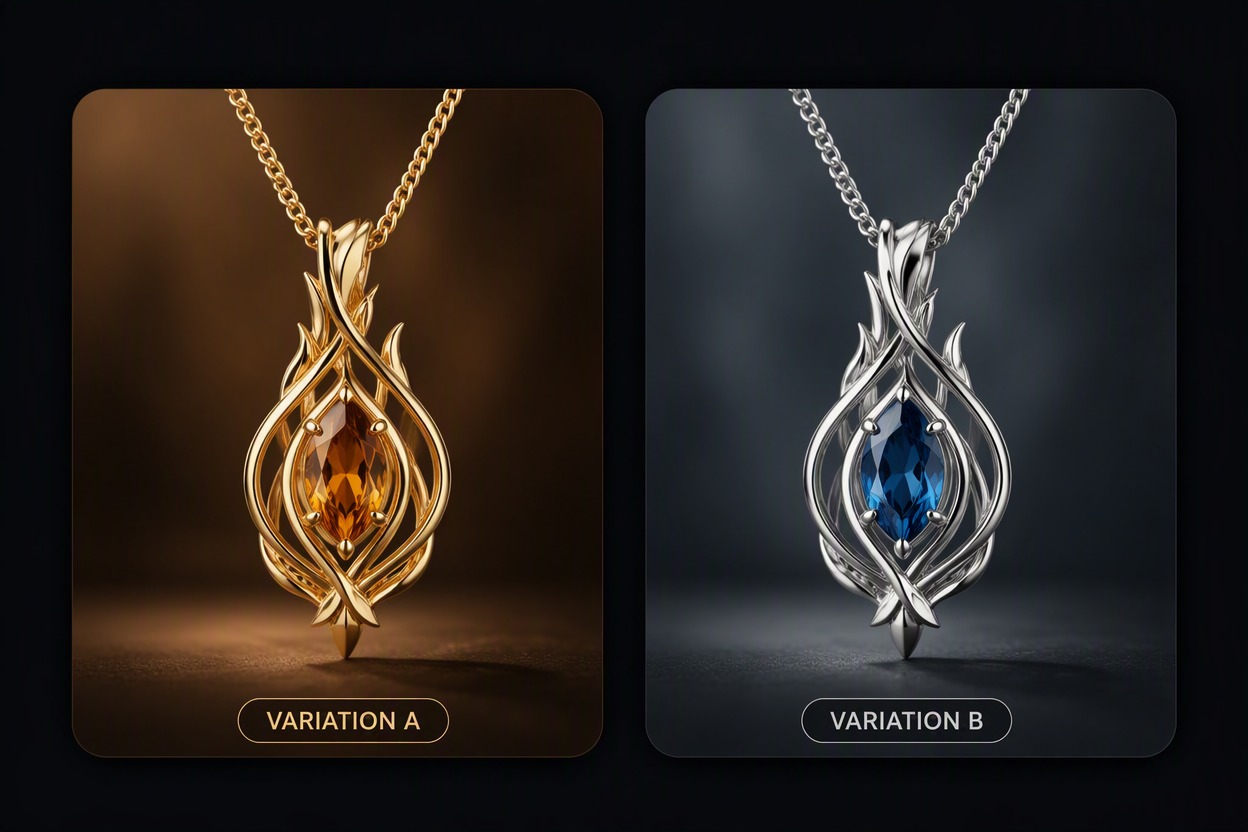
AI Jewelry Generator
Describe a ring, necklace, earring, bracelet, or pendant and generate jewelry concepts with chosen materials, stones, settings, silhouettes, and presentation.
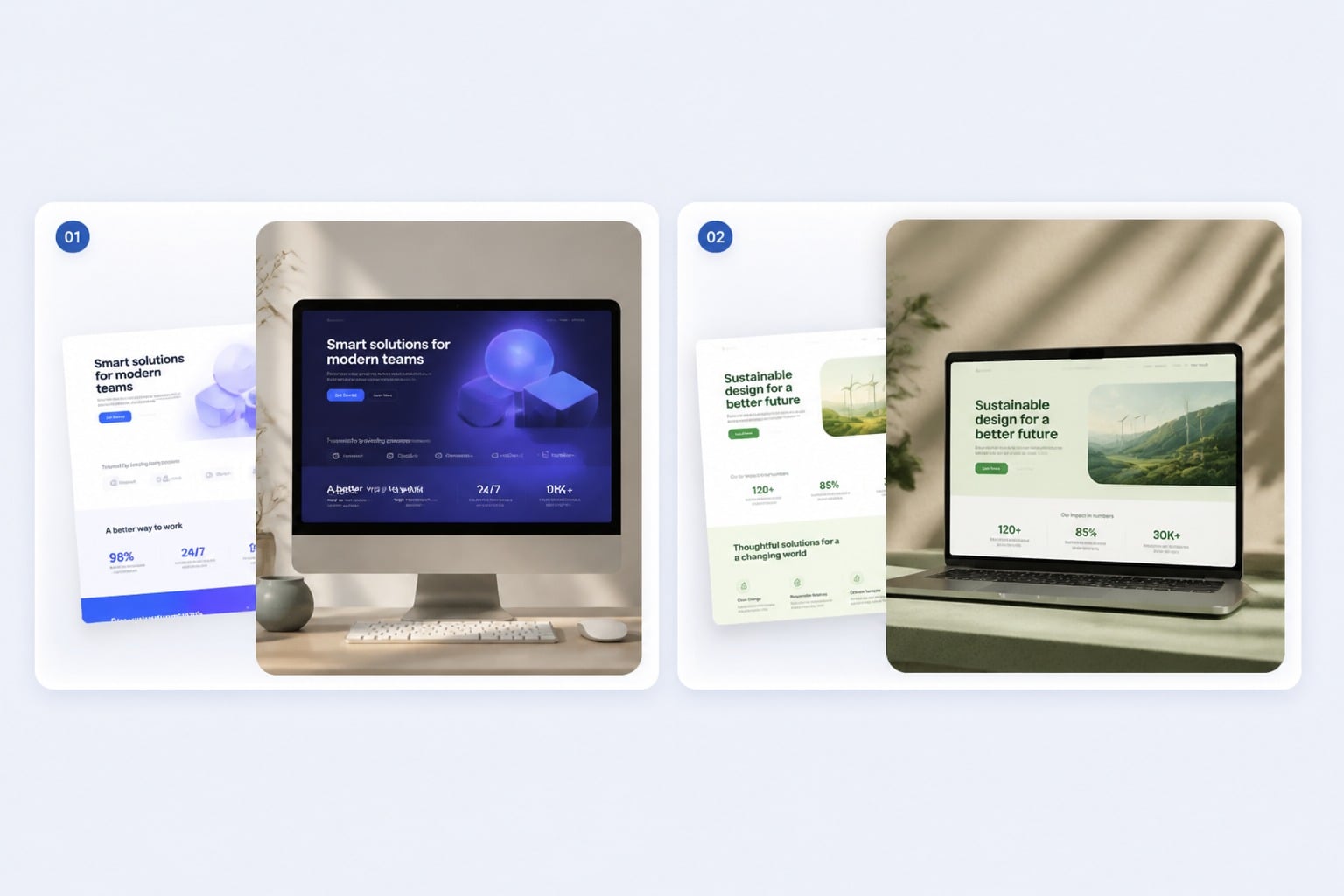
AI Mockup Generator
Create realistic product mockups, packaging previews, and branded scene concepts from prompts or reference images with GoEnhance AI.
You May Want to Know
What is an AI 3D model generator?
How does it create 3D-style images from my ideas?
Is there a free way to use the AI 3D model generator?
Can this help with early-stage 3D design?
What kind of prompts should I write?
Can I use AI-generated 3D images commercially?
How is this different from classic 3D software?
Reddit Embed
Bring 3D Ideas to Life in a Few Clicks
Write a quick prompt or upload a reference photo and turn it into a 3D-style render in moments. Use the results as mockups, concept art, or visual references while you shape the rest of your project around them.
Start Generating 3D Models