AI Fire Effect: Watch Your Photo Burn Into a Flaming Skeleton

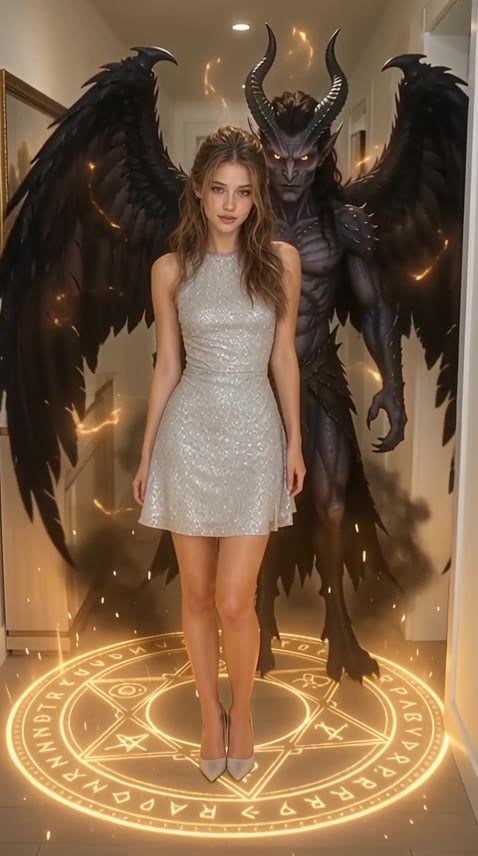
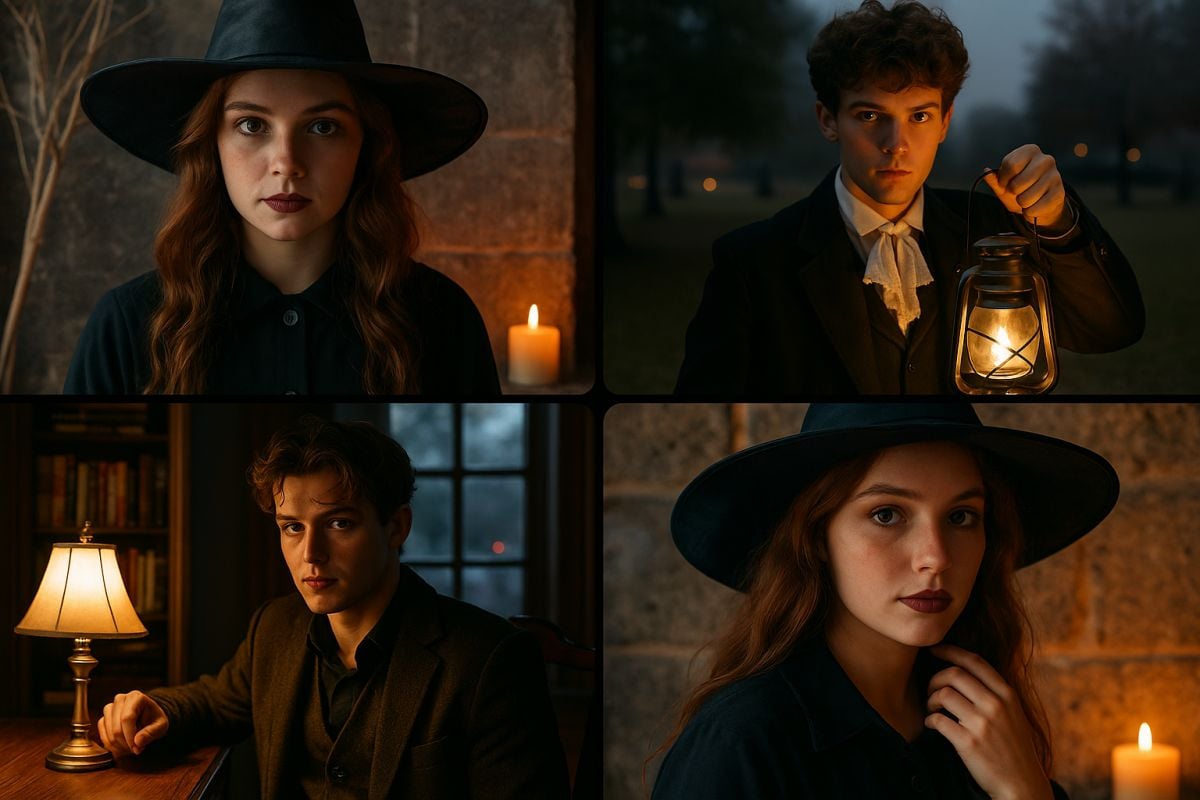
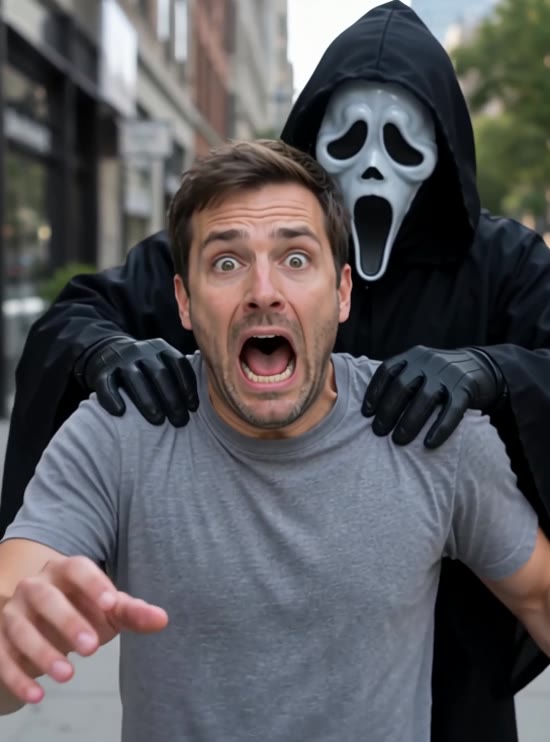
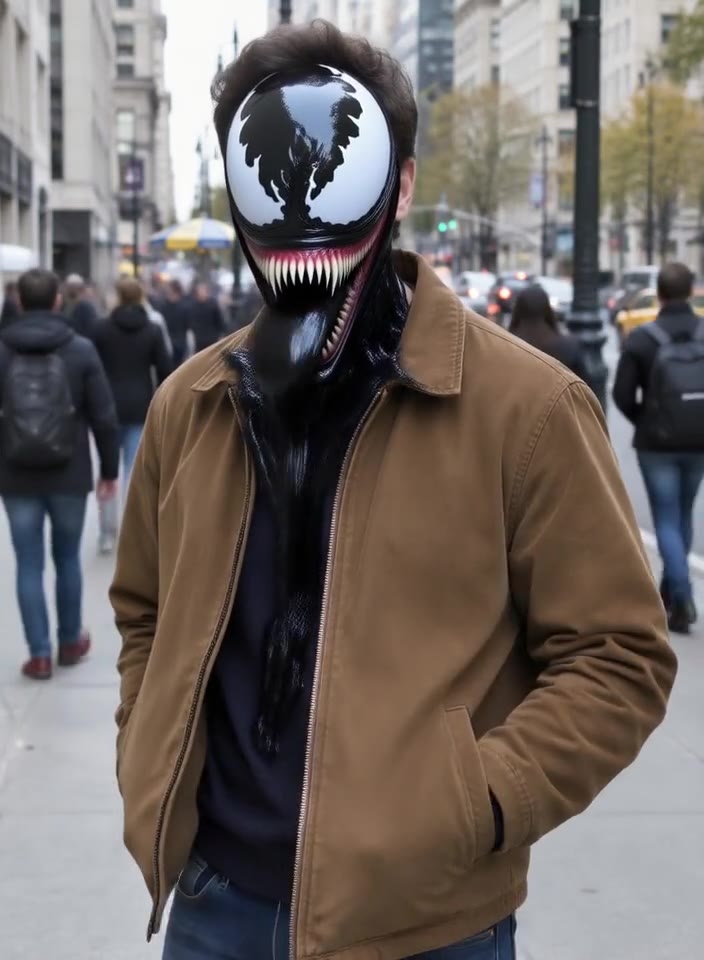
Upload a photo of a person and the AI turns it into a 5-second fire video. It starts as a normal portrait, then the eyes light up with fire, flames spread over the head and body, the skin burns away and a glowing flaming skeleton is left standing in swirling smoke. The pose, clothes and background come from your photo. It's the easiest way to make a Ghost Rider–style burning effect for Halloween, edits and reaction videos. No prompt needed.
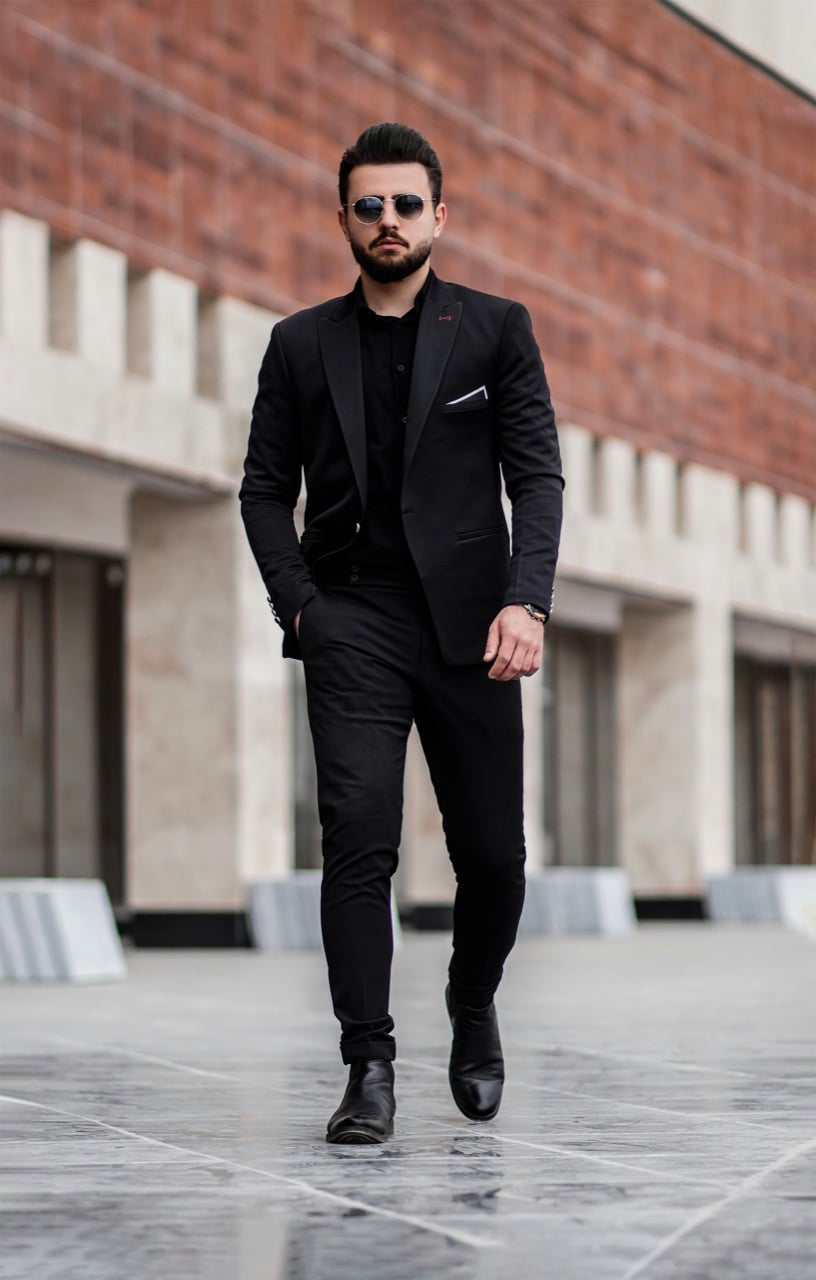
Original
Original
Street Suit
Sidewalk Look
Hoodie Portrait
Sweater Portrait
Effect: AI Fire Effect
Your photo
Upload a clear photo. The effect is applied to everyone in it.
By uploading a file, you agree to GoEnhance's Terms of Use and Privacy Policy

What the AI Fire Effect Does

From Portrait to Flaming Skeleton

The fire builds step by step: the eyes ignite first, flames climb over the head, the face burns away, and in the last seconds a glowing skeleton with fire pouring from its eye sockets stands in the smoke.

Your Pose, Your Scene

The flaming skeleton keeps the person's pose, height and stance, and the street, room or background stays exactly as in your photo, so it looks like the fire happened right there. Half-body and full-body photos both work.

Want to Breathe Fire Instead? Try Spitfire

If you'd rather stay human, the Spitfire effect makes the person in your photo blow a huge burst of fire out of their mouth, like a dragon.

How to Make an AI Fire Video

01

Upload a photo

Use a clear photo of one person. Faces that look at the camera make the burning eyes stand out.

02

Pick AI Fire Effect

The effect is already selected. No prompt needed.

03

Generate

Your 5-second 480p burning video is ready in a few minutes.

04

Share it

Post it on TikTok, Reels or Shorts as a Halloween scare, a transformation edit or a meme.

Everything about the burning skeleton video effect.
AI Fire Effect FAQ

What does the AI fire effect do?

It animates your photo into a short video where the person catches fire: the eyes ignite, the flesh burns away and a flaming skeleton is left standing in smoke, while the pose and background stay the same.

What photo works best?

A clear photo of one person facing the camera. Half-body portraits show the burning face and skull up close; full-body photos show the whole flaming skeleton.

Is it good for Halloween?

Yes. The flaming skeleton look is a classic Halloween scare and works great for spooky edits, reaction videos and Ghost Rider–style transformations.

How much does it cost?

Each 480p video costs 20 credits (720p costs 40). New accounts get free credits to try it.

How long is the video?

About 5 seconds, 480p or 720p.

Are there other fire and blast effects?

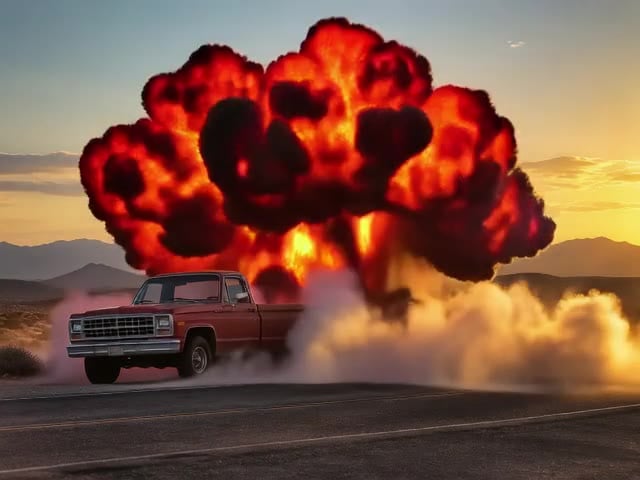
Yes. Try the AI Explosion Effect to blow up a building, car or landscape photo with a huge fireball, or browse more effects below.

Set Your Photo on Fire

Upload one photo and watch it burn into a flaming skeleton.

Burn My Photo