
Adobe Firefly Alternatives: What I’d Use When Firefly Feels Too Safe, Slow, or Limited
- Why people actually look for an Adobe Firefly alternative
- When Adobe Firefly is still the right choice
- The moment Firefly stops being enough
- Best Adobe Firefly alternatives by use case
- I tested the tools with the same kind of creative brief
- Are you replacing Firefly, or replacing the job Firefly does inside Adobe?
- Quick recommendation
- Final verdict
- FAQ
| Need | Best fit | Why it makes sense |
|---|---|---|
| Commercially safer AI image work inside the Adobe ecosystem | Adobe Firefly | Still a strong choice when legal comfort, Photoshop workflow, and content credentials matter more than raw visual punch. |
| More cinematic image style | Midjourney | Better when the final image needs mood, taste, and a stronger visual point of view. |
| Character, concept, and style control | Leonardo AI | Useful when you need repeatable character looks, game-style assets, or more controlled creative direction. |
| AI video and motion tests | Runway | Better known for video-first generation and motion experiments than Firefly’s image-first workflow. |
| Open model control and local workflows | Stable Diffusion | The better path if you want customization, private workflows, LoRA-style control, or ComfyUI setups. |
| Still image to short video workflow | GoEnhance AI | Best fit when the job moves from a static visual into image-to-video, short ad clips, or model-based video generation. |
I would not call Adobe Firefly bad.
That is too lazy.
The real issue is narrower: Firefly is often at its best when you need something clean, safe, and close to the Adobe workflow. But when you need stronger image style, better motion output, more model choice, or a short video from a finished still image, it starts to feel less like the final tool and more like one step in the chain.
That is the useful way to think about Adobe Firefly alternatives.
Not “which tool beats Firefly?”
More like:
Which tool should you open when Firefly stops being enough for this specific job?
Why people actually look for an Adobe Firefly alternative
Most listicles make this topic sound simple. They throw ten tools into a table, say Midjourney is good for art, Canva is good for marketing, Runway is good for video, and move on.
That misses the real search intent.
People usually search for an Adobe Firefly alternative after a specific moment of friction:
- the image looks clean but too generic
- the prompt follows the brief, but the result has no bite
- the video workflow feels slow or underwhelming
- text inside the image breaks
- a normal edit gets blocked by a safety filter
- credits disappear faster than expected
- the team needs motion, not another static picture
That distinction matters.
Firefly is not one job. Sometimes it is a repair tool inside Photoshop. Sometimes it is a text-to-image generator. Sometimes people expect it to behave like a campaign engine, a video tool, or a social content machine.
Those are very different expectations.
When Adobe Firefly is still the right choice
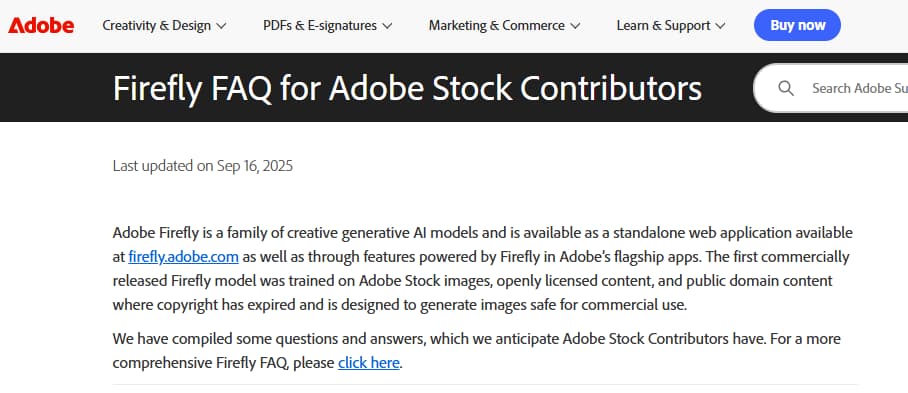
Firefly still deserves credit for one thing many alternatives cannot easily copy: trust inside a commercial workflow.
Adobe says its first Firefly commercial model was trained on Adobe Stock images, openly licensed content, and public-domain content where copyright has expired, which is why Firefly is often positioned around commercially safer generative AI.
That matters.
If I were working with a corporate design team, legal review, brand approvals, and Photoshop files already moving through an Adobe pipeline, I would not tell everyone to abandon Firefly overnight. That would be bad advice.
Firefly makes the most sense when:
- you already work in Photoshop or Adobe Express
- you need quick background extension or object removal
- your team cares about usage rights and provenance
- the final asset will go through brand or legal review
- you need predictable output more than visual surprise
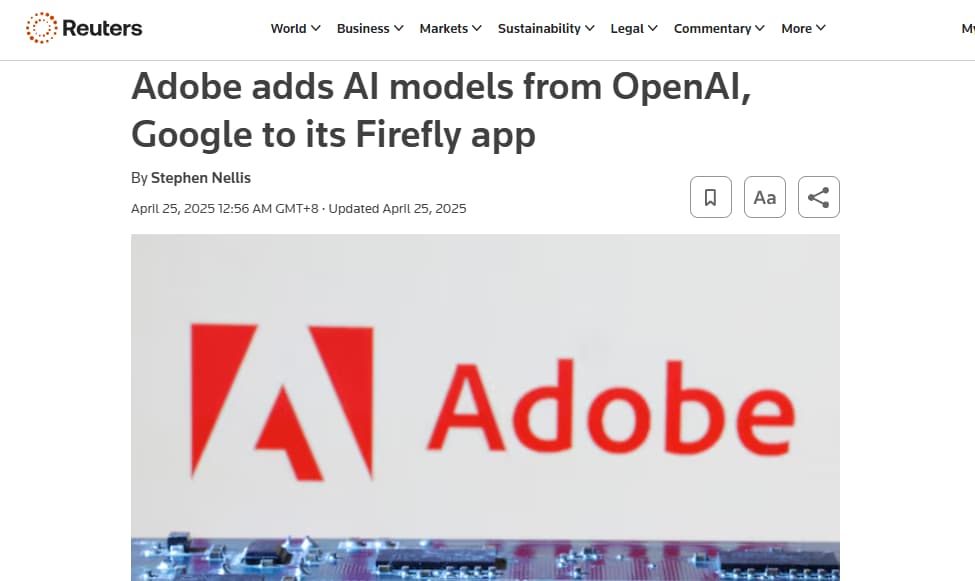
This is also where the conversation gets more complicated. Adobe has moved Firefly toward a broader model workspace, with Reuters reporting that Adobe added image models from OpenAI and Google to its Firefly app.
So “Firefly alternative” no longer means only “leave Adobe.”
Sometimes it means: Firefly is useful, but another model is better for this exact creative task.
The moment Firefly stops being enough
For me, the breaking point is usually not the first generation.
It is the second step.
Firefly can give you a clean starting image. But the moment the image needs to become a campaign hero, a thumbnail, a short video, or a visual with stronger personality, I start comparing other tools.
A clean image is not always a strong image.
That is the thing a lot of generic comparison posts avoid saying.
Here is how I would split the decision:
| Firefly friction point | What it usually means | Better alternative direction |
|---|---|---|
| Output feels too safe | You need more visual taste, not more prompt tweaking | Midjourney, Leonardo AI, Stable Diffusion |
| Video feels limited | You need a video-first tool, not another image generator | Runway, GoEnhance AI, Kling-style workflows |
| Text inside image breaks | You need stronger typography handling | Ideogram-style or design-first tools |
| Edits get blocked too often | You need a less restrictive editing workflow | Stable Diffusion, local tools, specialist editors |
| You need short-form assets fast | You need a production workflow, not only generation | Canva-style tools, GoEnhance AI, template systems |
| You need legal comfort | Firefly may still be the safer choice | Stay with Adobe Firefly |
That is why I would not rank alternatives as a simple top 10.
A filmmaker, an ecommerce marketer, a YouTube thumbnail designer, and a brand design team are not trying to replace the same thing.
Best Adobe Firefly alternatives by use case
1. Midjourney: best when the image needs taste
Midjourney is the tool I would compare against Firefly when the main problem is visual style.
Not editing.
Not legal comfort.
Taste.
Firefly often gives you a polished result, but it can feel a little too controlled. Midjourney is better when the image needs atmosphere, drama, fashion-editorial lighting, cinematic framing, or a more memorable visual identity.
The trade-off is obvious. Midjourney can be less convenient for teams that need strict editing, brand review, or simple handoff. It is not the cleanest replacement for Photoshop-style work.
But if the final asset needs to stop the scroll, Midjourney is usually one of the first tools worth testing.
2. Leonardo AI: best for character and concept direction
Leonardo AI fits a different user.
It is stronger when you are building visual worlds, characters, game-style assets, concept directions, or repeatable styles. I would not use it only as a Firefly clone. I would use it when the work needs more control over the creative system behind the image.
That makes it useful for:
- character concepts
- game art directions
- product moodboards
- repeatable style exploration
- creators who need more than one-off images
The risk is that it can pull you deeper into settings, models, and workflows. For casual users, Firefly may feel easier. For users who want more control, Leonardo AI makes more sense.
3. Runway: best when the comparison is really about video
Runway should not be judged as just another image tool.
Its real value is video.
If your Firefly problem is “I need this image to move,” then a static image generator comparison is the wrong test. You should be comparing video tools, motion quality, camera movement, subject consistency, and how many attempts it takes to get a usable clip.
Runway is often stronger when the output is supposed to become a moving asset, not just a still frame.
The question I would ask is simple:
Can this tool get me from idea to usable motion faster than Firefly?
For many video-first workflows, yes.
4. Stable Diffusion: best for control, privacy, and local workflows
Stable Diffusion is not the easiest recommendation for everyone.
But it is important.
If you want local generation, deep customization, private workflows, model tuning, LoRA control, or ComfyUI pipelines, Stable Diffusion becomes a very different kind of Firefly alternative.
This is not the best path for someone who just wants a quick social graphic before lunch.
It is better for users who care about:
- control
- repeatability
- privacy
- custom styles
- technical workflows
- not being locked into one commercial platform
The downside is the setup cost. Not always money. Mostly time.
Bad fit for casual users.
Strong fit for technical creators.
5. GoEnhance AI: best when the job moves from still image to motion
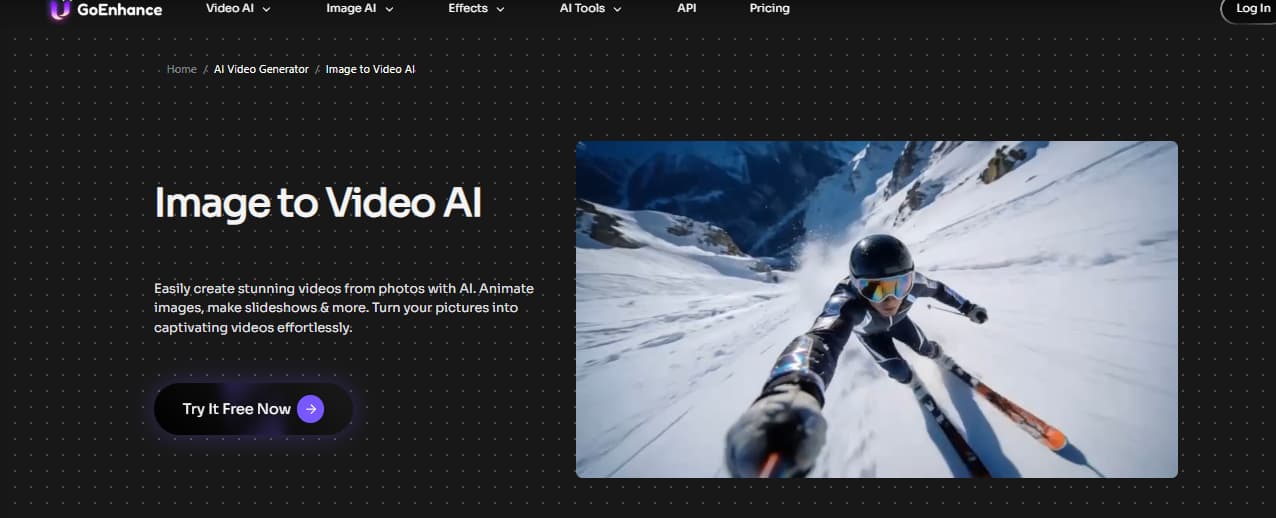
GoEnhance AI is not the cleanest replacement for Firefly’s Photoshop-style editing tools.
That is not the point.
It becomes more relevant when the job moves from a still image to motion: image-to-video tests, short ad clips, model comparisons, and repeatable video workflows.
If Firefly gives you a clean still image but the campaign needs motion, the next step is not another image generator. An image-to-video tool is more useful when you need to turn an approved visual into a short product clip, Reel, or ad variation.
That is where GoEnhance fits into this article.
Not as “the best Firefly replacement for everything.”
As the better next step when the asset needs to move.
For creators who are comparing Adobe Firefly video alternatives, GoEnhance fits better as an AI video generator than as a Photoshop-style editing replacement. It is more relevant when the job starts with a prompt, image, or existing clip and needs to become a finished short video.
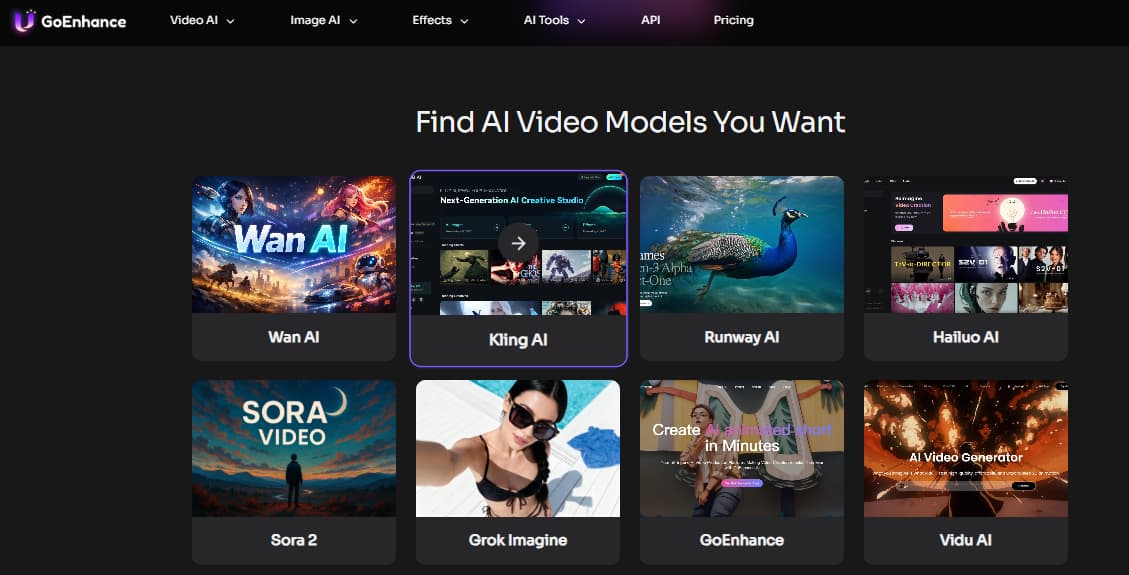
The multi-model angle also matters. AI image and video quality changes too quickly for a fixed “best tools” list to stay useful for long. Independent model-tracking sites such as Artificial Analysis are useful because model rankings, image quality, and video performance can shift faster than most blog posts get updated.
That is why I would treat Firefly alternatives less like a brand switch and more like a workflow choice.
For video, that usually means testing more than one model.
I tested the tools with the same kind of creative brief
A feature list hides too much.
Almost every tool claims it can generate images, edit images, create marketing assets, or help with creative production. The difference only appears when you give them the same slightly annoying job.
The kind of job a real marketer might actually need.
My test brief would look like this:
| Test requirement | Why it matters |
|---|---|
| Create one product-style launch visual | Tests whether the output feels usable, not just pretty |
| Keep the product visible | Many AI tools lose the subject when style gets stronger |
| Add short readable text | Text rendering is still a weak point for many generators |
| Make a square ad version | Tests practical social use |
| Turn the image into a 5-second clip | Tests whether the workflow can move beyond still images |
| Keep the same visual identity | Tests consistency across image and video output |
This is the kind of test where Firefly often performs well at the clean image stage, especially if the asset needs to stay brand-safe. But the gap appears when the image needs stronger personality or a video version.
For motion-heavy tests, I would compare Firefly with dedicated video models first. A Kling AI video generator is a better comparison point when the brief depends on camera movement, product motion, or a short cinematic result rather than another static image.
The harder test is not whether a tool can create motion once. It is whether it can keep the product, character, or pose stable across attempts. That is where reference-driven workflows such as Kling Motion Control become more useful than a basic one-prompt image-to-video test.
Are you replacing Firefly, or replacing the job Firefly does inside Adobe?
This is where many Adobe Firefly alternative articles become misleading.
They treat Firefly as one thing.
It is not.
Inside Adobe, Firefly is often an editing assistant. Outside Adobe, users expect it to behave like a full creative engine. Those are not the same job.
If you mostly use Firefly for Generative Fill, object removal, and background extension, then your best alternative may be another editing workflow.
If you use Firefly to create campaign visuals, thumbnails, product scenes, or short video ideas, then the better comparison is not Photoshop at all. It is Midjourney, Leonardo AI, Runway, Stable Diffusion, or GoEnhance AI.
For enterprise teams, this decision gets even more boring, and more important. Provenance, disclosure, and content credentials matter. The broader Content Authenticity Initiative shows why source transparency has become part of the buying decision for AI creative tools.
That is one reason I would not tell every team to leave Firefly.
Some should stay.
Others should use Firefly for what it does well, then move to a more specialized tool when the asset needs style, text, motion, or control.
Quick recommendation
If you want the simplest decision, here is how I would choose:
| User type | Best starting point |
|---|---|
| Adobe-heavy design team | Stay with Firefly first |
| Visual creator chasing stronger style | Try Midjourney |
| Character or concept artist | Try Leonardo AI |
| Video-first creator | Try Runway or GoEnhance AI |
| Technical creator who wants control | Try Stable Diffusion |
| Marketer turning stills into short clips | Try GoEnhance AI |
| Enterprise team worried about provenance | Keep Firefly in the stack |
Partnership on AI has also documented Adobe’s Firefly framework as a case study around responsible generative AI, including creator rights, disclosure, and provenance, which makes Adobe Firefly’s responsible AI positioning part of the comparison rather than a footnote.
That is the honest answer.
Firefly is not the most exciting tool in every category. But it is not useless, either. It is strong when safety and Adobe integration matter. It is easier to replace when the job depends on visual taste, motion output, model flexibility, or a faster path from still image to short video.
Final verdict
The best Adobe Firefly alternative depends on where Firefly disappoints you.
If the problem is image style, start with Midjourney or Leonardo AI.
If the problem is control, test Stable Diffusion.
If the problem is video, do not waste time comparing only image generators. Look at video-first tools and image-to-video workflows.
If the problem is commercial safety, Firefly may still be the safest answer.
For my own workflow, I would keep Firefly in the stack for safe edits and Adobe-native work. But I would not force it to do every creative job. When the asset needs to move, I would move into a video workflow earlier.
That saves time.
And usually, it gives you a better final asset.
FAQ
What is the best Adobe Firefly alternative?
There is no single best alternative. Midjourney is stronger for visual style, Leonardo AI is useful for character and concept work, Runway is stronger for video, Stable Diffusion gives more control, and GoEnhance AI fits image-to-video workflows better.
Is Adobe Firefly still worth using?
Yes, especially if you already work inside Adobe tools or care about commercial safety. Firefly is still useful for clean edits, background extension, and brand-safe image generation.
What is the best Adobe Firefly alternative for video?
For video, I would not compare Firefly only with image generators. Runway and GoEnhance AI are more relevant because they focus on motion output, image-to-video workflows, and short-form video creation.
Is GoEnhance AI a direct Adobe Firefly replacement?
Not exactly. GoEnhance AI is a better fit when the task moves from static images into video. It is not trying to replace Photoshop-style editing. It is more useful for image-to-video, AI video generation, and motion-based creative workflows.
Should I replace Firefly completely?
Probably not. A better approach is to keep Firefly for what it does well, then use alternatives when the task demands stronger style, more control, better motion, or a faster video workflow.


