Clipchamp Alternative: 12 Better Options for Different Editing Workflows in 2026
- 1. Quick Comparison Table: the Best Clipchamp Alternatives in 2026
- 2. Most People Looking for a Clipchamp Alternative Are Really Trying to Fix a Workflow Problem
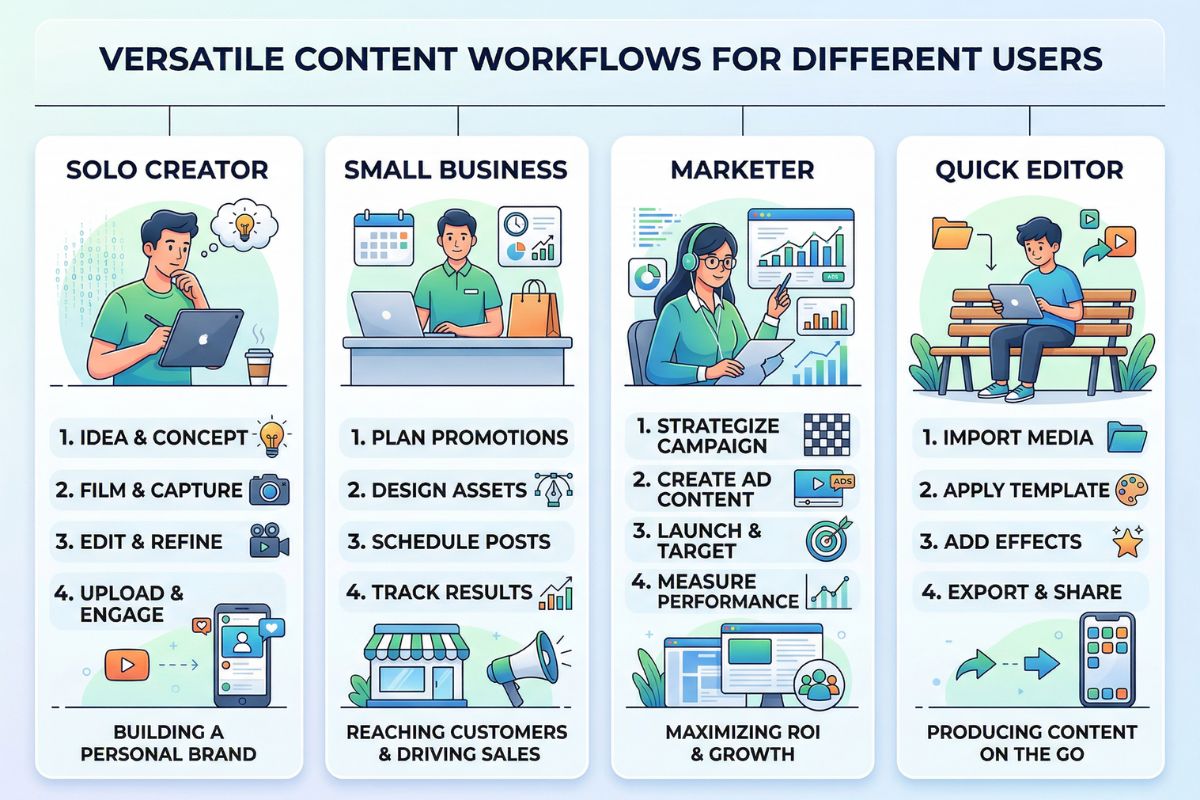
- 3. Canva, CapCut, and Adobe Express Are the Obvious Picks if You Mainly Want Something Easier
- 4. VEED, Descript, and Riverside Are Better Fits When Editing or Recording Is the Real Job
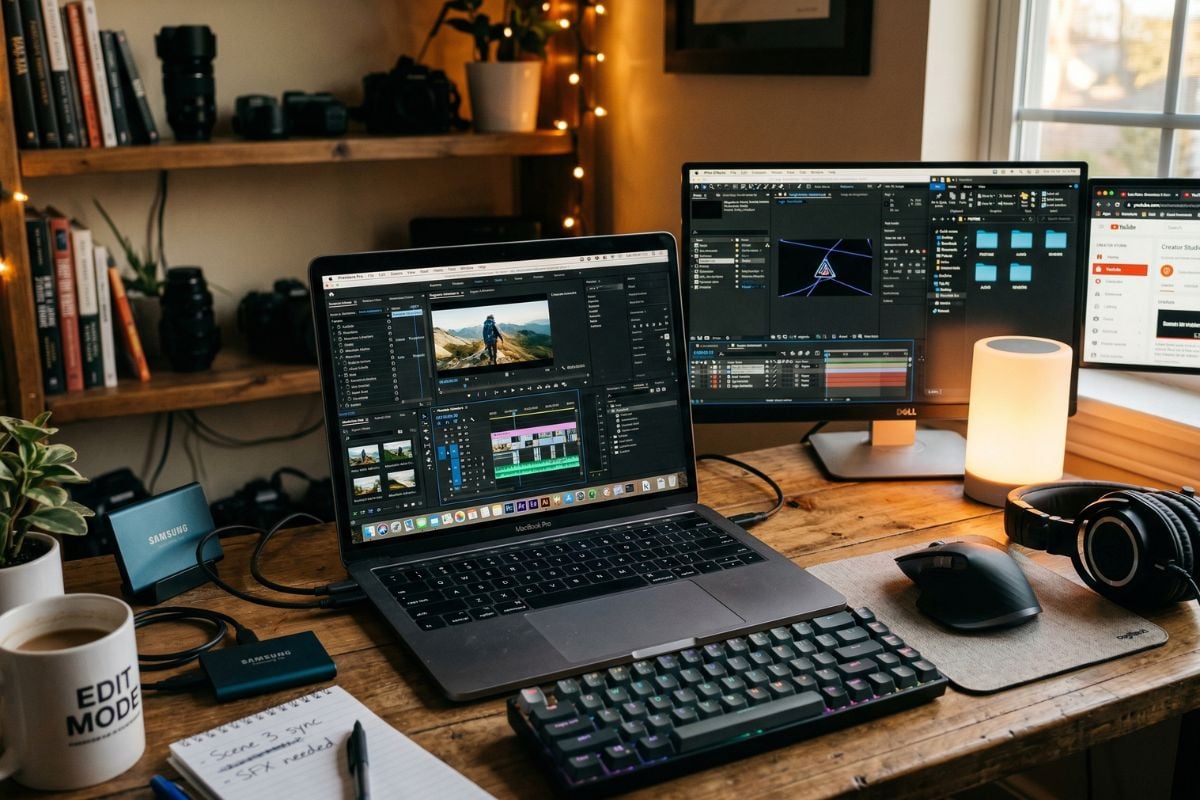
- 5. DaVinci Resolve, Filmora, Kdenlive, and Shotcut Still Matter If You Need More Control
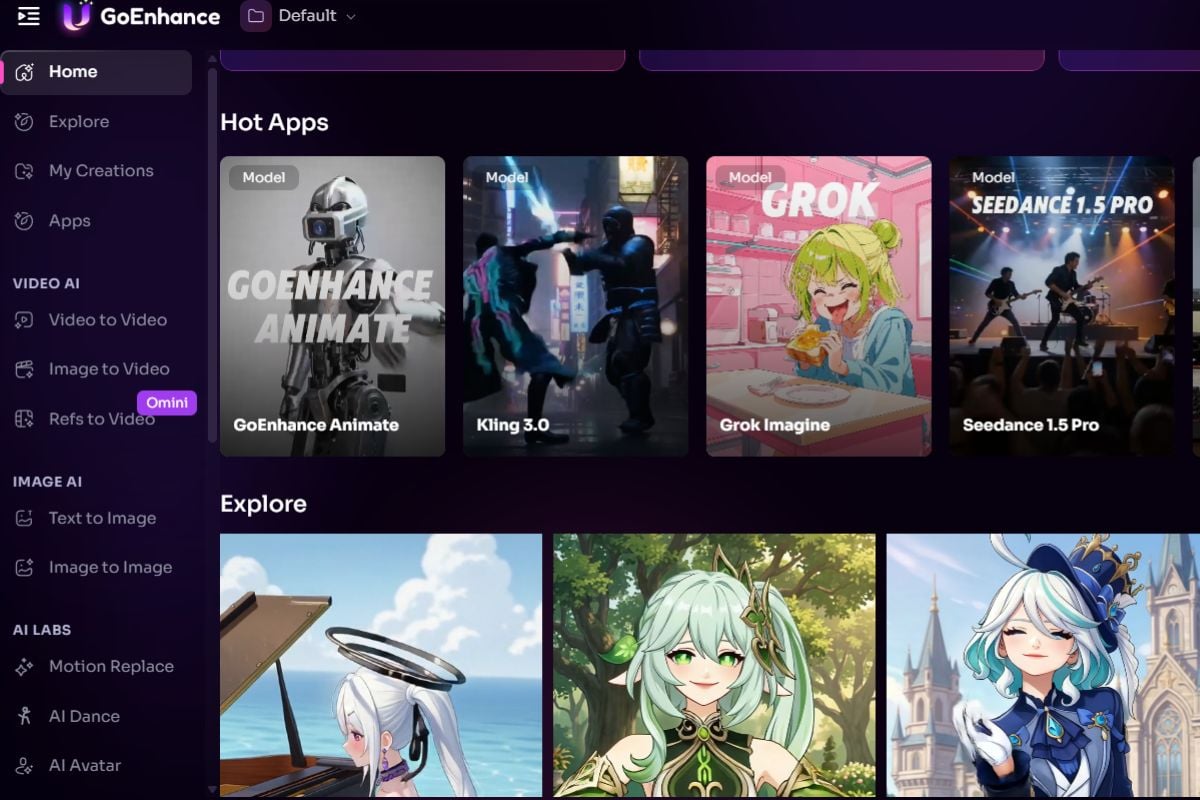
- 6. GoEnhance Gets More Relevant When the Workflow Starts With Images Instead of Footage
- 7. The Pricing Question Is Bigger Than the Monthly Plan
- 8. So Which Clipchamp Alternative Should You Choose?
- 9. FAQ
- 10. Final Thoughts
If you're searching for a Clipchamp alternative, you're probably not asking whether browser-based video editing still works.
It does.
The real question is whether it still fits the way you make videos now.
Clipchamp still has a place. No need to pretend otherwise. If you're trimming simple clips, assembling quick social content, or putting together lightweight internal videos, it can still do the job. But that workflow does not cover everything anymore. Some teams need deeper post-production. Some need transcript-based editing. Others are not even starting with footage — they are starting with product stills, campaign visuals, or static assets that need motion first.
That is the more useful way to frame the category.
This guide is not really about finding the tool that feels closest to Clipchamp. It is about finding the one that fits the way you actually work now.
1. Quick Comparison Table: the Best Clipchamp Alternatives in 2026
| Tool | Best for | What it does best | Main limitation | Best starting point |
|---|---|---|---|---|
| GoEnhance | Visual-first AI video creation | Turns images and creative assets into motion | Less ideal for rigid timeline editing | Image / visual asset |
| Canva | Beginners and branded content | Fast templates, simple drag-and-drop creation | Better at layout than deeper video work | Design asset |
| CapCut | Mobile-first short-form editing | Fast cuts, social publishing, creator workflows | Less suitable for serious post-production | Existing video |
| Adobe Express | Lightweight branded videos | Quick promo and visual content creation | Not built for deeper editing depth | Design asset / template |
| VEED | Browser-based editing | Captions, quick edits, repurposing | More editing-first than generation-first | Existing video |
| Descript | Spoken-content workflows | Transcript-led editing and cleanup | More adjacent than direct replacement | Audio / talking-head video |
| Riverside | Interviews and remote recording | Capture plus quick production workflow | Stronger for recording than creative motion work | Recorded conversation |
| InVideo | Fast marketing videos | Prompt-plus-template speed | Output can feel templated | Script / template |
| DaVinci Resolve | Deeper manual editing | Serious post-production control | Much steeper learning curve | Existing footage |
| Filmora | Easier desktop editing | Accessible editing with effects and presets | Less powerful than pro desktop suites | Existing footage |
| Kdenlive | Free desktop editing | Subscription-free manual editing | Rougher learning curve and UI | Existing footage |
| Shotcut | Budget desktop workflows | Free editing for patient DIY users | Slower to learn and less polished | Existing footage |
If your workflow starts with images rather than finished footage, a useful place to start is image to video workflow.
This category makes more sense once you stop treating every option like the same kind of replacement.
2. Most People Looking for a Clipchamp Alternative Are Really Trying to Fix a Workflow Problem
A lot of comparison posts start with the obvious stuff: pricing, templates, effects, exports, AI features.
Fair enough. That still does not get you very far.
A creator searching for free Clipchamp alternatives is not solving the same problem as a marketer trying to turn static product visuals into motion. A team looking for a browser editor with fast captions is making a different decision from someone who needs deeper desktop control. Even the “best alternative to Clipchamp” angle gets fuzzy once you stop assuming every project starts with finished footage.
That was the part that kept standing out to me.
The broadest lists were usually the least helpful. They flattened everything into one bucket, even when the tools were built around completely different starting points.
A better way to narrow the list is to ask yourself first:
- Is your project with a footage, a script, or a visual asset?
- Is the goal to edit, repurpose, or generate?
- Are you replacing one tool, or trying to reduce a stack?
That gets you closer to the right shortlist than another feature checklist.
3. Canva, CapCut, and Adobe Express Are the Obvious Picks if You Mainly Want Something Easier
This is the part of the list where the decision is usually pretty simple.
If you do not hate Clipchamp’s general idea and you are not trying to reinvent your workflow, you will probably end up looking at tools like Canva, CapCut, and Adobe Express first. That makes sense. They are familiar, easy to get moving in.
Canva is safer for beginners. It works well when the video is really part of a broader design task — social posts, lightweight promos, internal updates, quick branded content. You are not going there for editing depth. You are going there because it is fast and because most people can figure it out without much friction.
CapCut is different, which is less about neat branded polish and more about speed. If the work is short-form, frequent, mobile-first, or built around getting clips out quickly, CapCut still performs well.
Adobe Express usually feels more comfortable for teams already using Adobe products. The logic is pretty similar to Canva: quick production, lightweight editing, easy branded output.
These three overlap a lot. The real difference is less about features and more about what kind of work feels natural inside each one. Adobe’s own positioning stays centered on fast visual creation and lightweight video work rather than deep editing. Adobe Express is useful here, just not for everything.
All three are easy to understand. None of them really solve the “I need to create motion from static assets” problem especially well.
That distinction matters more than the surface similarities.
4. VEED, Descript, and Riverside Are Better Fits When Editing or Recording Is the Real Job
This is where the category starts to split.
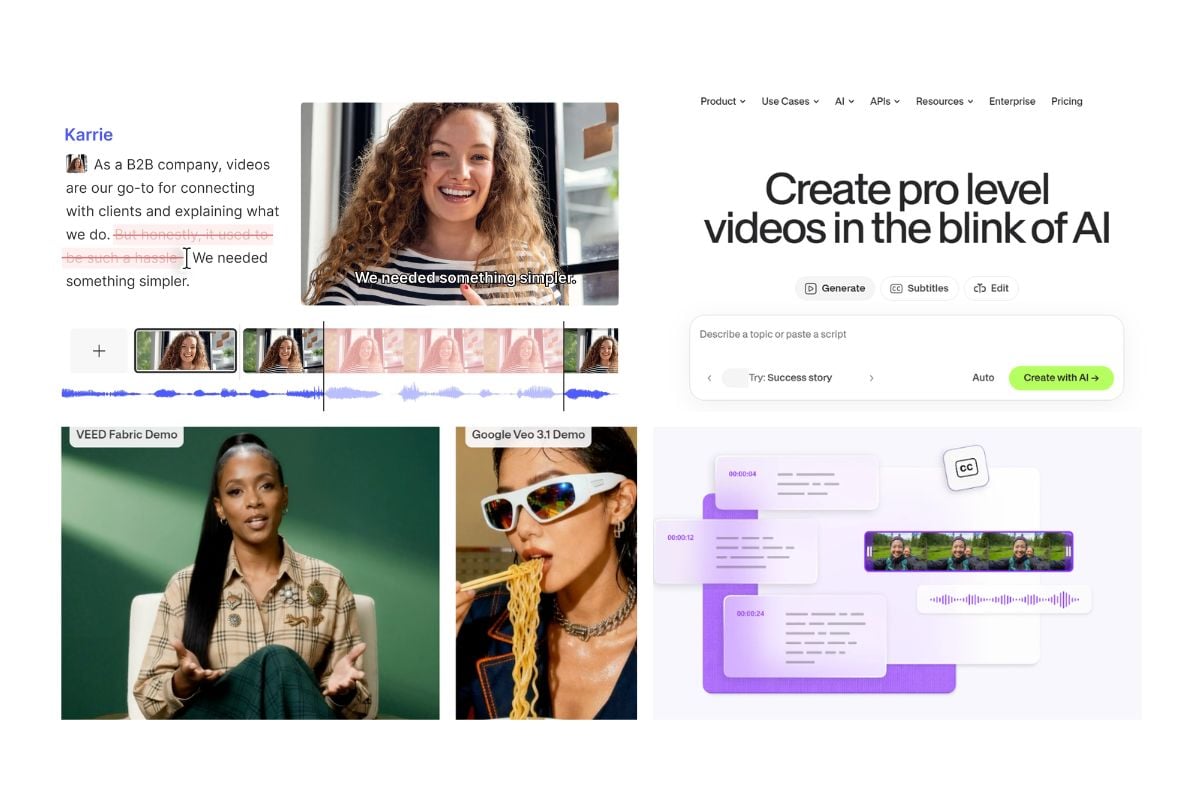
VEED works well when the workflow is still browser-first, but more editing-heavy. It is especially useful for captions, repurposing, and quick cleanup around existing clips.
Descript gets more interesting when the content is spoken rather than visual. If you edit interviews, webinars, podcasts, tutorials, or internal explainers, transcript-led editing changes the workflow in a real way.
Riverside is a good choice when the workflow starts with recording, especially remote interviews and conversations, and the edit comes second.
These are all good tools. They just answer a different question from “What if I do not have enough usable footage in the first place?”
That is where a lot of comparison posts lose the thread.
5. DaVinci Resolve, Filmora, Kdenlive, and Shotcut Still Matter If You Need More Control
Some of the best Clipchamp alternatives are not browser tools at all.
DaVinci Resolve is the clear answer if your issue is not speed, but control. It is the strongest pick here for deeper editing, longer timelines, and more serious post-production.
Filmora makes sense if you want something easier than Resolve but still more capable than a lightweight browser editor.
Kdenlive and Shotcut are worth keeping in the conversation because a lot of the best free Clipchamp alternatives are still old-school desktop editors. They are not the prettiest tools in the list, but they can be the right ones if you care more about control and cost than convenience.
The tradeoff is obvious: When you want more control usually you meet more friction upfront.
6. GoEnhance Gets More Relevant When the Workflow Starts With Images Instead of Footage
This is where the comparison becomes more useful.
Most Clipchamp alternatives still assume the same basic starting point: you already have footage, and now you need to edit it better. That still covers a lot of use cases. It just does not cover all of them.
Sometimes the project starts with a product still. Sometimes it starts with campaign imagery, concept art, or a visual reference that needs motion before there is anything worth editing. In those cases, moving from one browser editor to another does not really solve the problem.
That is where GoEnhance stands out.
The main appeal is not that it tries to be a better version of Clipchamp. It does not. The appeal is that it starts from a different kind of input. The image to video workflow is the clearest example. Instead of assuming every project begins with footage on a timeline, it lets you start from the image or visual asset and build motion from there. That makes it much more relevant for teams working with campaign stills, product visuals, creative concepts, or early-stage motion tests.
You can also build that workflow more naturally inside the same ecosystem. For example, you might create source assets with AI image generation, then animate them, or use a more stylized route through Midjourney style video workflows if the visual direction matters as much as the final edit.
There is a limit here, and it should be said directly. GoEnhance is not the neatest substitute for people who need rigid timeline editing or repeatable, presenter-style training videos. If that is the whole job, tools like Descript, Riverside, Canva, or Resolve may feel more natural.
That does not weaken the recommendation. It just makes the fit clearer.
If your workflow starts with images, creative assets, or visual concepts rather than finished footage, GoEnhance belongs on a more relevant shortlist than most traditional Clipchamp competitors.
7. The Pricing Question Is Bigger Than the Monthly Plan
People search for cheaper options all the time, which makes sense.
But the monthly number is only part of the story. Sometimes not even the useful part.
The real cost is usually the workflow cost. What else do you still need after picking the tool? Separate image generation. Separate editing. Separate motion tools. Separate software for captioning, enhancement, or quick variations. Once all of that starts stacking up, the cheapest-looking subscription can end up being the most expensive setup.
That is especially true now that visual-first content is becoming normal across social and marketing workflows. HubSpot’s latest stats still show how central video is to current marketing plans, while Pew’s research helps explain why short-form and visual-native platforms keep pushing teams toward faster content cycles. HubSpot’s marketing statistics and Pew Research’s social media fact sheet are both useful reminders that speed is not just a preference anymore. It is part of the workload.
The better comparison is total workflow cost, not just the price of one plan.
8. So Which Clipchamp Alternative Should You Choose?
At this point, the answer is not that complicated.
Choose Canva or Adobe Express if you want easy, branded, low-friction production.
Choose CapCut if your world is short-form, fast-moving, and mobile-first.
Choose VEED, Descript, or Riverside if the bottleneck is editing, captions, recording, or spoken-content production.
Choose DaVinci Resolve, Filmora, Kdenlive, or Shotcut if your issue is control and deeper editing rather than speed.
Choose GoEnhance if the work starts with images, creative assets, product stills, or visual concepts and you want motion before you get anywhere near a conventional edit.
9. FAQ
I already have footage — do I really need an AI-first tool?
Probably not. If the footage already exists and the main task is trimming, captions, cleanup, or repurposing, tools like VEED, Descript, or CapCut are usually a better fit. GoEnhance becomes more relevant when the bottleneck is creating motion from images or visual assets, not editing clips that are already done.
When does GoEnhance make more sense than another Clipchamp-style editor?
Usually when the project starts with a product still, campaign image, concept frame, or some other static visual that needs motion before there is anything to edit. In that kind of workflow, switching from one browser editor to another does not really fix the core problem.
Is switching away from Clipchamp always worth it?
Not necessarily. If your current work is simple, browser-based, and mostly built around existing footage, Clipchamp may still be enough. A switch usually makes more sense when the workflow itself has changed — not just because another tool looks more advanced on paper.
10. Final Thoughts
The best Clipchamp alternative is not always the one that looks most similar to Clipchamp.
That is the main reason so many comparison posts feel thinner than they should. They flatten very different tools into one list and act as if the buying logic is the same for everyone.
It is not.
Canva, CapCut, and Adobe Express are still the easy answers for people who want to keep things simple. VEED, Descript, and Riverside make more sense once the job starts leaning harder on editing, captions, transcripts, or recorded conversations. If you are after tighter manual control, desktop tools like Resolve are still hard to replace. GoEnhance belongs in a different part of the conversation — it becomes much more relevant when the project starts with images, product visuals, or creative assets rather than finished footage.
That is really the divide that matters.
If you want to test that route, start here: