
Lumen5 Alternative: Choose the Right AI Video Workflow, Not Just Another Template Tool
- Quick Verdict: What Is the Best Lumen5 Alternative?
- What Lumen5 Still Does Well
- Why People Start Looking for a Lumen5 Alternative
- If Lumen5 Feels Too Template-Based: Try a Generative Video Workflow
- When GoEnhance Is the Better Lumen5 Alternative
- If You Still Need Blog-to-Video: Compare Pictory and InVideo
- If You Need AI Avatars: Compare Synthesia
- If You Need Editing, Captions, and Social Cuts: Compare VEED and Kapwing
- If Your Team Lives in Design Systems: Canva May Fit Better
- How I Would Choose a Lumen5 Alternative
- Best Lumen5 Alternatives by Use Case
- Final Verdict: Don’t Replace the Logo. Replace the Workflow.
| If Lumen5 feels limited because… | You probably need… | Tools to compare first |
|---|---|---|
| Your videos feel too much like template slides | A more generative video workflow | GoEnhance AI, Runway, Canva |
| You still mainly turn blogs into videos | A content repurposing workflow | Pictory, InVideo, Lumen5 |
| You need presenter-led training videos | An AI avatar workflow | Synthesia, Colossyan |
| You need subtitles, trimming, and fast social edits | A browser-based editing workflow | VEED, Kapwing |
| Your team works inside brand/design systems | A design-first workflow | Canva, PlayPlay |
| You make tutorials or product demos | A screen recording workflow | Camtasia |
The best Lumen5 alternative is not always the tool with the longest feature list.
It is the tool that fixes the reason Lumen5 stopped fitting your workflow.
That sounds obvious, but most “Lumen5 alternatives” lists miss it. They line up ten tools, add a few pros and cons, and call it a comparison. Useful? Sometimes. But if you are actually choosing a video tool for a content team, a marketing team, or a creator workflow, that is not enough.
Lumen5 is still useful when your job is simple: turn written content into branded videos without opening a heavy video editor. According to Lumen5’s own positioning, it is built to help users create video content without training or editing experience. Its blog-to-video workflow also makes its strongest use case clear: repurposing written content into video.
But many people searching for a Lumen5 alternative are not only asking, “Which tool is similar?”
They are asking something more specific:
“Why do my videos still feel flat?”
“Why does every output look like stock footage plus captions?”
“Why can’t I animate product images, test AI video models, or create fresh visual assets?”
That is where the decision changes.
If your problem is article-to-video automation, Pictory or InVideo may be closer replacements. If your problem is presenter-led training content, Synthesia belongs higher on the list. If your problem is captions and editing, VEED or Kapwing may make more sense.
And if your problem is visual sameness, GoEnhance AI is more interesting because it moves you away from pure content repurposing and toward generative video creation.
Quick Verdict: What Is the Best Lumen5 Alternative?
Here is the blunt version.
If you still like the Lumen5 workflow but want a different tool, start with Pictory or InVideo.
If you want AI avatars for internal training, onboarding, or corporate explainers, look at Synthesia.
If you need fast captions, trimming, and social edits, compare VEED and Kapwing.
If your team already builds everything in a design system, Canva may feel more natural.
If you want to create new video assets from prompts, images, or existing clips, start with GoEnhance AI Video Generator.
That last distinction matters.
GoEnhance is not a one-to-one Lumen5 clone. That is the point. Lumen5 is strongest when you want to turn a blog post, script, URL, or idea into a structured marketing video. GoEnhance fits better when the video itself needs to be generated, animated, or transformed.
For example, if you want to turn a static product image into a short motion clip, test multiple AI video models, or create a more cinematic social asset from a prompt, a pure blog-to-video tool is not the right workflow anymore.
You are not replacing Lumen5 with another Lumen5.
You are replacing the workflow.
What Lumen5 Still Does Well
Before comparing alternatives, it is only fair to say this: Lumen5 became popular for a reason.
It reduces the intimidation factor around video creation. You do not need a timeline editor. You do not need to manually build every scene. You can start with written material and get a video draft quickly.
That is useful.
For marketing teams, this workflow is especially attractive when the goal is content repurposing. A blog post becomes a LinkedIn video. A campaign message becomes a short branded clip. A few key points become social media content.
The official Lumen5 AI video generator page describes the tool as a way to turn scripts, blogs, URLs, transcripts, and ideas into video drafts. That tells you exactly where it sits in the market: it is a written-content-to-video tool.
That also explains why some users eventually outgrow it.
When the job is “make this article easier to watch,” Lumen5 can be a good fit.
When the job becomes “make this visual idea feel alive,” the workflow starts to feel narrow.
Why People Start Looking for a Lumen5 Alternative
Most alternative searches start with a surface complaint.
Pricing.
Templates.
Brand control.
Export options.
But in my view, those are usually symptoms. The deeper issue is workflow mismatch.
A content marketer who publishes two blog posts a week may want blog-to-video automation. For that user, Lumen5 is still in the right category.
A social media manager who needs scroll-stopping product clips has a different problem. Stock footage with text overlays may not be enough.
A training team that needs a presenter on screen has another problem entirely. They do not need a blog-to-video tool. They need an avatar or talking-head workflow.
A creator who wants to animate still images, generate motion tests, or remix video styles is looking for something else again.
That is why this article does not rank tools as if everyone has the same need.
The better question is:
What broke first?
If Lumen5 Feels Too Template-Based: Try a Generative Video Workflow
This is where GoEnhance AI fits.
GoEnhance AI is the alternative I would test when the Lumen5 problem is not article conversion, but visual sameness.
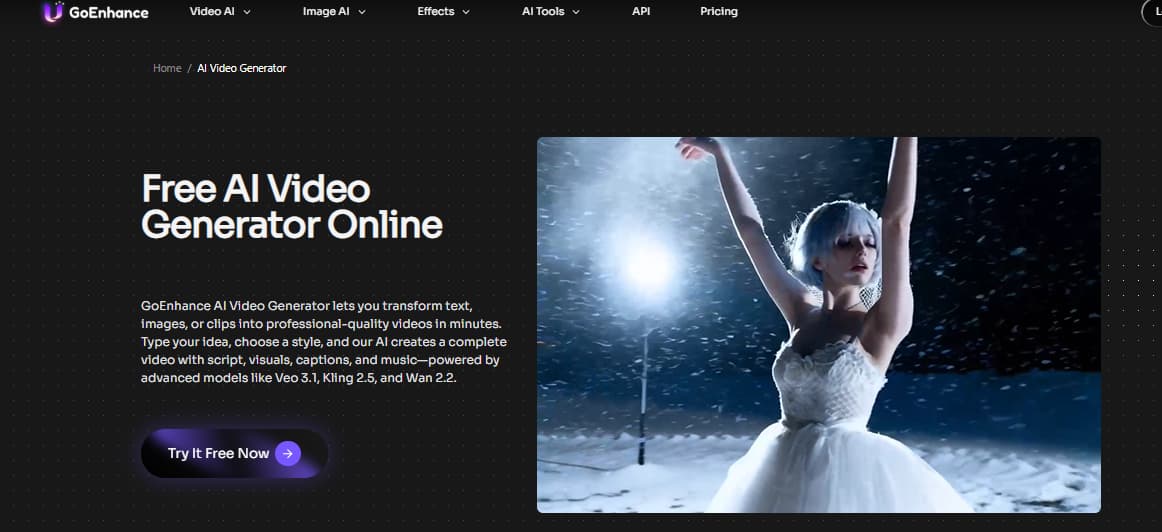
Lumen5 helps you turn written material into a structured video draft. GoEnhance starts from a different place: text prompts, images, or existing clips. Its official AI video generator page says it combines text-to-video, image-to-video, and video-to-video technology for marketing, explainer, and social-media videos.
That difference changes the workflow.
With a tool like Lumen5, the typical starting point is written content.
With GoEnhance, the starting point can be a prompt, a product image, a character image, a visual reference, or an existing clip. That makes it better suited for teams that want to create new video assets instead of only repackaging old written content.
This is especially useful in a few cases:
You have static visuals and want motion.
You need short clips for ads or social posts.
You want to test different AI video models.
You need image-to-video rather than blog-to-video.
You want a more visual-first workflow for creative experiments.
For example, a marketer could use an image-to-video tool to animate a product still. A creator could start from text-to-video when there is no source footage. A video team could use video-to-video AI to transform existing clips into a different visual style.
That is a different category of work.
It is not “Lumen5, but with another logo.”
It is closer to the shift from content repurposing to video asset production.
When GoEnhance Is the Better Lumen5 Alternative
GoEnhance makes the most sense when your current issue sounds like this:
“My Lumen5 videos look too similar.”
“I do not just want stock footage behind captions.”
“I want to animate images.”
“I want to generate new video ideas, not only summarize old blog posts.”
“I need more visual variation for social content.”
“I want access to different AI video model styles.”
That last point matters because many teams are no longer choosing one static video tool. They are choosing model access. A workflow that lets you test different generation styles can be more valuable than another template library.
For instance, GoEnhance’s Kling AI video model page fits users who care about motion quality, image-to-video generation, and model-specific outputs. That is not the same intent as “turn my blog into a video.”
So I would not recommend GoEnhance to someone who only wants the closest Lumen5 clone.
I would recommend it to someone whose Lumen5 problem is that the videos no longer feel visually fresh.
If You Still Need Blog-to-Video: Compare Pictory and InVideo
Now let’s be practical.
If your main need is still “paste a blog post or URL and get a video,” then Pictory may be a closer Lumen5 alternative than GoEnhance.
Pictory’s own text-to-video pages emphasize turning URLs, blog posts, homepages, text, and product pages into branded videos. That puts it close to the same content-repurposing lane as Lumen5.
This is not a bad thing.
Sometimes you do not need a more advanced generative workflow. You just need a faster way to recycle long-form content into short videos for LinkedIn, YouTube Shorts, internal updates, or landing pages.
Pictory is worth comparing if:
You already have written content.
Your team publishes blogs, webinars, or long-form materials.
You want article-to-video automation.
You care more about speed than visual experimentation.
You need a workflow that feels close to Lumen5.
InVideo can also fit this category, especially when you want templates plus broader social video creation. But the key question is still the same:
Are you replacing the blog-to-video workflow, or are you trying to move beyond it?
If it is the first one, stay in the Pictory/InVideo lane.
If it is the second one, GoEnhance becomes more relevant.
If You Need AI Avatars: Compare Synthesia
Synthesia solves a very different problem.
It is not mainly a blog-to-video alternative. It is a presenter workflow alternative.
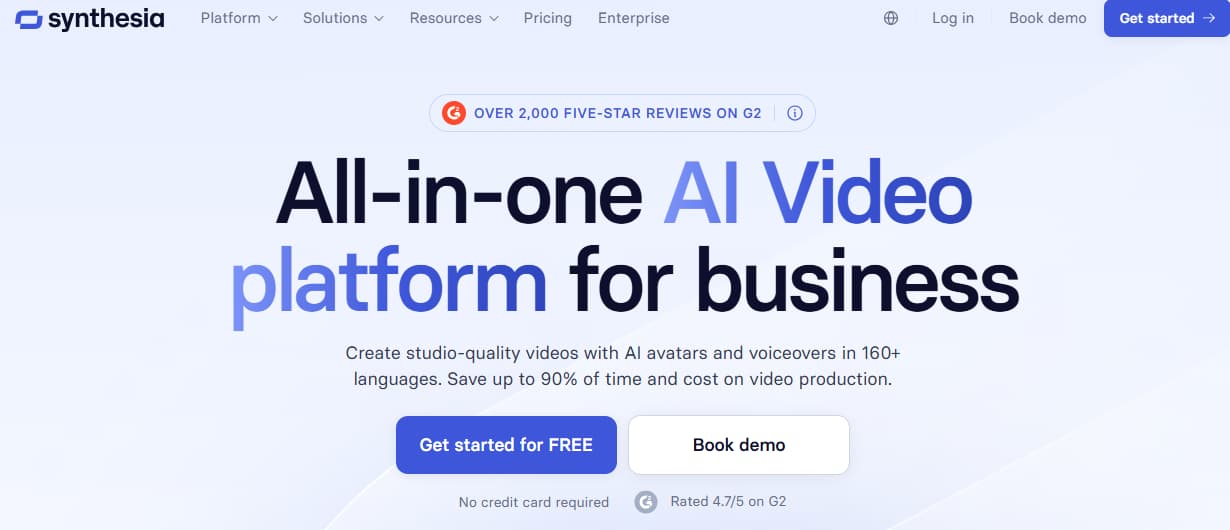
Synthesia’s official site positions it around AI-generated videos from text, AI avatars, voiceovers, and support for many languages. That makes it especially useful for training, onboarding, internal communication, product explainers, and corporate education.
This is the tool I would compare if your real issue is:
“We need someone on screen.”
“We do not want to film every training video.”
“We need repeatable presenter-led content.”
“We need multilingual internal videos.”
That is not the same as Lumen5’s core job.
Lumen5 turns written content into branded video scenes. Synthesia turns scripts into avatar-led presentations.
Both can be called AI video tools, but they replace different production tasks.
This is why simple “best alternatives” lists can be misleading. They put tools in one row as if they solve the same problem. In practice, they do not.
Synthesia is the better direction when the face, voice, and presenter format are central to the content.
GoEnhance is the better direction when the visual generation, motion style, or AI video asset matters more.
If You Need Editing, Captions, and Social Cuts: Compare VEED and Kapwing
Sometimes Lumen5 is not the problem because of how it starts a video.
The problem is what happens after the first draft.
Maybe you need subtitles. Maybe you need to crop for TikTok and Reels. Maybe you need to cut silence, resize, translate, dub, or polish a clip for social distribution.
That is where VEED and Kapwing fit better.
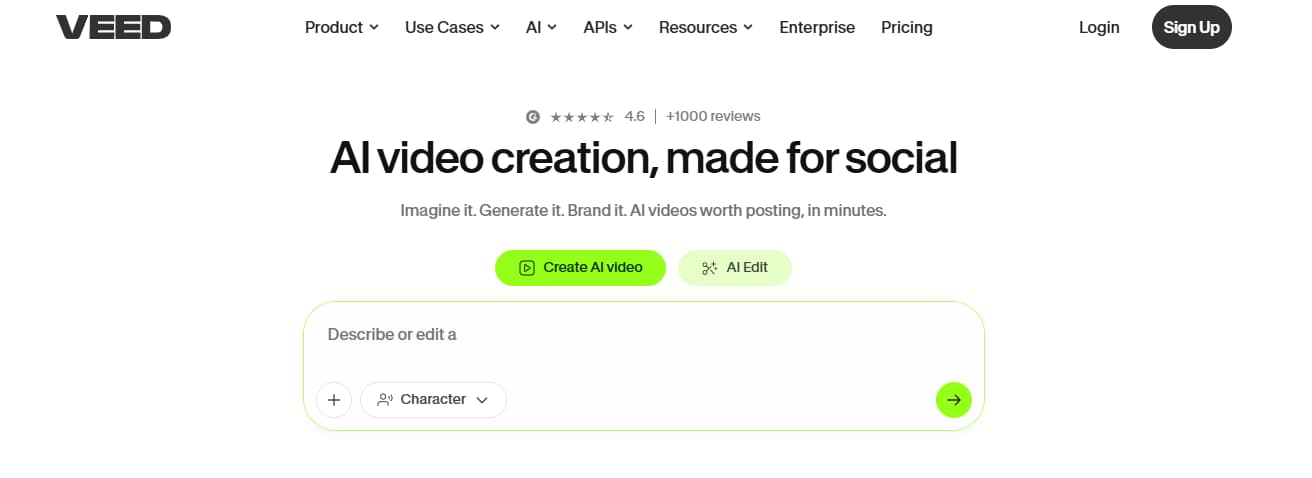
VEED describes itself as a platform where users can generate and edit in one workflow, with tools for talking heads, AI editing, dubbing, and subtitles. That is a finishing workflow, not just a generation workflow.
VEED is worth testing if your pain point sounds like this:
“I can make a draft, but polishing it takes too long.”
“I need captions on every video.”
“I need quick resizing for social channels.”
“I need a browser editor my team can use.”
“I want dubbing or translation options.”
Kapwing sits in a similar space, especially for collaborative social editing. If you are producing lots of short clips with teammates, review cycles, captions, and fast exports, a browser editor may matter more than generative video.
Again, this depends on what broke first.
If the first draft is the issue, look at GoEnhance, Pictory, InVideo, or Synthesia depending on the workflow.
If the finishing process is the issue, look at VEED or Kapwing.
If Your Team Lives in Design Systems: Canva May Fit Better
Canva is a different kind of alternative.
It is not only a video tool. It is a design environment.
That makes it useful for teams that already use Canva for social posts, presentations, brand templates, ads, thumbnails, and internal graphics. Canva’s AI video generator page positions the tool around turning prompts into AI-generated videos and then continuing the work inside Canva.
For design-led teams, that is the appeal.
The video is not isolated. It lives inside the same place where the team already manages brand colors, layouts, graphics, and campaign assets.
Canva is worth comparing if:
Your team already uses Canva.
Brand consistency matters more than model control.
You need lightweight video inside a broader design workflow.
Non-video designers need to create simple motion assets.
You want design templates, not deep AI video generation.
I would not choose Canva first if the main goal is advanced generative video control.
But if the goal is “make video part of our existing design process,” Canva makes a lot of sense.
How I Would Choose a Lumen5 Alternative
Here is the decision framework I would actually use.
Not feature count.
Not who has the flashiest homepage.
Workflow first.
| Your real need | Better direction |
|---|---|
| Turn blog posts into simple social videos | Lumen5, Pictory, InVideo |
| Create new AI-generated video assets | GoEnhance AI |
| Animate a static product or creator image | GoEnhance AI |
| Turn scripts into avatar-led videos | Synthesia |
| Add subtitles, trim, resize, and polish clips | VEED, Kapwing |
| Keep video inside a brand design system | Canva, PlayPlay |
| Record tutorials and product walkthroughs | Camtasia |
| Test multiple visual styles or AI video models | GoEnhance AI |
This is also where I would be careful with “free alternative” searches.
A free plan can help you test the workflow, but it should not be the only decision. For video tools, the real cost often appears later: export limits, watermarks, render quality, team seats, brand kits, storage, model access, or commercial usage restrictions.
So I would test three things before switching:
First, create one real video from your own content.
Not a demo prompt. Not the homepage example. Your actual blog post, product image, campaign idea, or training script.
Second, check how much manual cleanup the tool needs.
A tool that generates a draft quickly but takes thirty minutes to fix may not save time.
Third, ask whether the workflow will still fit in three months.
This is where many teams choose wrong. They pick another template tool because it feels familiar, then realize they still have the same visual problem.
Best Lumen5 Alternatives by Use Case
Best for generative AI video: GoEnhance AI
Choose GoEnhance if you want to move from content repurposing to video asset creation. It is strongest when you need text-to-video, image-to-video, video-to-video, model choice, or more visual variation.
Best fit:
Creators, marketers, AI video testers, product teams, social teams.
Not ideal if:
You only want automatic blog-to-video conversion with minimal creative input.
Best for blog-to-video repurposing: Pictory
Choose Pictory if your current workflow is still centered on blogs, URLs, webinars, scripts, or long-form text.
Best fit:
Content marketers, SEO teams, B2B teams, webinar repurposing workflows.
Not ideal if:
You want more experimental visual generation or image-to-video outputs.
Best for avatar training videos: Synthesia
Choose Synthesia if the value of the video depends on a presenter, voice, or multilingual training format.
Best fit:
Training teams, HR teams, onboarding, corporate communication.
Not ideal if:
You want cinematic product clips, AI motion experiments, or image-to-video generation.
Best for captions and fast edits: VEED
Choose VEED if your main bottleneck is post-production.
Best fit:
Social media teams, creators, marketers who need subtitles, resizing, dubbing, and fast edits.
Not ideal if:
Your main issue is generating the core visual concept.
Best for design-led teams: Canva
Choose Canva if video is one piece of a larger brand design workflow.
Best fit:
Small businesses, social teams, design teams, non-video marketers.
Not ideal if:
You need deep AI video model control.
Final Verdict: Don’t Replace the Logo. Replace the Workflow.
The wrong way to choose a Lumen5 alternative is to ask:
“Which tool is most similar?”
The better question is:
“What part of my video workflow no longer works?”
If you still need blog-to-video automation, Pictory or InVideo may be the closest replacements.
If you need a presenter on screen, Synthesia is a better comparison.
If you need captions, resizing, and finishing tools, VEED or Kapwing may solve the real problem faster.
If your team works inside design systems, Canva may be the most practical choice.
But if Lumen5 feels limiting because the output looks too template-based, the better move is not another template library. It is a more generative workflow.
That is where GoEnhance AI is worth testing.
It does not try to be a Lumen5 clone. It gives you a different starting point: prompt, image, existing clip, or model-driven generation. For teams moving from content repurposing to new video asset production, that difference matters.


