
Picsart Alternative: 10+ Better Options for AI Image Editing, Social Design, and Motion Content
- 1. Quick Comparison Table: The Best Picsart Alternatives at a Glance
- 2. Why People Are Looking for a Picsart Alternative in the First Place
- 3. GoEnhance Review: Best for Creators Who Want More Than Static Editing
- 4. The Best Picsart Alternatives for Different Types of Users
- 5. Static vs Motion: The One Decision Most “Best Picsart Alternative” Lists Miss
- 6. Which Tool Is Best for AI Image Editing, Social Media Design, or Quick Content Production?
- 7. How to Choose the Best Picsart Alternative Without Overpaying
- 8. FAQ
- 8.1 What is the best Picsart alternative for AI image editing?
- 8.2 Is there a free Picsart alternative for content creators?
- 8.3 Which Picsart alternative is best for social media design?
- 8.4 Is GoEnhance a full replacement for Picsart?
- 8.5 What if I only need background removal or product photo cleanup?
- 9. Conclusion: The Best Picsart Alternative Depends on What You Want to Make Next
If you are searching for a Picsart alternative, the real question is not “Which app looks most like Picsart?” It is: which tool fits the kind of content you need to make next.
For some people, that means faster social media graphics. For others, it means cleaner AI image editing, easier browser-based retouching, or a cheaper workflow with fewer limits. And for a growing group of creators, it means something Picsart-style roundups often miss: turning a still image into motion-ready content. That shift is not theoretical either: DataReportal’s Digital 2025 report says global social media user identities reached 5.24 billion, and HubSpot’s 2025 short-form video trend report says short-form video remains the top-performing content format marketers are using.
1. Quick Comparison Table: The Best Picsart Alternatives at a Glance
| Tool | Starting point | Ease of use | Best for | AI image editing depth | Social design strength | Video / motion handoff |
|---|---|---|---|---|---|---|
| GoEnhance | Paid workflow after trial entry | Easy–Medium | Image-to-video, stylized AI visuals, motion-ready content | High | Medium | Strong |
| Canva | Free / paid plans | Easy | Social posts, templates, brand kits | Medium | Strong | Medium |
| Adobe Express | Free / paid plans | Easy | Social graphics, quick branded content | Medium | Strong | Medium |
| Pixlr | Free / paid plans | Easy–Medium | Fast browser editing, lightweight AI edits | Medium | Medium | Low |
| Photopea | Free / paid | Medium | PSD-style browser editing | Low | Medium | Low |
| Fotor | Free / paid plans | Easy | Photo enhancement, one-click AI cleanup | Medium | Medium | Low |
| Freepik | Free / paid plans | Medium | AI asset generation, stock + creative production | High | Medium | Medium |
| Krea | Paid leaning | Medium | Fast concept visuals, generative exploration | High | Low | Medium |
| Photoroom | Free / paid plans | Easy | Product shots, cutouts, ecommerce visuals | Medium | Medium | Low |
| BeFunky | Free / paid | Easy | Quick edits, collages, basic design work | Low–Medium | Medium | Low |
| Snapseed | Free | Easy | Mobile photo editing, RAW fixes | Low | Low | Low |
If your goal is not just editing a still image but testing how that visual could move, start with GoEnhance Image to Video.
2. Why People Are Looking for a Picsart Alternative in the First Place
Most people do not leave Picsart because it is unusable. They leave because it starts to feel like the wrong center of gravity for their work.
Usually, the friction falls into one of four buckets:
- You want better AI image generation or cleanup.
- You mostly make social content and need cleaner template workflows.
- You want browser-based editing that feels less mobile-first.
- You need your visuals to keep going into video, ads, or motion content.
That last one matters more than many “best Picsart alternative” lists admit. Static editing is one thing. Content production is another.
3. GoEnhance Review: Best for Creators Who Want More Than Static Editing
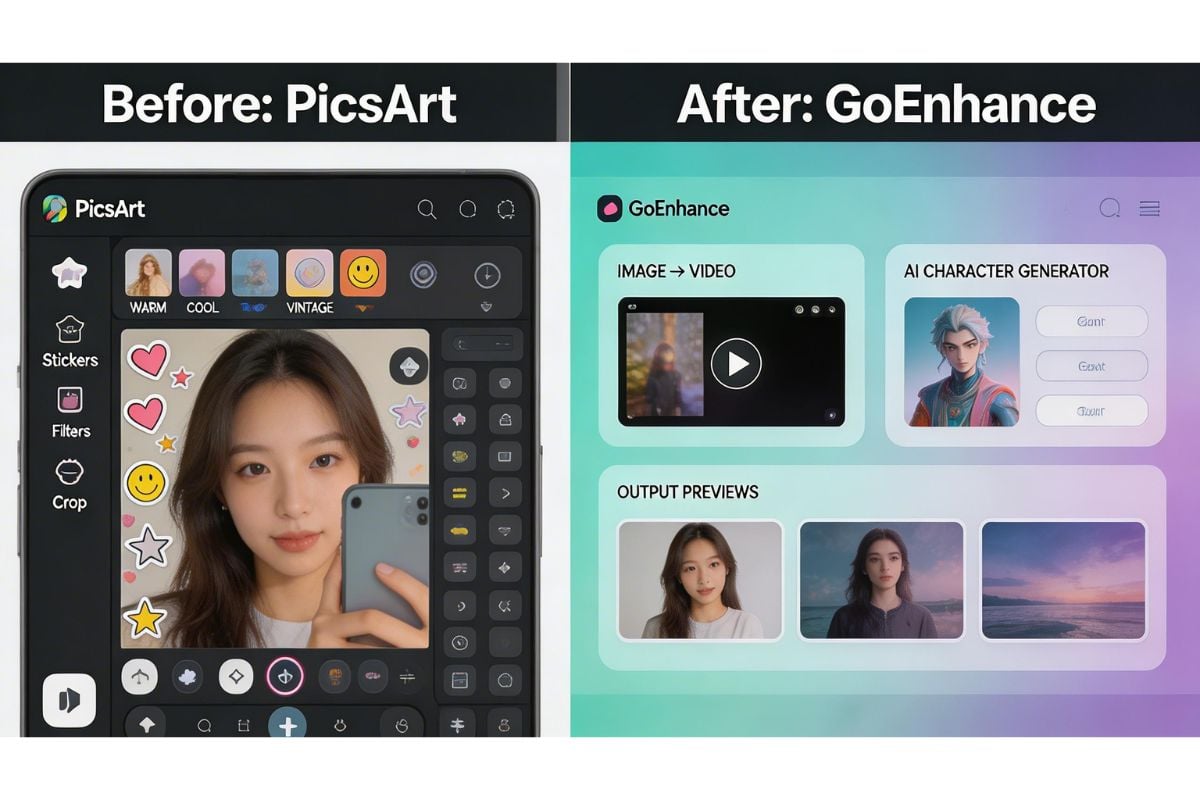
For creators who want more than filters, stickers, and quick touch-ups, GoEnhance is the most interesting option in this list.
Its value is not that it perfectly replaces every Picsart feature. It does not. The point is different: GoEnhance makes more sense when your image is a starting asset, not the finished product.
A practical way to evaluate that is with three common tasks:
- Turn a product still into a short motion concept.
- Turn a portrait into a more stylized AI visual.
- Take a clean image and push it toward a promo-ready creative direction.
GoEnhance fits those jobs well because the workflow is not trapped in static editing. You can move from image generation or variation into motion-oriented output much more naturally than you can in a traditional social design app. If you also want to test different visual directions first, the Nano Banana 2 image generation workflow gives that process a useful front end.
Where it feels strongest:
- turning an image into something with movement and momentum
- experimenting with stylized looks without opening three separate tools
- building early creative versions for short-form content, promos, or hooks
Where it is less ideal:
- detailed manual layout work
- presentation-style design
- brand template systems for teams that live inside static assets
That is the important caveat. If your core job is social media layout, poster editing, or branded slides, Canva or Adobe Express is often the safer choice. GoEnhance is better when the question is, “How do I make this visual go further?”
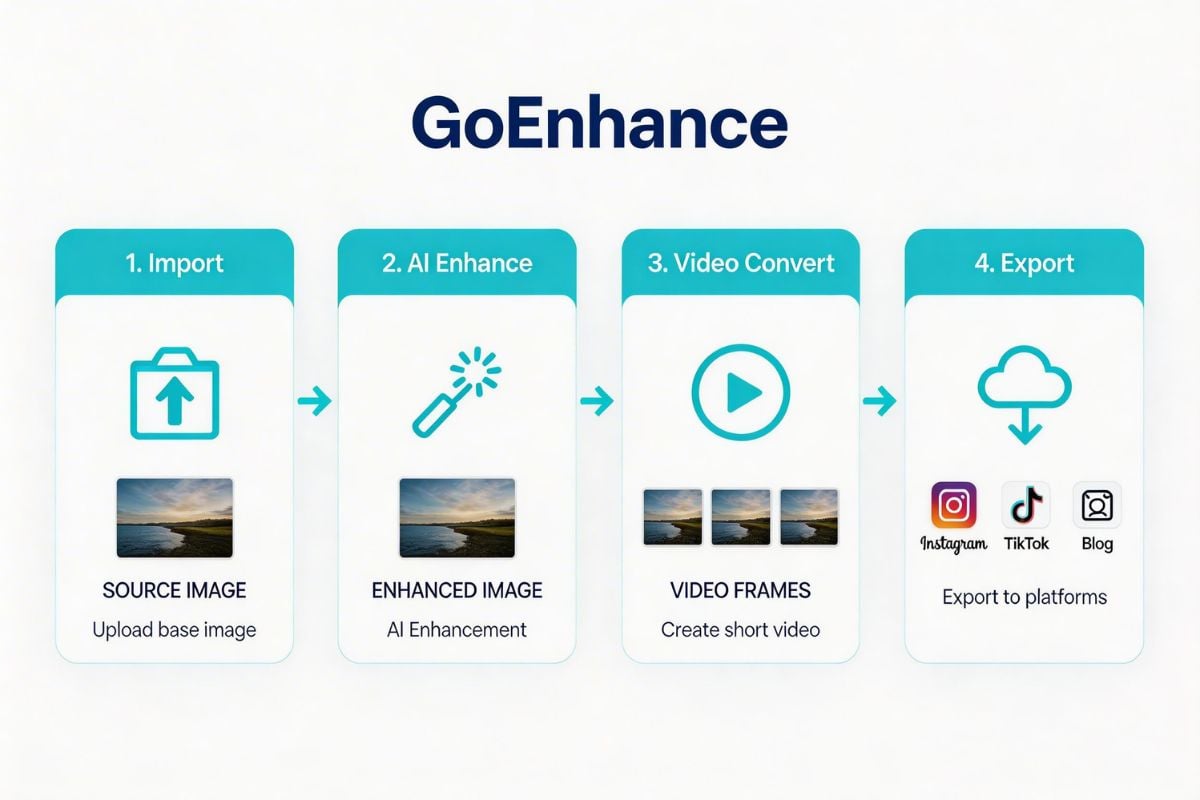
If that is your use case, the most natural next step is to try GoEnhance’s image to video workflow rather than forcing a static editor to do motion work.
Another thing I like here: the product positioning is honest once you frame it correctly. GoEnhance is not the best tool for everyone. It is the better fit for creators whose workflow does not end at the image.
4. The Best Picsart Alternatives for Different Types of Users
Here is the shorter, more useful version of the 10-tool roundup.
4.1 Best for Social Media Design
Canva and Adobe Express are still the easiest answers if your work is mostly posts, promos, stories, simple brand assets, and fast resizing. Canva remains strong for templates and team-friendly design workflows, while Adobe Express is especially convenient for quick branded content and lightweight AI-assisted creation.
4.2 Best for Browser Editing
Pixlr and Photopea are more practical if what you really want is a browser editor, not a creator platform. Pixlr is easier for fast everyday edits. Photopea is better when you want a Photoshop-like environment and more file flexibility.
4.3 Best for Photo Cleanup and Enhancement
Fotor, Snapseed, and Photoroom are all useful here, but for different reasons. Fotor is the easiest “make this photo better fast” option. Snapseed remains a strong mobile editor. Photoroom is the sharper pick for product photos and background-heavy ecommerce work.
4.4 Best for AI-Heavy Creative Workflows
GoEnhance, Freepik, and Krea make more sense for users who are closer to ideation, asset generation, and creative variation than to classic photo editing. Freepik is especially broad now. Krea is good for exploration. GoEnhance stands out when those visuals need to become motion-oriented content.
4.5 Best for Casual All-Around Editing
BeFunky is still fine for lighter creative work. It is not the deepest or smartest option on this list, but it is approachable and low-pressure.
5. Static vs Motion: The One Decision Most “Best Picsart Alternative” Lists Miss
This is the split I would use before anything else.
If your output is mostly:
- carousels
- thumbnails
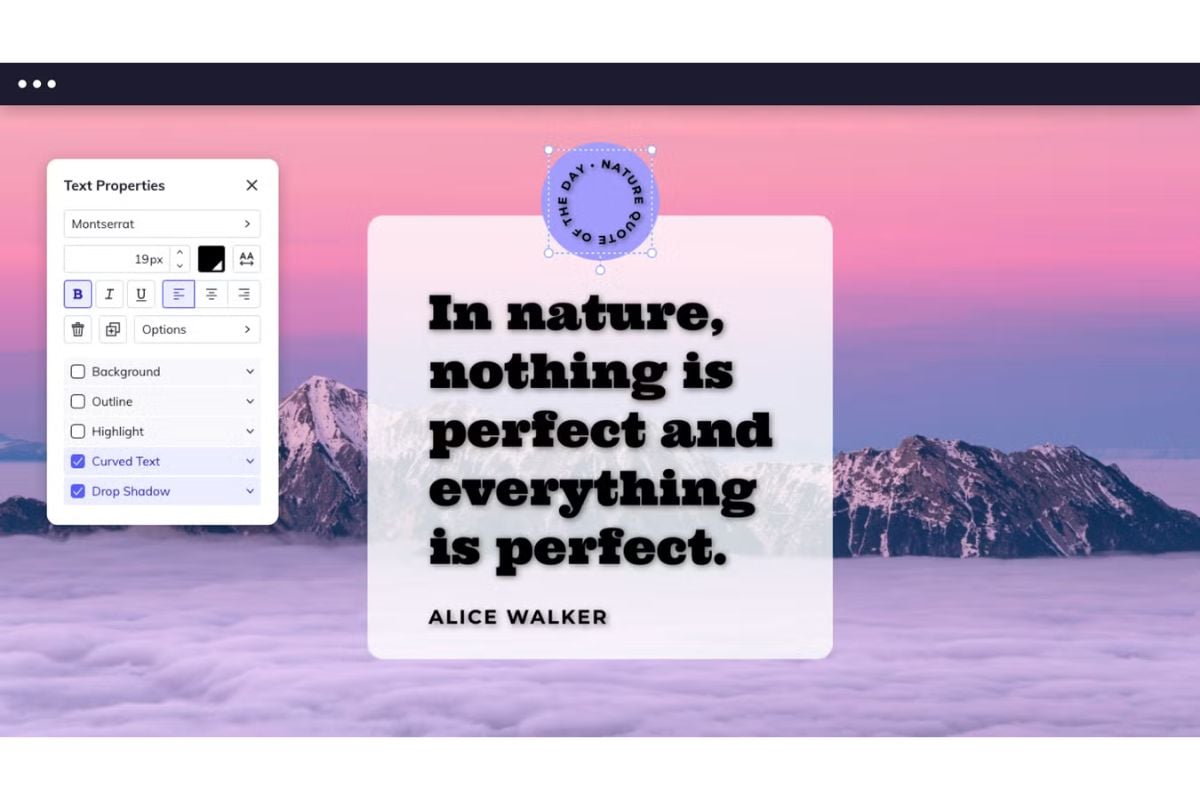
- quote posts
- posters
- simple branded graphics
then static-first tools are still the better default.
But if your output increasingly includes:
- short promo videos
- animated hooks
- scroll-stopping ad creatives
- stylized motion content from stills
then you should stop judging tools only as editors. That shift also lines up with broader creator behavior: Pew Research’s 2025 analysis of TikTok creators shows how central platform-native creator content has become, while HubSpot’s 2026 marketing statistics page says short-form video is the most popular content format among marketers and the one they report as delivering the highest ROI.
That is where GoEnhance gains ground. It is not trying to win the same game as Canva, and that is exactly why it can be a better answer for certain creators.
6. Which Tool Is Best for AI Image Editing, Social Media Design, or Quick Content Production?
6.1 Best Picsart alternative for AI image editing
For pure AI-oriented visual work, GoEnhance, Freepik, and Krea are the strongest trio here. GoEnhance is the best fit when you care about motion handoff. Freepik is broader if you want stock, models, and generation in one place. Krea is good for concepting.
6.2 Best free Picsart alternative for content creators
If “free” is the first filter, start with Canva Free, Adobe Express Free, Photopea, and Snapseed. They all lower the barrier in different ways. But free is only a win if it gets you to usable output without forcing an awkward second tool.
6.3 Best Picsart alternative for social media design
For static social media design, Canva still feels easiest. Adobe Express is close behind, especially for quick branded assets. I would not force GoEnhance into this category unless your social workflow already includes motion-heavy content.
7. How to Choose the Best Picsart Alternative Without Overpaying
The hidden cost is usually not the monthly fee. It is the handoff.
A “free” tool stops being cheap when:
- exports are limited
- AI features are too shallow
- file handling is clumsy
- you have to rebuild the same asset somewhere else for motion or polish
That is why I would choose like this:
- Pick Canva if brand consistency, templates, and team-friendly design matter most.
- Pick Adobe Express if you want a simple Adobe-flavored content workflow without going full Creative Cloud.
- Pick Photopea if you want browser-based control and PSD-friendly editing.
- Pick Photoroom if product photos and clean cutouts directly affect conversions.
- Pick GoEnhance if your image is meant to become a richer content asset, not just a finished still.
One honest limitation: if your work is mostly static design production, GoEnhance may feel like the wrong primary tool. That is not a weakness in every context. It is a positioning truth.
8. FAQ
8.1 What is the best Picsart alternative for AI image editing?
If you care most about AI-led creative work, GoEnhance, Freepik, and Krea are stronger choices than classic editing-first apps.
8.2 Is there a free Picsart alternative for content creators?
Yes. Canva Free, Adobe Express Free, Photopea, and Snapseed are the most practical free starting points.
8.3 Which Picsart alternative is best for social media design?
Canva is still the easiest recommendation for static social media design, with Adobe Express close behind.
8.4 Is GoEnhance a full replacement for Picsart?
Not for everyone. It is a better fit for creators who want to go from images into motion content. It is not the best replacement for people whose work is mainly manual layout and template-driven design.
8.5 What if I only need background removal or product photo cleanup?
Then a full Picsart replacement may be overkill. Photoroom is often the cleaner answer for that specific job.
9. Conclusion: The Best Picsart Alternative Depends on What You Want to Make Next
There is no single best Picsart alternative for everyone.
If your work is mostly social graphics, branded templates, and static design, Canva or Adobe Express will usually feel more natural. If you want browser-based editing control, Photopea and Pixlr are more useful. If you want fast cleanup or ecommerce-ready visuals, Fotor, Snapseed, or Photoroom may be enough.
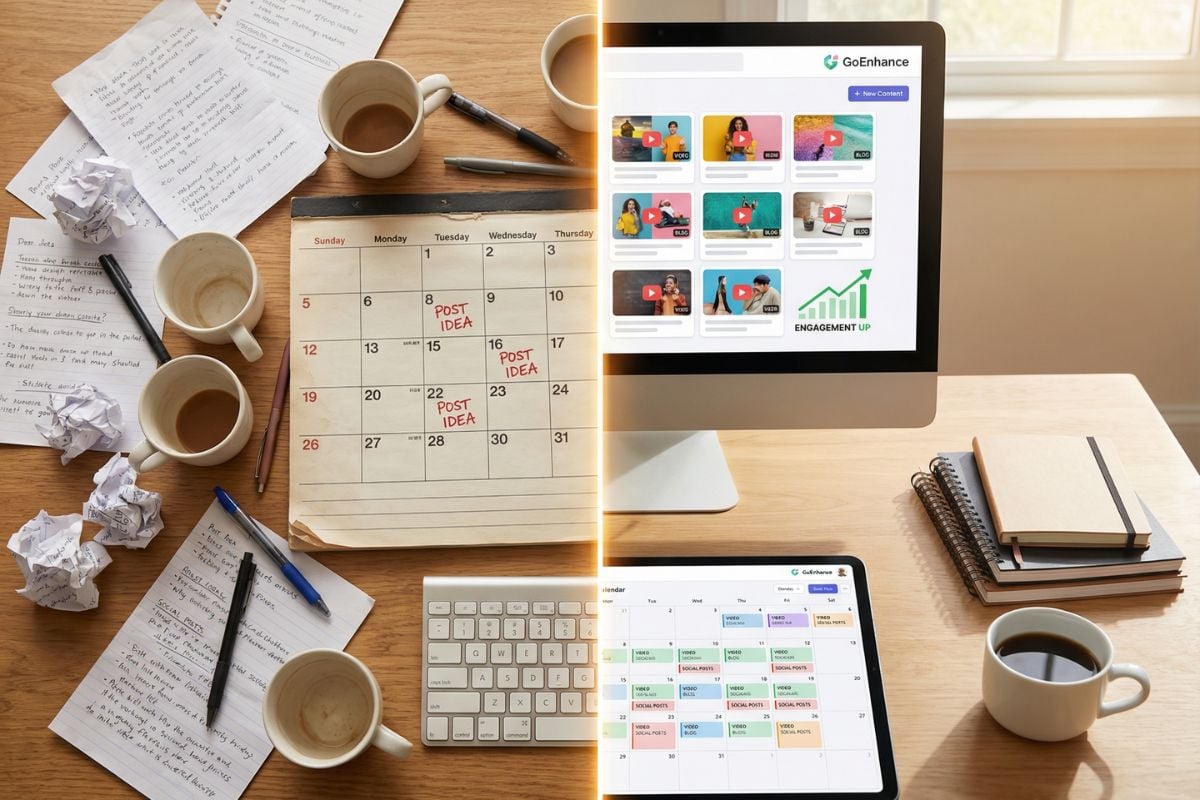
But if your workflow is shifting from still images toward motion, creative variation, and video-oriented output, GoEnhance is the one I would look at first.
That is the real dividing line.
If you want to test the static-to-motion path instead of just reading about it, start here:


