
DALL·E 3
Create high-quality images from text with DALL·E 3 on GoEnhance AI—exceptional prompt adherence, crisp typography, and beautiful composition.
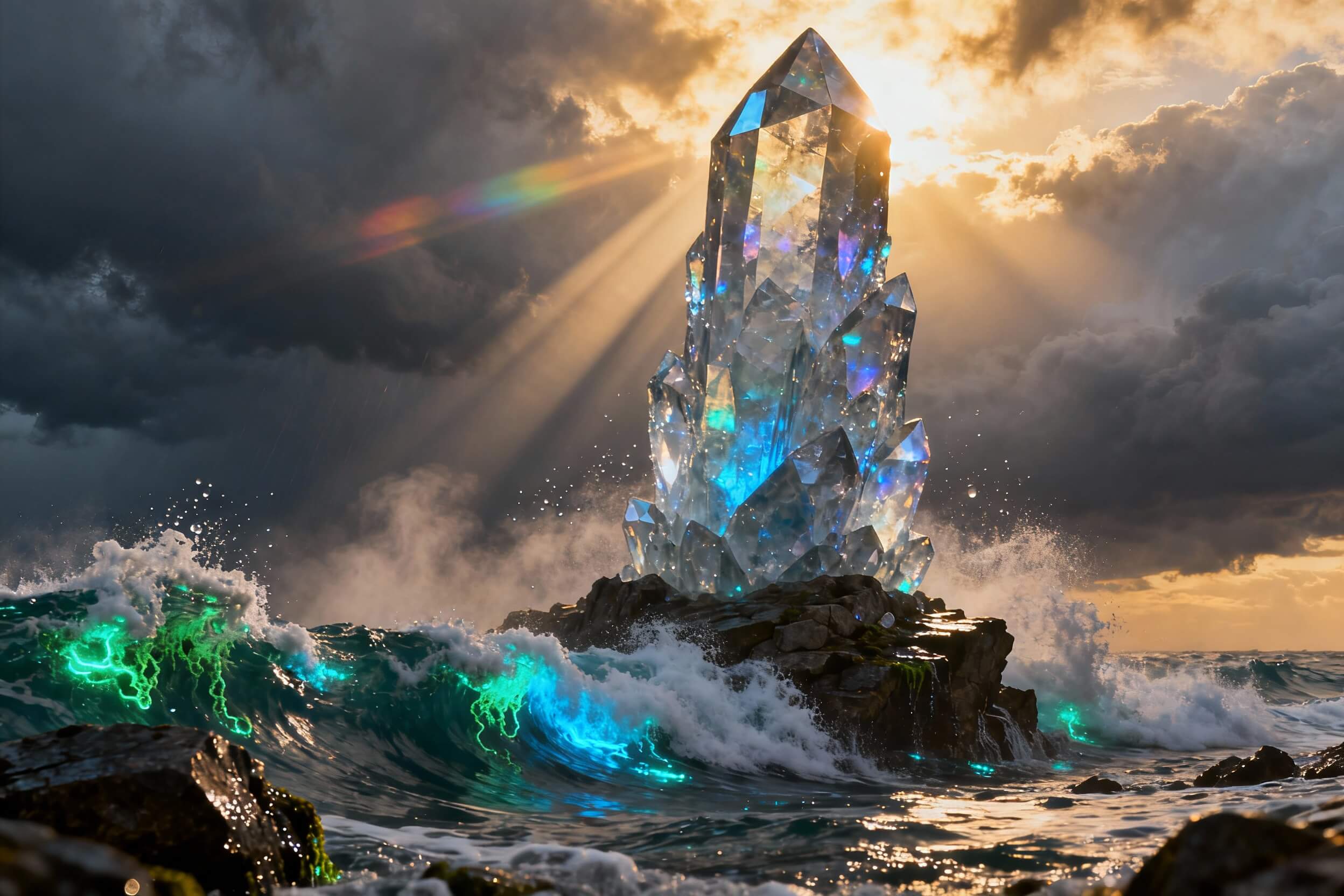
Superior Prompt Adherence
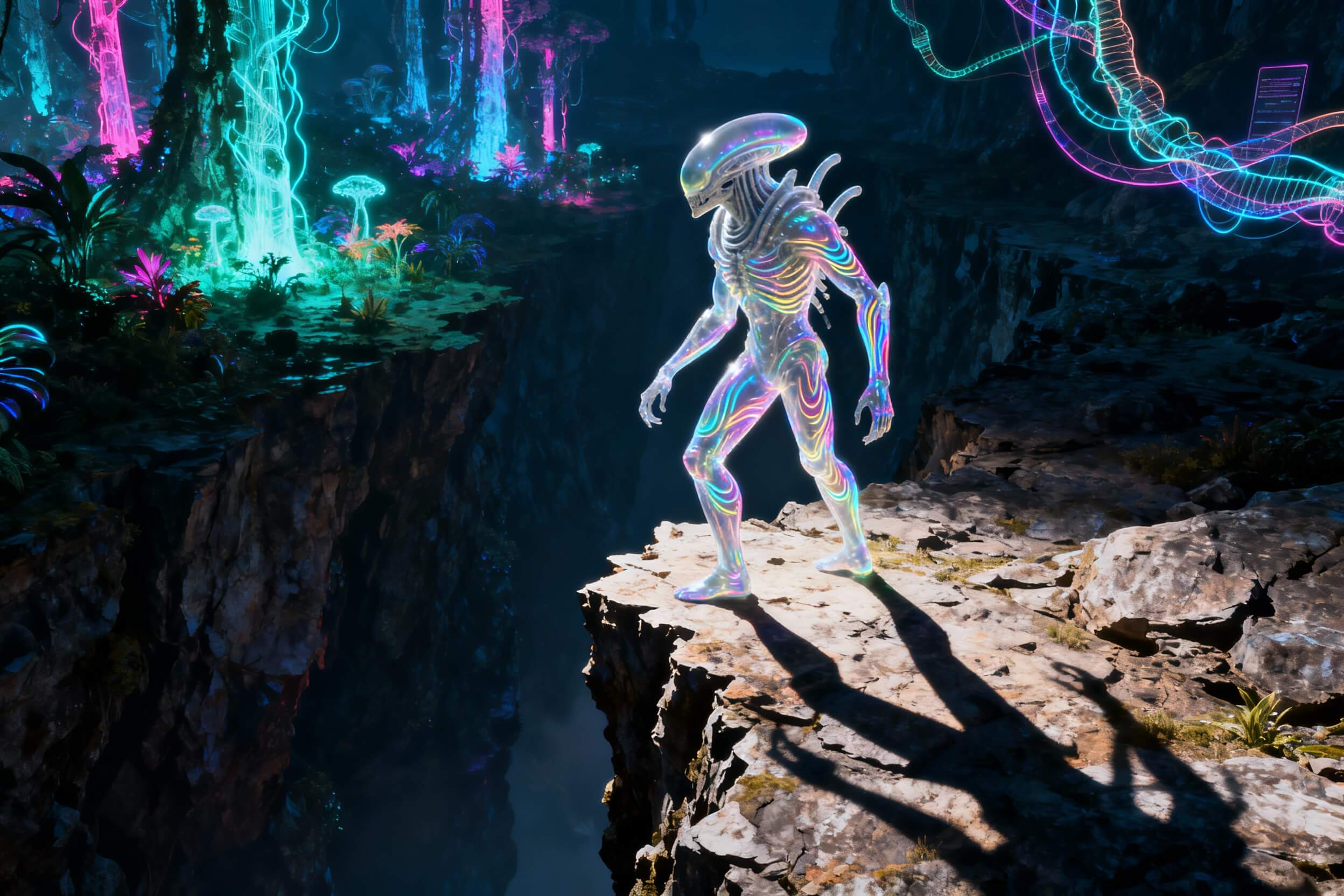
Crisp Typography
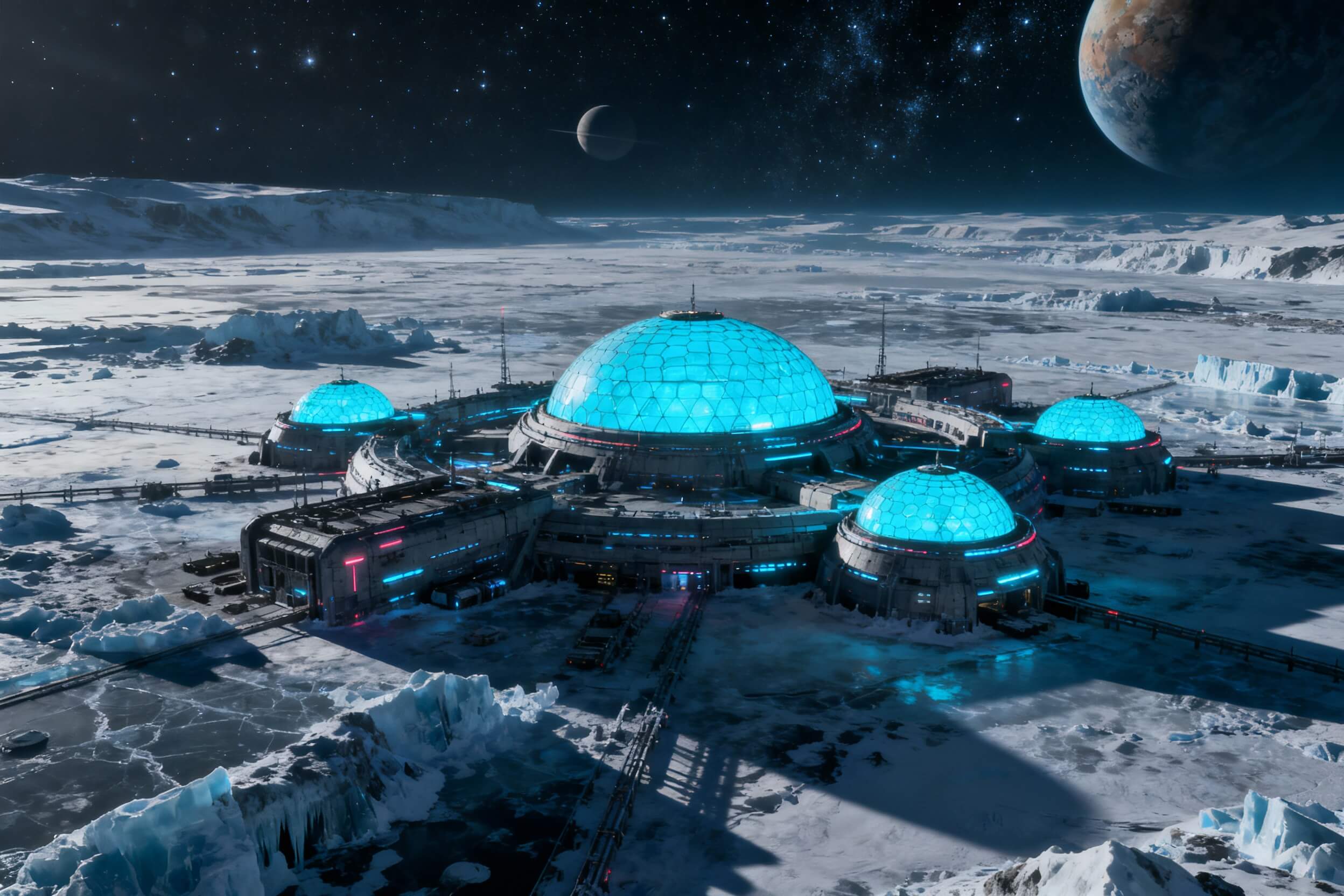
Flexible Aspect Ratios
GPT-Image-2
Prompt
Example prompts
Opens the GoEnhance editor with this model and prompt ready.
How to Use DALL·E 3
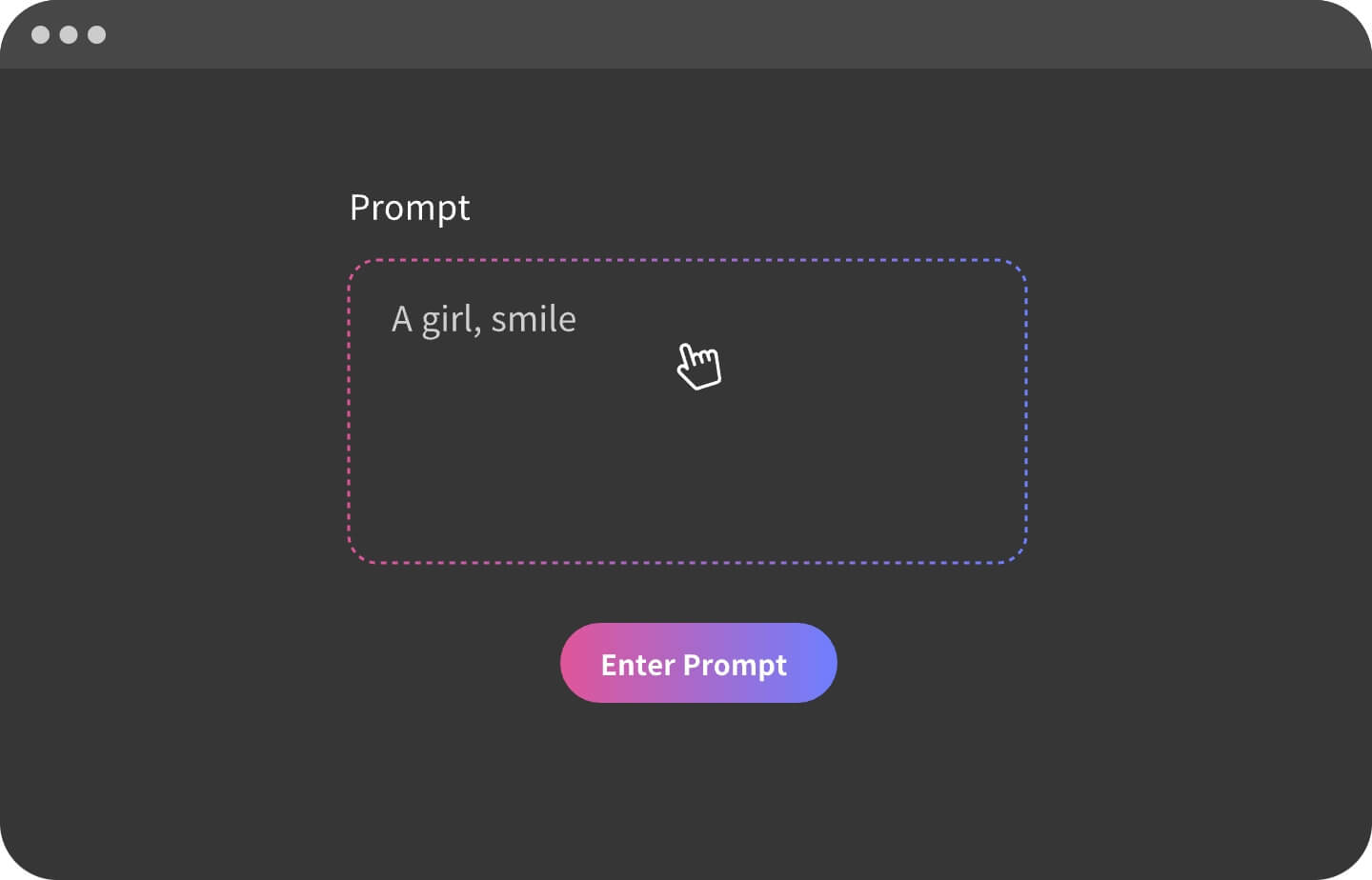
Step 1: Write a Clear Prompt
Describe the subject, style, lighting, composition, and any text you want rendered inside the image.
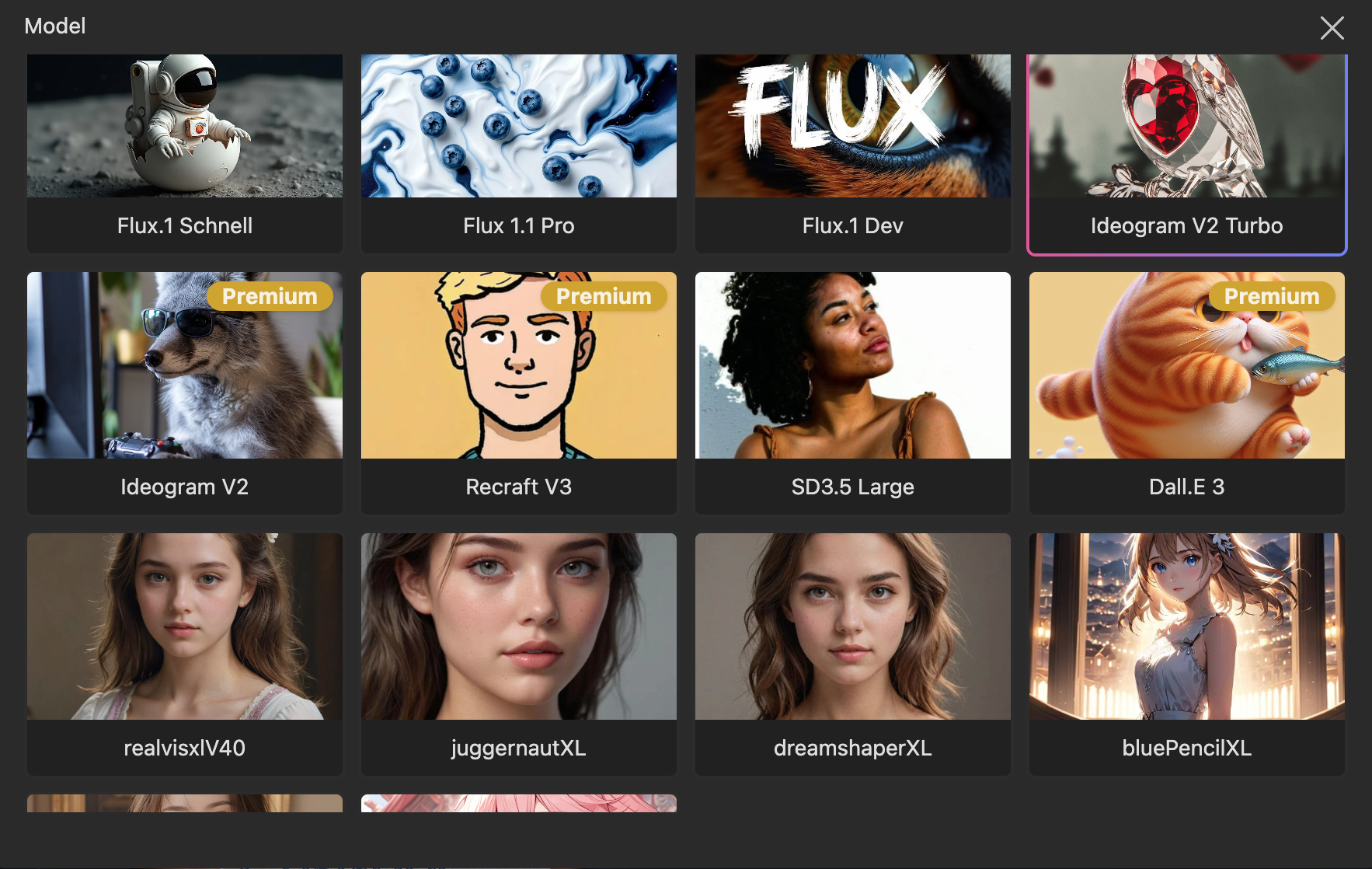
Step 2: Select the DALL·E 3 Model
Open the Model menu and choose DALL·E 3. Optionally set aspect ratio and quality.
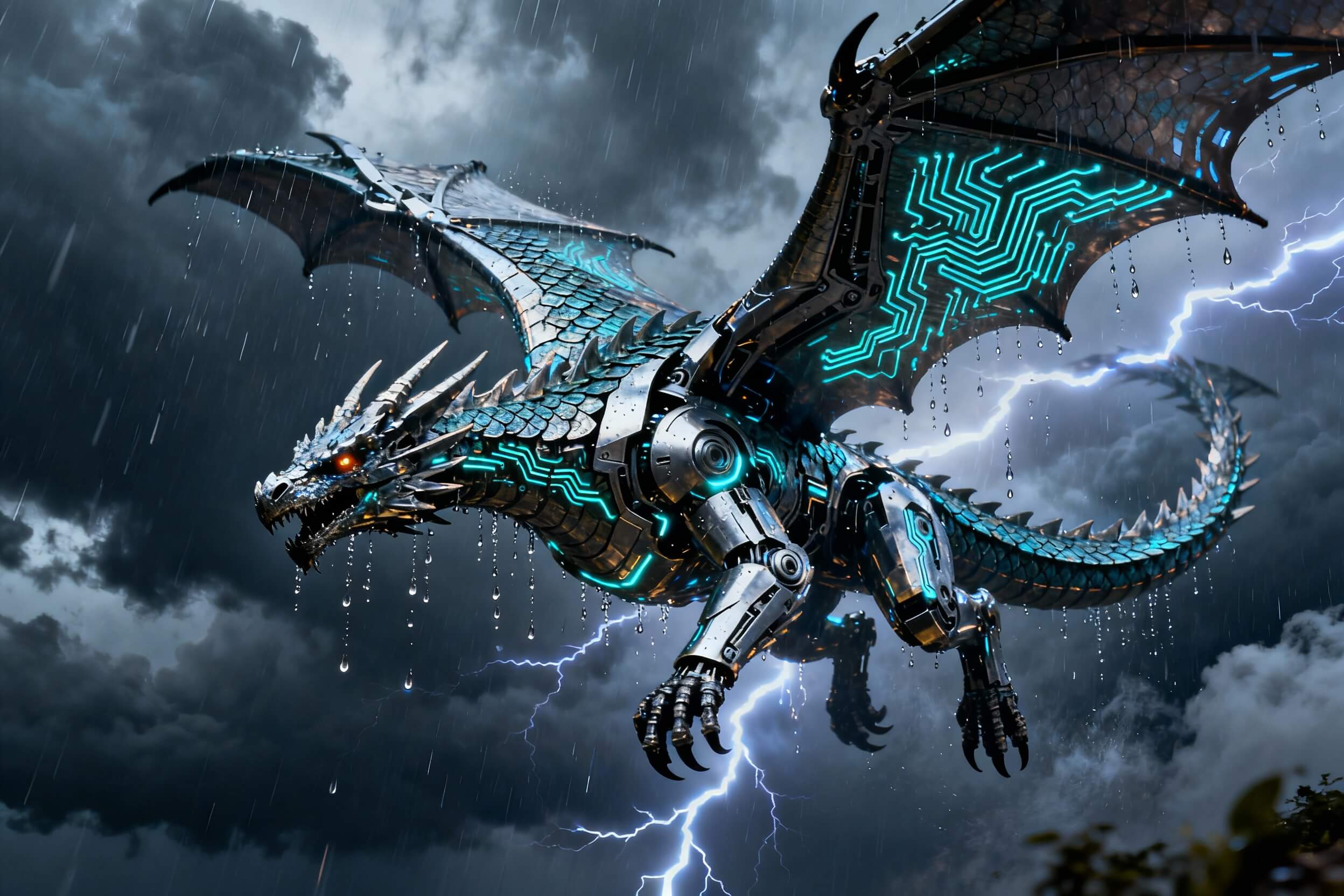
Step 3: Generate & Refine
Click “Generate.” If needed, tweak your prompt or parameters and re-generate to perfect the result.
DALL·E 3 Features
Frequently Asked Questions
What is DALL·E 3?
How do I use DALL·E 3 on GoEnhance?
What’s special about DALL·E 3?
Can I use outputs commercially?
Discover more:
- GoEnhance for Pinterest
- AI Christmas Tree Ornaments Generator
- AI Video Style Transfer
- Stable Diffusion 3
- Stable Diffusion 3.5 Large
- AI Glamour Portrait Generator
- Recraft V3 AI Image Generator
- Image to Prompt
- Ideogram 2
- Genshin Impact AI Art Generator
- Furry AI Art Video Generator
- Disney Pixar AI Video Generator
- AI Video Filter
- AI Vector Generator
- AI Profile Picture Generator
- AI Pop Art Video Generator
- AI Photography Generator
- AI Muscle Video Generator
- AI Logo Generator
- AI Landscape Generator
- AI Kissing Video Generator
- AI Image Blender
- AI Girlfriend Online Free
- AI Girl Generator
- AI Face Generator
- AI Doll Generator
- AI Comic Generator
- AI Claymation Video Maker
- AI Boyfriend Generator
- AI ASMR Video Generator
Beyond DALL·E 3
Explore more AI tools on GoEnhance for design, illustration, and content creation.