
Midjourney V7 Image Generator

Midjourney V7 Gallery
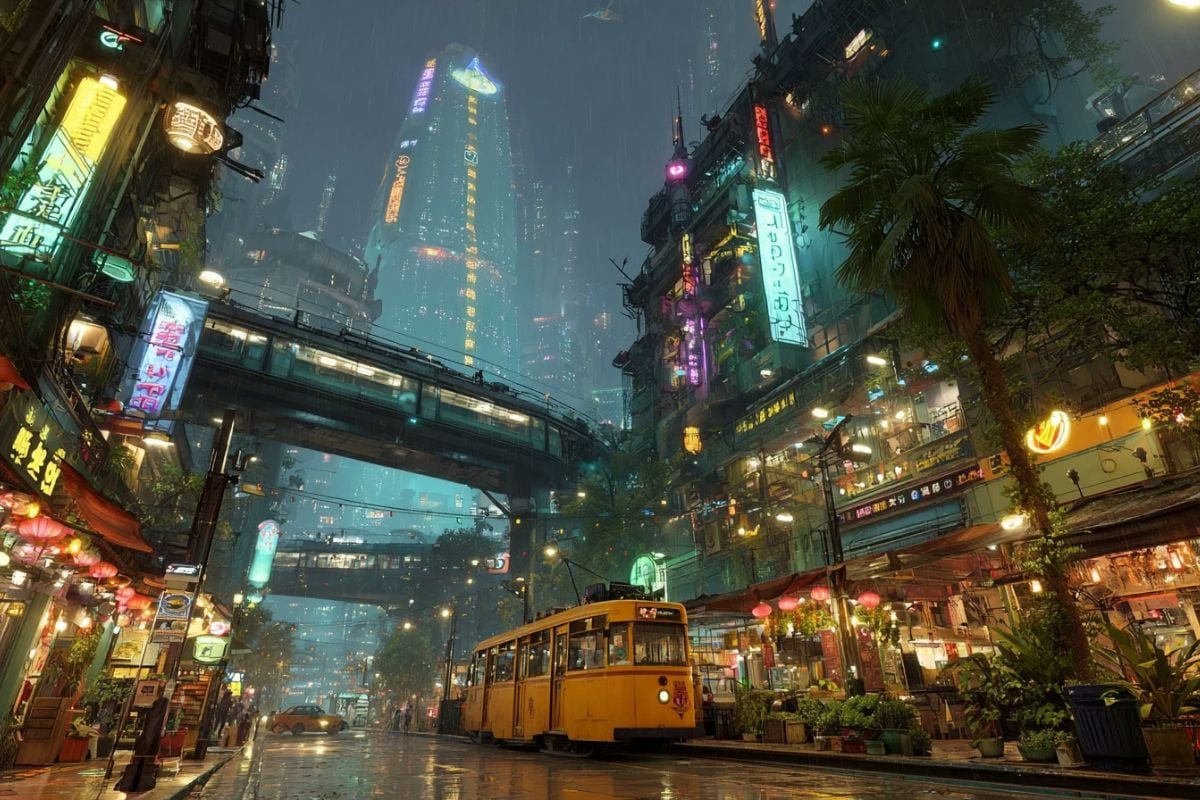
Neon Cyberpunk Night Market
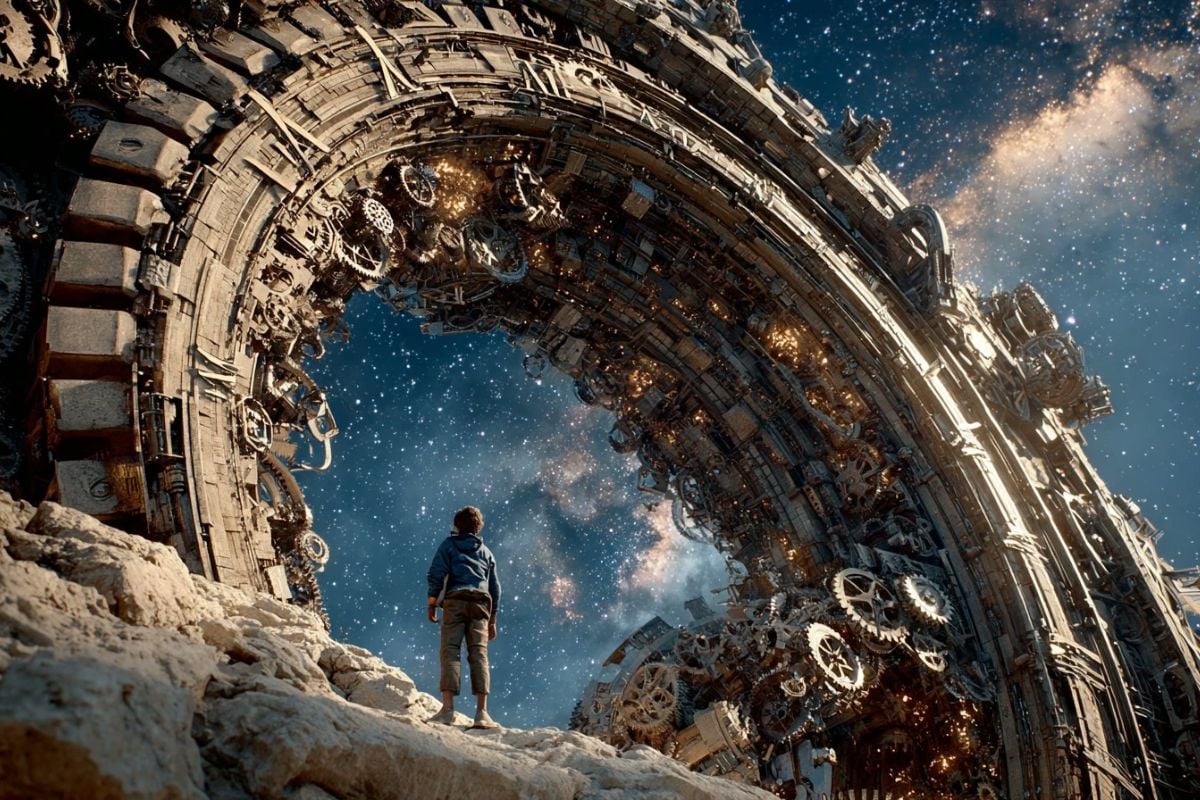
Cosmic Clockwork of Time
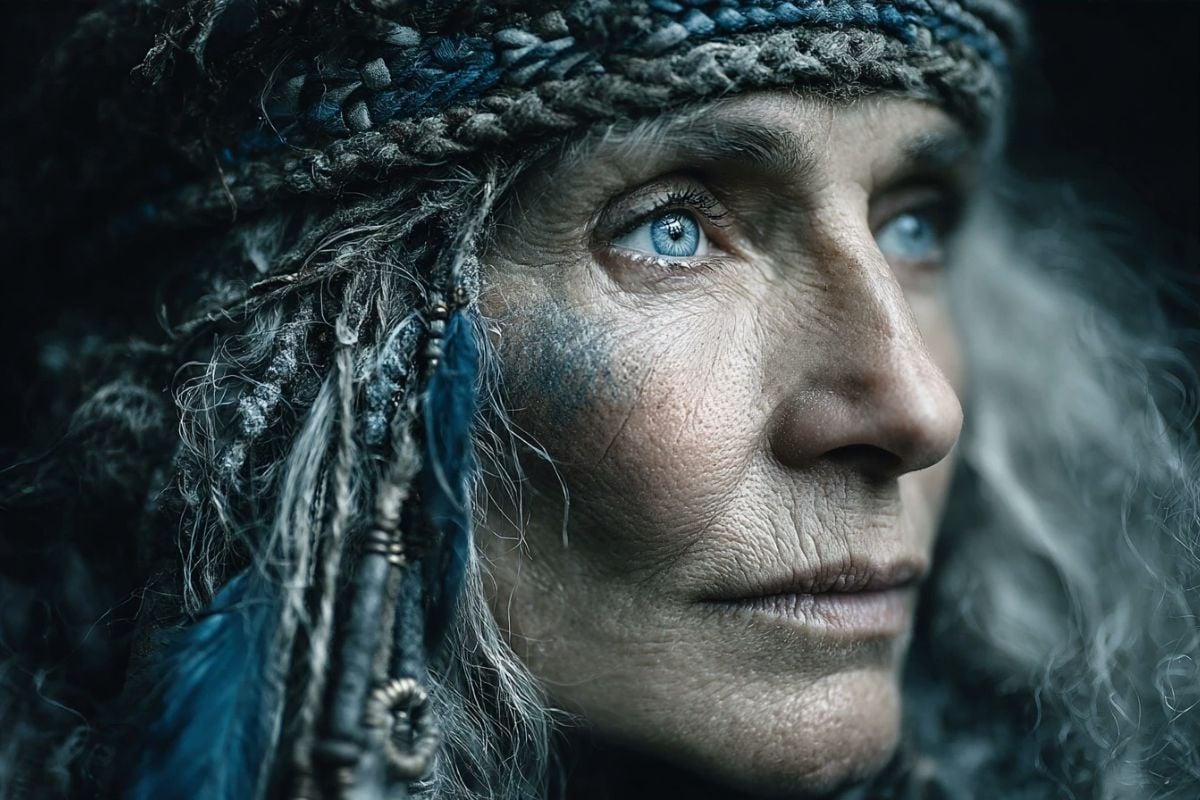
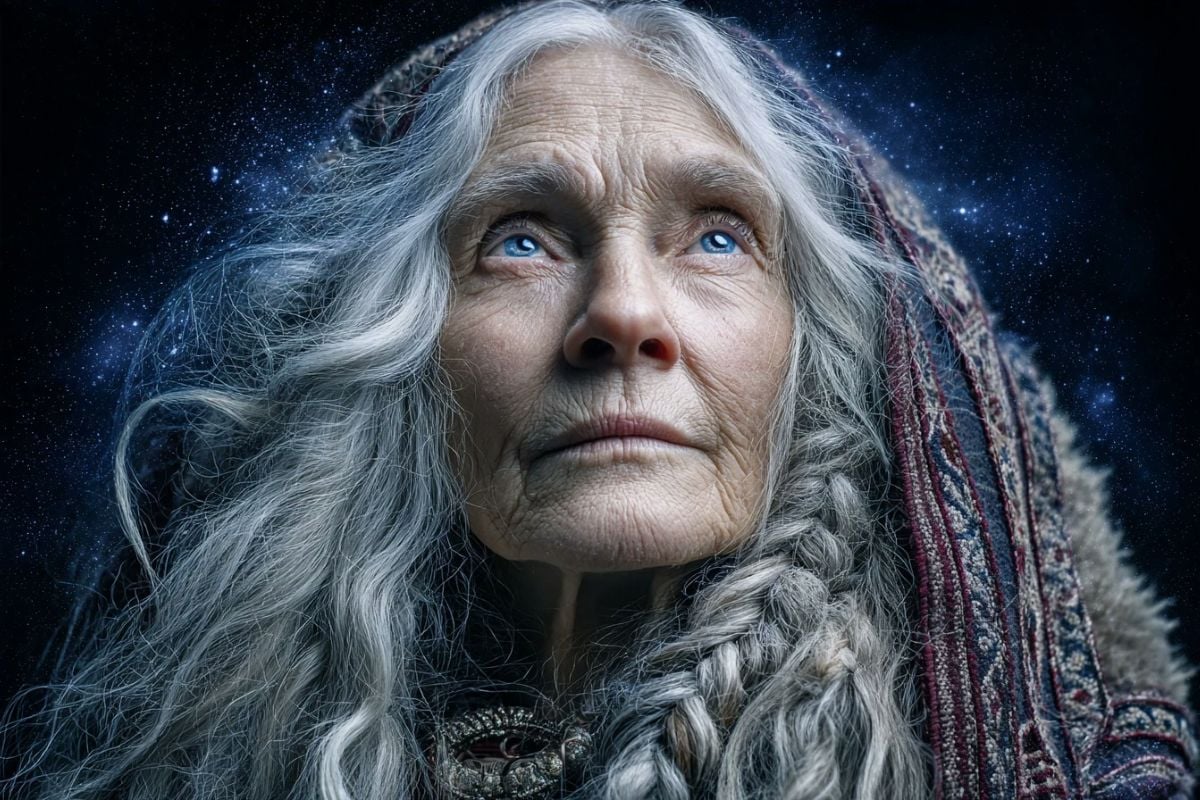
Aurora Oracle
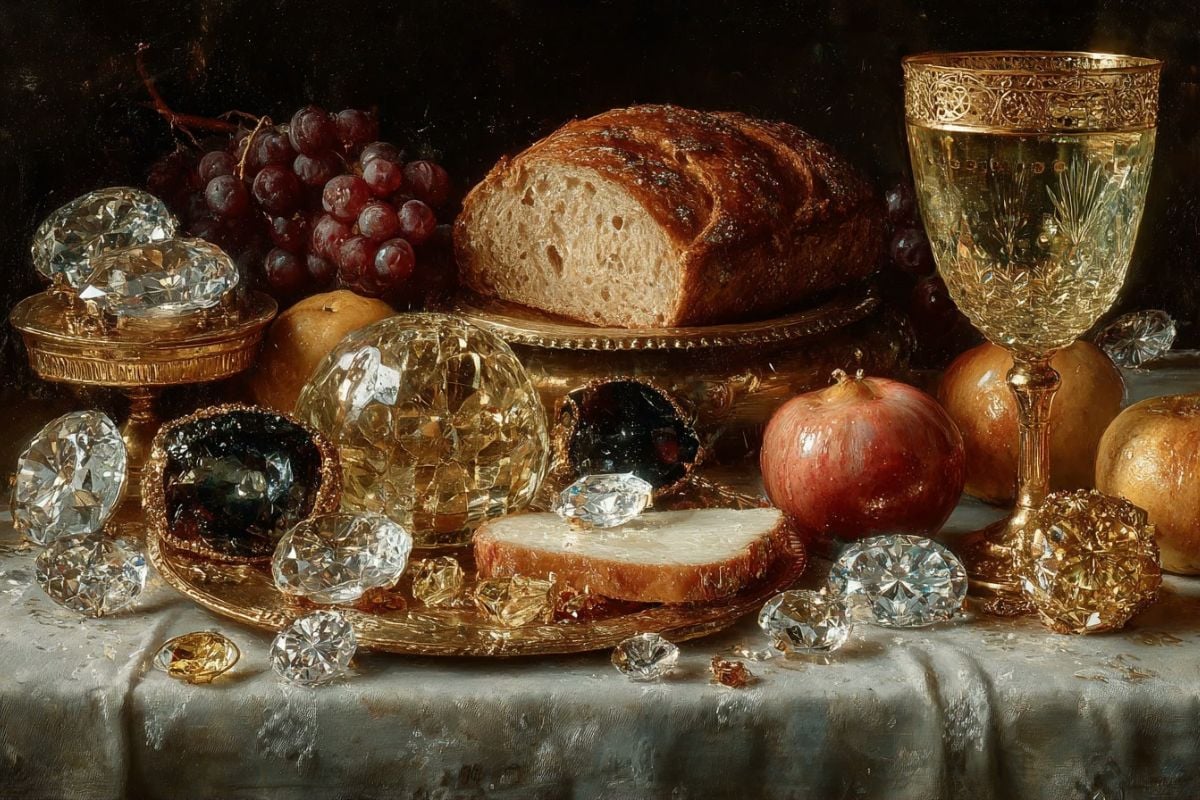
Gilded Gem Feast
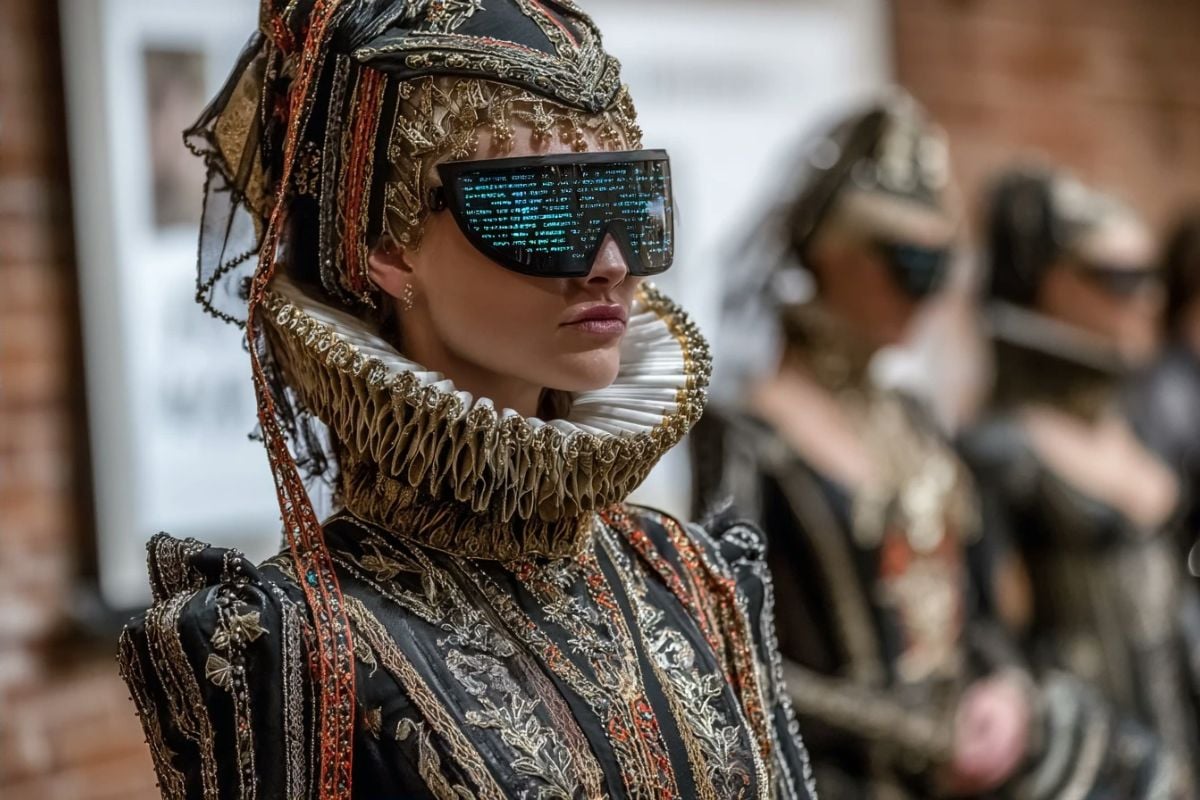
Neo-Victorian Hologram Runway
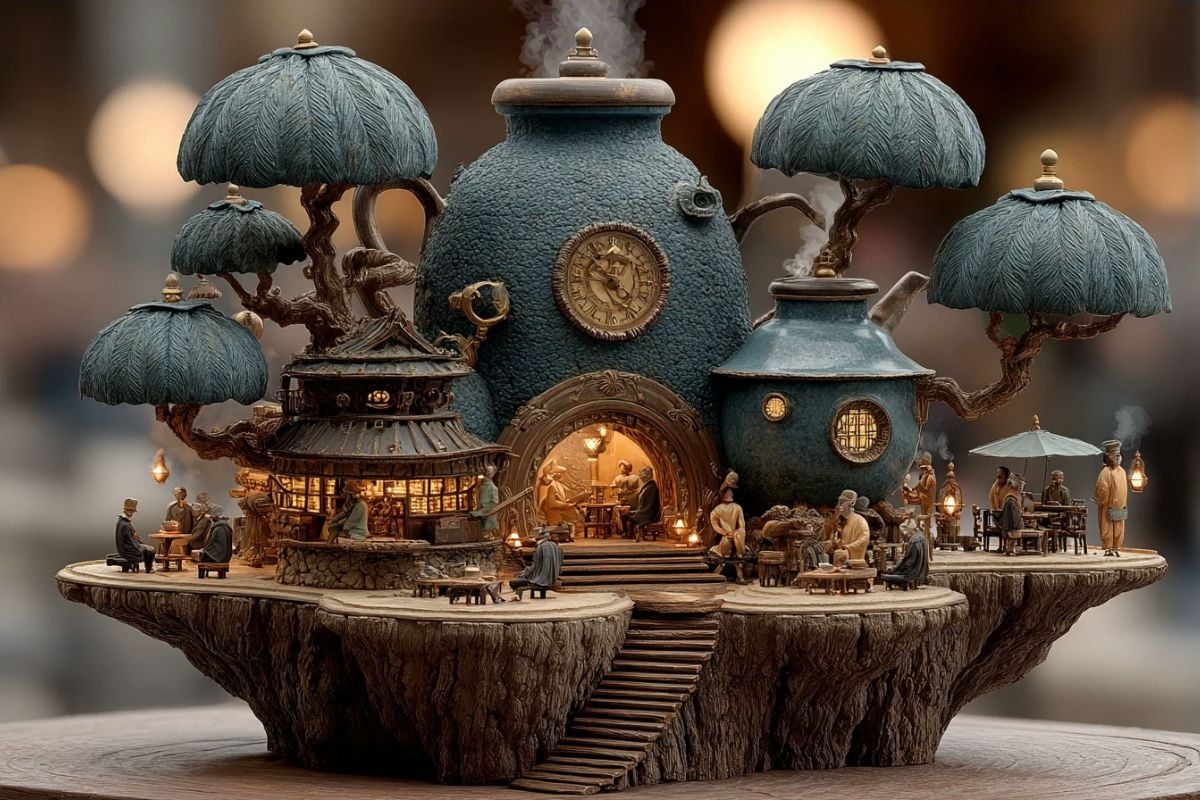
Clocksmoke Lotus Teahouse
How to Use Midjourney V7 on GoEnhance AI?
Open GoEnhance AI
Go to GoEnhance AI and open the text-to-image workspace. This is the quickest way to start generating with Midjourney V7 without extra setup.
Select Midjourney V7
In the model list, choose Midjourney V7. Pick your aspect ratio, then keep your prompt clear: subject → environment → lighting → camera style.
Prompt, Generate, and Iterate
Write your prompt, generate results, then refine with small changes. Midjourney V7 is great at controlled iteration—adjust one variable at a time (pose, lens, background, or mood) to keep coherency stable.
Why Midjourney V7 Feels Easier to Control
Stronger Prompt Following, Less Guesswork
Midjourney V7 is more literal than older workflows: placements, counts, and object relationships tend to hold better. When you write “red object on the left, blue on the right,” Midjourney V7 is more likely to respect it—especially in clean compositions. If you want to explore more styles and compare outputs, you can also check Midjourney AI.
Fast Iteration for Real Work
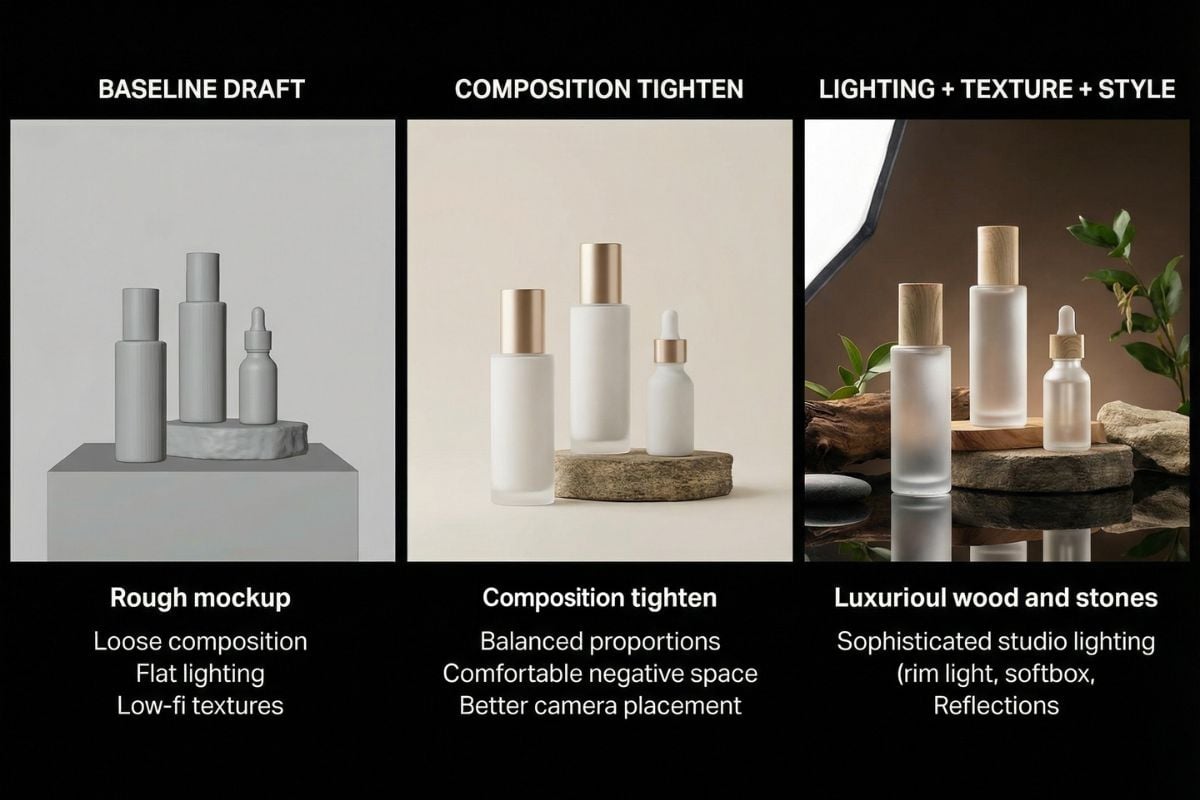
Midjourney V7 shines when you iterate like a creator: draft a baseline, tighten composition, then refine lighting, texture, and style. It’s ideal for concept art, ad-style product visuals, and photoreal experiments where consistency matters. If your next stop is anime-focused rendering, you can also try Nijijourney V7.
Cleaner Details, Stronger Coherency
Midjourney V7 prioritizes coherency across the whole frame—faces, hands, small props, and background elements tend to feel more connected and less “stitched together.” If you keep the prompt clear and the composition simple, Midjourney V7 is more likely to deliver a clean, consistent final image without extra fixing.
More Tools for Image Creation
You may want to know
What is Midjourney V7 best for?
Do I need a different prompt style for Midjourney V7?
How do I get more consistent results in Midjourney V7?
Is Midjourney V7 good for fast experimentation?
What are common mistakes with Midjourney V7 prompts?
Can I use Midjourney V7 images commercially?
Generate with Midjourney V7 in Minutes
Open GoEnhance AI, select Midjourney V7, and start generating. Midjourney V7 is built for sharper detail, stronger coherency, and smoother iteration—ideal for creators who want clean results without a complicated setup.
Try Midjourney V7