
Qwen Image Max
What You Can Do with Qwen Image Max
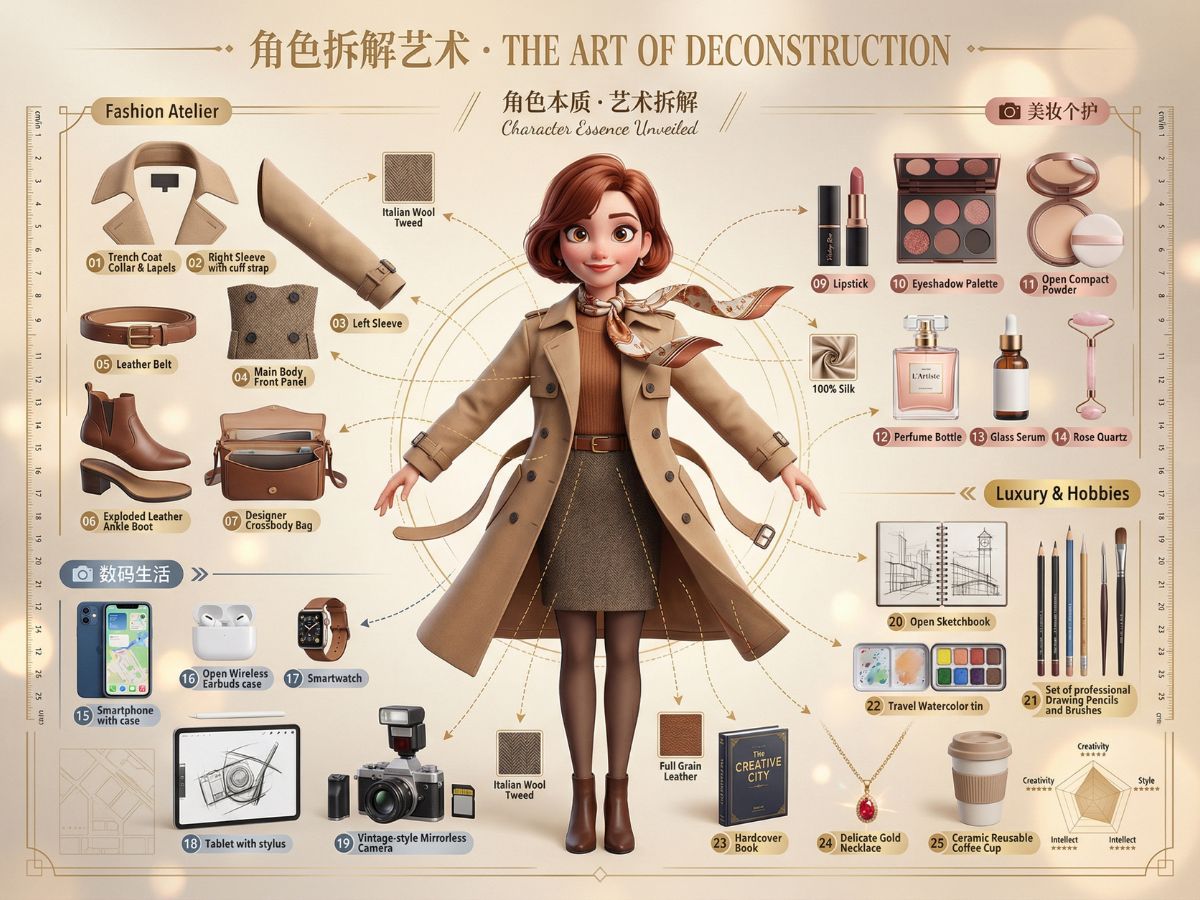
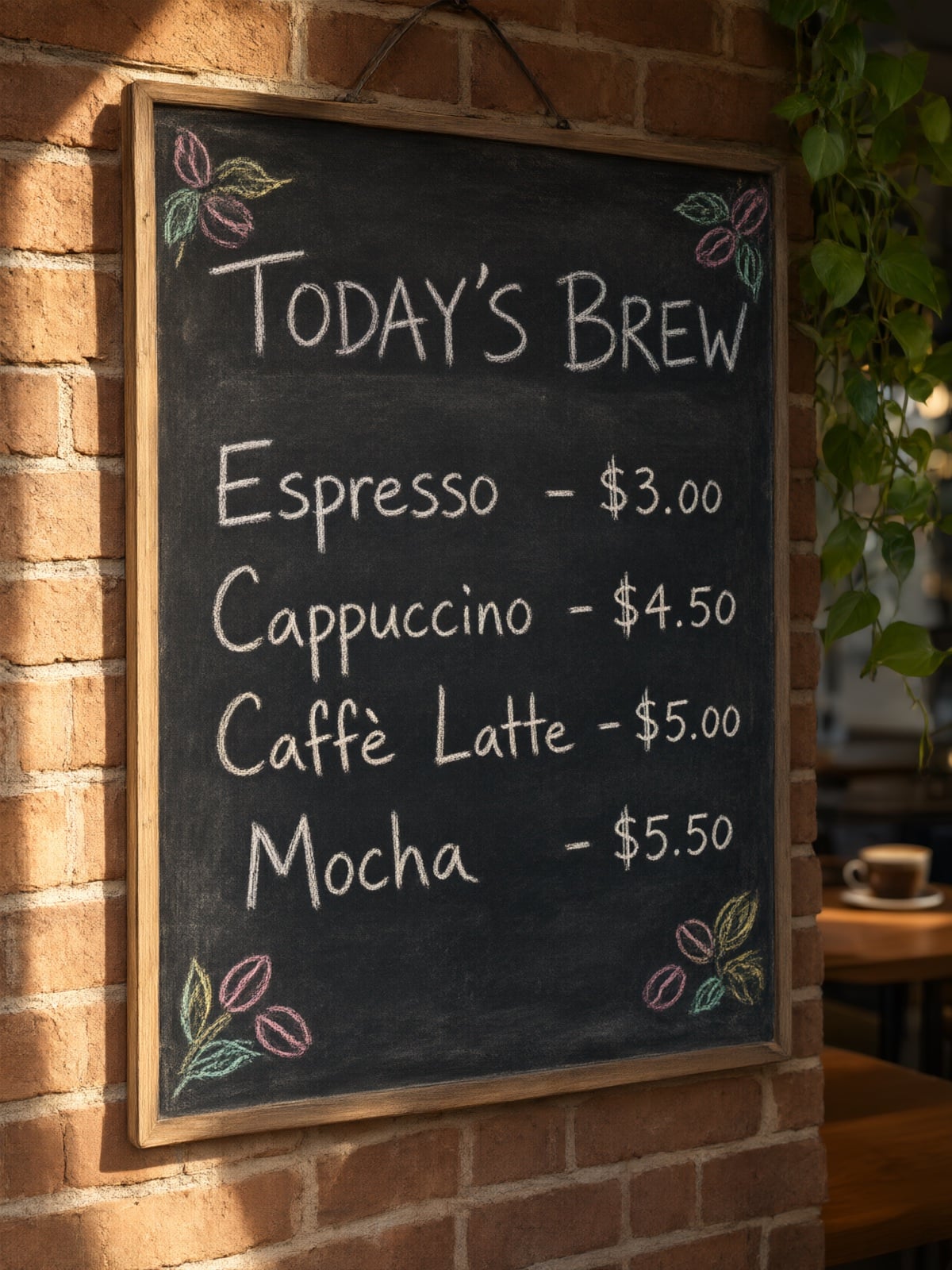
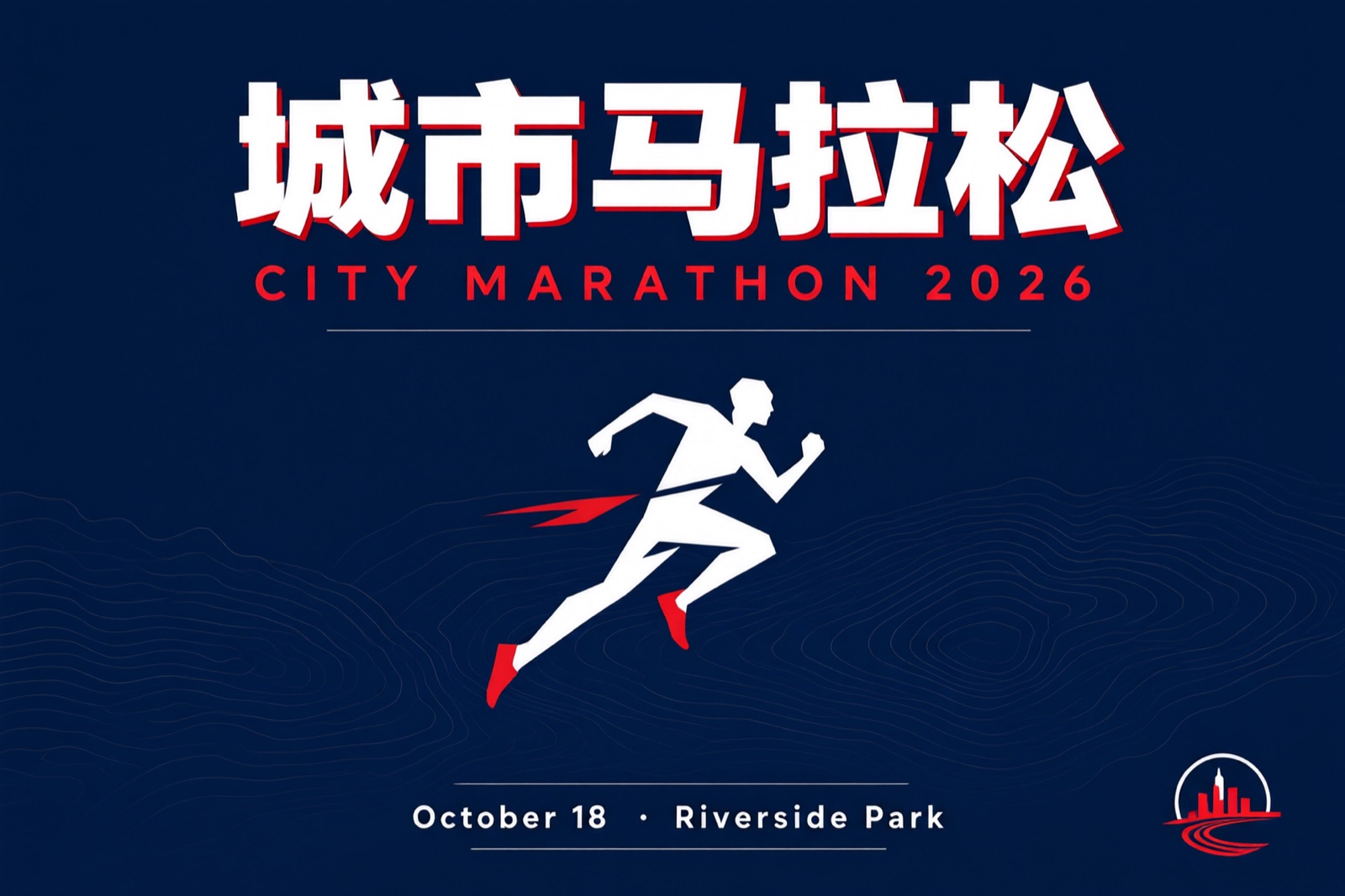
Poster-Ready CN/EN Text Rendering
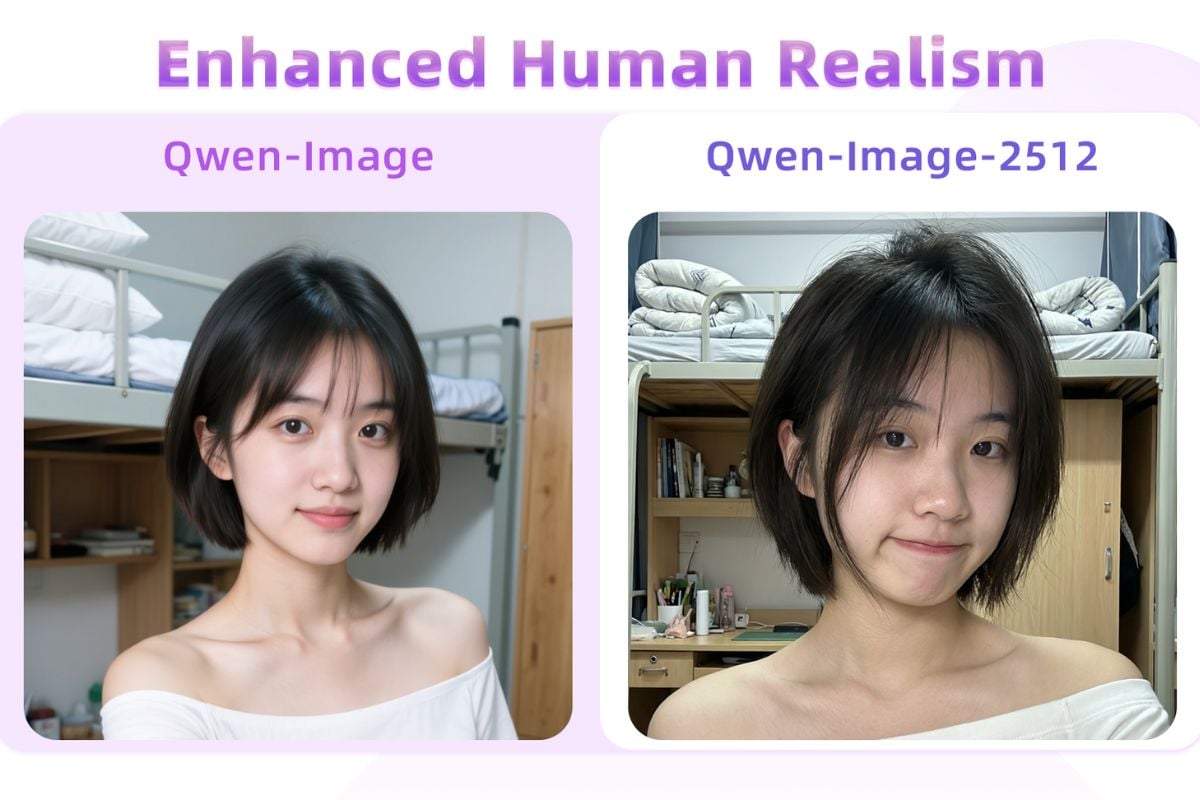
Generate clean multi-line Chinese/English copy directly inside the image, including paragraph-like blocks and mixed layouts. Ideal for posters, PPT-style slides, menus, labels, and announcements—less time fixing warped text. You can also power it up with Qwen Image 2512.
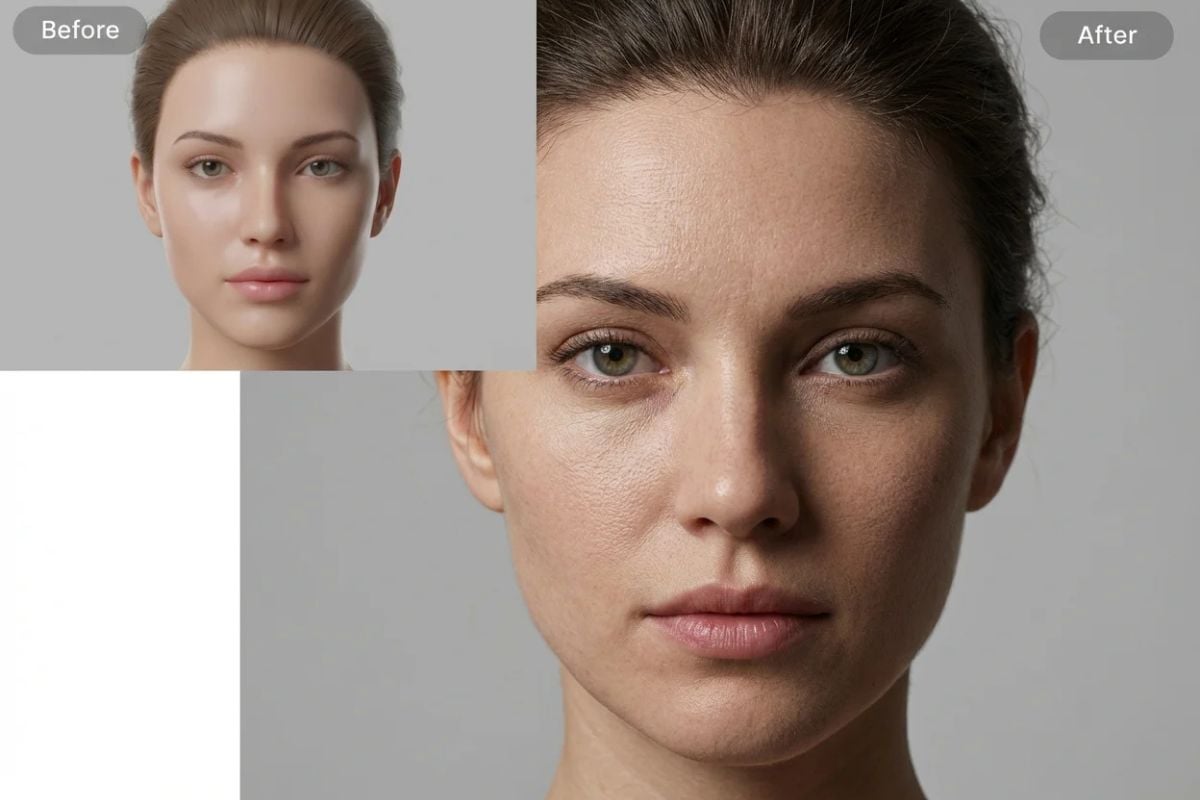
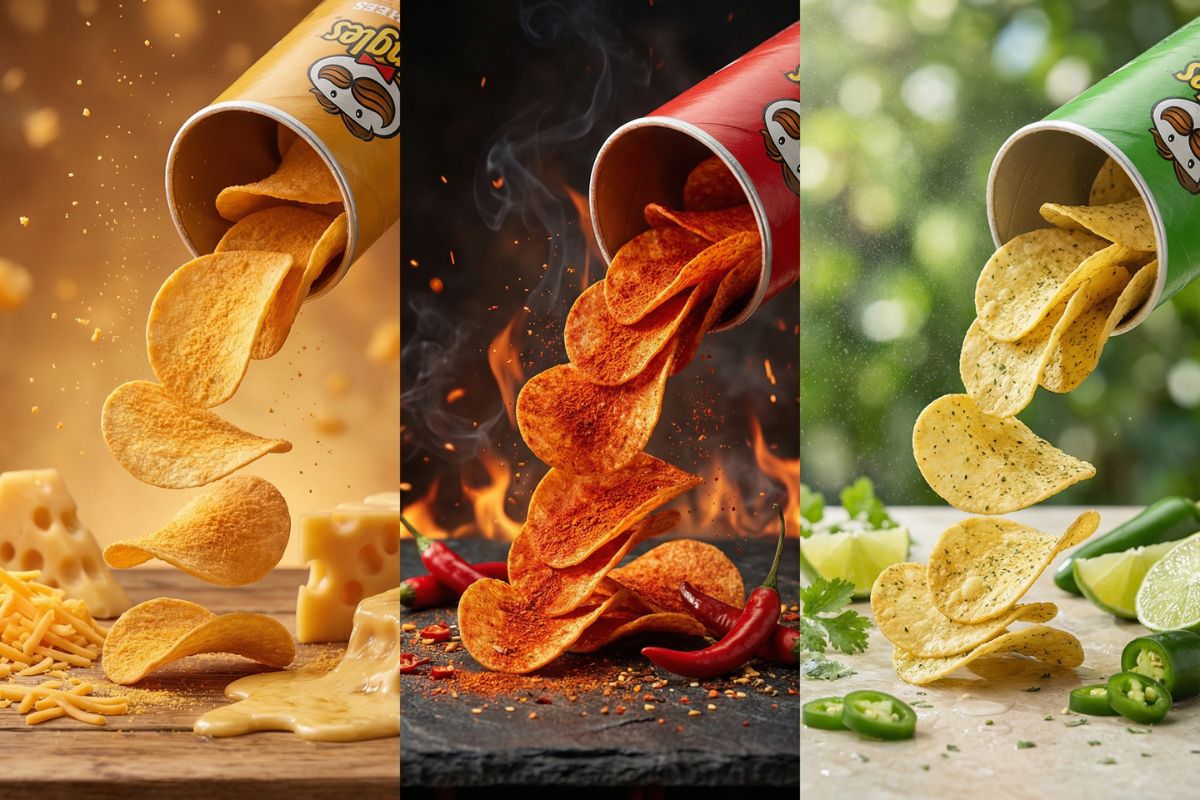
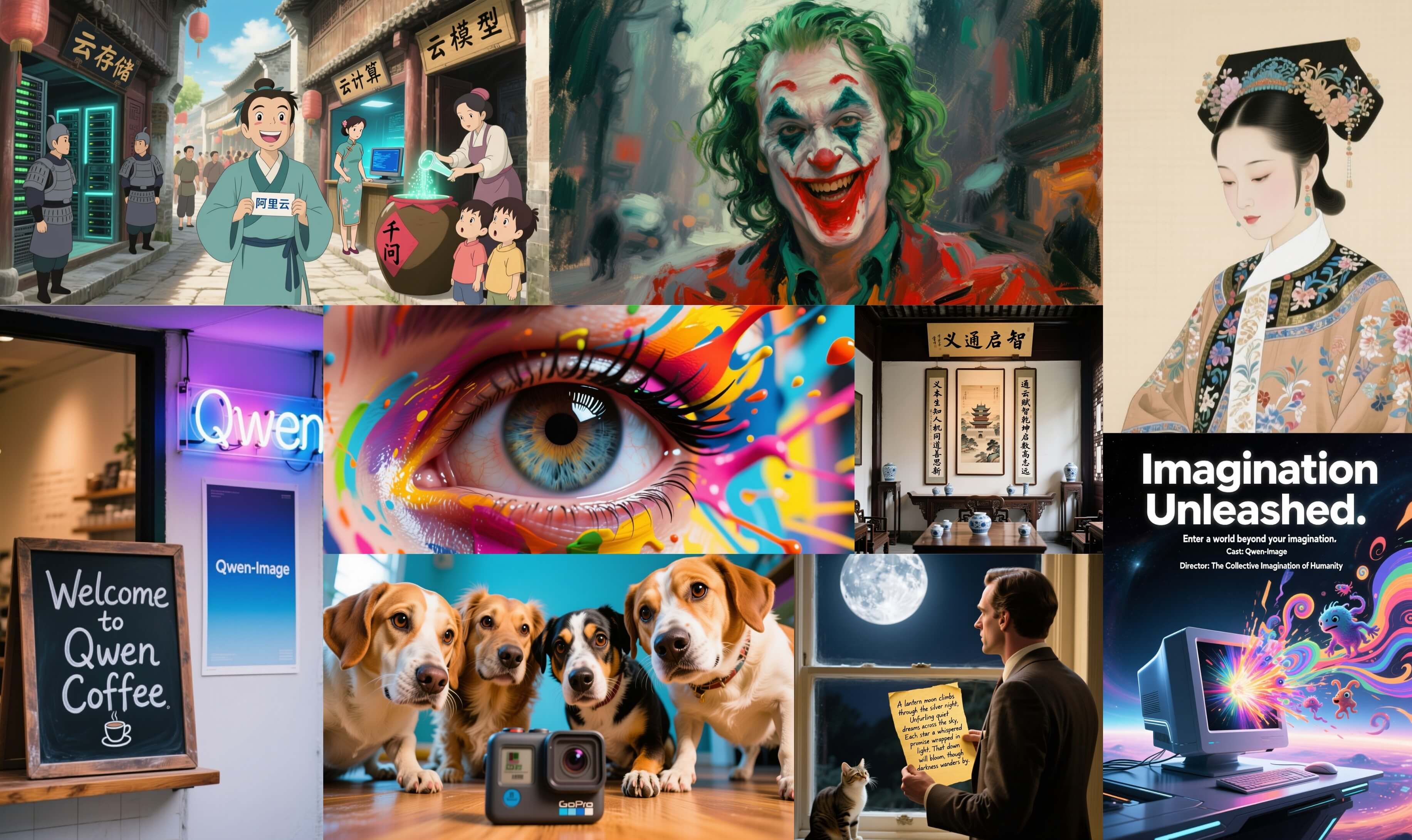
Fine Detail Control for Materials & Craft
Ask for specific texture cues—ceramic glaze, fabric weave, brushed metal, ink wash strokes—and keep the composition tidy. Useful when you need a “designed” look, not a random collage. If you want a more general baseline, start with Qwen Image.
More Qwen Image Options
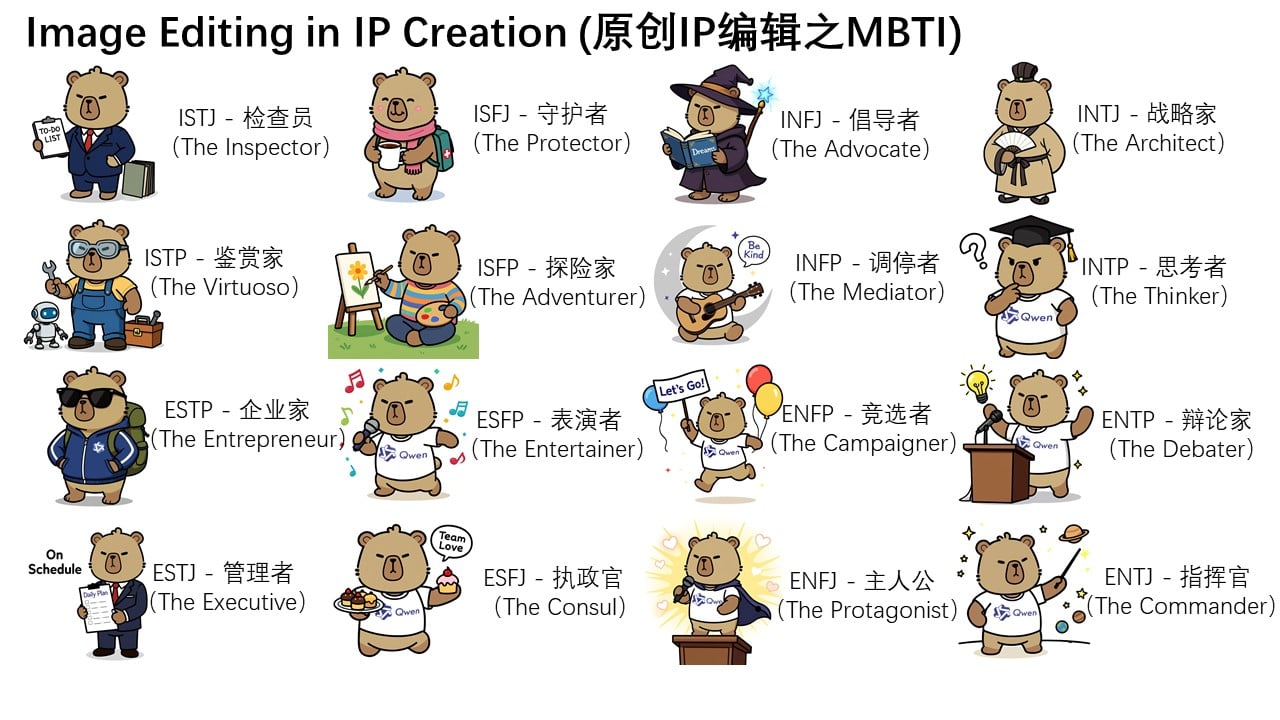
How To Use Qwen Image Max?
Write a Clear Prompt (CN or EN)
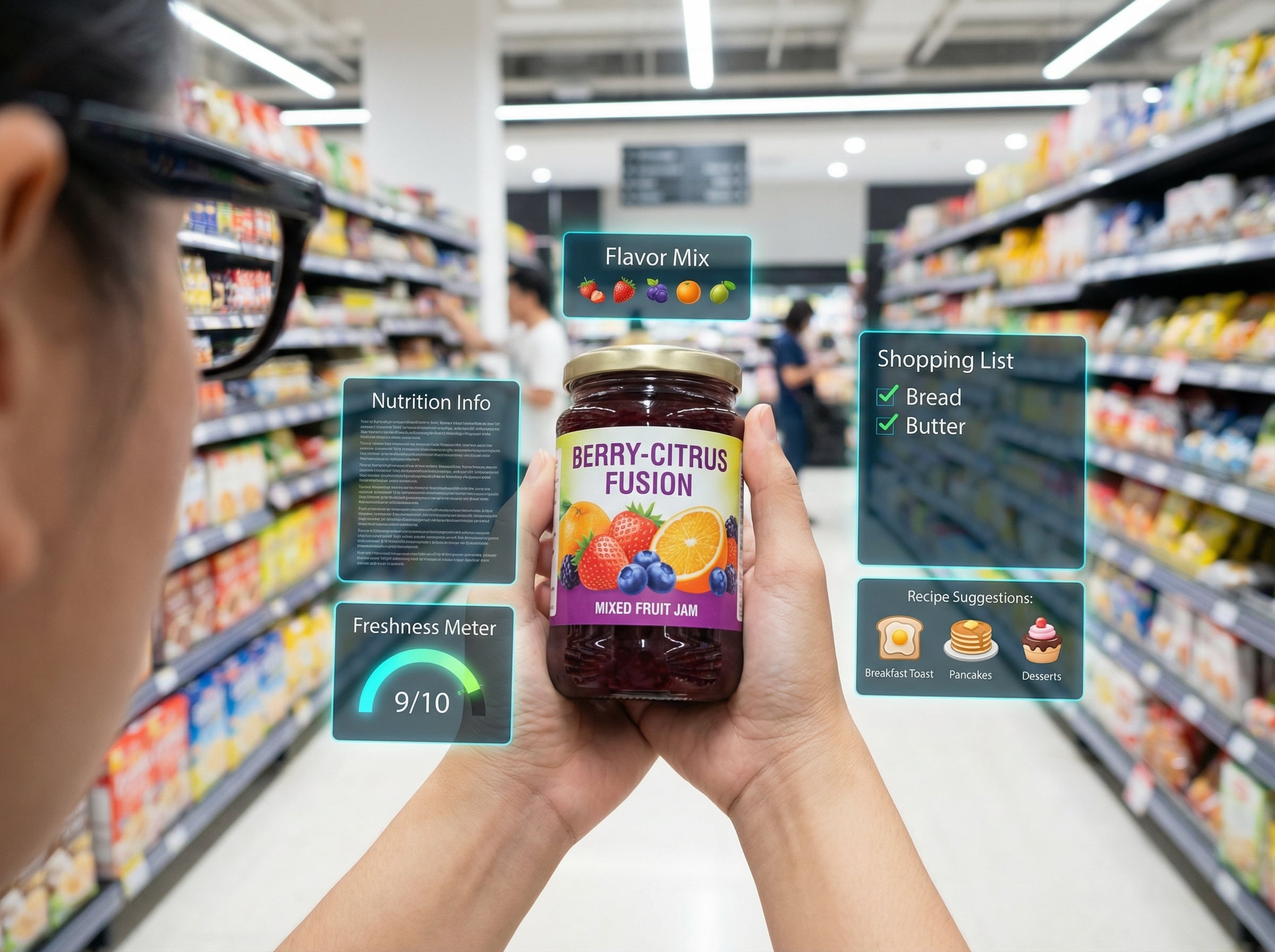
Describe the subject, setting, lighting, and the exact text you want inside the image (headline, body copy, price, date). If layout matters, specify placement like “top title, bottom paragraph.”
Choose Style & Output Settings
Pick a realistic or stylized look, then set aspect ratio and output count. For posters/slides, use a wider canvas and ask for clean margins or negative space.
Generate, Review, and Iterate
Check faces, small details, and text accuracy. If anything is off, revise only the needed parts (e.g., “keep everything, change the headline to…” ) and regenerate.
You may want to know
What is Qwen Image Max best for?
Can Qwen Image Max render multi-line Chinese and English text accurately?
How do I improve text accuracy and layout consistency?
Does it work well with Chinese prompts?
Can I use the generated images commercially?
What about sensitive content, likeness, or brand safety?
Is Qwen Image Max the same as Qwen Image 2512 or Qwen Image Edit?
What should I do if faces or textures look unnatural?
Can I control the “no AI look” result consistently?
Start Making Poster-Ready Images
Turn your prompt into a clean, designed visual in seconds—sharp layout, readable text, and consistent style.
Create Now