
Prompt
Copy and customize
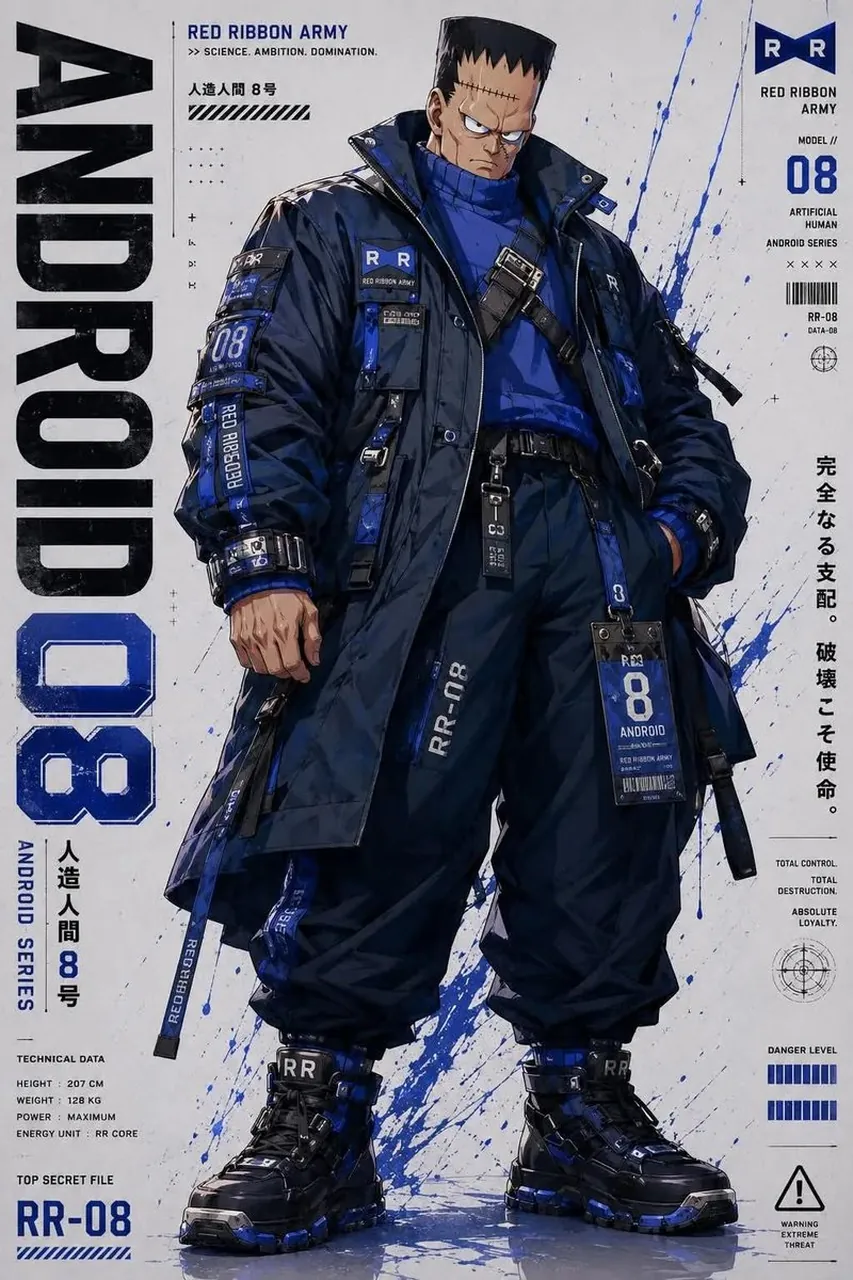
Ultra-detailed futuristic anime character design sheet, Dragon Ball Z Red Ribbon Army androids reimagined as modern cyberpunk tactical operatives. Full-body front view, fashion concept art, oversized techwear jackets, cargo pants, combat boots, utility straps, buckles, tactical harnesses, industrial labels, numbered patches, Red Ribbon Army insignias, monochrome outfits with bold accent colors unique to each android (green for Android 16, black/orange for Android 17, blue/white for Android 18, navy for Android 8, military olive for Androids 13–15). Clean white poster background with paint splashes, technical diagrams, barcode graphics, typography, Japanese text, warning labels, character statistics, magazine cover layout, product design sheet aesthetic. Sharp angular anime faces, highly detailed fabrics, realistic wrinkles, premium sneaker design, cinematic lighting, crisp linework, dynamic stance, high contrast, gritty textures, urban military fashion, premium concept illustration, ArtStation quality, AAA game concept art, hyper-detailed, 8k, balanced composition. Style keywords futuristic techwear cyberpunk military anime × streetwear industrial graphic design tactical fashion Red Ribbon Army aesthetic character concept sheet white minimalist poster paint splatter graphics magazine cover layout premium fashion illustration highly detailed clothing Unreal Engine concept art clean cel shading + painterly rendering bold typography Japanese typography graphic design poster high-end collectible character sheet
Best for
Tips
Keep the main subject focused so Ultra-detailed futuristic anime character design sheet Dragon remains recognizable after style or lighting changes.
Adjust camera angle and aspect ratio before generation when the composition needs a specific platform format.