
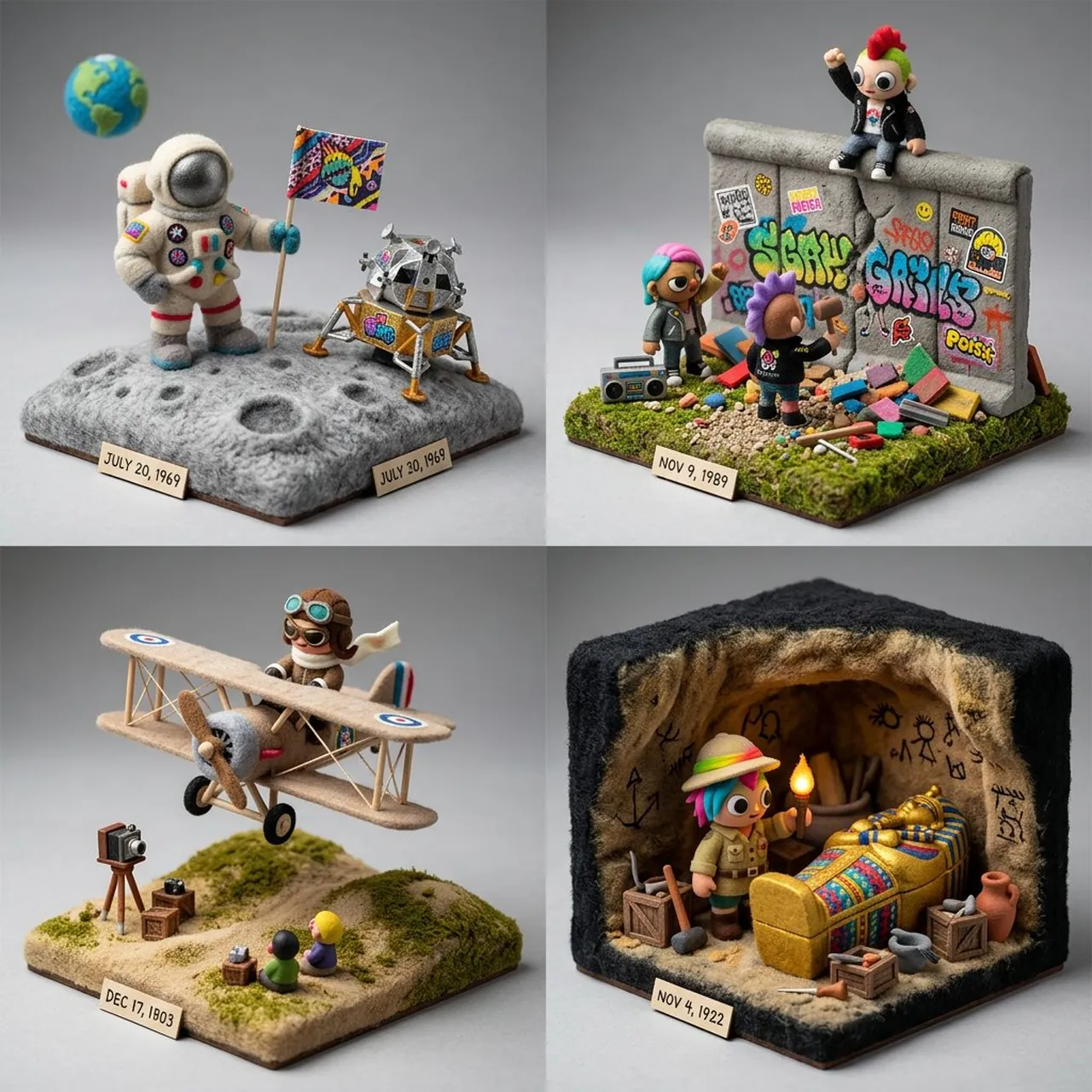
Prompt
Copy and customize
CONCEPT ANCHOR 1: "Stylized 3D animated rebel character — expressive oversized eyes, strong attitude pose, streetwear details, colorful hair, soft cinematic toy-like rendering"
::
CONCEPT ANCHOR 2: "Fuzzy green minimalist toy-world — mossy texture, rounded trees, soft felt surfaces, tiny houses, gentle surreal creatures, quiet gray background"
::
CONCEPT ANCHOR 3: "Isometric miniature scene — small props, tiny environmental storytelling, dollhouse-scale staging, clean studio lighting"
INSTRUCTION:
Find the exact visual center of these three concepts.
Ignore the literal character, trash can, animals, and room references.
Extract only the style and material logic.
Render $ SUBJECT as a soft but rebellious designer-toy diorama.
STYLE RULES:
- Convert the subject into a stylized 3D character, object, creature, or environment with clear attitude and expressive shape language.
- Use soft felt, moss, knitted fiber, fuzzy flocking, matte clay, and vinyl-like surfaces.
- Add small street or everyday details: stickers, scuffs, props, miniature objects, signs, containers, tools, or personal items inferred from the subject.
- Keep the world minimal and gallery-like, with calm gray or muted pastel background.
- Use bright accent colors only where they matter: hair-like forms, graffiti-like marks, symbols, accessories, tiny props.
- Blend softness with rebellion: cute surface texture, but confident pose and graphic edge.
- Use shallow studio lighting and clean product-shot presentation.
OUTPUT:
A collectible fuzzy designer-toy scene where $ SUBJECT becomes soft, expressive, slightly punk, and highly tactile.
Best for
Character design conceptsProduct photography mockupsDigital art projectsCreative 3D renderingMinimalist visual storytelling
Tips
Ensure the main subject remains recognizable by balancing the soft, fuzzy textures with the sharp, rebellious attitude required by the prompt.
Adjust the camera angle and aspect ratio before generation to ensure the diorama composition fits your specific platform or display format.