goenhance logo

Haiper AI

Haiper AI is an AI video creation platform for turning prompts, images, and existing clips into short visual content. It is useful for social videos, product visuals, animated posters, campaign drafts, and early creative testing.

A practical platform for fast video ideas

Why Creators Use Haiper AI

Fast From Idea to Motion

Haiper AI helps users move from a rough idea to a short moving clip without setting up a full production workflow. That makes it useful for quick visual testing and early creative drafts.

Good for Image-to-Video Creation

Many creators use Haiper-style workflows to animate still images, product visuals, portraits, posters, and concept art. It gives static assets more movement for social and marketing use.

Useful for Social Content

Short-form video often needs quick hooks and clear visuals. Haiper AI is a good fit for testing simple motion ideas, visual loops, teaser clips, and social-first campaign drafts.

Flexible Starting Points

Users can begin with a prompt, an image, or an existing clip depending on what they already have. This makes the workflow more flexible than tools that only support one type of input.

Helpful for Marketing Teams

Marketing teams can use Haiper-style generation to explore product scenes, ad concepts, animated visuals, and campaign directions before spending time on heavier production.

Simple Enough for Beginners

The workflow is easier to understand than traditional video editing. A focused prompt, a clean source image, and a clear motion idea are often enough to start creating useful video drafts.

Turn Simple Inputs Into Moving Video Ideas
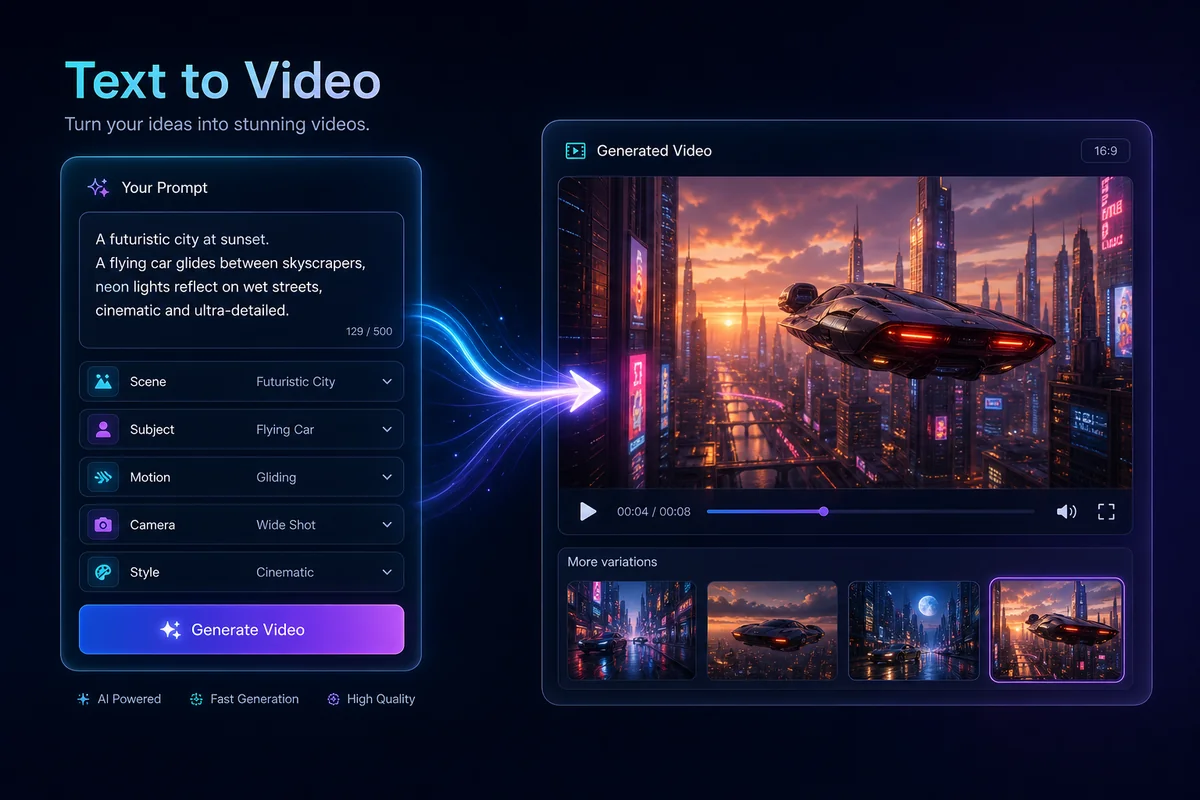
Create Videos From Text Prompts

Start with a short scene description and turn it into a visual draft. This works well for campaign ideas, story moments, product concepts, and quick creative tests before you commit to a longer production plan.

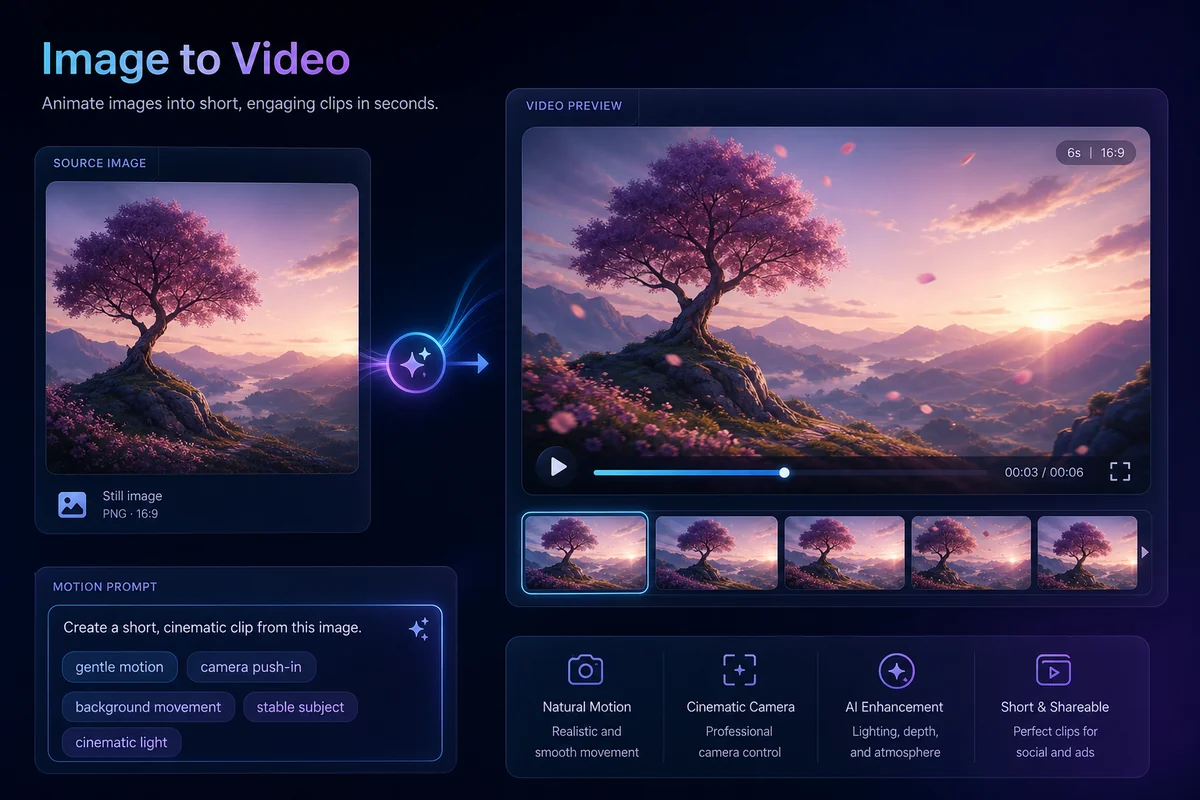
Animate Images Into Short Clips

Upload a still image and guide the motion with a clear prompt. If you need a stronger source visual first, an AI image generator can help build the image, while an AI video generator can turn the concept into motion.
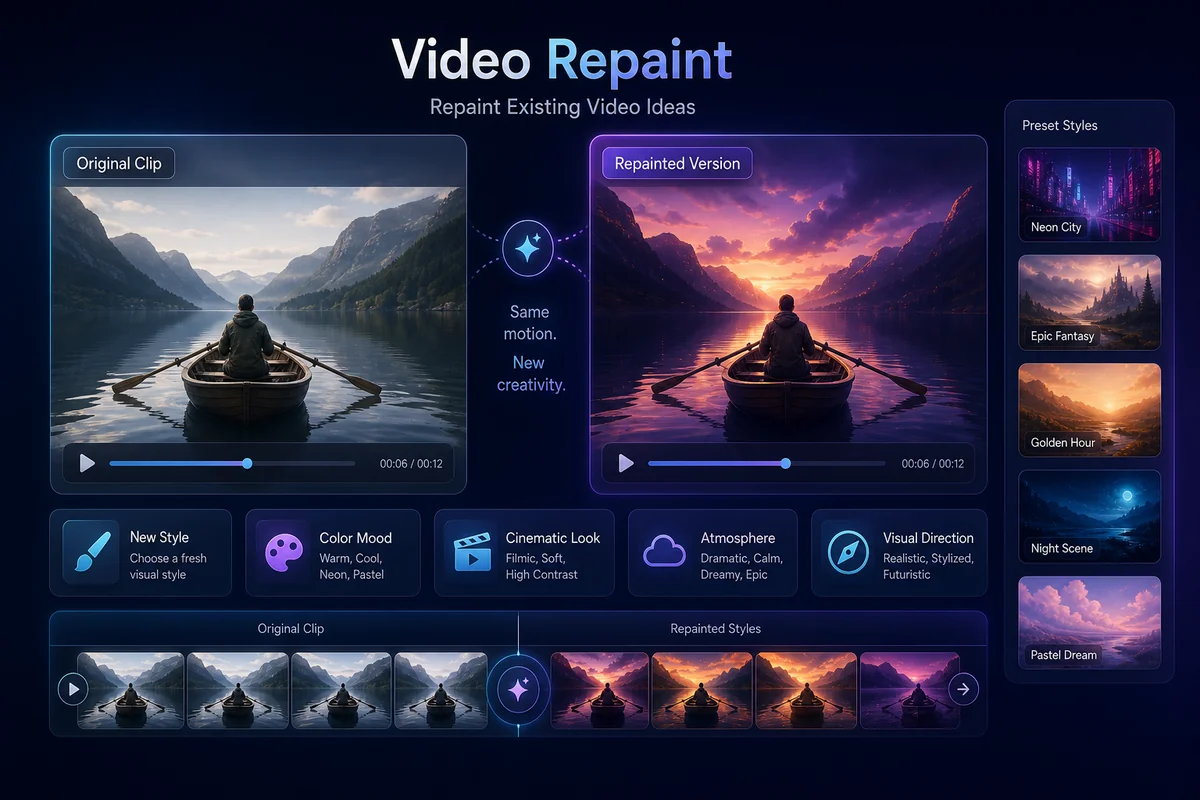
Repaint Existing Video Ideas

Use a prompt to explore a new look, mood, or visual direction for an existing clip. This is useful when the original movement is close, but the style, color, or atmosphere needs a different creative angle.

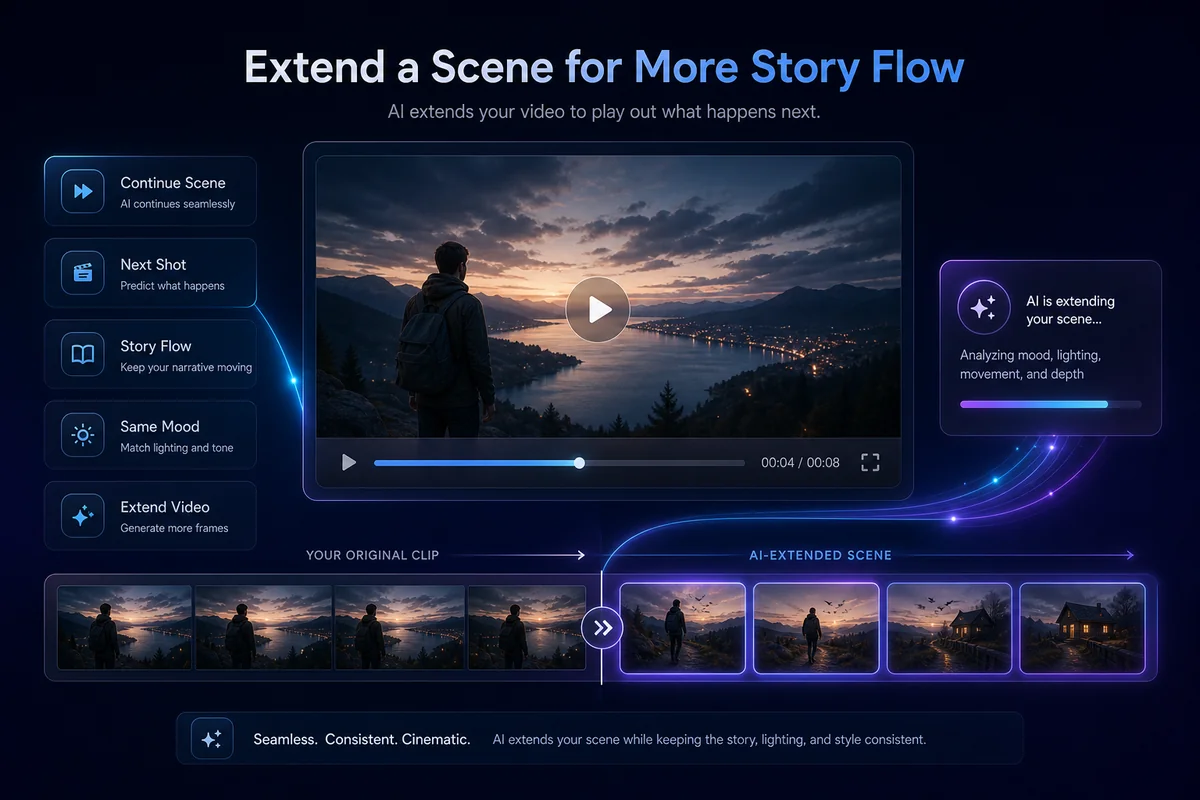
Extend a Scene for More Story Flow

When a clip feels too short, use a follow-up prompt to continue the scene direction. This helps creators test what happens next in a shot before building a longer edit around it.

How To Use Haiper AI on GoEnhance AI?

01

Start With a Prompt or Image

Write a clear video idea or upload a source image that already has the subject, mood, or visual direction you want. Simple source materials usually make the first result easier to control.

02

Choose the Video Direction

Describe the motion, camera feel, style, and scene details. For image-to-video ideas, focus on what should move, what should stay stable, and what kind of atmosphere the clip should have.

03

Generate and Improve the Draft

Create the video, review the result, and adjust your prompt if needed. Small changes to motion, lighting, background, or style can help the final clip feel cleaner and more usable.

Haiper AI Discussions on Reddit

Frequently Asked Questions

Haiper AI FAQs

What is Haiper AI?

Haiper AI is an AI video generation platform for creating short videos from text prompts, images, and source clips. It is commonly used for image-to-video animation, text-to-video ideas, visual experiments, and short creative drafts.

What can I create with Haiper AI?

You can create short social clips, animated product visuals, cinematic concept scenes, moving posters, creative story tests, and video drafts from simple prompts or uploaded images.

Is Haiper AI good for image-to-video?

Yes. Image-to-video is one of the easiest ways to understand Haiper-style workflows. A clear image with a strong subject, readable composition, and simple background usually gives the model a better starting point.

Can Haiper AI generate videos from text?

Yes. Haiper AI supports text-to-video creation, where users describe the scene, subject, motion, and style they want. The more specific the prompt is, the easier it is to guide the first draft.

Who should use Haiper AI?

Haiper AI is useful for creators, marketers, designers, small teams, and social media editors who need fast video drafts without starting from a full shoot or complex editing timeline.

Is Haiper AI safe to use?

Haiper AI can be safe when used responsibly. Use images, clips, faces, music, and brand assets you own or have permission to use. Avoid misleading identity edits, check the platform's terms, and review each output before using it in public or commercial content.

How do I get better results with Haiper AI?

Start with one clear idea. Use a clean source image or a focused prompt, describe only the motion that matters, and avoid adding too many unrelated styles or camera moves in the same generation.

Can I use Haiper-style videos for marketing?

Yes. Haiper-style videos can support product teasers, social ads, campaign drafts, animated posters, and creative testing. For commercial projects, always check usage rights for uploaded assets, brand materials, music, and final outputs.

Do I need video editing experience?

No advanced editing experience is required. The workflow is built around prompts and source uploads, so beginners can test ideas quickly while experienced creators can use the output as a starting point for deeper editing.

Try Haiper AI on GoEnhance AI

Start with a prompt, image, or source clip and turn it into a short AI video draft. Use GoEnhance AI to test motion ideas, social clips, product visuals, and creative video directions faster.

Try AI Video Creation