
Free AI Clothes Remover
Why Choose GoEnhance AI Clothes Remover?
Targeted Outer-Layer Removal
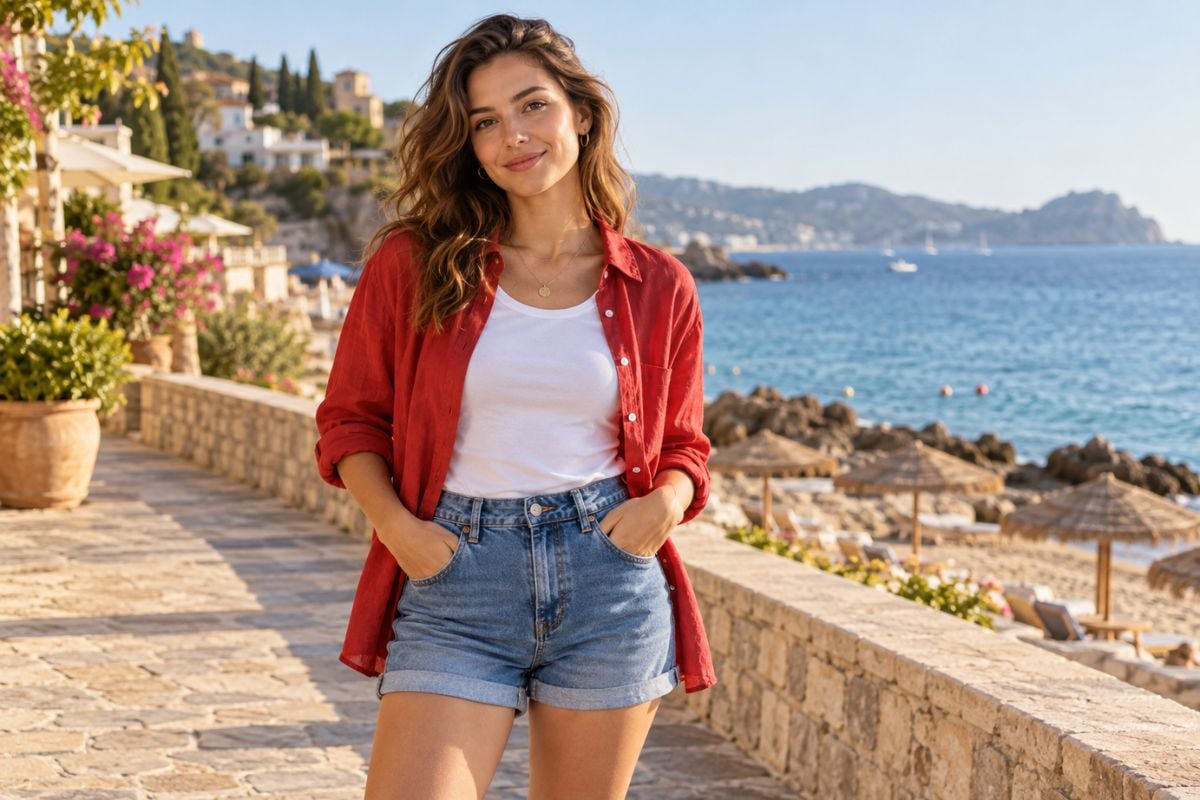
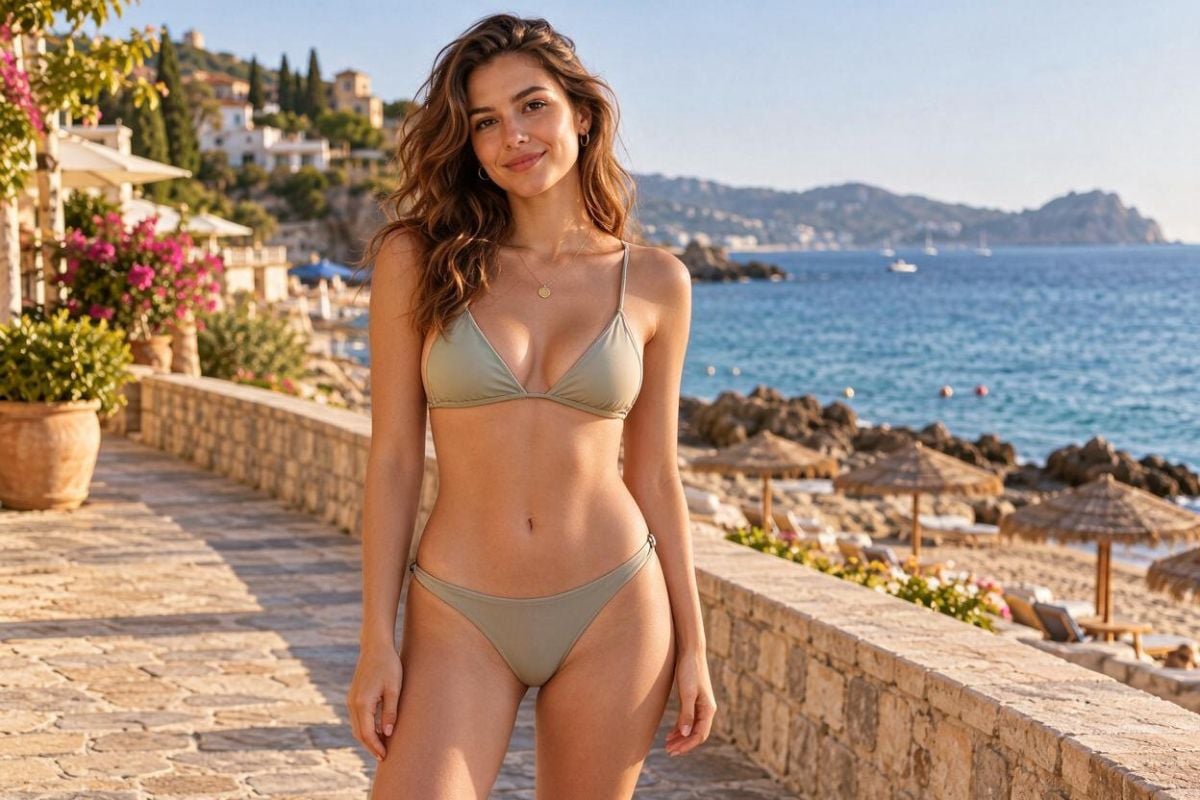
Remove a specific coat, jacket, overshirt, or cardigan while keeping the inner outfit as the focus of the edit. GoEnhance's AI image generator combines the uploaded photo with text instructions to generate a lighter clothing variation. This gives you control over which garment changes, so you can simplify a layered look without redesigning the entire outfit.
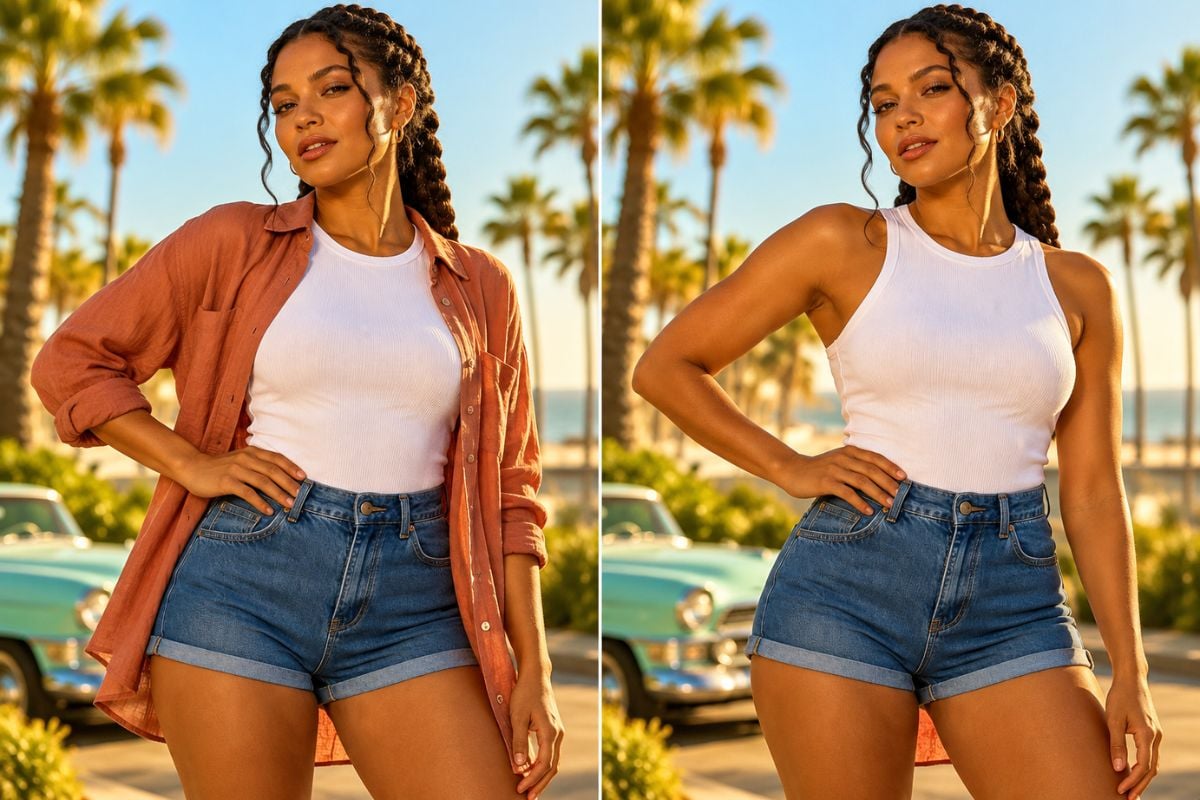
Control Clothing Edits with Everyday Words
Text-guided editing lets you name the garment to remove and the clothing to retain, such as removing a linen overshirt while keeping the white top and denim shorts. The same workflow supports garment replacement when you want a different look. Clear written requests make focused clothing edits accessible without retouching each garment edge by hand.
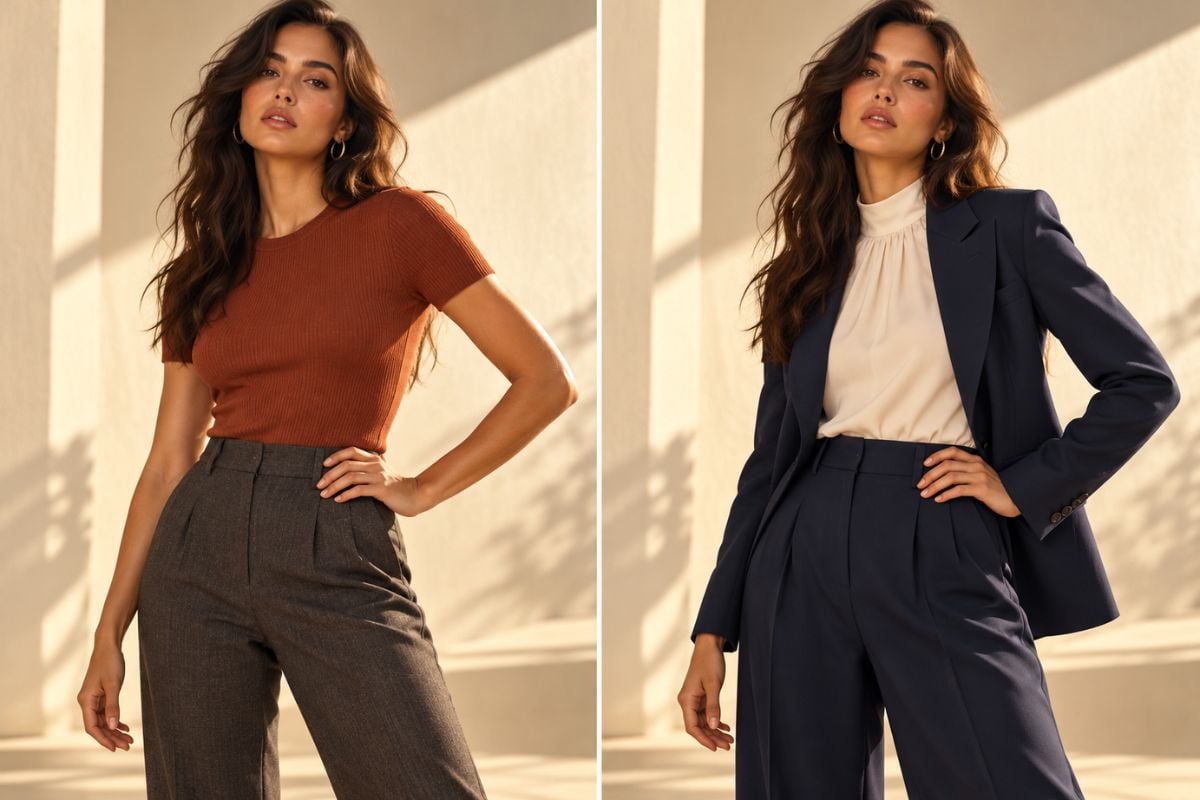
Retain the Person, Pose, and Setting
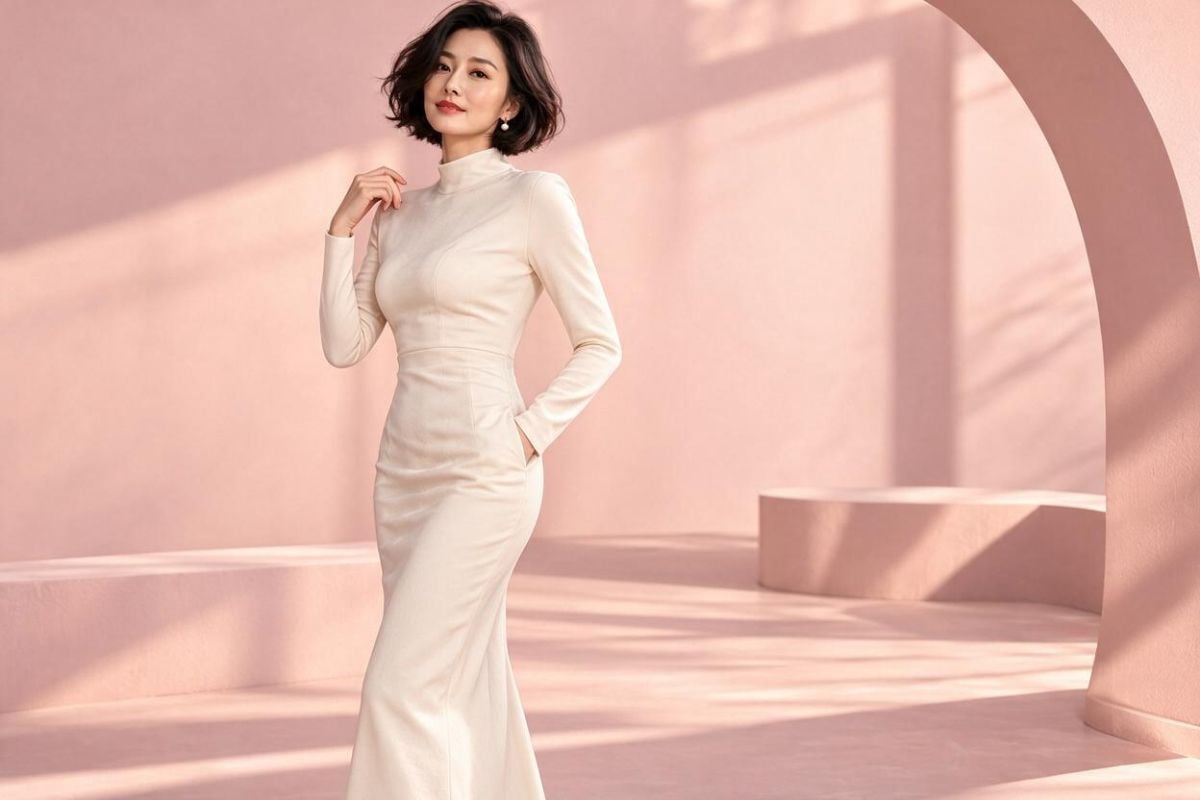
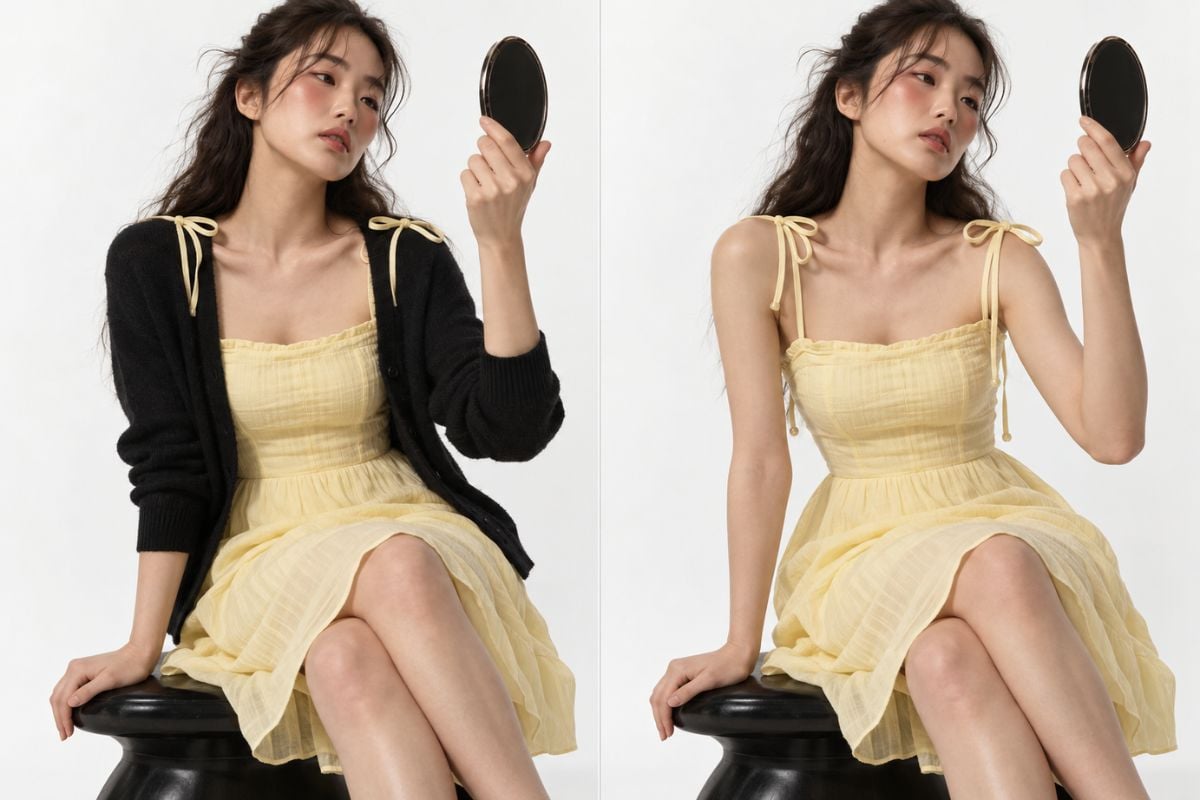
The original photo guides the edit, helping retain recognizable facial features, hairstyle, pose, and background while the outer clothing changes. Keeping those details consistent makes it easier to compare a cardigan-on look with the dress underneath in the same composition. The result stays connected to the source portrait rather than requiring a new person or setting for each styling idea.
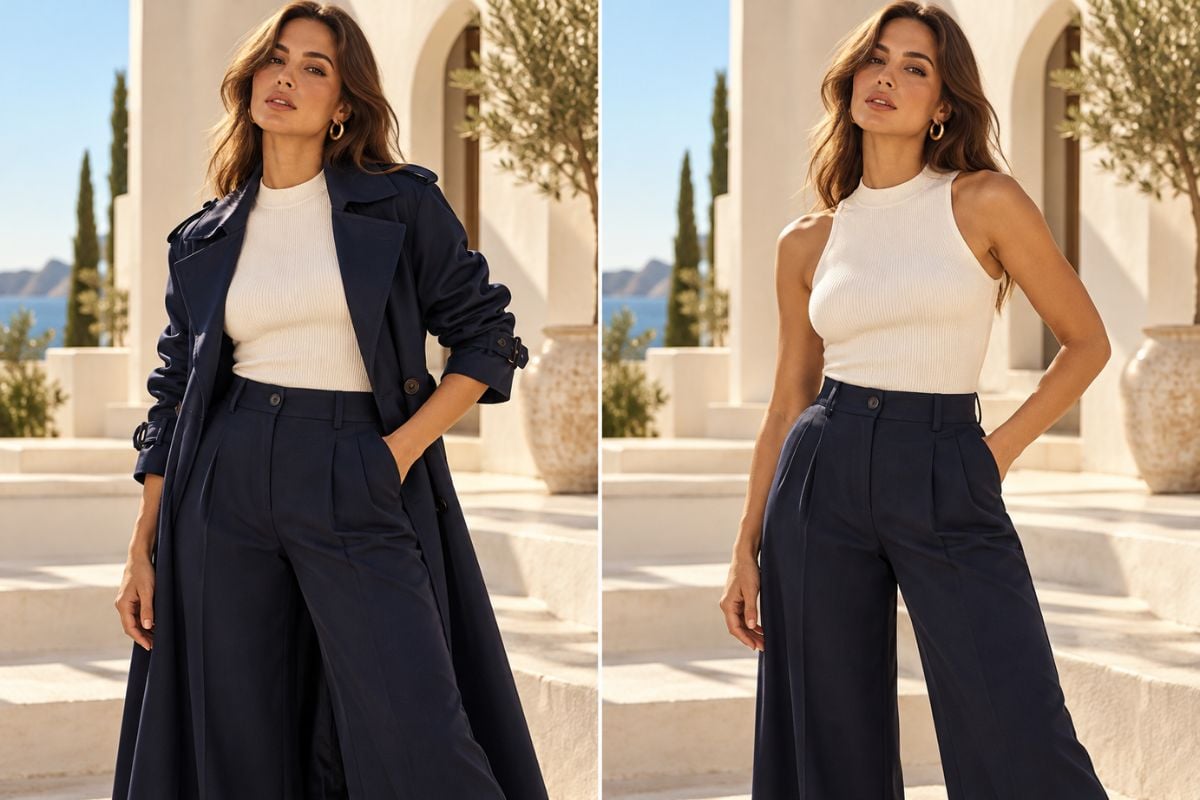
Create Fashion Variations Without Another Shoot
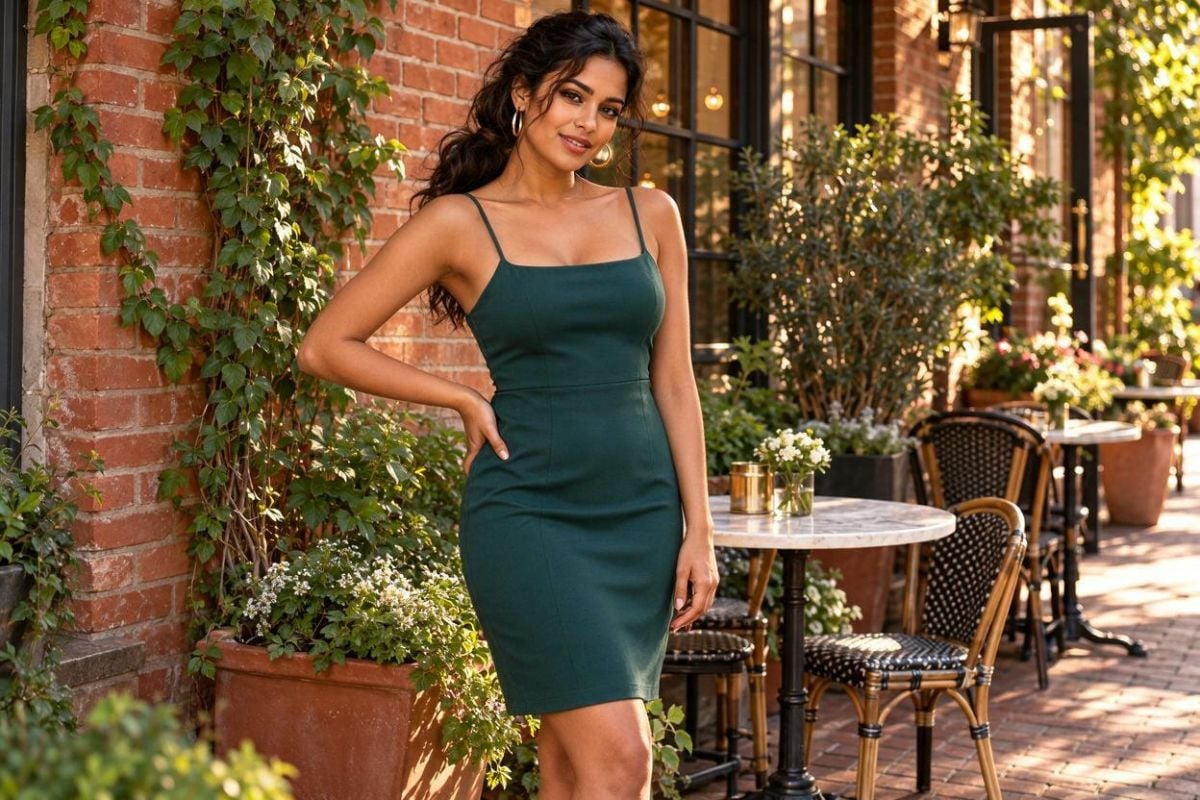
Use one existing photo to develop lighter wardrobe variations for lookbook drafts, personal styling, and campaign concepts. Removing a trench coat can bring the sweater and jeans underneath into focus while retaining the room, lighting, and framing. This lets creators explore another clothing arrangement without organizing a separate shoot for every concept.
Fashion Ideas for a Lighter Look
Personal Styling Comparisons
Clearer Garment Silhouettes
Seasonal Campaign Concepts
Lookbook Planning
Replacement Outfit Ideas
Browser-Based Photo Editing
How to Remove an Outer Clothing Layer
Upload a Clear Photo
Open the image-to-image editor and upload a well-lit photo where the garment edges are visible. Use your own image or one you have permission to edit.
Name the Layer to Remove
For example: Remove the navy coat and keep the opaque ivory top and trousers. Preserve the face, hair, hands, pose, background, and lighting. Specify the inner clothing that should remain visible.
Generate, Compare, and Save
Generate the clothing edit and compare it with the original. Review hands, garment edges, seams, and facial details. Refine the prompt if needed, then download the version that fits your brief.
What Our Users Say?
More Tools for Fashion Images
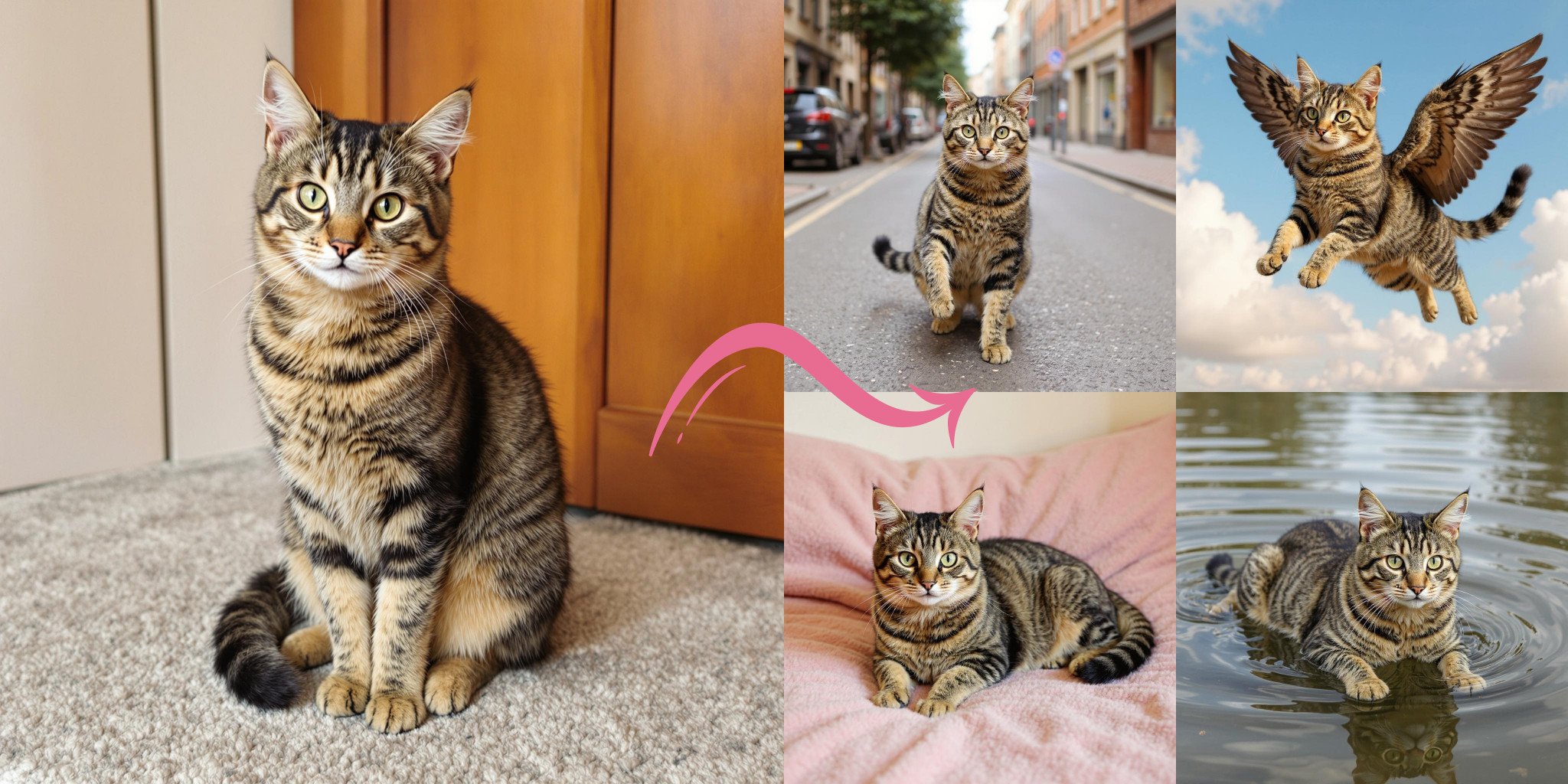
Image to Image AI
Edit an existing photo with written instructions for clothing, objects, backgrounds, and visual style.
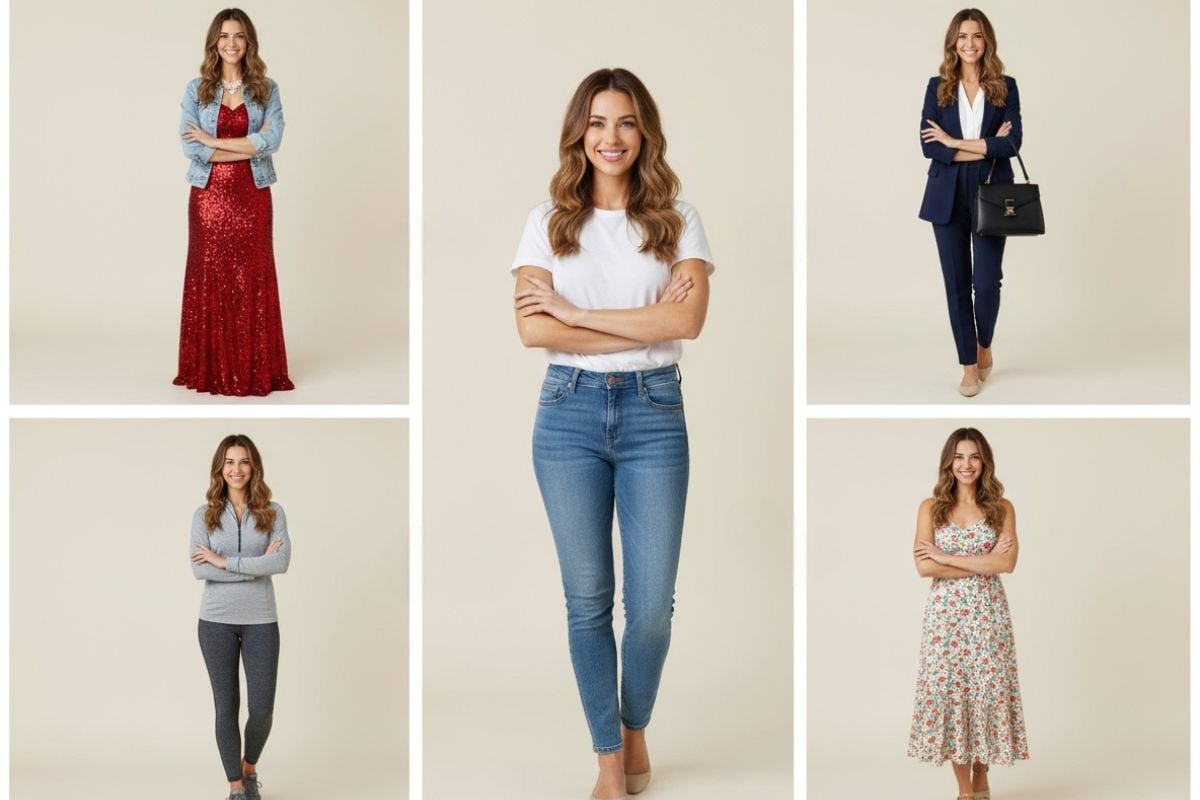
AI Clothes Changer
Explore the dedicated clothing-change page for new wardrobe styles and outfit effects.

AI Image Generator
Create new images and fashion concepts from text prompts.
Image Enhancer
Explore image enhancement tools for refining the clarity of your selected visual.
AI Clothes Remover FAQ
What is an AI clothes remover used for?
How do I use an AI clothes remover online?
Can I remove a jacket or other outer layer from a photo?
Can I replace clothes instead of removing a layer?
Is using an AI clothes remover legal?
Does the AI reveal the real clothes hidden under a jacket?
Will my face, pose, and background stay the same?
What makes a good AI clothes remover prompt?
Which photo formats can I upload?
Is there a free AI clothes remover option?
Can I use AI clothing edits for ecommerce or commercial projects?
Are uploaded photos private?
Why do the clothes, hands, or garment edges look distorted?
Turn a Layered Outfit Into a Lighter Look
Remove an outer coat, simplify an overshirt, or bring a dress into focus. Open GoEnhance AI, upload a photo, and describe the layer to remove and the clothing to keep.
Edit My Clothing Layers