
AI Face Slimmer




Make Face Slimmer With Natural Portrait Edits
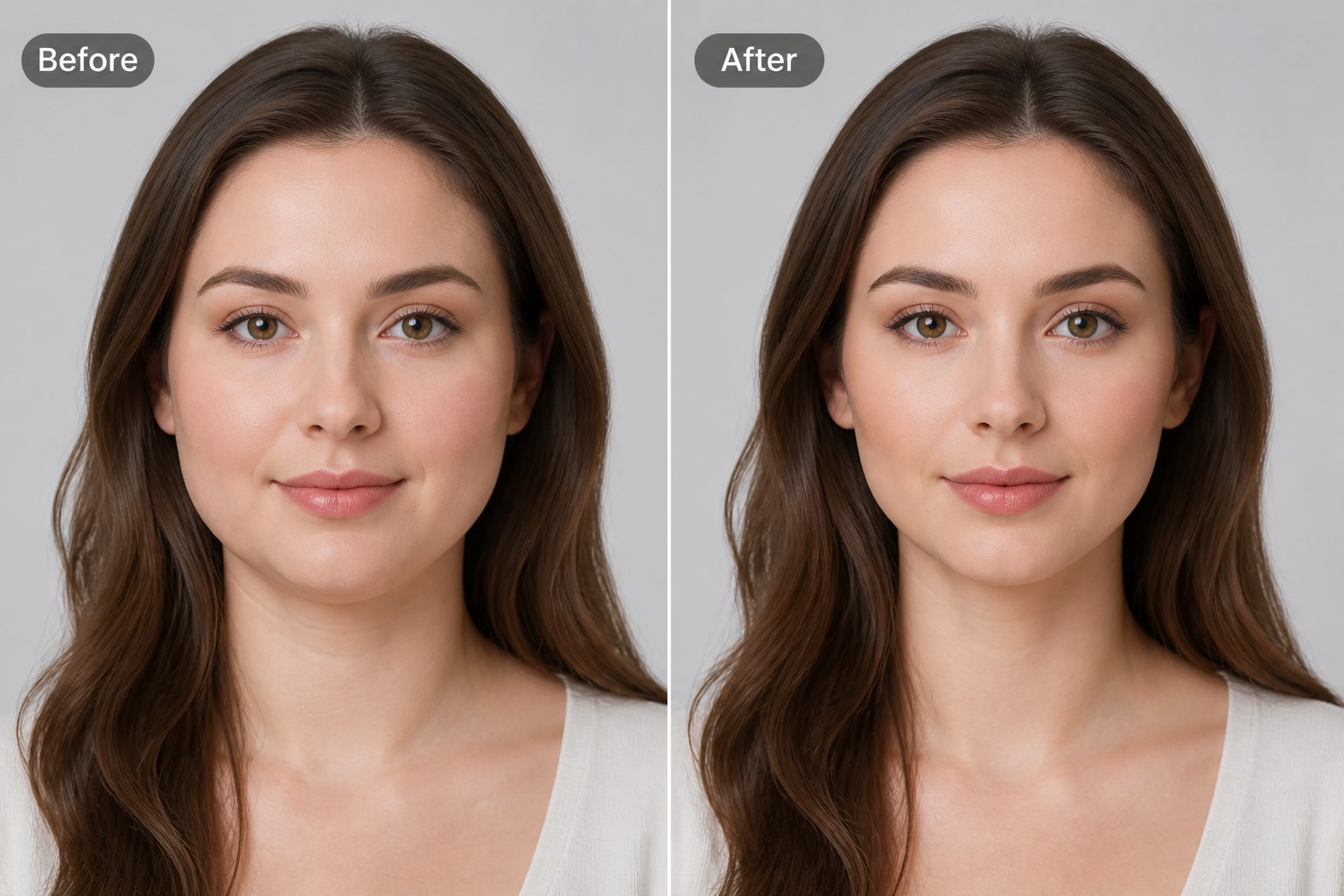
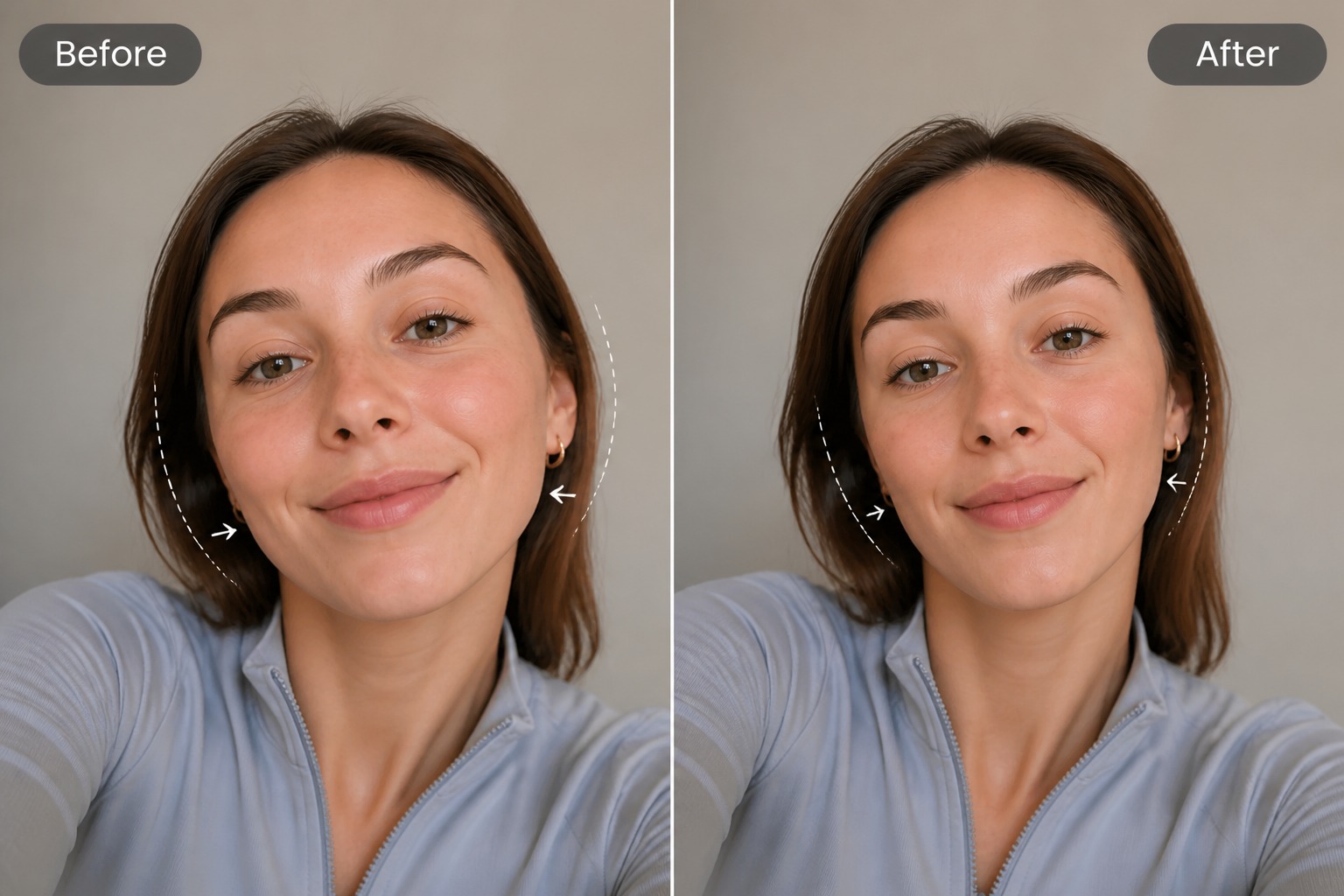
Preview Profile Photos
Test a slimmer portrait direction before using a photo for social profiles, creator bios, dating apps, or personal branding. For broader portrait changes, an image to image AI workflow can help explore style, lighting, and background variations too.
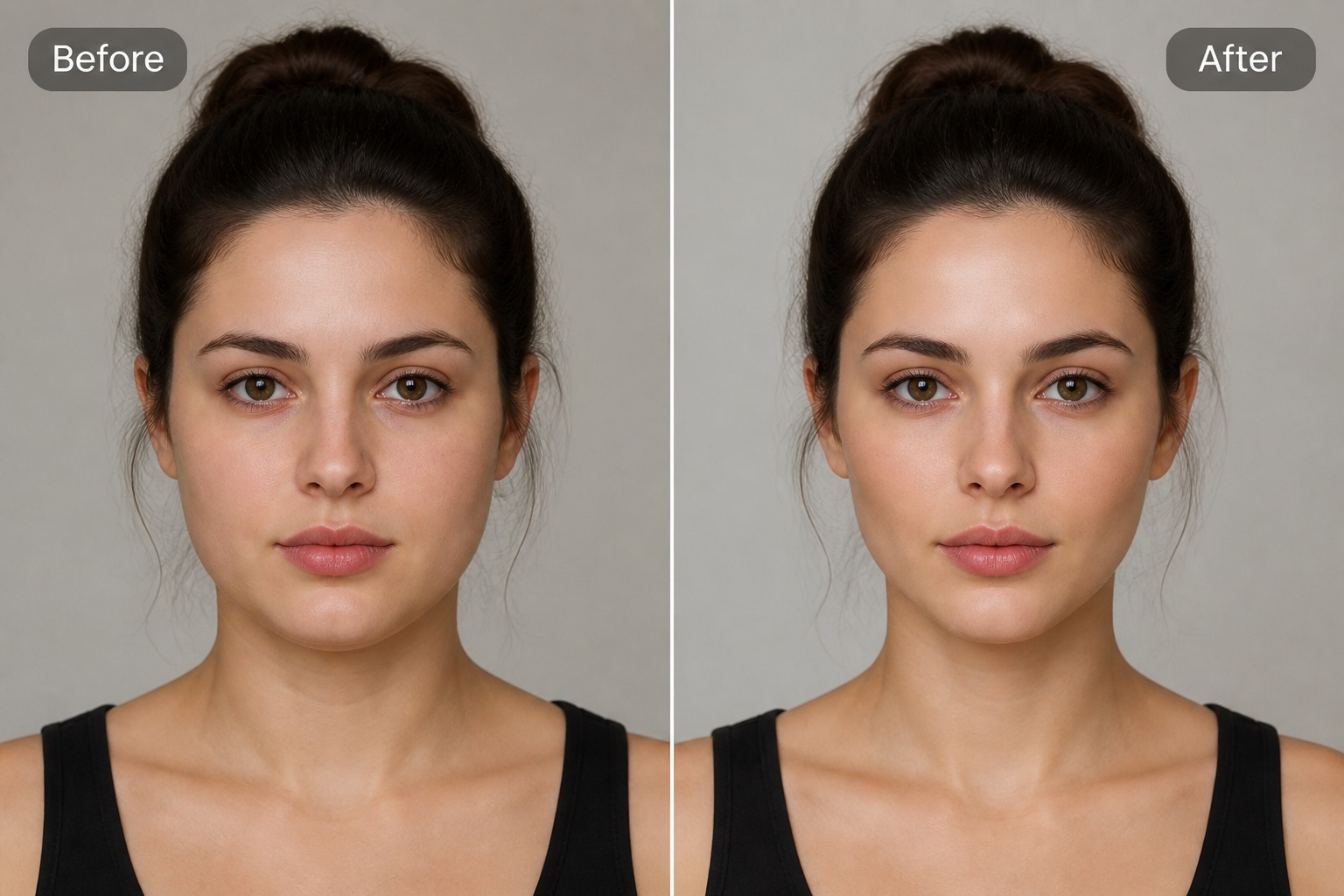
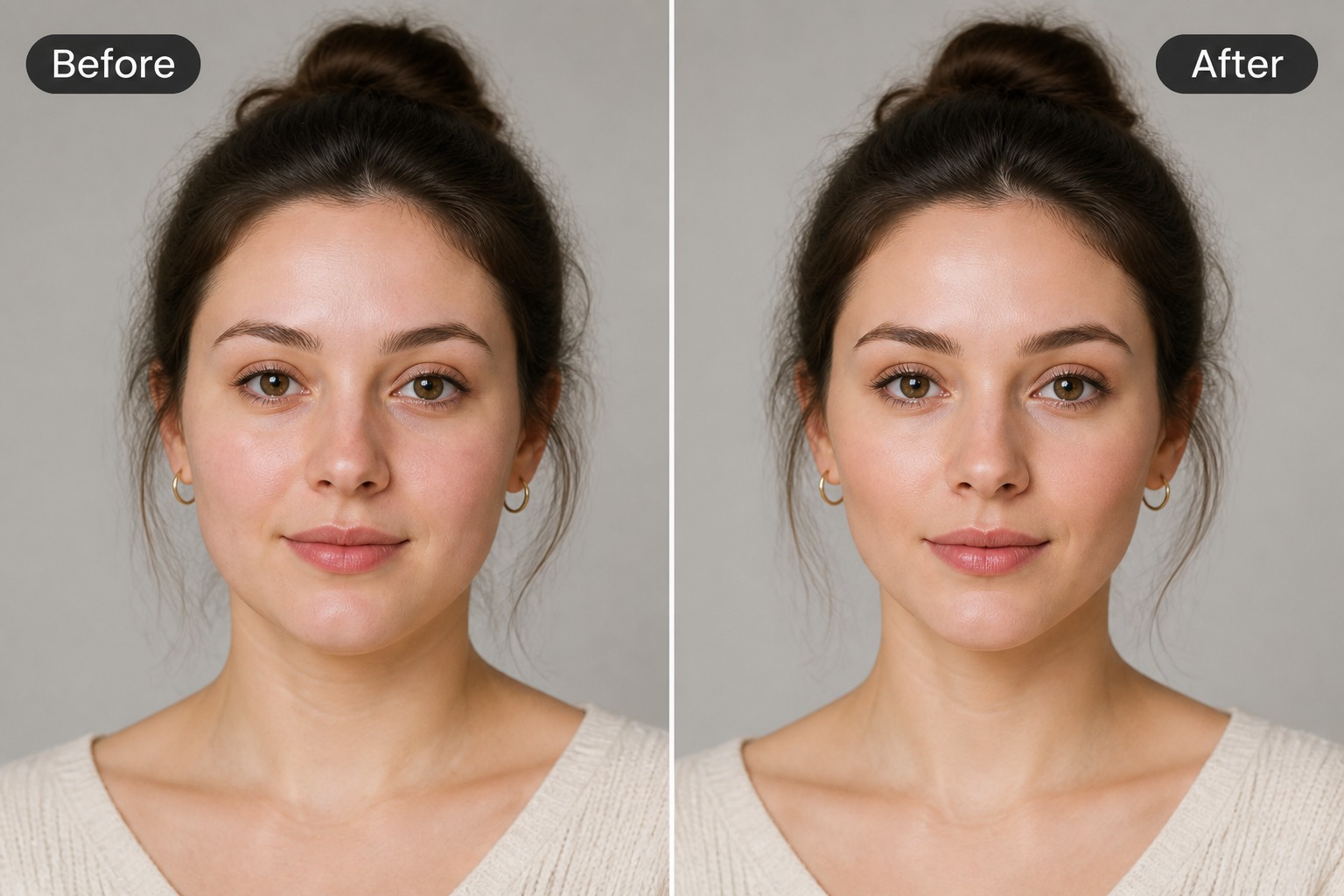
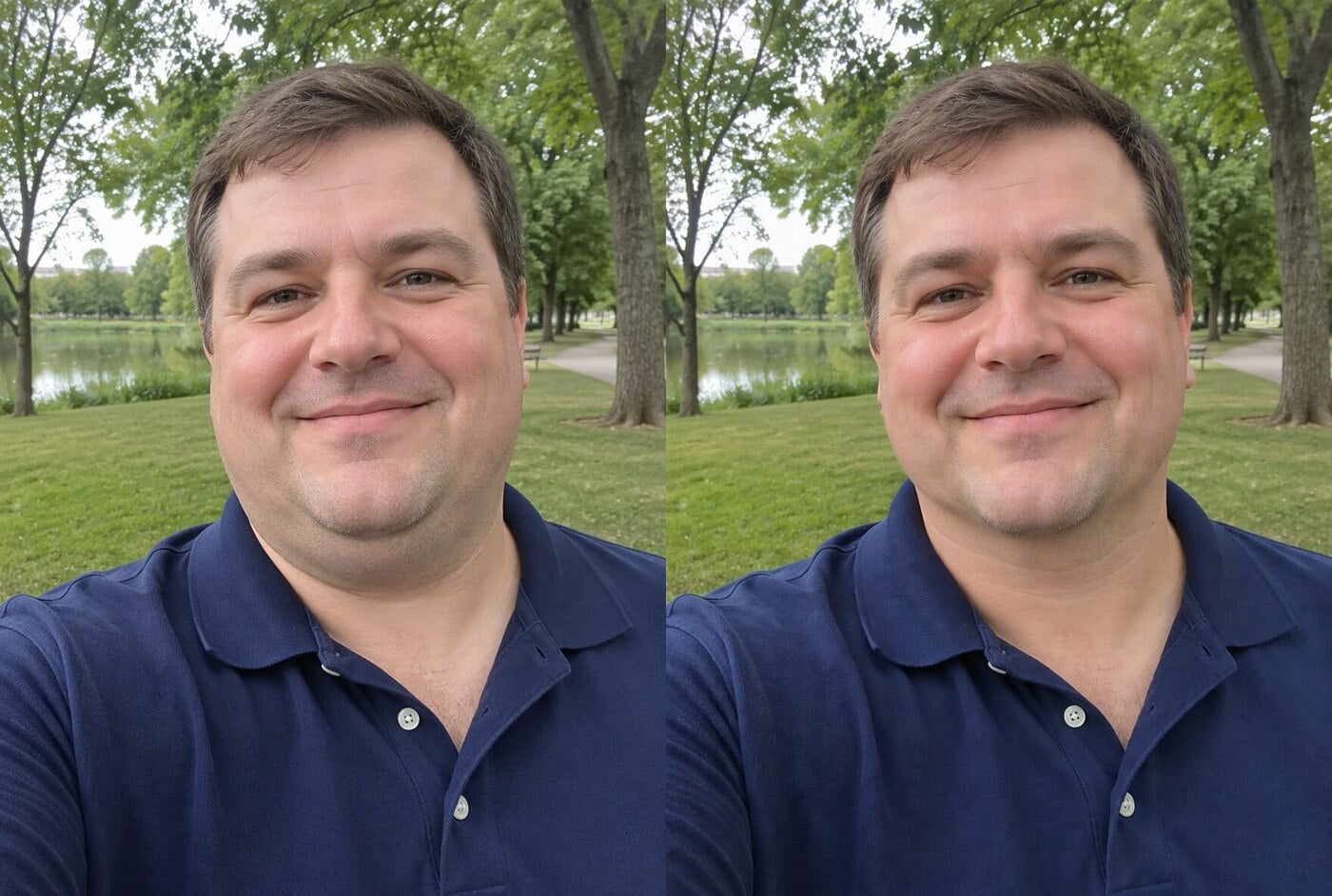
Why Use an AI Face Slimmer?
Subtle Portrait Retouching
Better Selfie Presentation
Fast Creative Comparison
Useful for Avatars and Profiles
Clear Input Guidance
Identity-Aware Editing
Face Slimmer Portrait Use Cases
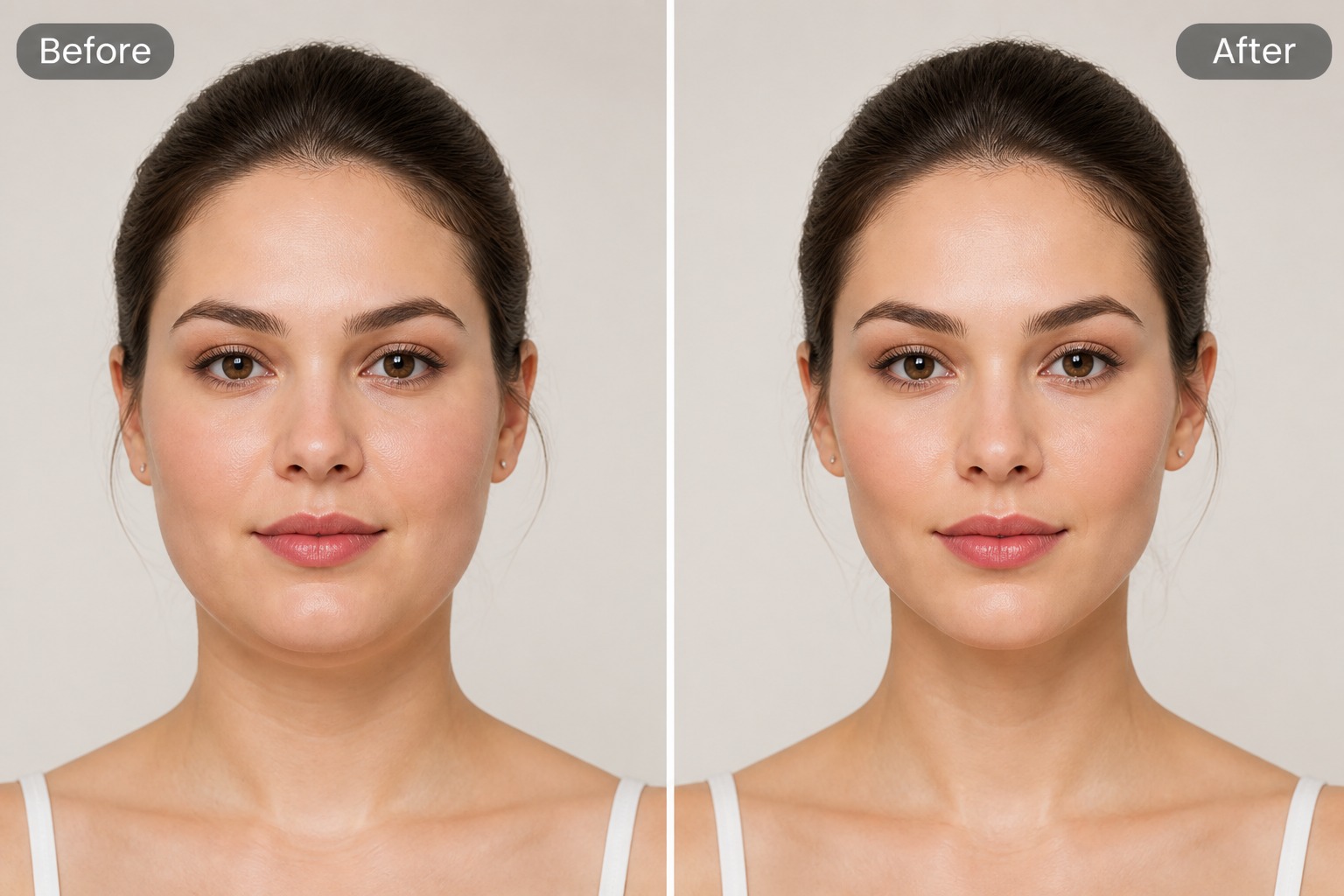
Selfie Retouch Draft
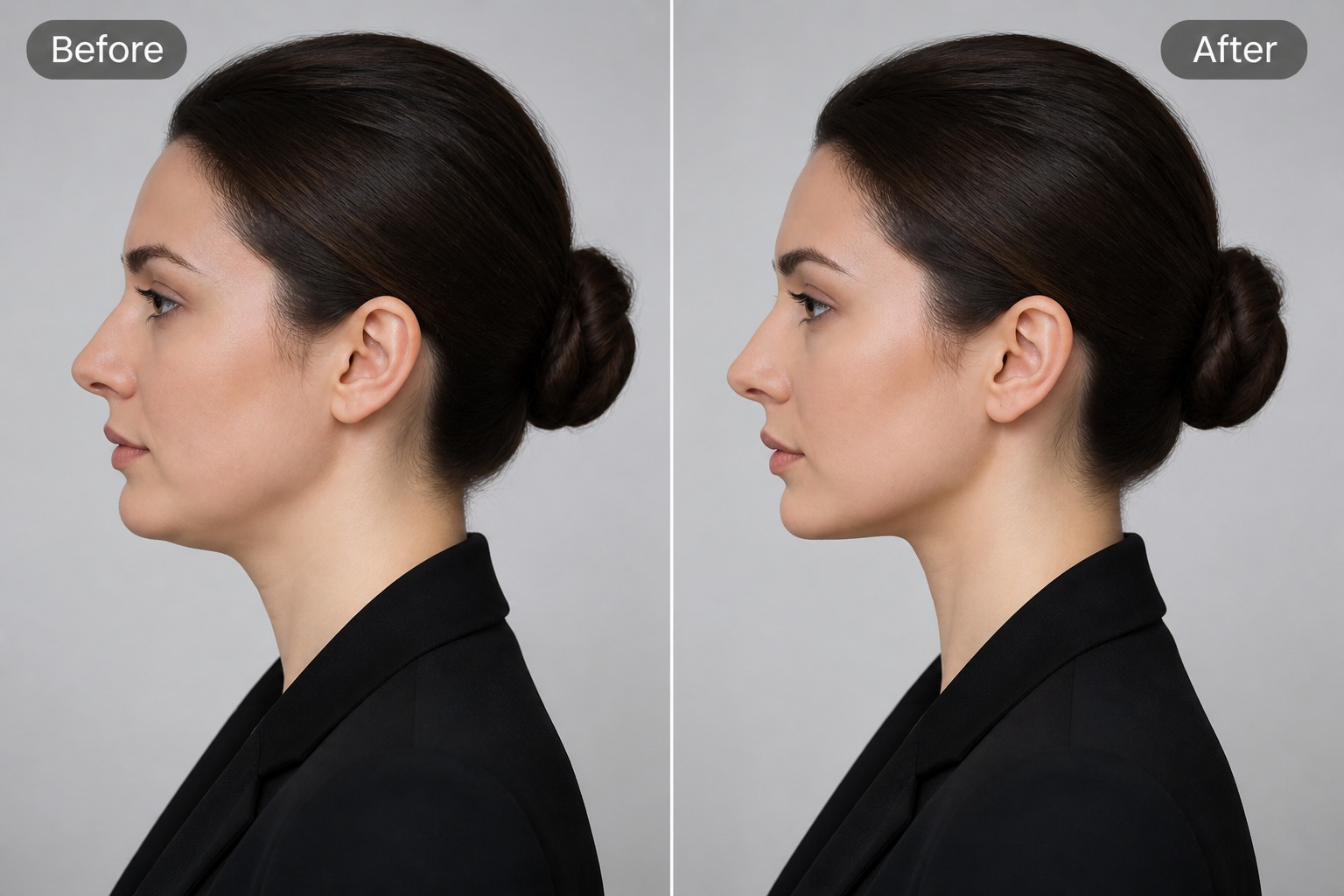
Profile Photo Preview
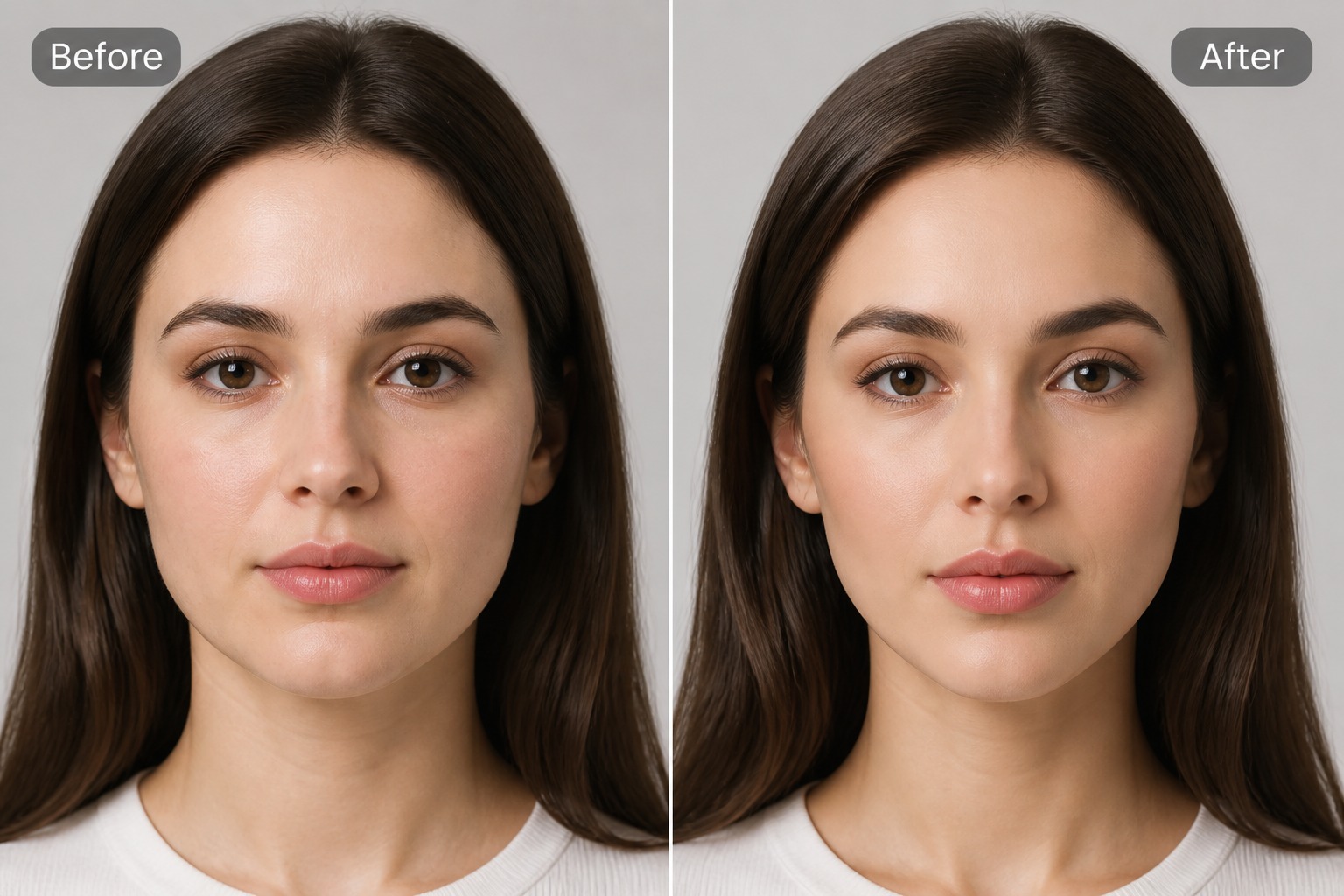
Avatar Portrait Variation
How to Make Face Slimmer With AI
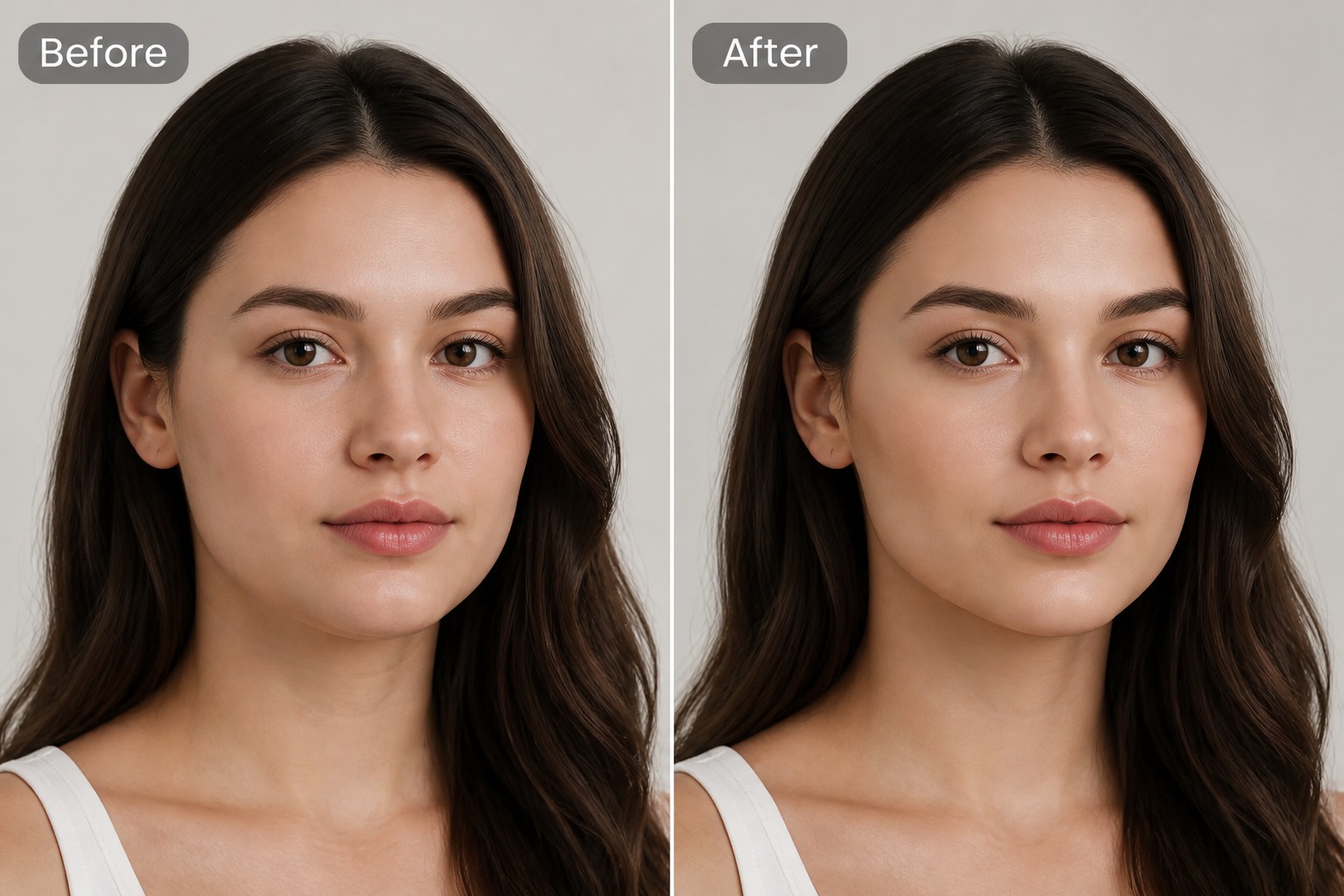
Upload a Clear Portrait
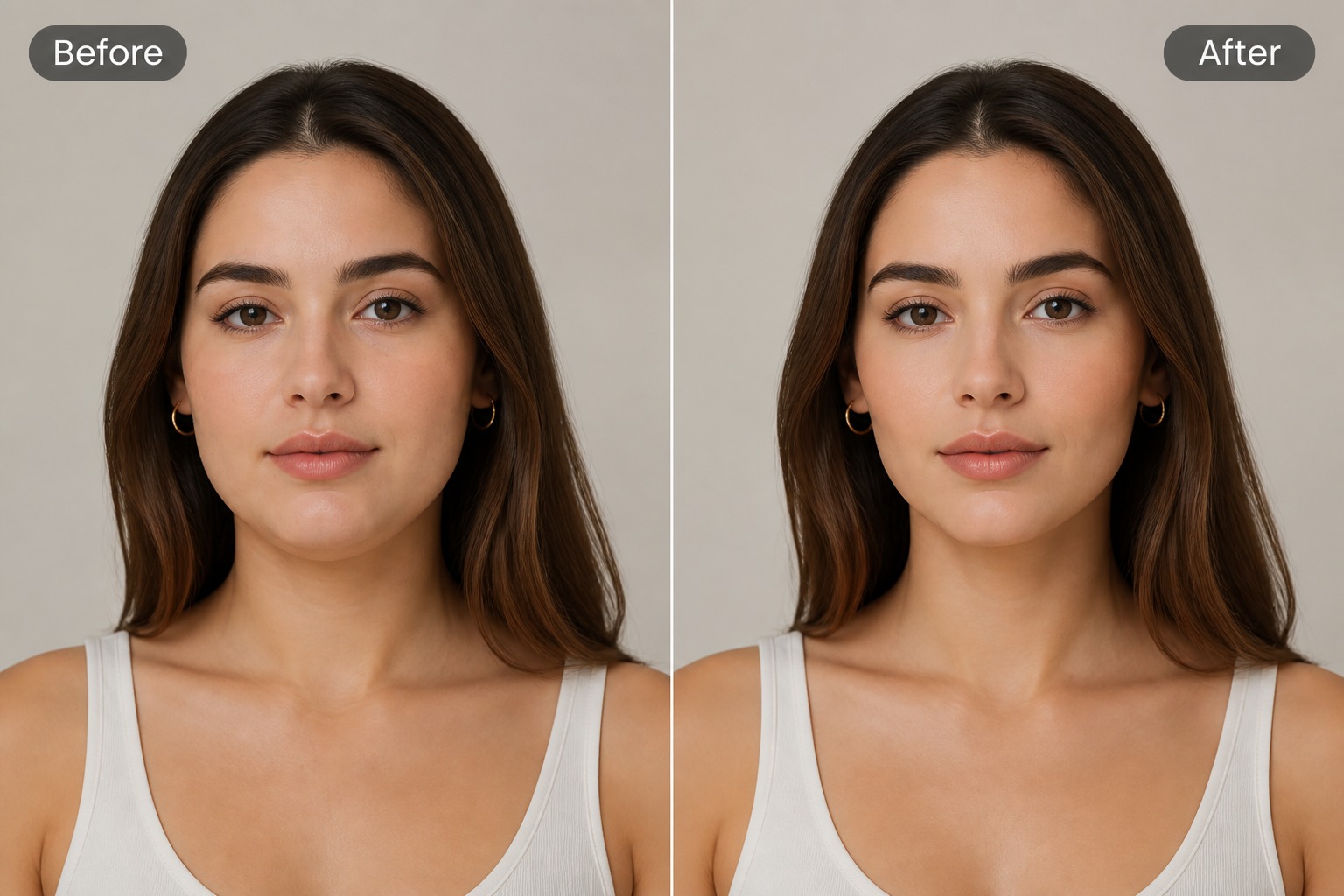
Describe the Slimmer Look
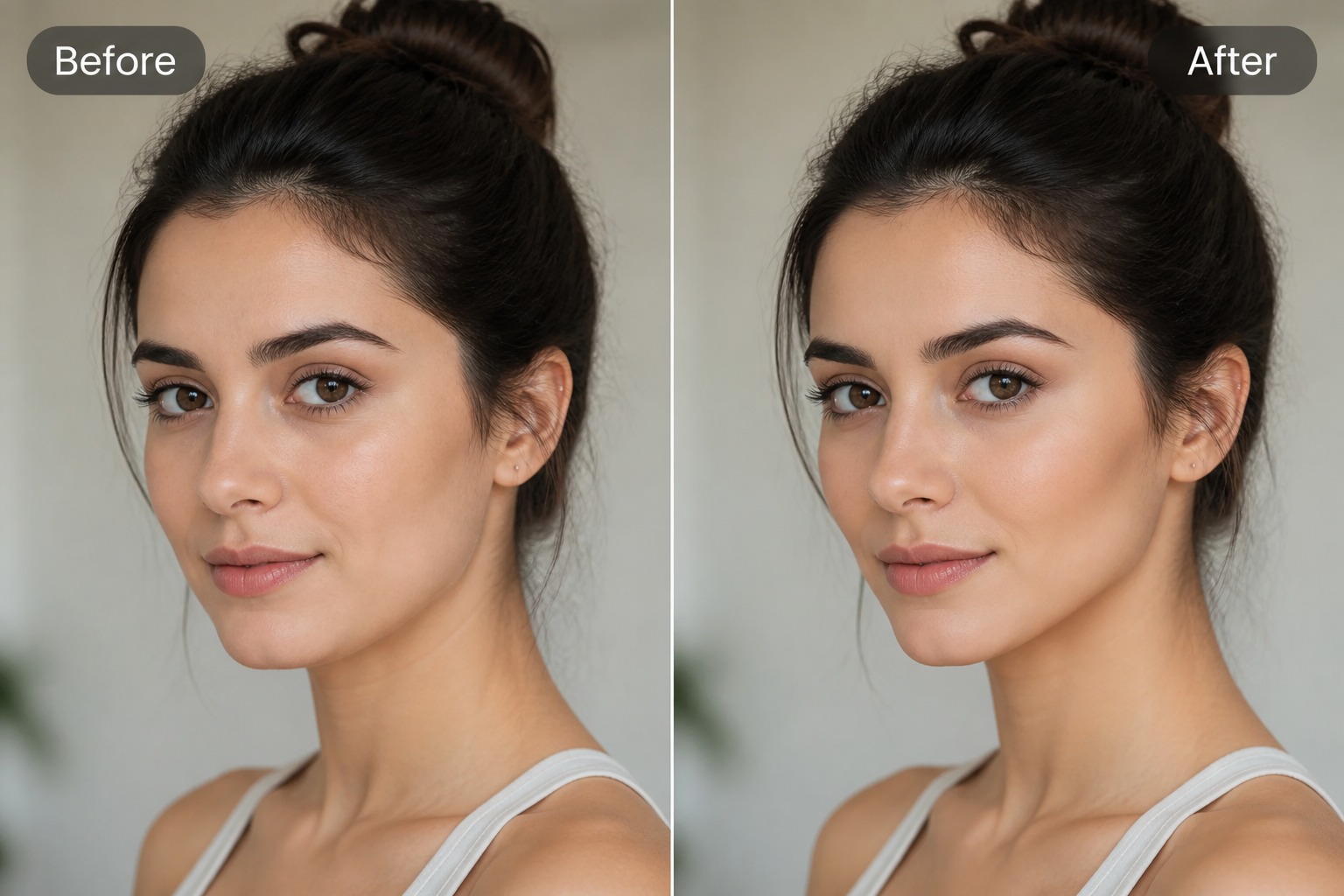
Review the Portrait Edit
More AI Image Tools
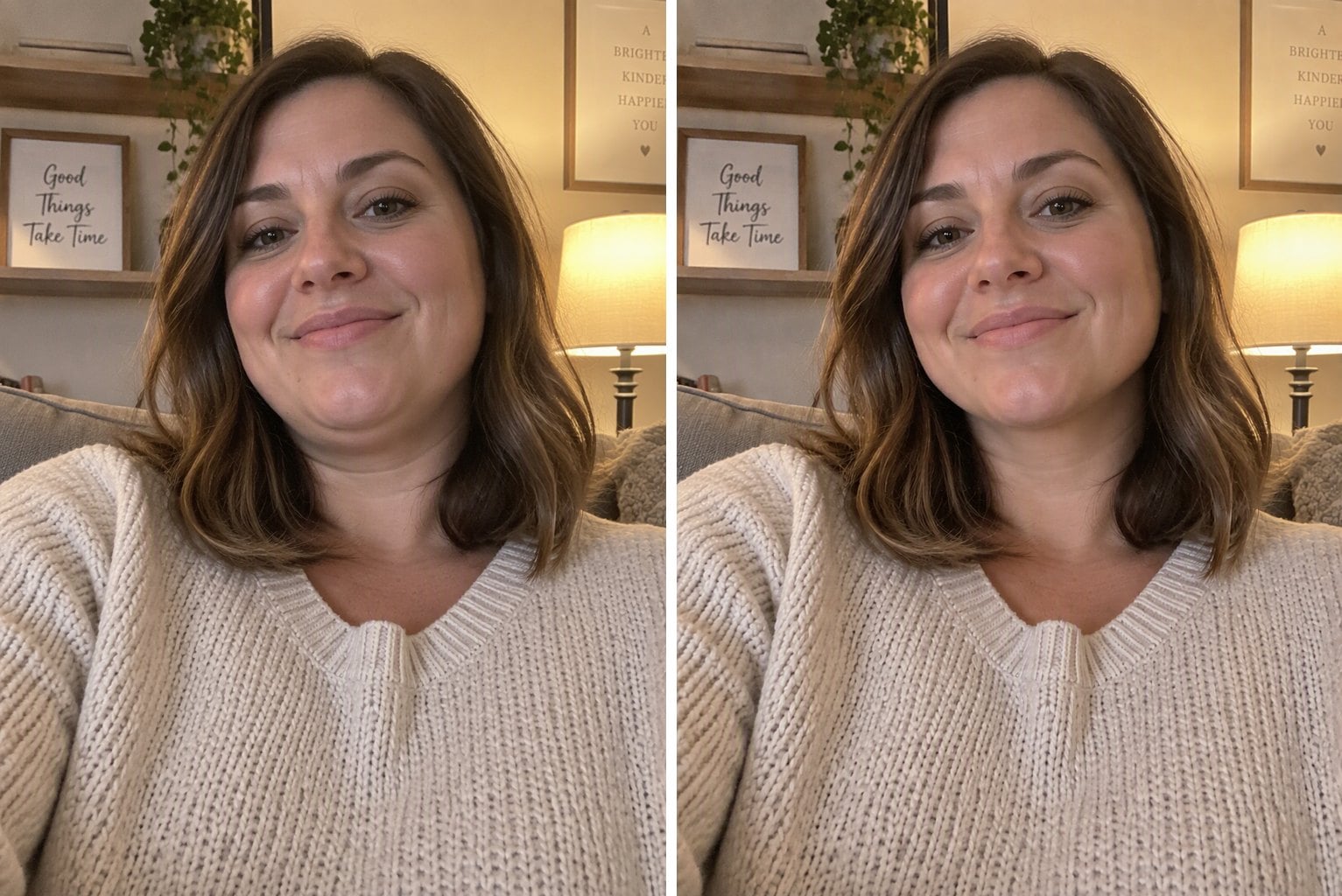
Double Chin Remover
Remove a double chin from any photo online with AI. Upload a selfie or portrait and get a cleaner jawline and neck line while your face, smile and background stay the same.

Make AI Photo Realistic
Make an AI photo look more realistic. The AI removes the plastic skin, glow and oversaturated colors and adds natural texture and lighting.
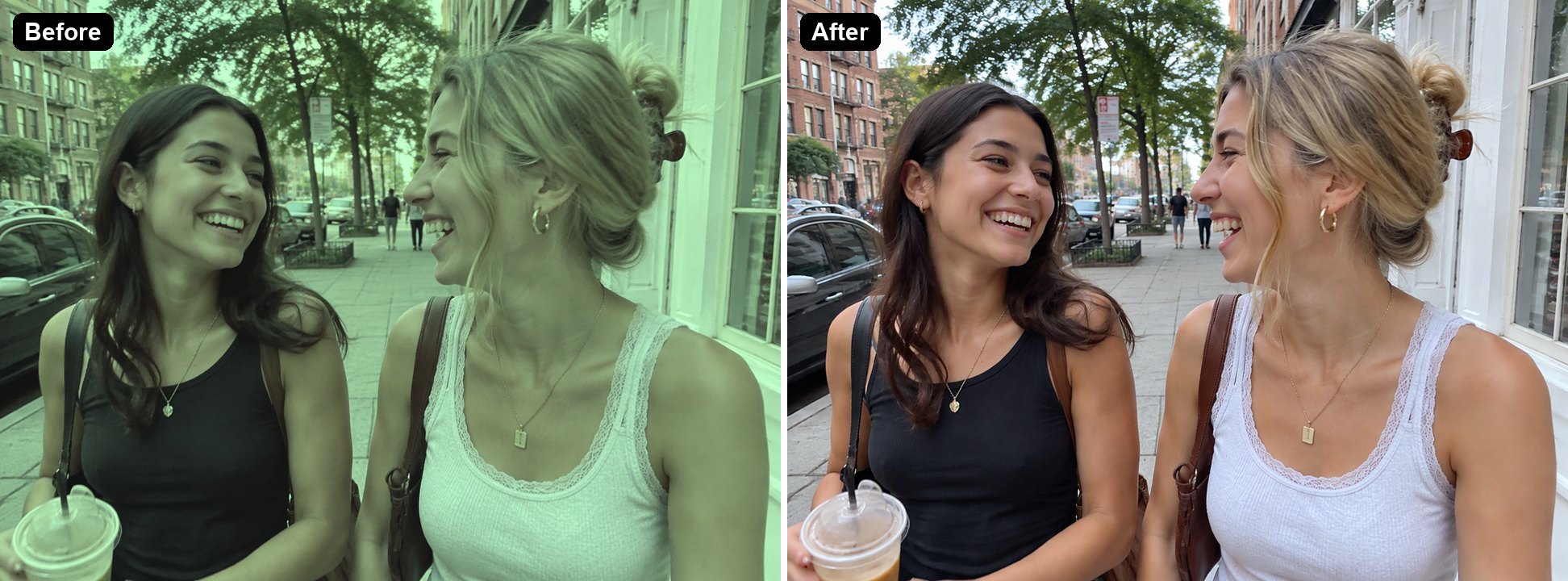
Remove Filter from Photo
Remove color filters from photos online. The AI filter remover takes off vintage, green and cool film filters and brings back natural colors.
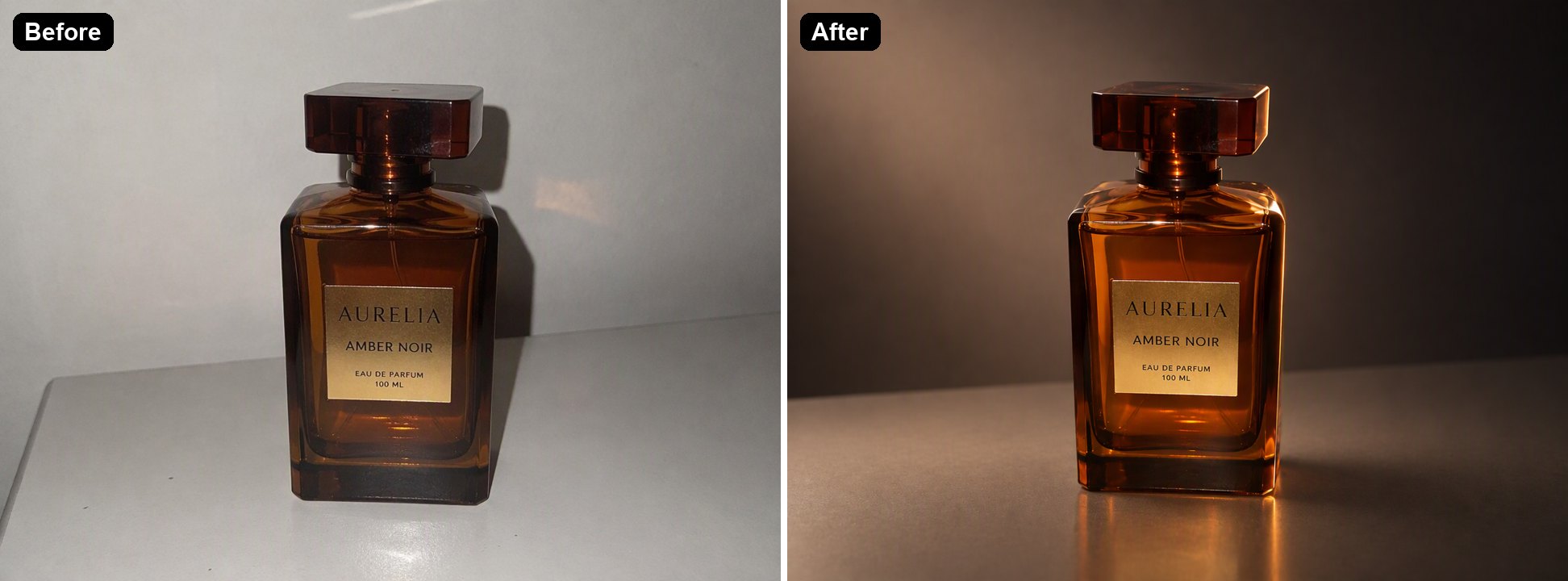
AI Relight
Relight a photo with AI. Turn flat or harsh light into golden hour, studio or cozy evening lighting while keeping the subject the same.
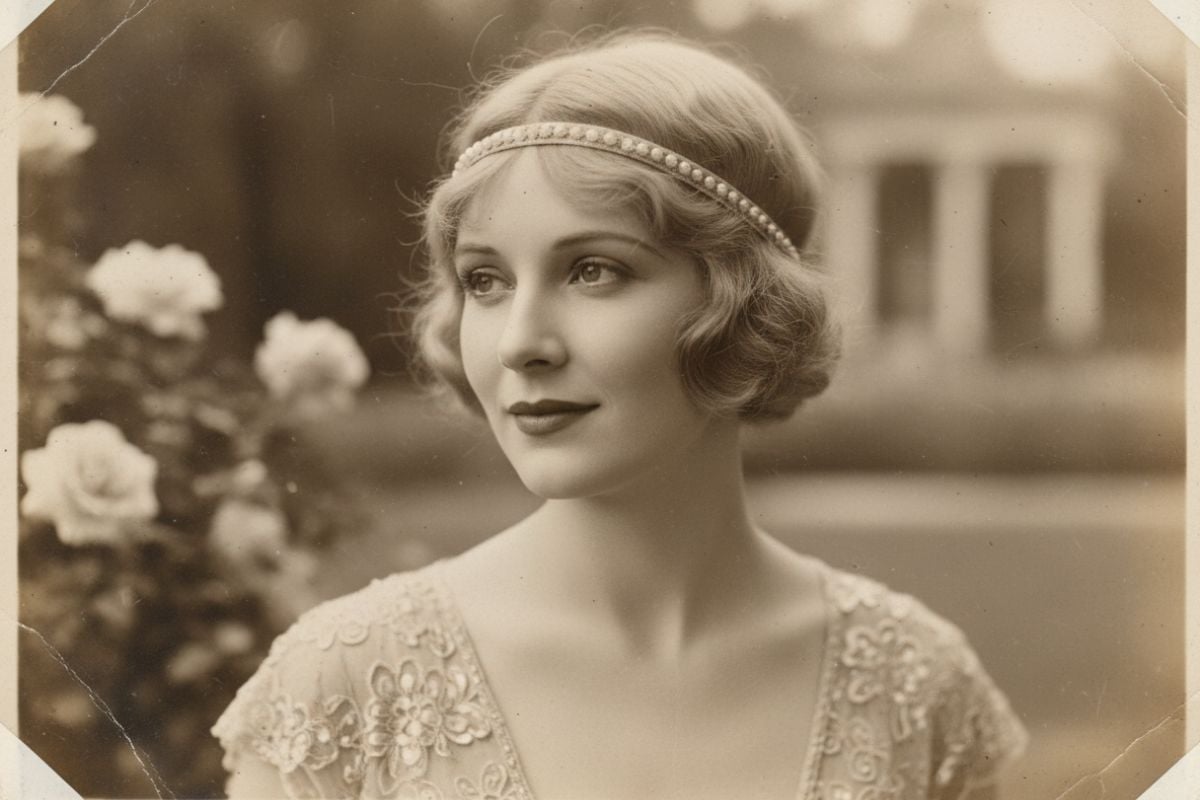
AI Vintage Photo Generator
Use an AI vintage photo generator to turn short prompts into AI-generated vintage photos with authentic film textures, retro color palettes, light leaks, and subtle grain.
AI Face Slimmer FAQ
What is an AI face slimmer?
How can AI make face slimmer in a photo?
Can it remove a double chin?
What photos work best for face slimming?
Will it change the person’s identity?
Can I use AI face slimmer on someone else’s photo?
Can I use the result for profile photos?
Is AI face slimmer free to try?
Create a Slimmer Portrait With GoEnhance AI
Upload a selfie or portrait, guide the face slimming direction, and generate a natural-looking retouch draft for profile photos, avatars, or creative portrait edits.
Try Face Slimmer