
FLUX.2 [klein] Image Generator


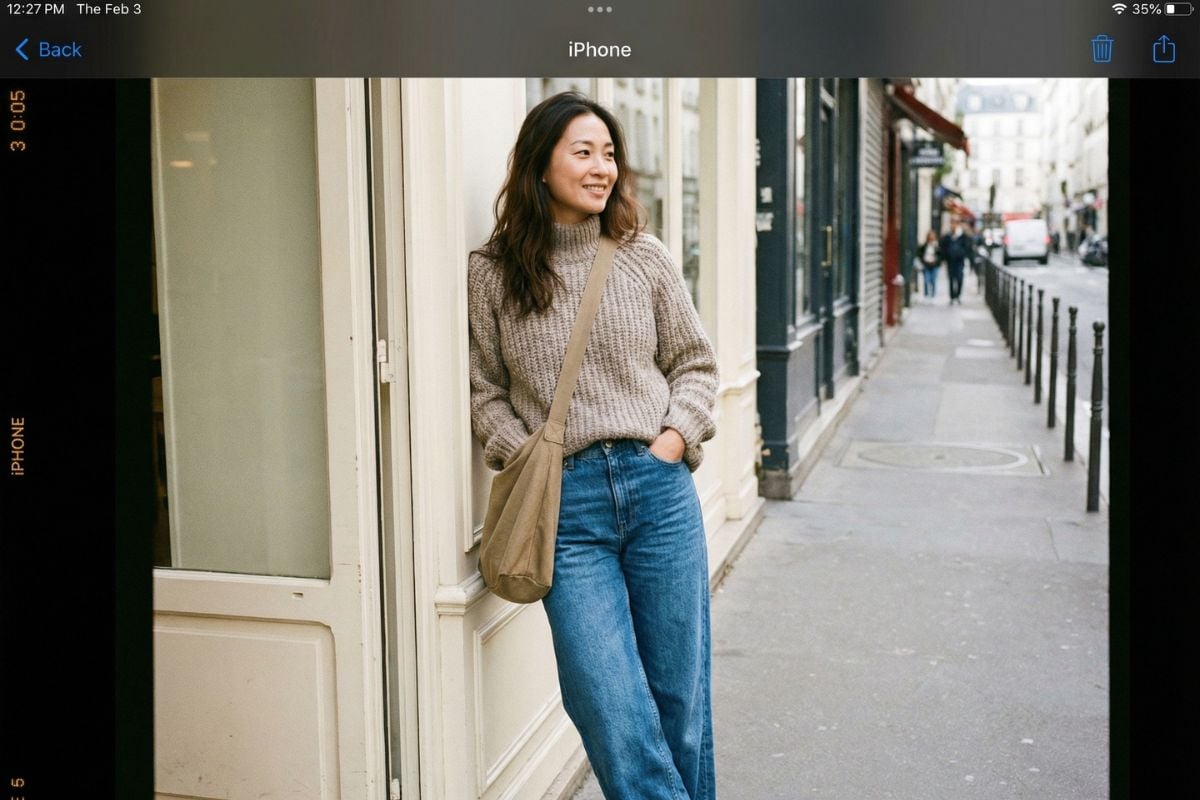
Why FLUX.2 [klein] Feels Built for Real-Time Creative Work
Sub-Second Iteration That Changes How You Work
The biggest difference is pace. FLUX.2 [klein] is tuned for interactive creation—quick generations and quick edits so you can test composition, camera feel, and lighting like you’re adjusting a design mockup. If you already use FLUX.2, think of [klein] as the “fast loop” option for draft → refine → lock. It’s also a strong fit when you’re building a broader media pipeline and want stills that match your motion work (for example, storyboard frames before image to video).
One Model for Generate + Edit (Less Tool-Switching)
FLUX.2 [klein] is especially practical when your workflow mixes creation and revision: generate a clean base, then adjust background, mood, or local details without mentally “starting over.” This unified feel is great for inpainting-style fixes, product touch-ups, and keeping a subject readable while you refine the environment.
How to Use FLUX.2 [klein]?
Open the Workspace (Text to Image or Image to Image)
Go to GoEnhance and open the Text to Image or Image to Image workspace. This model is most fun when you plan to iterate fast—small tweaks, frequent runs, quick comparisons.
Select FLUX.2 [klein] and Set One Clear Goal
Choose FLUX.2 [klein] from the model list, then decide what you’re optimizing for: a photoreal product shot, a portrait, a clean background, or a specific composition. One clear goal makes prompts shorter and results more stable.
Click Generate, Then Iterate in Tight Loops
Hit Generate. For your next runs, change one thing at a time: lighting direction, background simplicity, lens feel, color mood, or a single prop. This “one-variable” loop is the fastest way to get consistent, high-clarity outputs.
More Flux Models You May Like


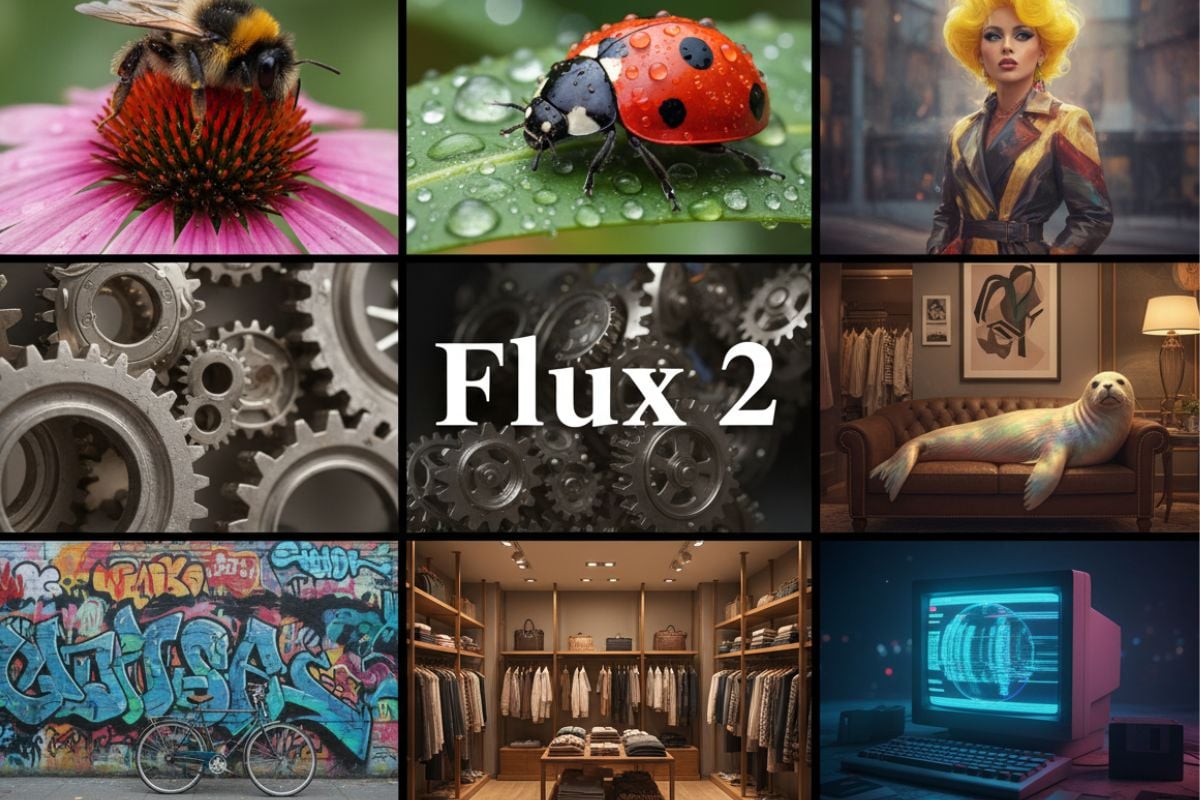


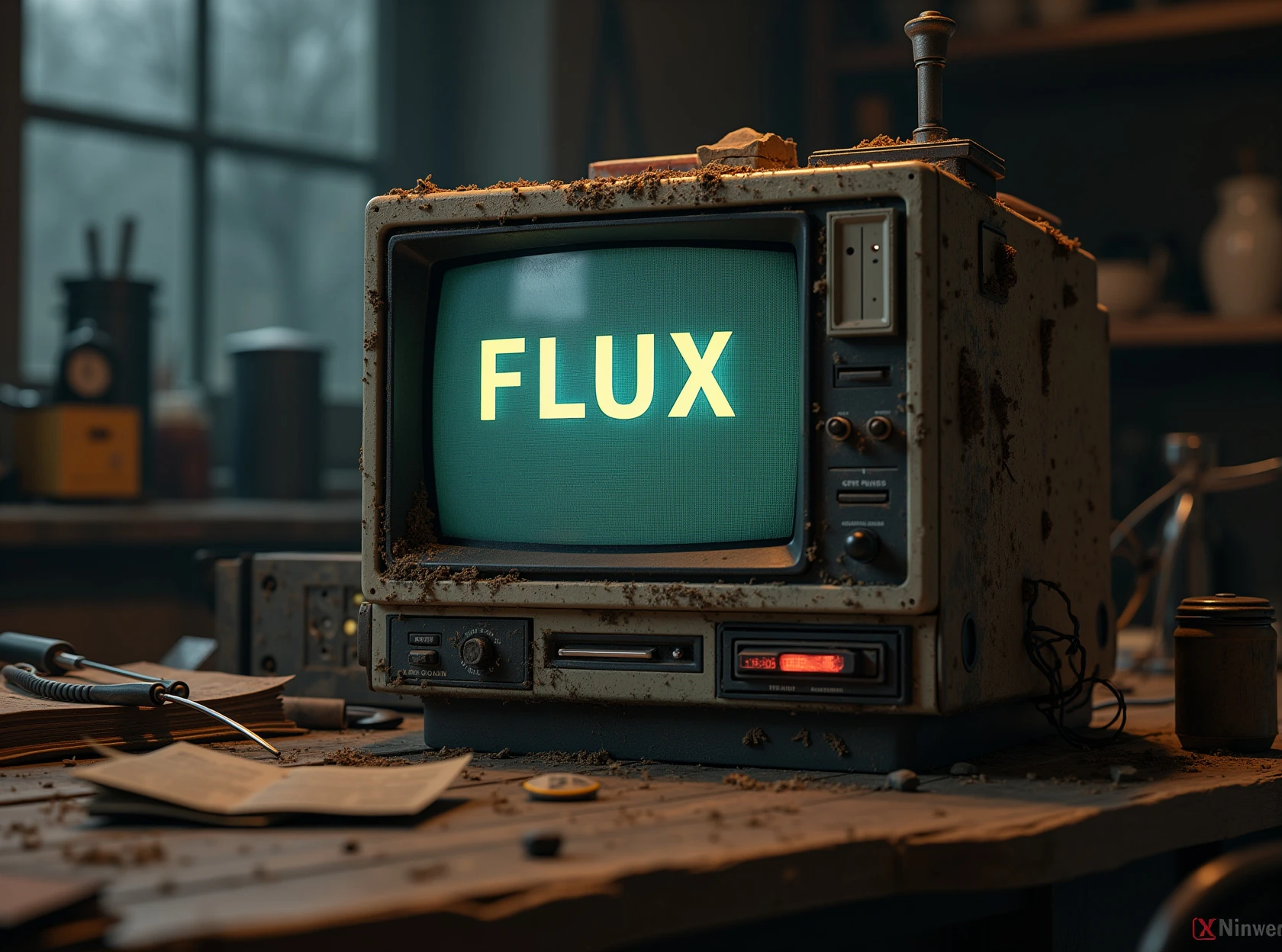

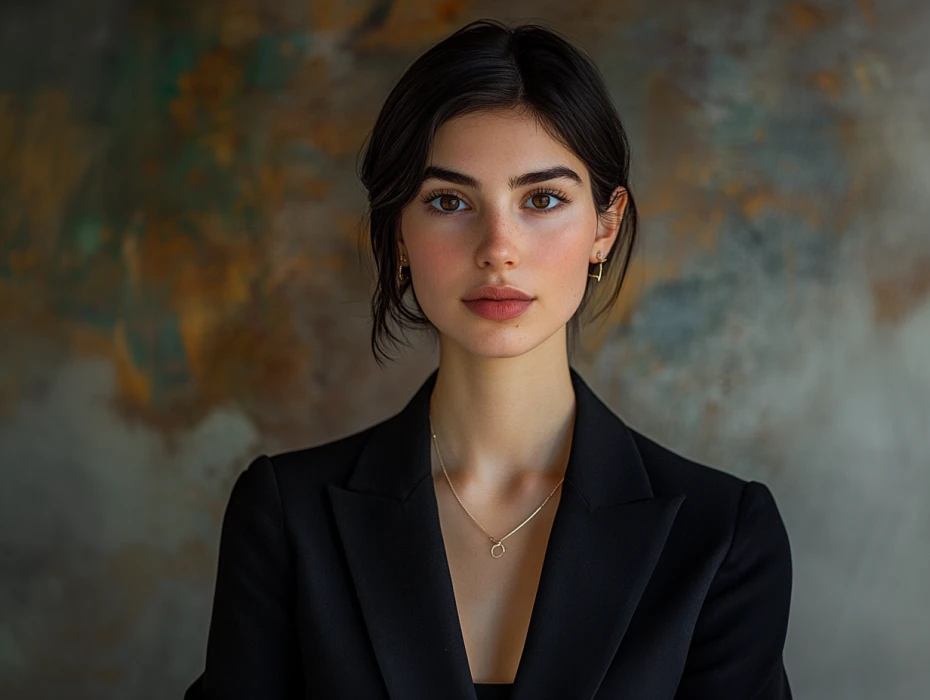
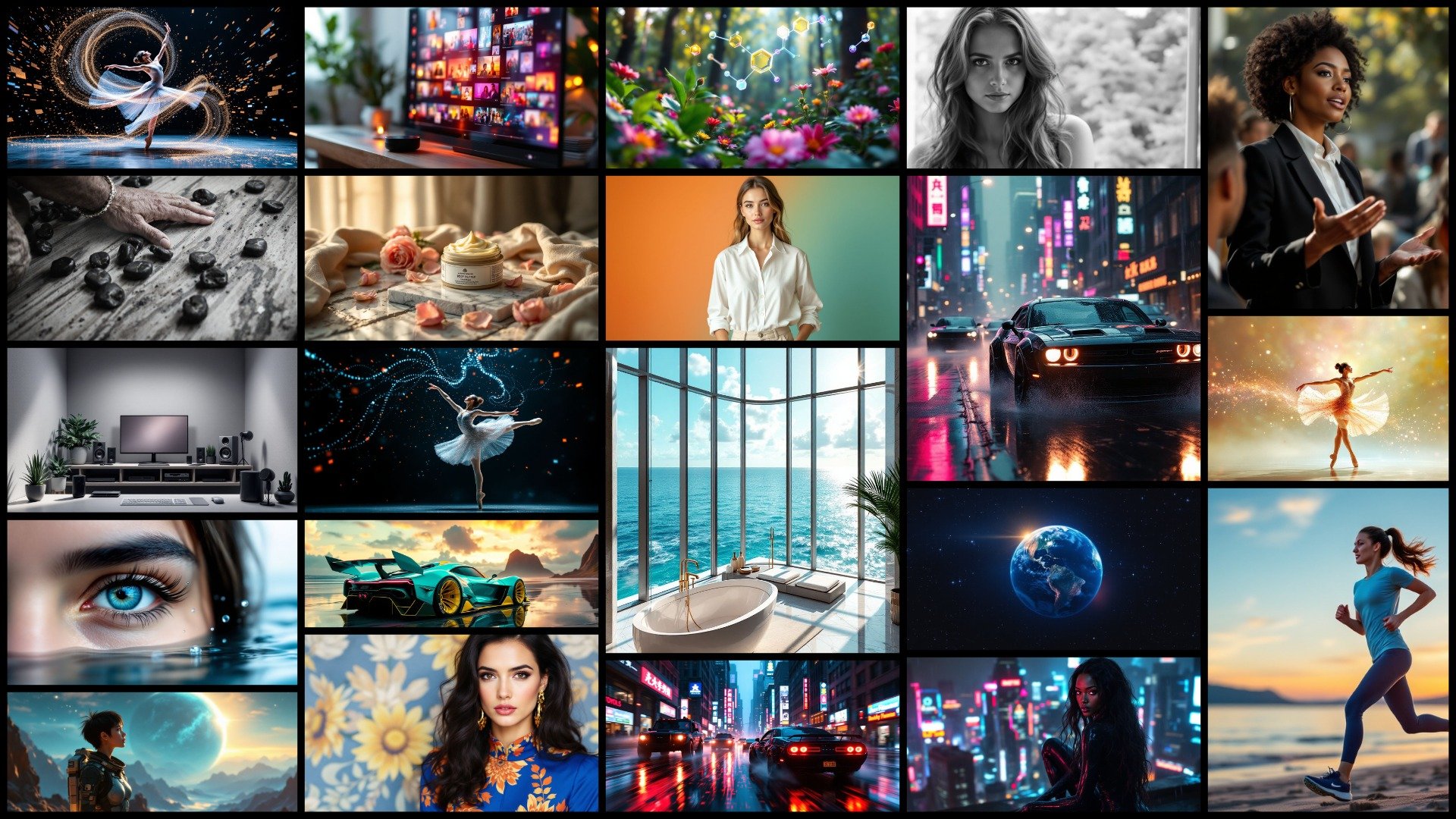
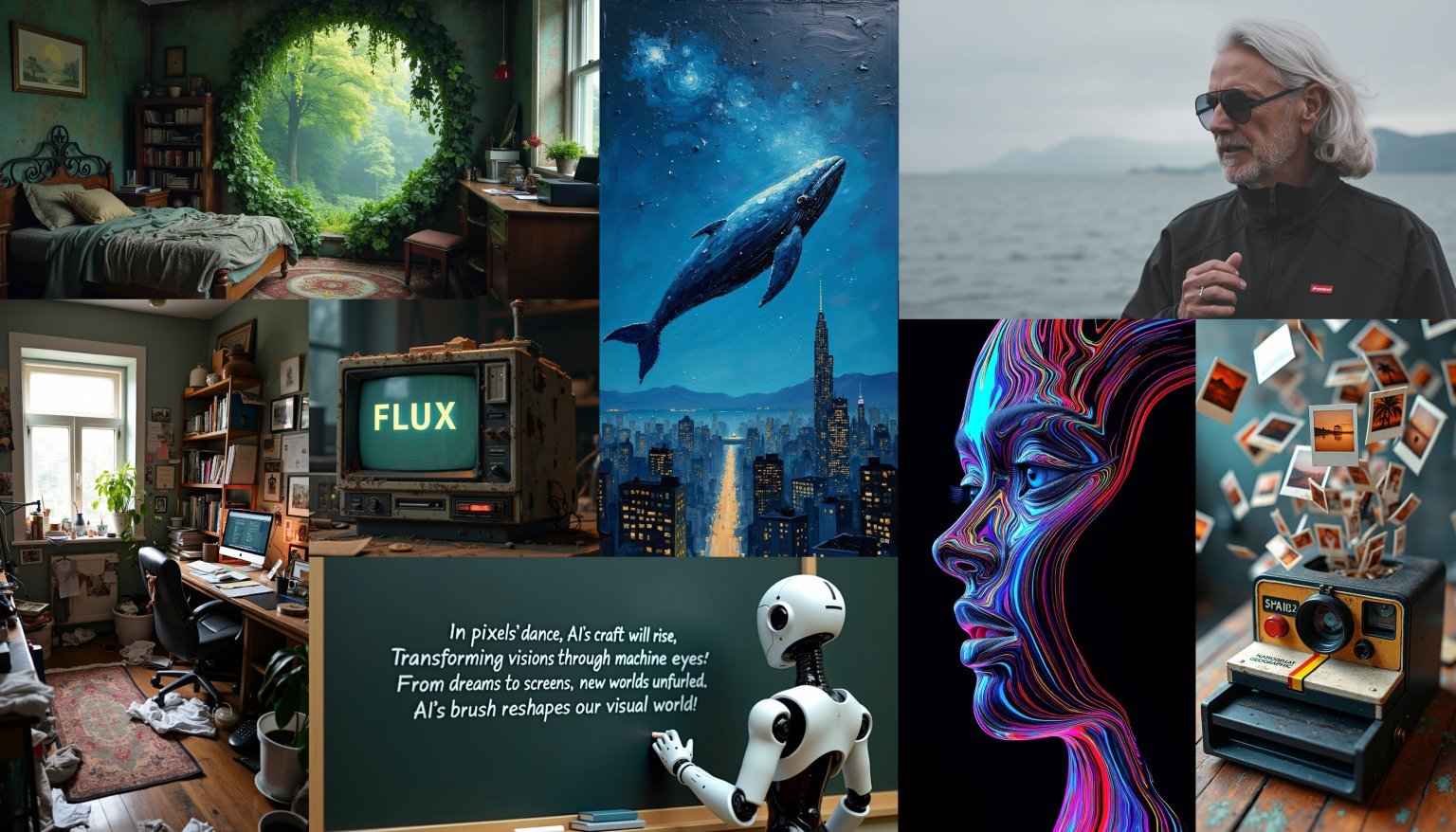
You may want to know
What is FLUX.2 [klein]?
What is FLUX.2 [klein] best for?
How is FLUX.2 different from FLUX.2 [klein]?
Does FLUX.2 [klein] support image editing and multi-reference composition?
What prompt style works best with FLUX.2 [klein]?
What’s a simple workflow for consistent results?
Create Faster, Cleaner Visuals with FLUX.2 [klein]
Open Text to Image or Image to Image in GoEnhance, select FLUX.2 [klein], and generate. It’s built for tight iteration loops—fast drafts, quick edits, and photoreal results you can refine without slowing down.
Try FLUX.2 [klein]